


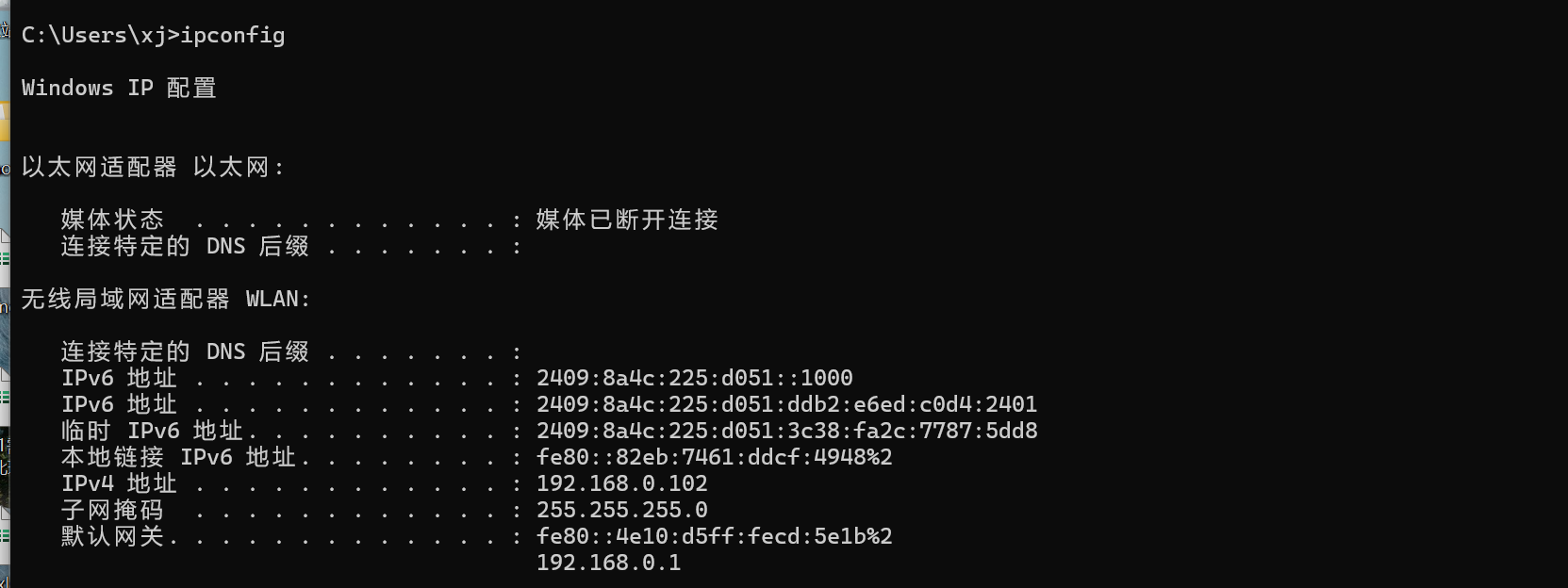
ipconfig 检查本地ip
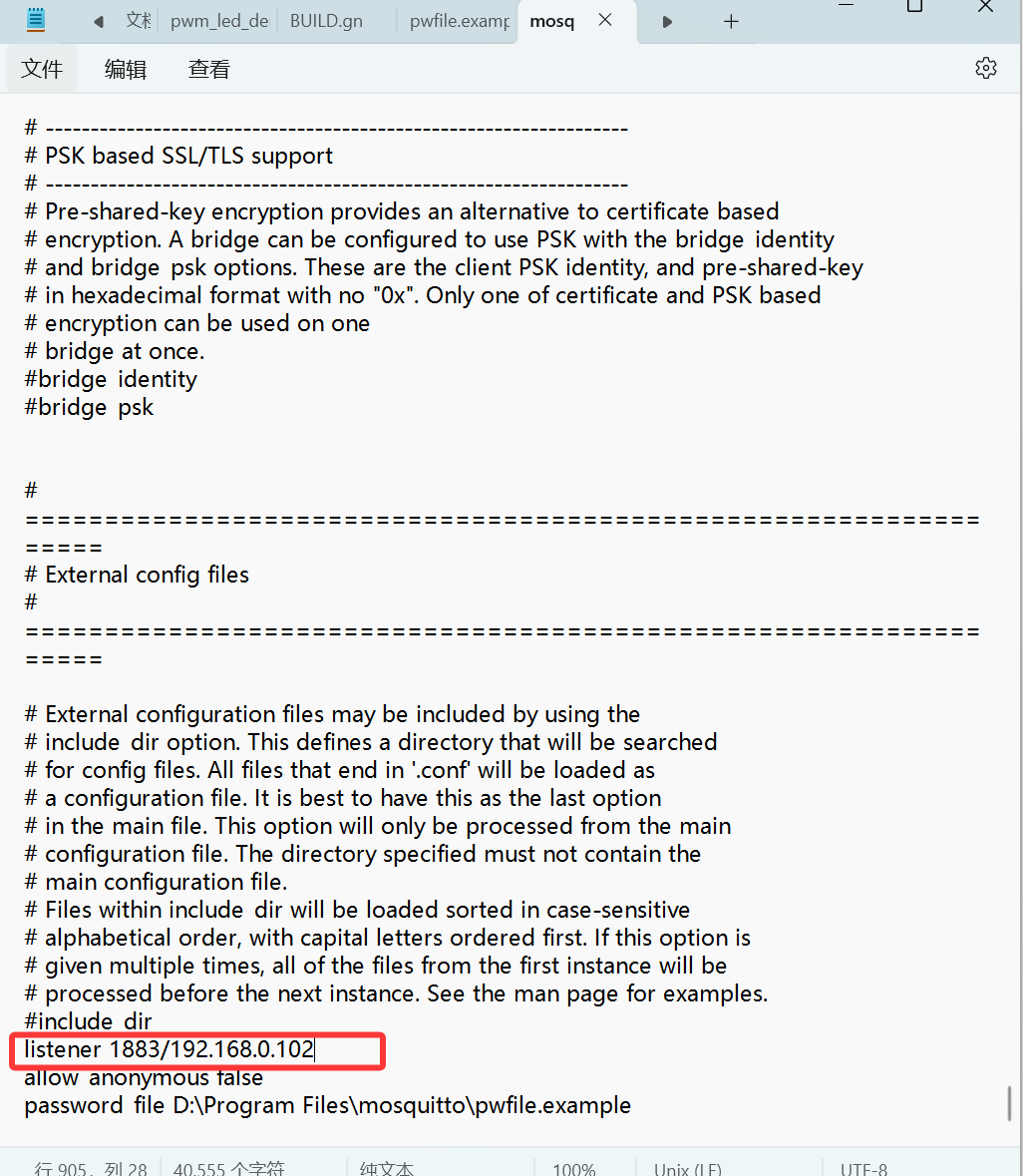
修改mosquitto.conf
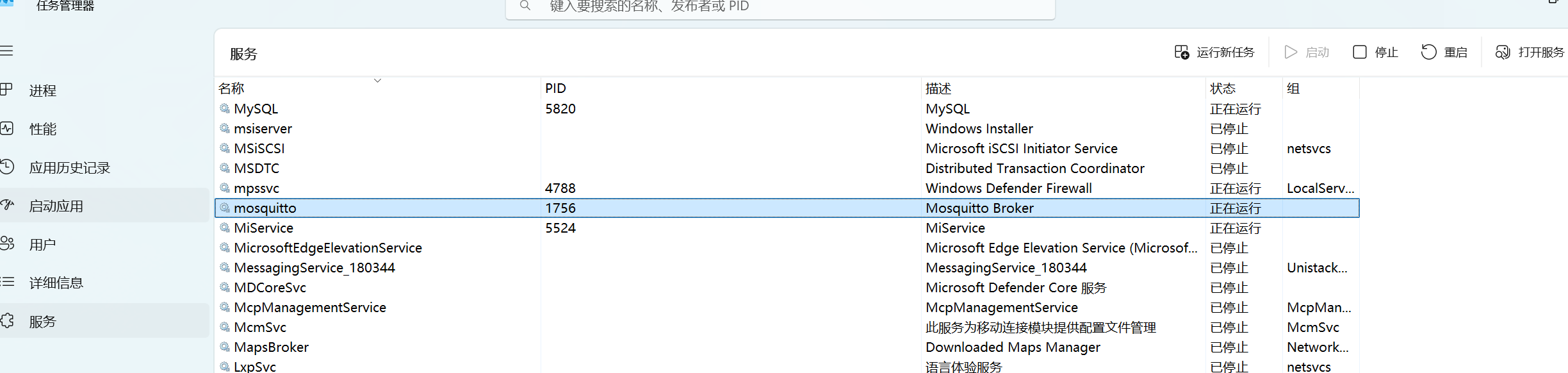
记得重启mqtt服务:
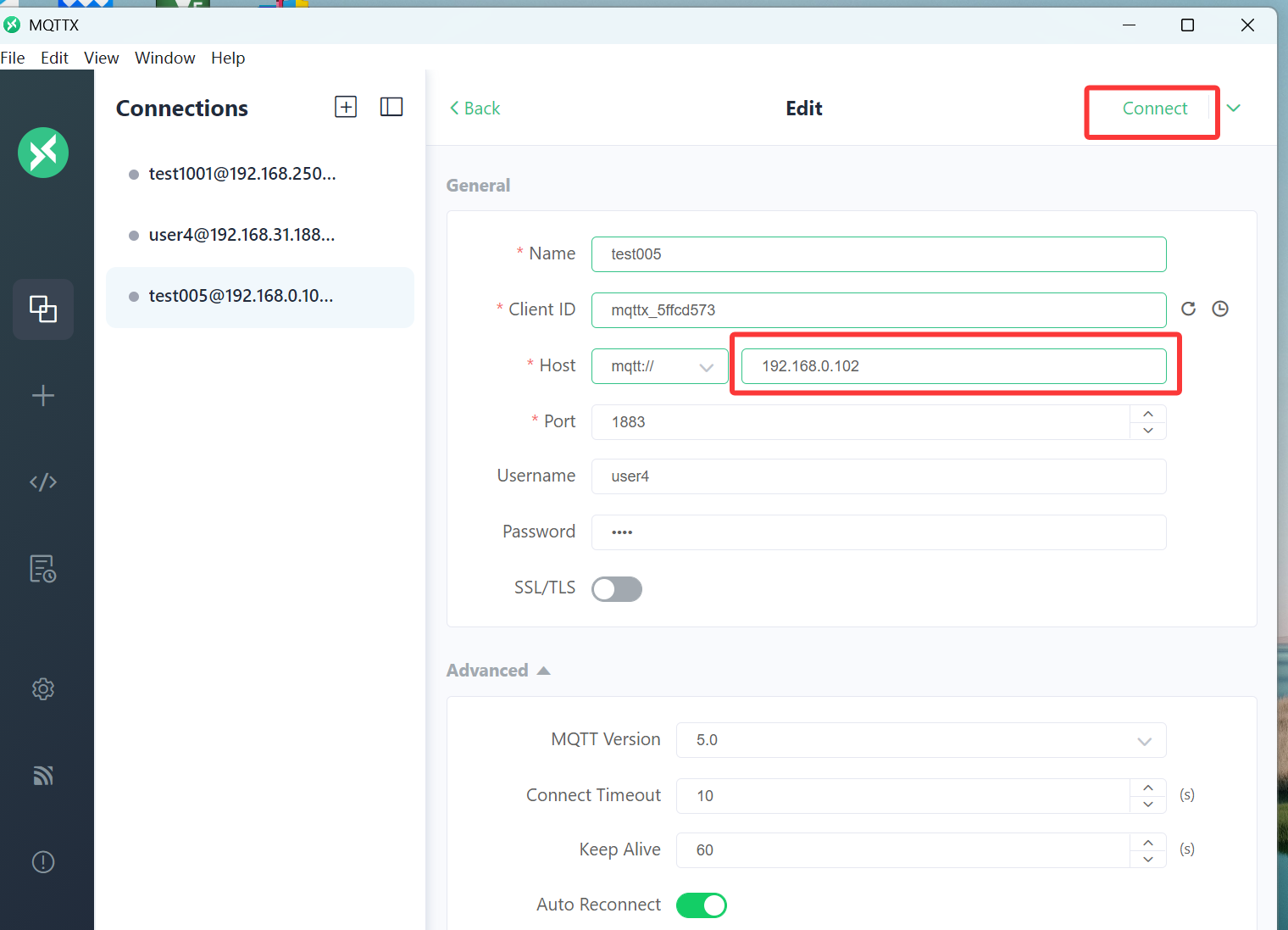
测试一下:
查看桥接模式下 虚拟机ip:
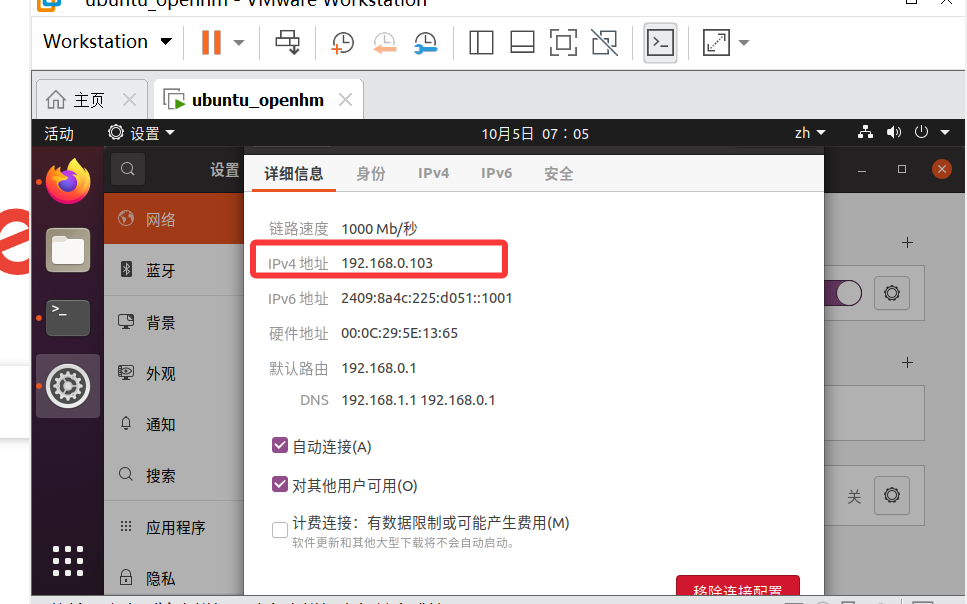
启动HA,我是core 方式安装的,首先启动环境:
source venv313/bin/activate
启动HA:
hass -c /home/dragon/homeassistant/config

登录:
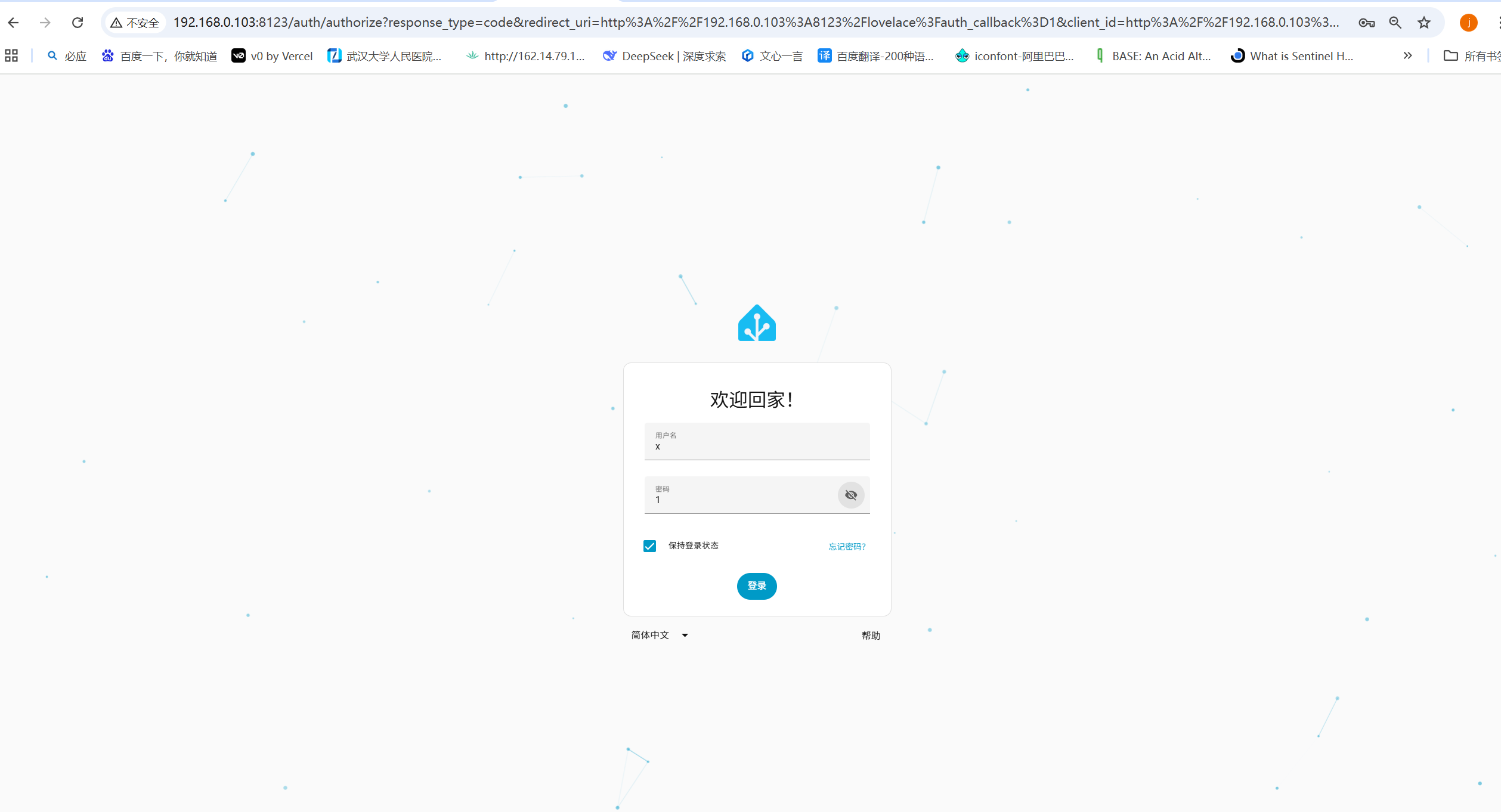
查看版本信息:

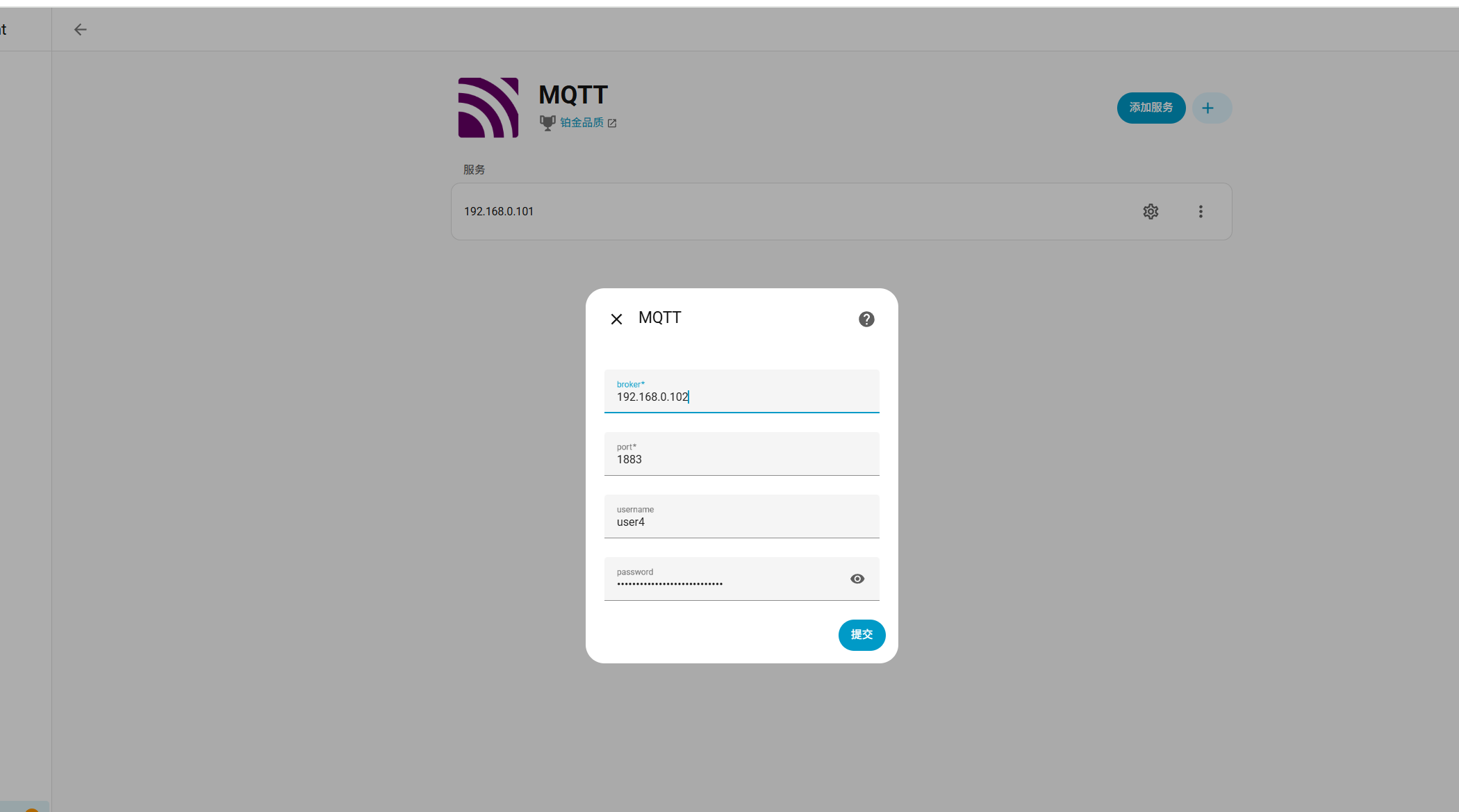
调整Ha中的 mqtt:


查看编辑配置文件:
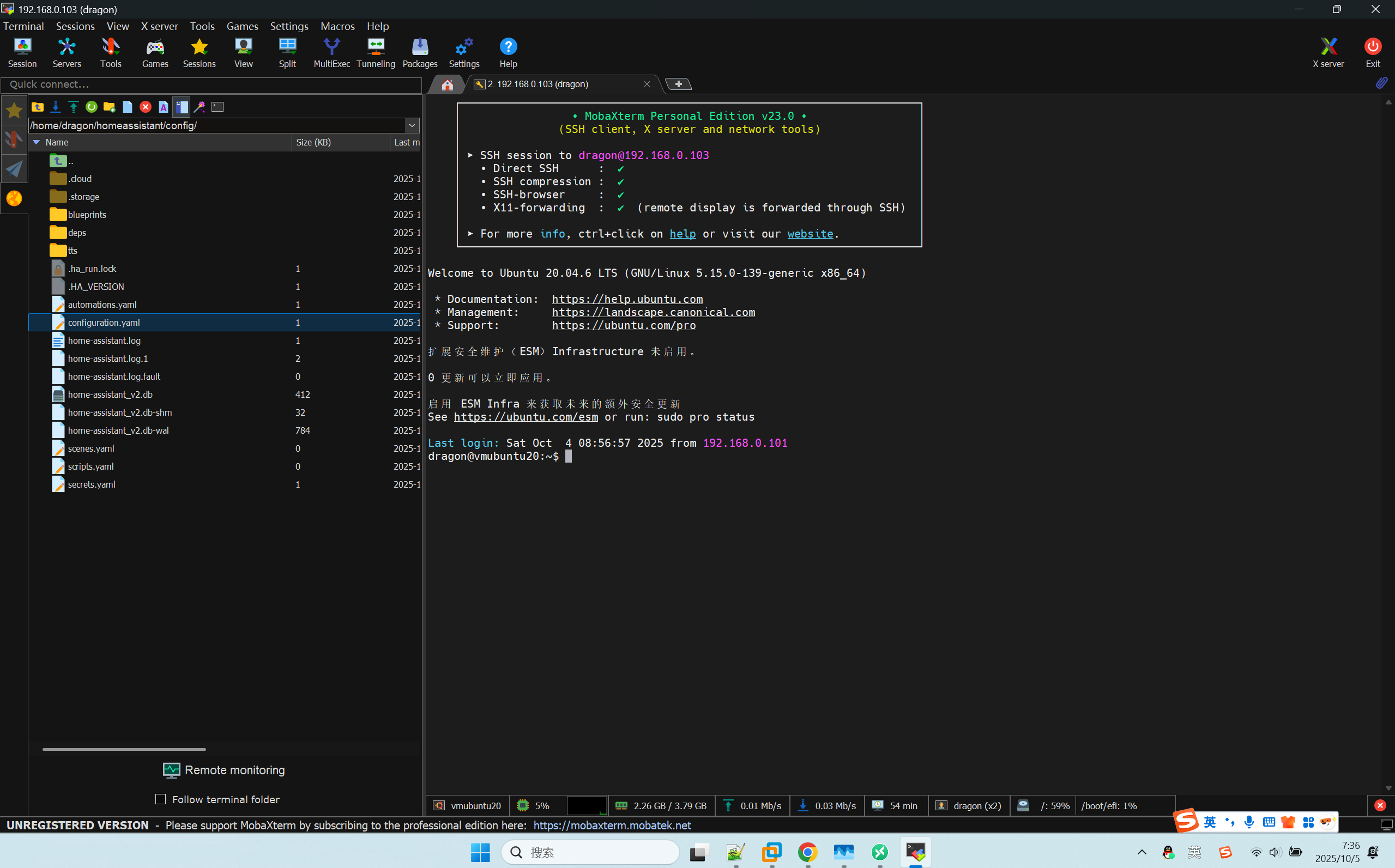
先来个最简版:
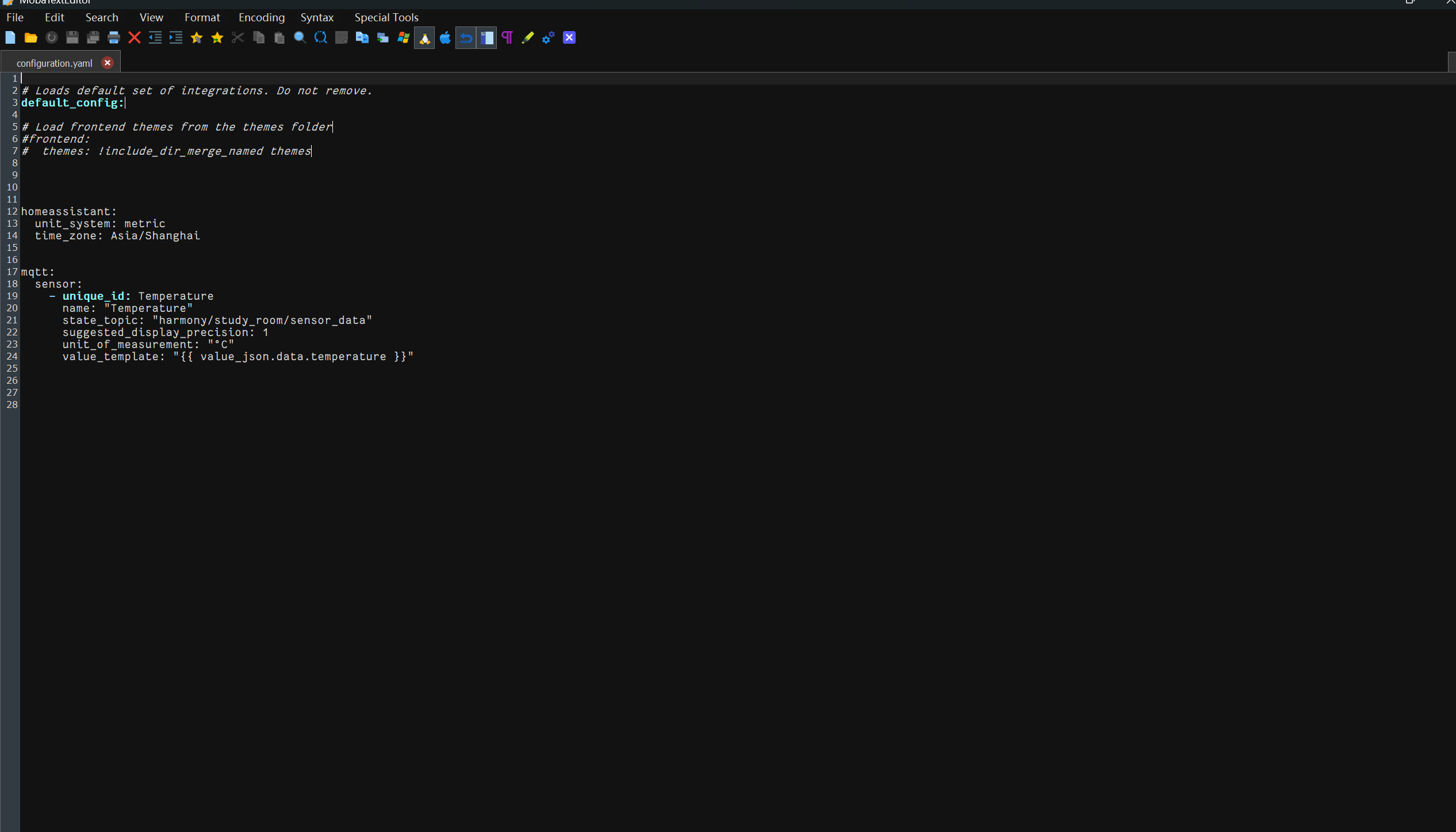
# Loads default set of integrations. Do not remove.
default_config:

# Load frontend themes from the themes folder
#frontend:
#  themes: !include_dir_merge_named themes


homeassistant:
  unit_system: metric
  time_zone: Asia/Shanghai


mqtt:
  sensor:
    - unique_id: Temperature
      name: "Temperature"
      state_topic: "harmony/study_room/sensor_data"
      suggested_display_precision: 1
      unit_of_measurement: "°C"
      value_template: "{{ value_json.data.temperature }}"
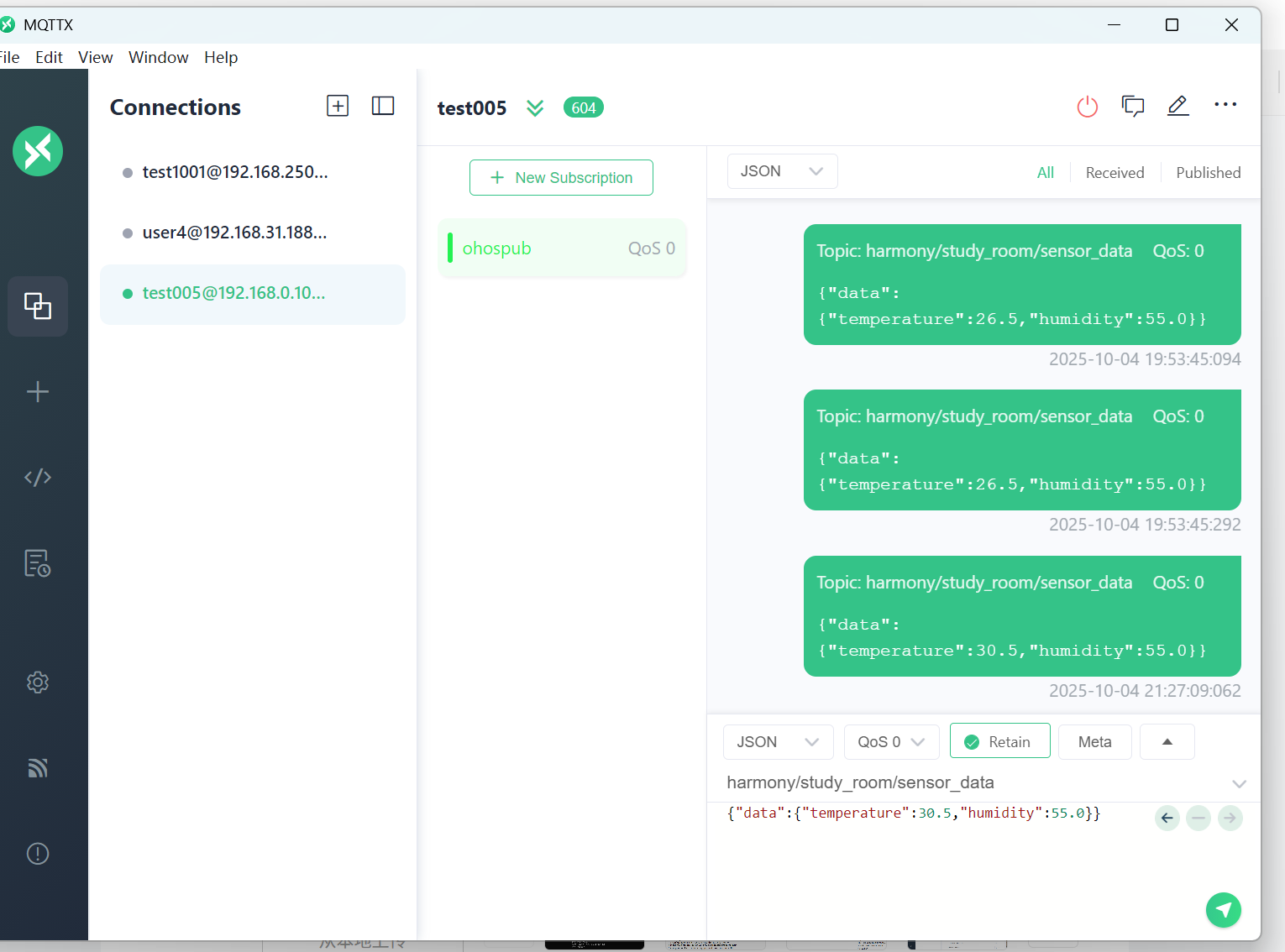
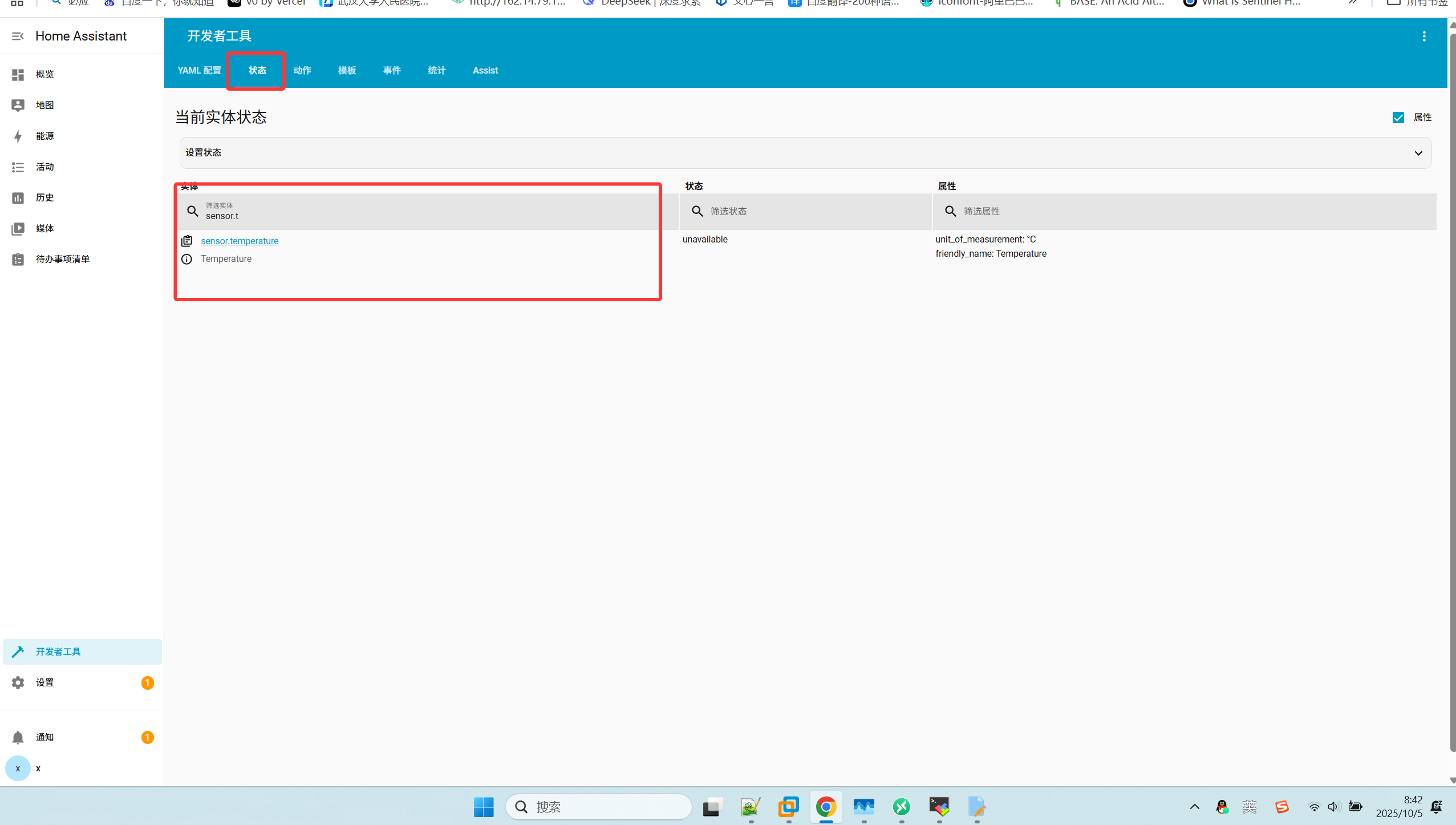
这个时候,HA界面中还是看不到这个传感器的,要发一条mqtt消息:
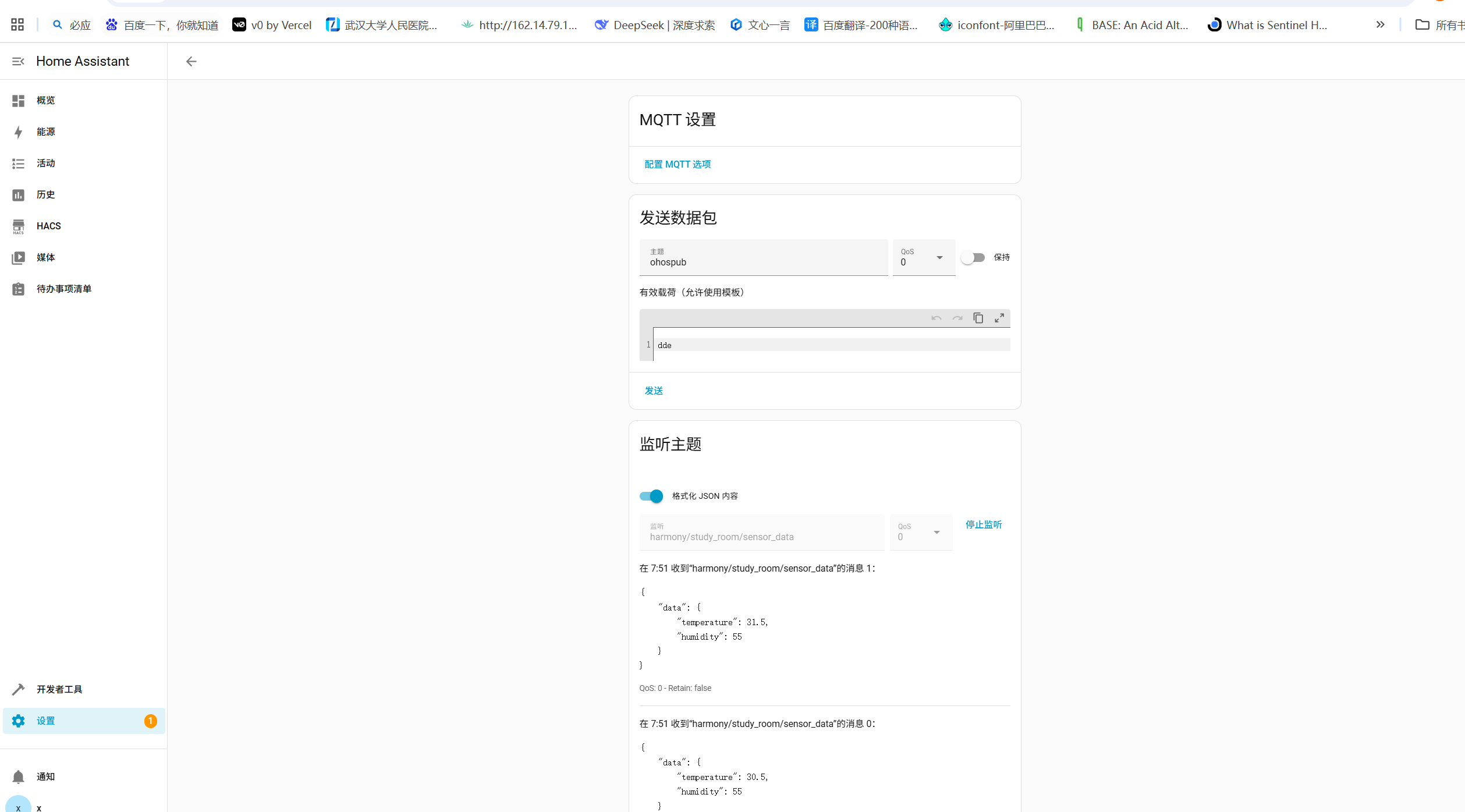
还是看不到?
测试一下配置文件格式:
(venv313) dragon@vmubuntu20:~/homeassistant/config$ hass --script check_config -c /home/dragon/homeassistant/config
Testing configuration at /home/dragon/homeassistant/config
(venv313) dragon@vmubuntu20:~/homeassistant/config$
配置文件格式没问题。
那接着怀疑没有正确加载配置文件:
查看HA pid:
ps aux | grep hass
kill -9 pid
明确指定加载的配置文件:
现在是在虚拟环境里运行的 (venv313),进入 HA 配置目录执行:
# 先停止正在运行的
 HA pkill -f "homeassistant"
# 再重启
 hass -c /home/dragon/homeassistant/config
如果你是前台运行的,直接 Ctrl + C 停止,再重新运行上面的命令。
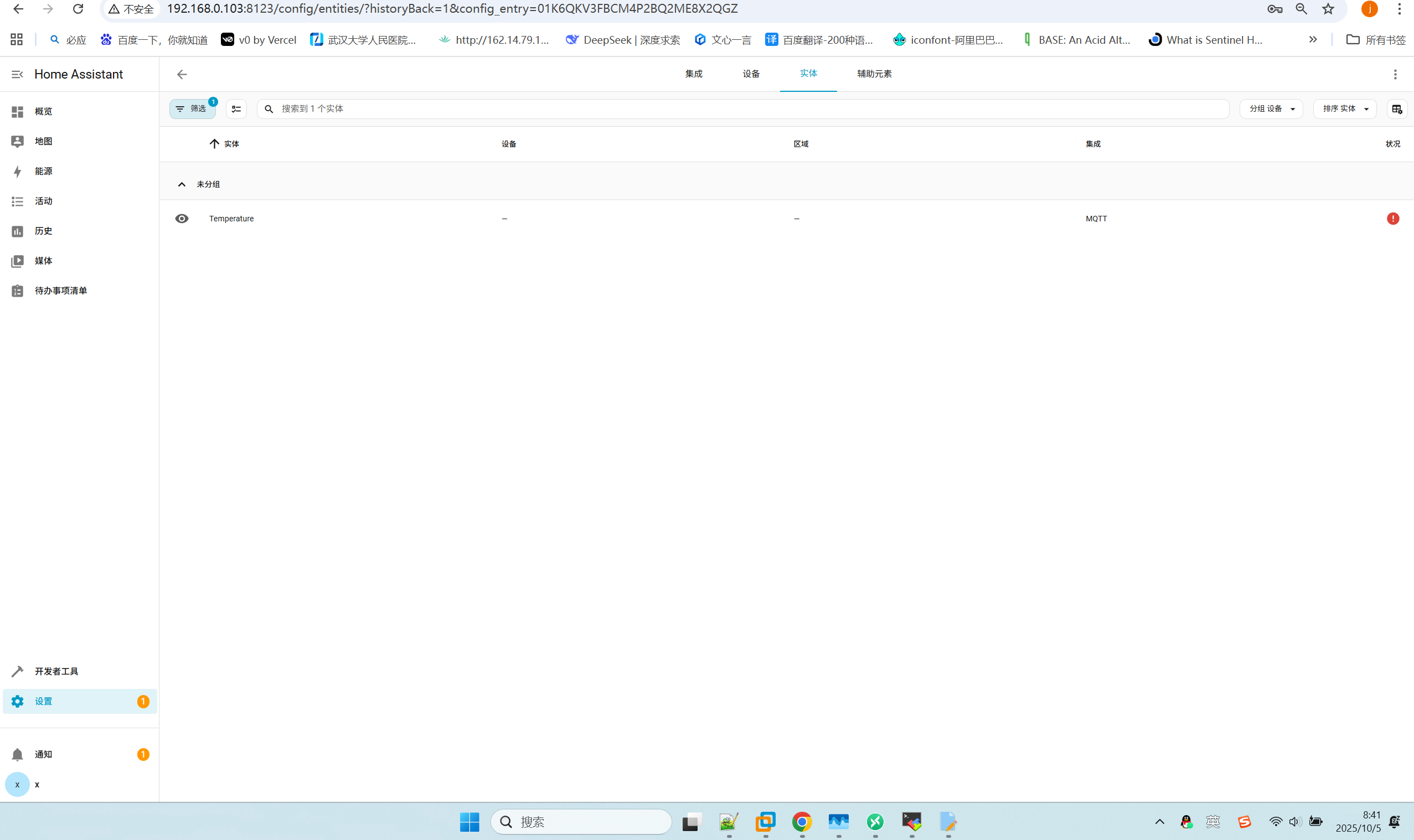
不错 不错 大功告成~~~





 扫一扫
扫一扫


 47
47

 被折叠的 条评论
为什么被折叠?
被折叠的 条评论
为什么被折叠?
 到【灌水乐园】发言





