


需求:导入word文档转成pdf给前端页面展示。
问题:在windows下转换时正常的,放在linux服务器上,就乱码空白
根源:因为服务器上缺失word中的字体
解决:llinux上安装字体即可
1:通过poi进行word转pdf
    public InputStream convertWordToPdfInputStream(InputStream wordInputStream) throws IOException {
        XWPFDocument document = new XWPFDocument(wordInputStream);
        PdfOptions options = PdfOptions.create();
        ByteArrayOutputStream baos = new ByteArrayOutputStream();
        PdfConverter.getInstance().convert(document, baos, options);
        document.close();
        return new ByteArrayInputStream(baos.toByteArray());
    }
2.解决linux乱码
首先到自己电脑的:C:\Windows\Fonts目录下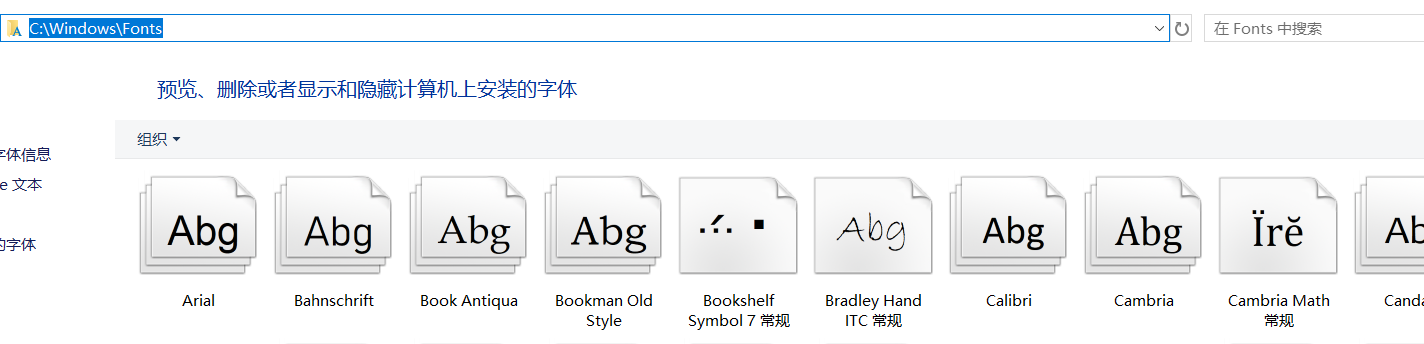
把字体打包放到linux服务器上,然后在linux:/usr/share/fonts/下新建一个chinese目录,把自己电脑字体导入,解压到chinese。
安装字体:
sudo fc-cache -fv
重启项目就可以了





 扫一扫
扫一扫


 8332
8332

 被折叠的 条评论
为什么被折叠?
被折叠的 条评论
为什么被折叠?
 到【灌水乐园】发言





