


1. https配置
- 生成私钥,生成证书签署请求并获得证书
//创建目录
[root@localhost ~]# mkdir /etc/pki/CA
[root@localhost ~]# cd /etc/pki/CA/
[root@localhost CA]# mkdir private

//CA生成一对密钥
[root@localhost CA]# (umask 077;openssl genrsa -out private/cakey.pem 2048)
Generating RSA private key, 2048 bit long modulus (2 primes)
...............................+++++
......................................................+++++
e is 65537 (0x010001)
[root@localhost CA]# ls private/
cakey.pem

// CA生成自签署证书
[root@localhost CA]# openssl req -new -x509 -key private/cakey.pem -out cacert.pem -days 365
You are about to be asked to enter information that will be incorporated
into your certificate request.
What you are about to enter is what is called a Distinguished Name or a DN.
There are quite a few fields but you can leave some blank
For some fields there will be a default value,
If you enter '.', the field will be left blank.
-----
Country Name (2 letter code) [XX]:cn
State or Province Name (full name) []:hb
Locality Name (eg, city) [Default City]:wh
Organization Name (eg, company) [Default Company Ltd]:runtime
Organizational Unit Name (eg, section) []:runtime
Common Name (eg, your name or your server's hostname) []:www.example.com
Email Address []:1@2.com

[root@localhost CA]# mkdir certs newcerts crl
[root@localhost CA]# touch index.txt && echo 01 > serial
[root@localhost CA]# ls
cacert.pem  certs  crl  index.txt  newcerts  private  serial

//生成密钥
[root@localhost ~]# cd /usr/local/nginx/
[root@localhost nginx]# mkdir ssl
[root@localhost ssl]# (umask 077;openssl genrsa -out nginx.key 2048)
Generating RSA private key, 2048 bit long modulus (2 primes)
.................+++++
....................+++++
e is 65537 (0x010001)
[root@localhost ssl]# ls
nginx.key

//生成证书签署请求
[root@localhost ssl]# openssl req -new -key nginx.key -days 365 -out nginx.csr
Ignoring -days; not generating a certificate
You are about to be asked to enter information that will be incorporated
into your certificate request.
What you are about to enter is what is called a Distinguished Name or a DN.
There are quite a few fields but you can leave some blank
For some fields there will be a default value,
If you enter '.', the field will be left blank.
-----
Country Name (2 letter code) [XX]:cn
State or Province Name (full name) []:hb
Locality Name (eg, city) [Default City]:wh
Organization Name (eg, company) [Default Company Ltd]:runtime
Organizational Unit Name (eg, section) []:runtime
Common Name (eg, your name or your server's hostname) []:www.example.com
Email Address []:1@2.com

Please enter the following 'extra' attributes
to be sent with your certificate request
A challenge password []:
An optional company name []:

//CA签署提交上来的证书
[root@localhost ssl]# openssl ca -in ./nginx.csr -out nginx.crt -days 365
Using configuration from /etc/pki/tls/openssl.cnf
Check that the request matches the signature
Signature ok
Certificate Details:
        Serial Number: 1 (0x1)
        Validity
            Not Before: Dec 24 08:28:49 2020 GMT
            Not After : Dec 24 08:28:49 2021 GMT
        Subject:
            countryName               = cn
            stateOrProvinceName       = hb
            organizationName          = runtime
            organizationalUnitName    = runtime
            commonName                = www.example.com
            emailAddress              = 1@2.com
        X509v3 extensions:
            X509v3 Basic Constraints:
                CA:FALSE
            Netscape Comment:
                OpenSSL Generated Certificate
            X509v3 Subject Key Identifier:
                CC:64:D6:33:C9:6D:C7:A5:23:CC:1E:49:6D:B6:B6:24:DC:32:6E:3E
            X509v3 Authority Key Identifier:
                keyid:56:7E:D7:35:0C:16:87:97:2E:55:59:FE:B9:A3:34:84:EE:A3:69:1C

Certificate is to be certified until Dec 24 08:28:49 2021 GMT (365 days)
Sign the certificate? [y/n]:yes


1 out of 1 certificate requests certified, commit? [y/n]yes
Write out database with 1 new entries
Data Base Updated

//查看生成的证书
[root@localhost ssl]# rm -rf nginx.csr
[root@localhost ssl]# ls
nginx.crt nginx.key- 然后在nginx.conf中配置如下内容
[root@localhost conf]# pwd
/usr/local/nginx/conf
[root@localhost conf]# vim nginx.conf
略...
server {
        listen       443 ssl;
        server_name  www.example.com;       //域名和配置里一致

        ssl_certificate      /usr/local/nginx/ssl/nginx.crt;    //添加此公钥私钥路径
        ssl_certificate_key  /usr/local/nginx/ssl/nginx.key;    //此处也可以选择相对路径

        ssl_session_cache    shared:SSL:1m;
        ssl_session_timeout  5m;

        ssl_ciphers  HIGH:!aNULL:!MD5;
        ssl_prefer_server_ciphers  on;

        location / {
            root   html;
            index  index.html index.htm;
        }
    }
略...

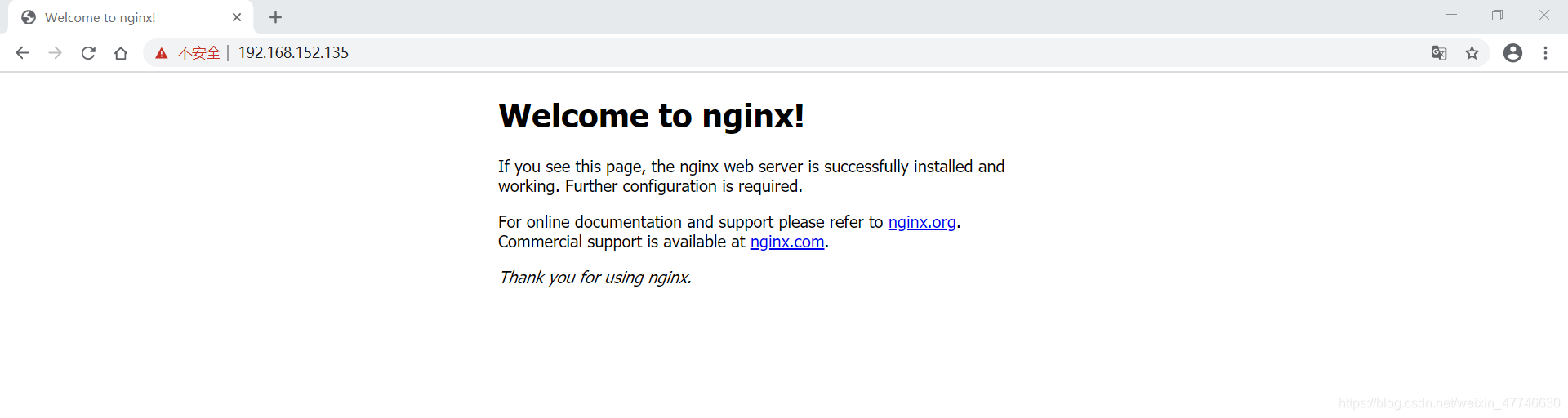
[root@localhost conf]# nginx -s reload
[root@localhost conf]# ss -antl
State   Recv-Q   Send-Q      Local Address:Port     Peer Address:Port
LISTEN  0        128               0.0.0.0:80            0.0.0.0:*
LISTEN  0        128               0.0.0.0:22            0.0.0.0:*
LISTEN  0        128               0.0.0.0:443           0.0.0.0:*
LISTEN  0        128                  [::]:22               [::]:*
2. rewrite
语法:rewrite regex replacement flag;,如:
rewrite ^/images/(.*\.jpg)$ /imgs/$1 break;[root@localhost html]# pwd
/usr/local/nginx/html
[root@localhost html]# mkdir img
//下载一张图片,传到当前目录下
[root@localhost ~]# ls
3.png
[root@localhost ~]# mv 3.png /usr/local/nginx/html/img/- 访问验证

实例1:
- 修改目录名称
[root@localhost html]# pwd
/usr/local/nginx/html
[root@localhost html]# ls
50x.html  img  index.html
[root@localhost html]# mv img image
[root@localhost html]# ls
50x.html image index.html- 访问验证
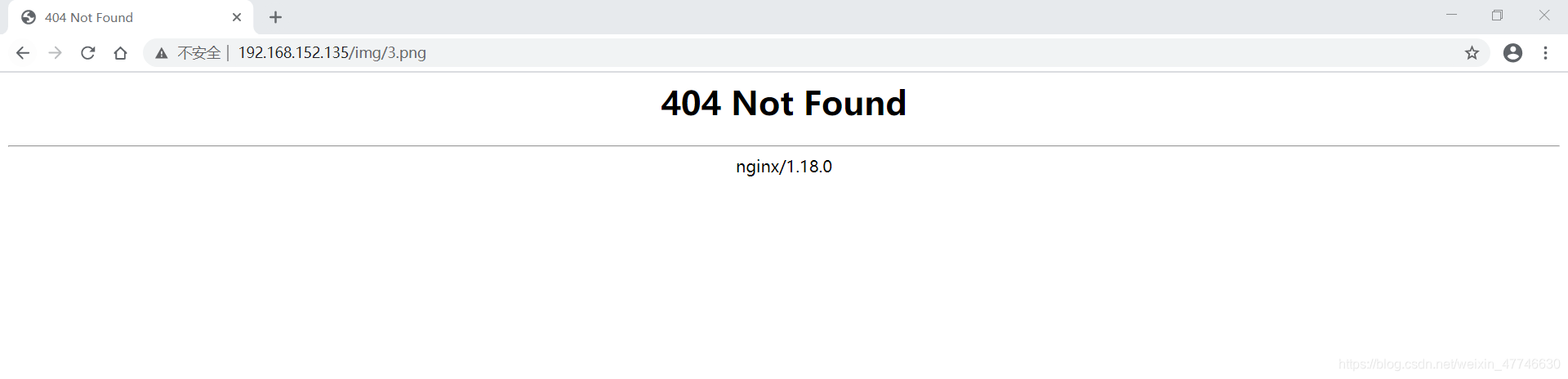
- 修改配置文件,添加rewrite规则
[root@localhost conf]# vim nginx.conf
略...
        location /img {
            rewrite ^/img/(.*\.png)$ /image/$1 break;
        }

        location /image {
            root   /usr/local/nginx/html;
        }
略...

[root@localhost conf]# nginx -s reload- 访问验证

- 移动图片位置
[root@localhost html]# ls
50x.html  image  index.html
[root@localhost html]# mv image /opt/
[root@localhost html]# ls /opt/
data  image

//修改配置文件
[root@localhost conf]# vim nginx.conf
略...
        location /img {
           root /opt;         //修改路径为/opt/下
           rewrite ^/img/(.*\.png)$ /image/$1 break;
        }

        location /image {
            root   /opt/;     //修改路径为/opt/下
        }
略...

[root@localhost conf]# nginx -s reload- 图片访问

此处的$1用于引用(.*.jpg)匹配到的内容,又如:
rewrite ^/bbs/(.*)$ http://www.idfsoft.com/index.html redirect;如上例所示,replacement可以是某个路径,也可以是某个URL
实例2:
[root@localhost html]# pwd
/usr/local/nginx/html
[root@localhost html]# mkdir bbs
[root@localhost html]# ls
50x.html  bbs  index.html

[root@localhost conf]# vim nginx.conf
略...
        location /bbs {         //添加此三行
            echo 'bbs test.';
        }
略...

[root@localhost conf]# nginx -s reload

[root@localhost conf]# curl http://192.168.152.135/bbs
bbs test.

//修改bbs配置
[root@localhost conf]# vim nginx.conf
略...
        location /bbs {
            root /usr/local/nginx/html;    //添加此几行
            index index.html index.htm;
        }
略...

//写入文件
[root@localhost html]# ls
50x.html  bbs  index.html
[root@localhost html]# cd bbs/
[root@localhost bbs]# echo 'bbs test page' > index.html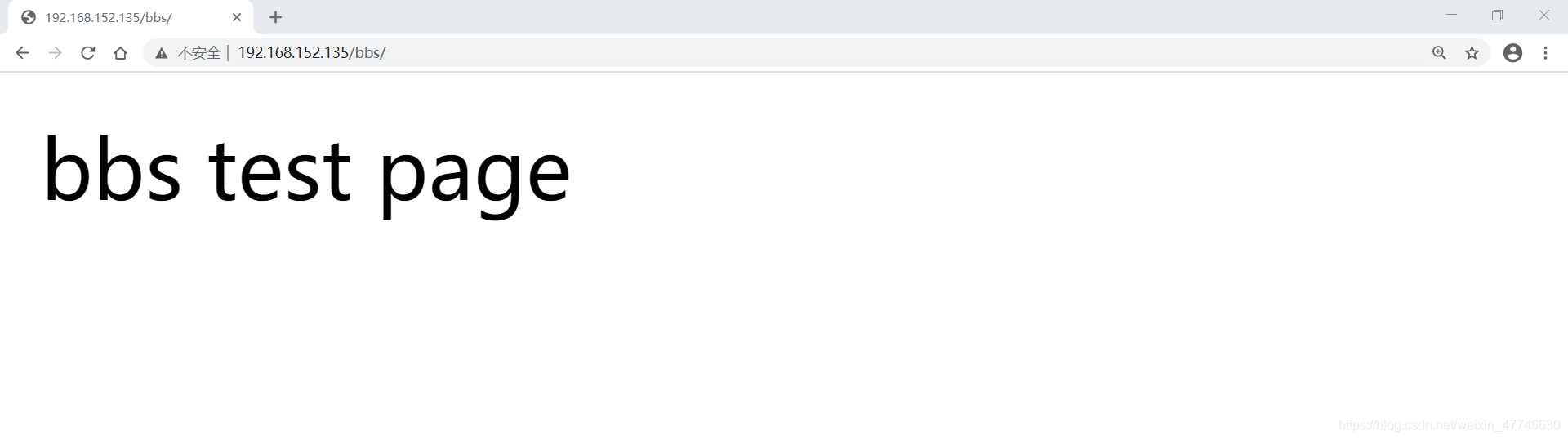
- 访问bbs,跳转到其他网站
[root@localhost conf]# vim nginx.conf
略...
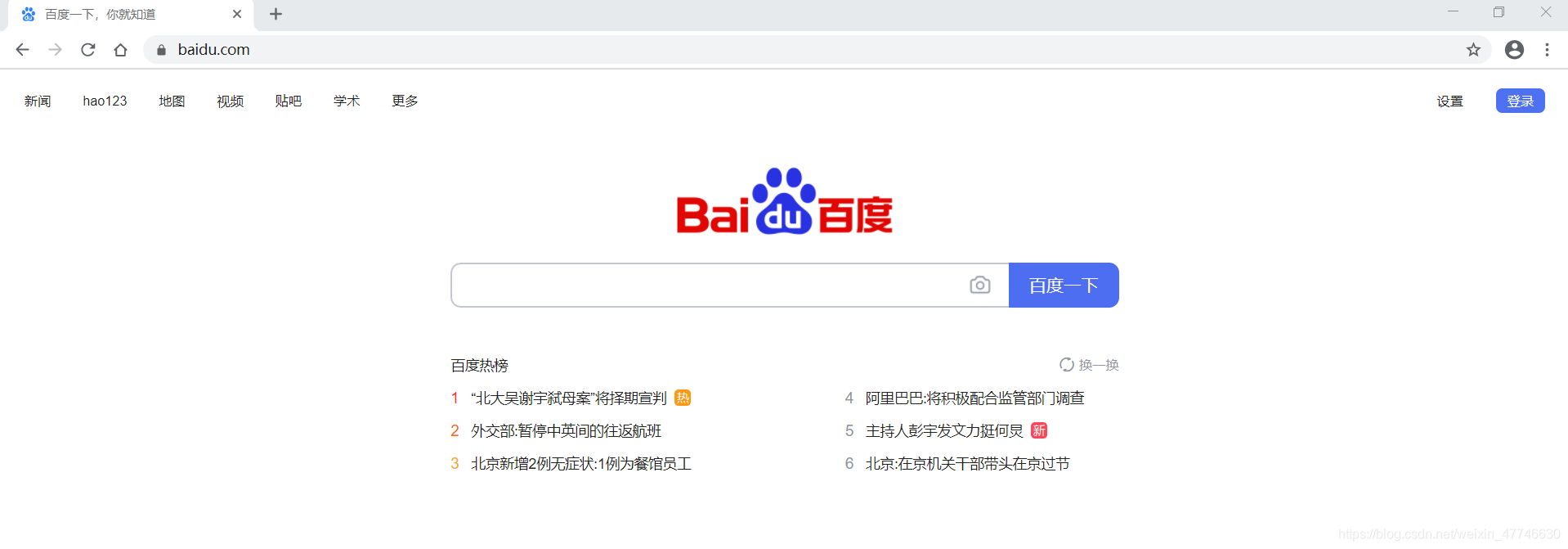
        location /bbs {
            rewrite ^/bbs/(.*)$ https://www.baidu.com/;  //后面加上要跳转的网站地址
        }
略...

[root@localhost conf]# nginx -s reload- 刷新上图,跳转页面到指定网站
常见的flag
| flag | 作用 |
|---|---|
| last | 基本上都用这个flag,表示当前的匹配结束,继续下一个匹配,最多匹配10个到20个 一旦此rewrite规则重写完成后,就不再被后面其它的rewrite规则进行处理 而是由UserAgent重新对重写后的URL再一次发起请求,并从头开始执行类似的过程 |
| break | 中止Rewrite,不再继续匹配 一旦此rewrite规则重写完成后,由UserAgent对新的URL重新发起请求, 且不再会被当前location内的任何rewrite规则所检查 |
| redirect | 以临时重定向的HTTP状态302返回新的URL |
| permanent | 以永久重定向的HTTP状态301返回新的URL |
rewrite模块的作用是用来执行URL重定向。这个机制有利于去掉恶意访问的url,也有利于搜索引擎优化(SEO)
nginx使用的语法源于Perl兼容正则表达式(PCRE)库,基本语法如下:
| 标识符 | 意义 |
|---|---|
| ^ | 必须以^后的实体开头 |
| $ | 必须以$前的实体结尾 |
| . | 匹配任意字符 |
| [] | 匹配指定字符集内的任意字符 |
| [^] | 匹配任何不包括在指定字符集内的任意字符串 |
| | | 匹配|之前或之后的实体 |
| () | 分组,组成一组用于匹配的实体,通常会有 |
捕获子表达式,可以捕获放在()之间的任何文本,比如:
^(hello|sir)$       //字符串为“hi sir”捕获的结果:$1=hi$2=sir

//这些被捕获的数据,在后面就可以当变量一样使用了
3. if
语法:if (condition) {...}
应用场景:
- server段
- location段
常见的condition
- 变量名(变量值为空串,或者以“0”开始,则为false,其它的均为true)
- 以变量为操作数构成的比较表达式(可使用=,!=类似的比较操作符进行测试)
- 正则表达式的模式匹配操作
- ~:区分大小写的模式匹配检查
- *:不区分大小写的模式匹配检查!和
- !~*:对上面两种测试取反
- 测试指定路径为文件的可能性(-f,!-f)
- 测试指定路径为目录的可能性(-d,!-d)
- 测试文件的存在性(-e,!-e)
- 检查文件是否有执行权限(-x,!-x)
6.15.1 基于浏览器实现分离案例
if ($http_user_agent ~ Firefox) {
  rewrite ^(.*)$ /firefox/$1 break;
}

if ($http_user_agent ~ MSIE) {
  rewrite ^(.*)$ /msie/$1 break;
}

if ($http_user_agent ~ Chrome) {
  rewrite ^(.*)$ /chrome/$1 break;
}
6.15.2 防盗链案例
location ~* \.(jpg|gif|jpeg|png)$ {
  valid_referers none blocked www.idfsoft.com;
  if ($invalid_referer) {
    rewrite ^/ http://www.idfsoft.com/403.html;
  }
}
6.16 反向代理与负载均衡
nginx通常被用作后端服务器的反向代理,这样就可以很方便的实现动静分离以及负载均衡,从而大大提高服务器的处理能力。
nginx实现动静分离,其实就是在反向代理的时候,如果是静态资源,就直接从nginx发布的路径去读取,而不需要从后台服务器获取了。
但是要注意,这种情况下需要保证后端跟前端的程序保持一致,可以使用Rsync做服务端自动同步或者使用NFS、MFS分布式共享存储。
Http Proxy模块,功能很多,最常用的是proxy_pass和proxy_cache
如果要使用proxy_cache,需要集成第三方的ngx_cache_purge模块,用来清除指定的URL缓存。这个集成需要在安装nginx的时候去做,如:
./configure --add-module=../ngx_cache_purge-1.0 ......
nginx通过upstream模块来实现简单的负载均衡,upstream需要定义在http段内
在upstream段内,定义一个服务器列表,默认的方式是轮询,如果要确定同一个访问者发出的请求总是由同一个后端服务器来处理,可以设置ip_hash,如:
upstream idfsoft.com {
  ip_hash;
  server 127.0.0.1:9080 weight=5;
  server 127.0.0.1:8080 weight=5;
  server 127.0.0.1:1111;
}
注意:这个方法本质还是轮询,而且由于客户端的ip可能是不断变化的,比如动态ip,代理,翻墙等,因此ip_hash并不能完全保证同一个客户端总是由同一个服务器来处理。
定义好upstream后,需要在server段内添加如下内容:
server {
  location / {
    proxy_pass http://idfsoft.com;
  }
}
环境说明:
| 主机 | IP | 安装服务 |
|---|---|---|
| lb | 192.168.152.135 | nginx |
| server1 | 192.168.152.131 | httpd |
| server2 | 192.168.152.132 | httpd |
//server1上下载httpd,写入网页
[root@server1 ~]# yum -y install httpd
[root@server1 ~]# echo 'server1' > /var/www/html/index.html
[root@server1 ~]# curl http://192.168.152.131:80
server1

//server2上下载httpd,写入网页
[root@server2 ~]# yum -y install httpd
[root@server2 ~]# echo 'server2' > /var/www/html/index.html
[root@server2 ~]# curl http://192.168.152.132:80
server2

[root@lb ~]# vim /usr/local/nginx/conf/nginx.conf
略...
    #gzip  on;
    #
    upstream www.runtime.com {           //添加此4行
        server 192.168.152.131;
        server 192.168.152.132;
        }

    server {
        listen       80;
        server_name  www.example.com;

        #charset koi8-r;
        #access_log  logs/host.access.log  main;

        location / {
            proxy_pass http://www.runtime.com;     //添加此行

[root@lb ~]# nginx -s reload

//访问验证
[root@lb ~]# curl http://192.168.152.135
server1
[root@lb ~]# curl http://192.168.152.135
server2
[root@lb ~]# curl http://192.168.152.135
server1
[root@lb ~]# curl http://192.168.152.135
server2

//修改配置文件
[root@lb ~]# vim /usr/local/nginx/conf/nginx.conf
略...
    upstream www.runtime.com {
        server 192.168.152.131 weight=3;    //添加weight=3意味着访问3次
        server 192.168.152.132;
        }
略...

[root@lb ~]# nginx -s reload

//访问验证
[root@lb ~]# curl http://192.168.152.135
server1
[root@lb ~]# curl http://192.168.152.135
server1
[root@lb ~]# curl http://192.168.152.135
server1
[root@lb ~]# curl http://192.168.152.135
server2





 扫一扫
扫一扫


 1808
1808

 被折叠的 条评论
为什么被折叠?
被折叠的 条评论
为什么被折叠?
 到【灌水乐园】发言





