


 本文围绕劳务外包管理系统展开,该系统在Eclipse环境中用Java编码,以Mysql存储数据。系统可提供信息显示与服务,管理员、业务员、员工有不同操作权限。它能集中管理信息,具有保密性强、效率高、成本低等优点,可实现信息管理计算机化。
ssm+vue劳务外包管理系统源码和论文303
开发工具:idea 或eclipse
数据库mysql5.7+
数据库链接工具:navcat,小海豚等
摘 要
互联网发展至今,无论是其理论还是技术都已经成熟,而且它广泛参与在社会中的方方面面。它让信息都可以通过网络传播,搭配信息管理工具可以很好地为人们提供服务。针对劳务外包信息管理混乱,出错率高,信息安全性差,劳动强度大,费时费力等问题,采用劳务外包管理系统可以有效管理,使信息管理能够更加科学和规范。
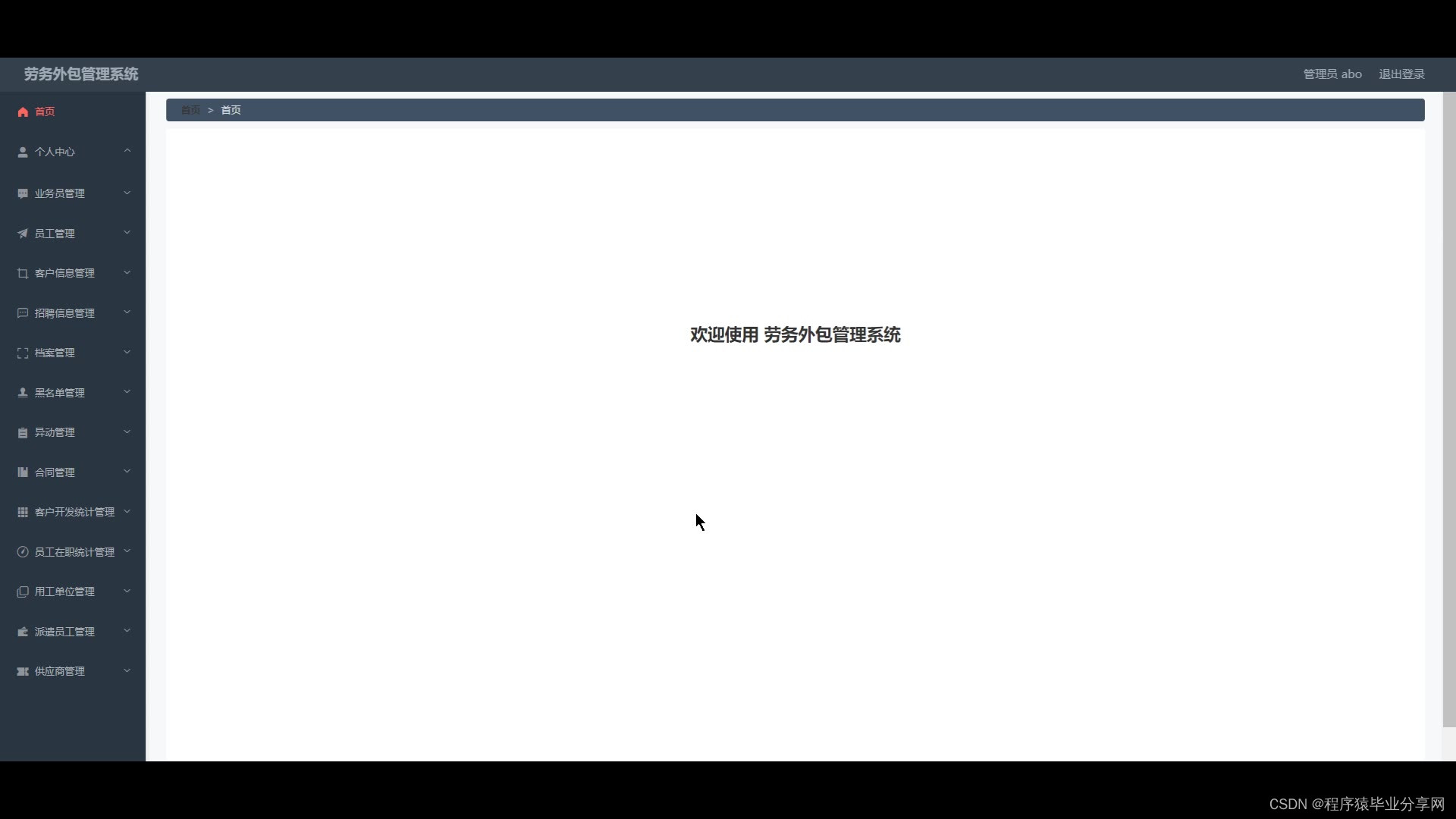
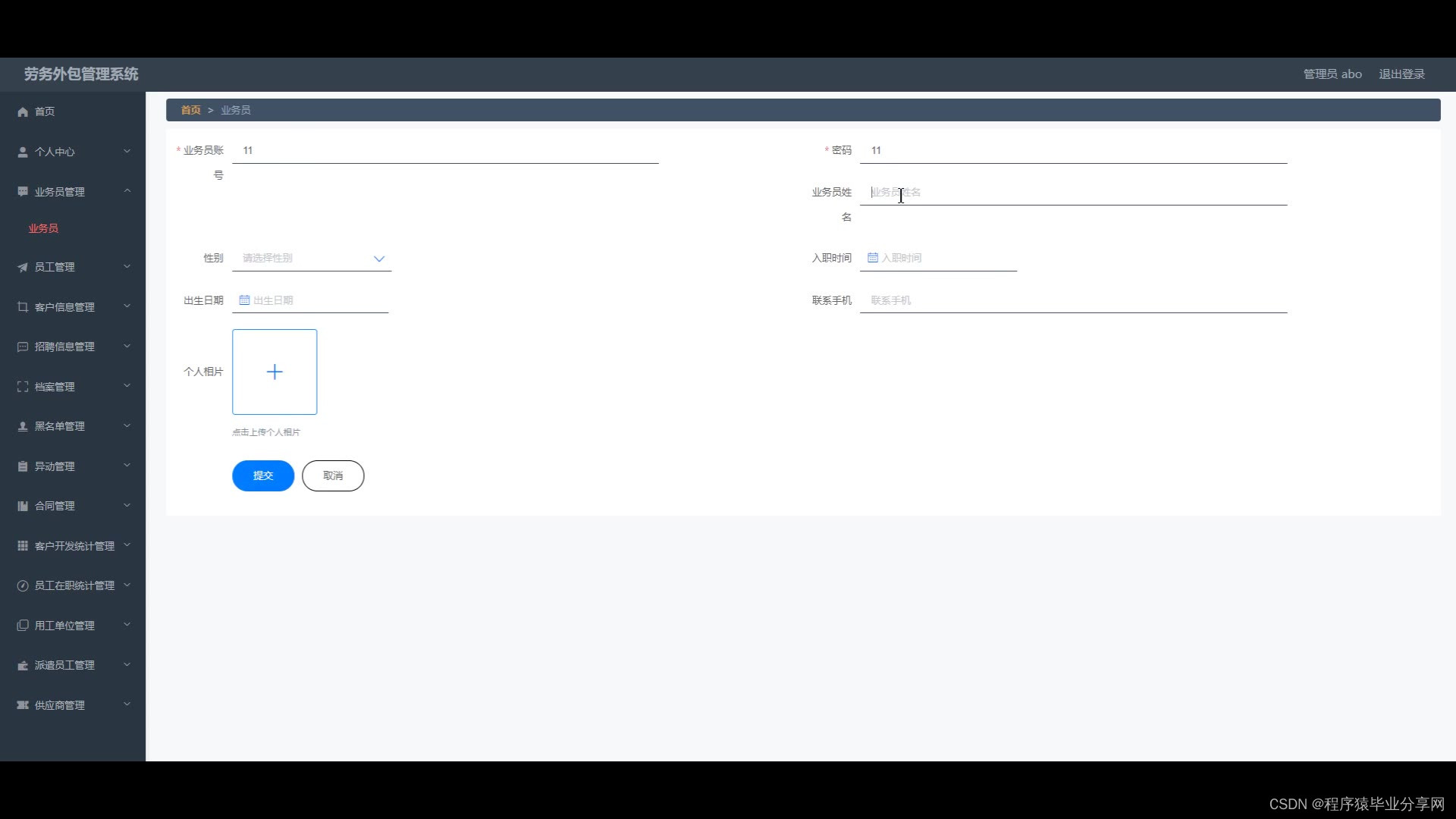
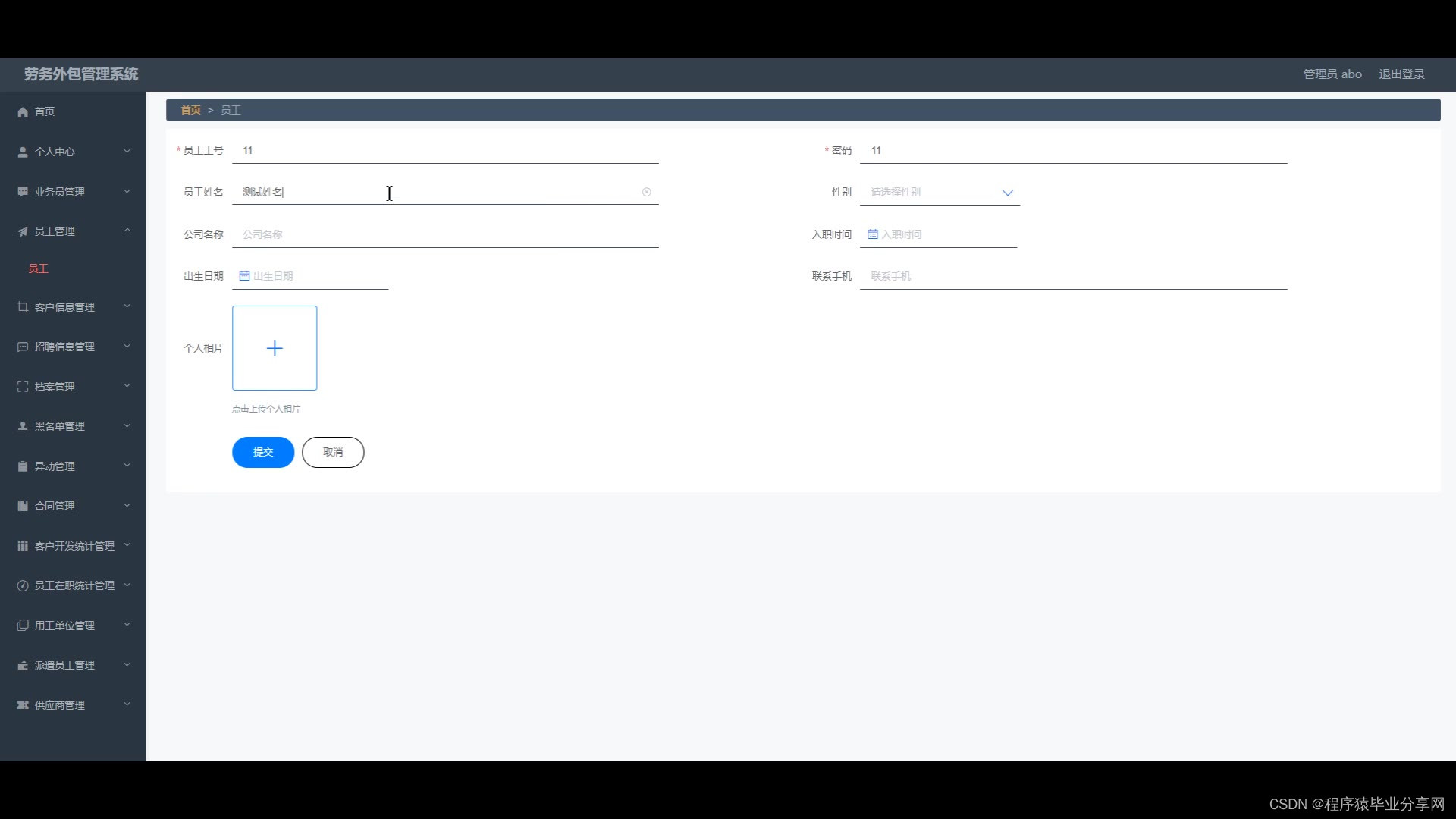
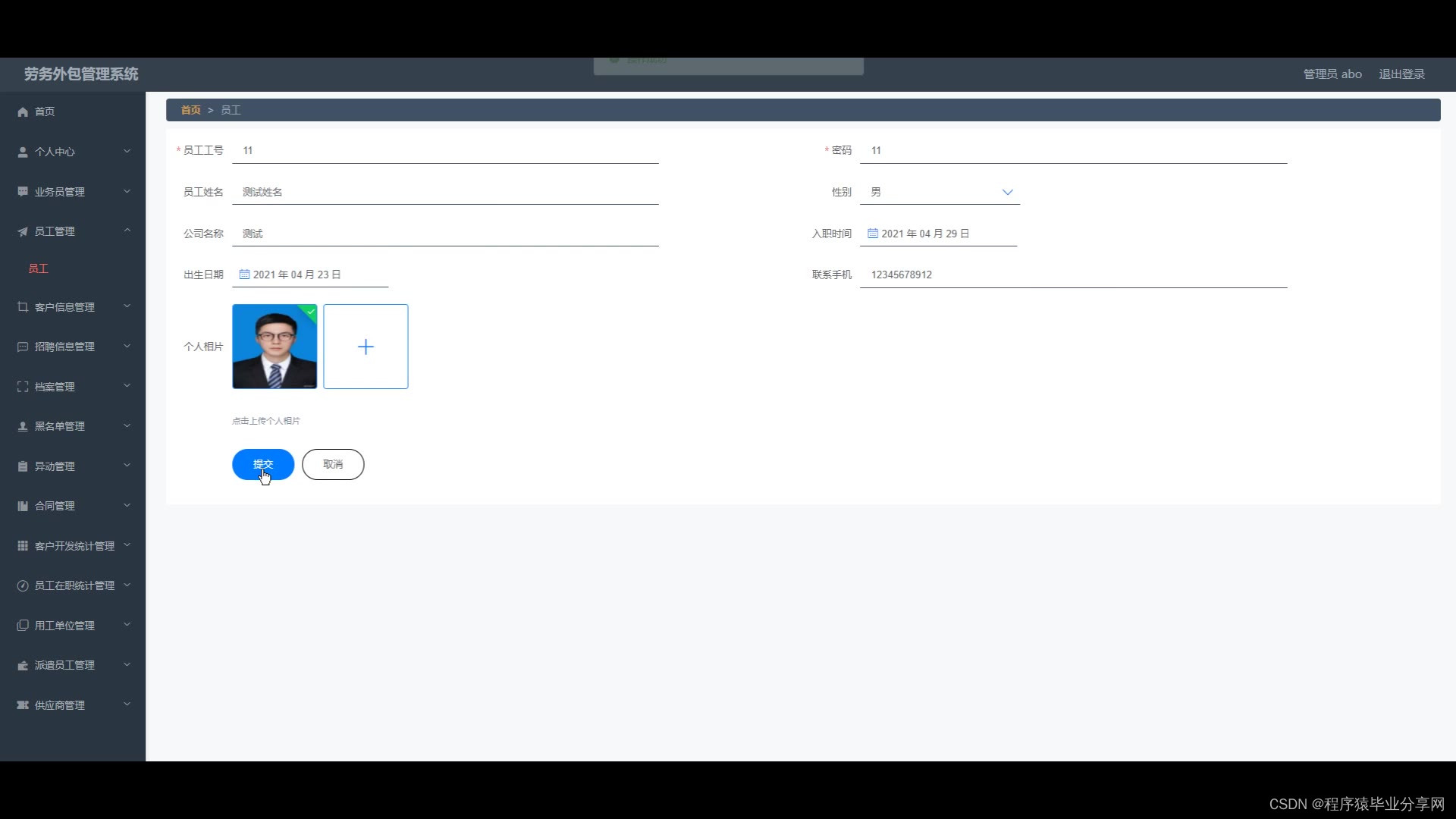
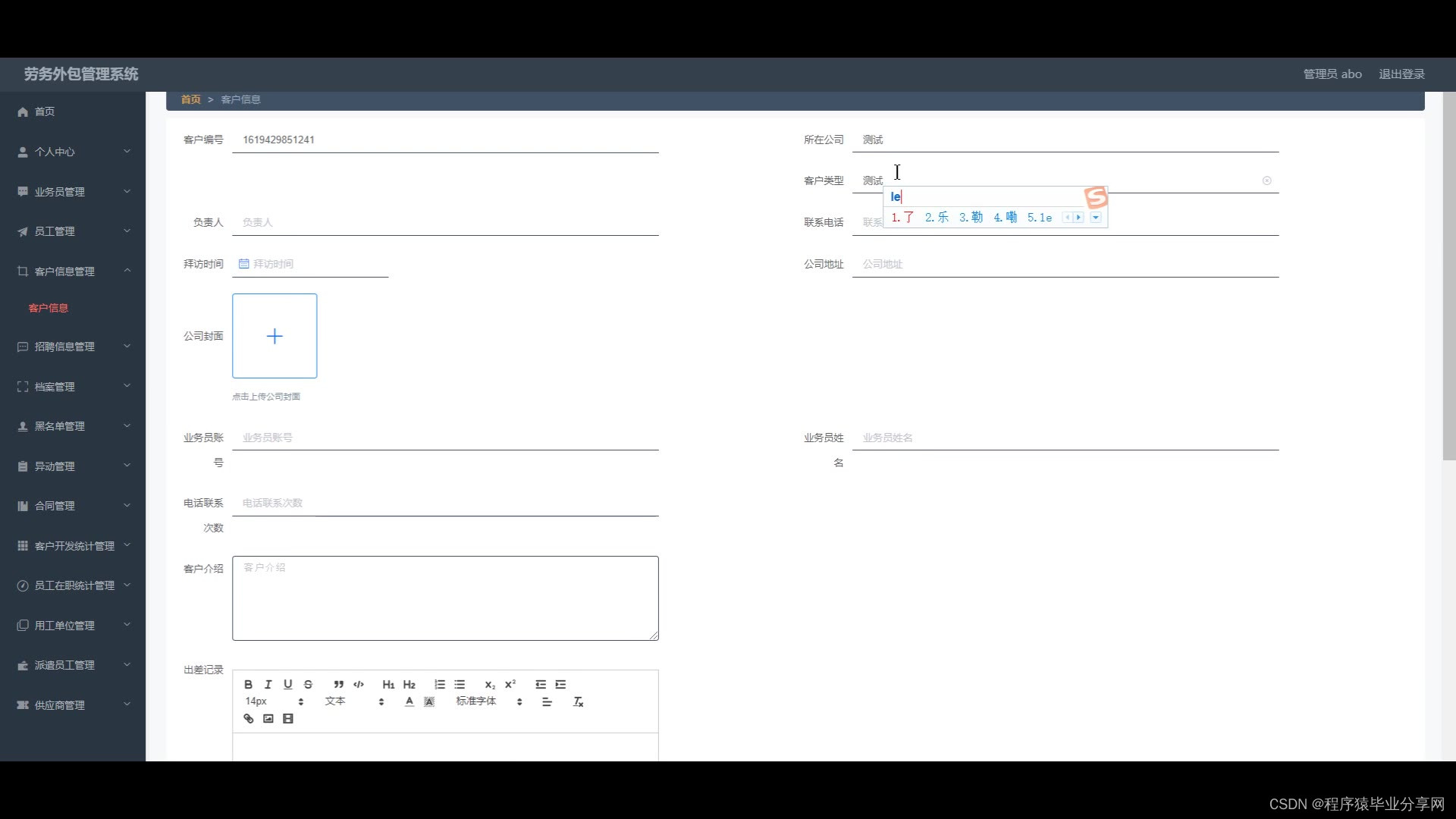
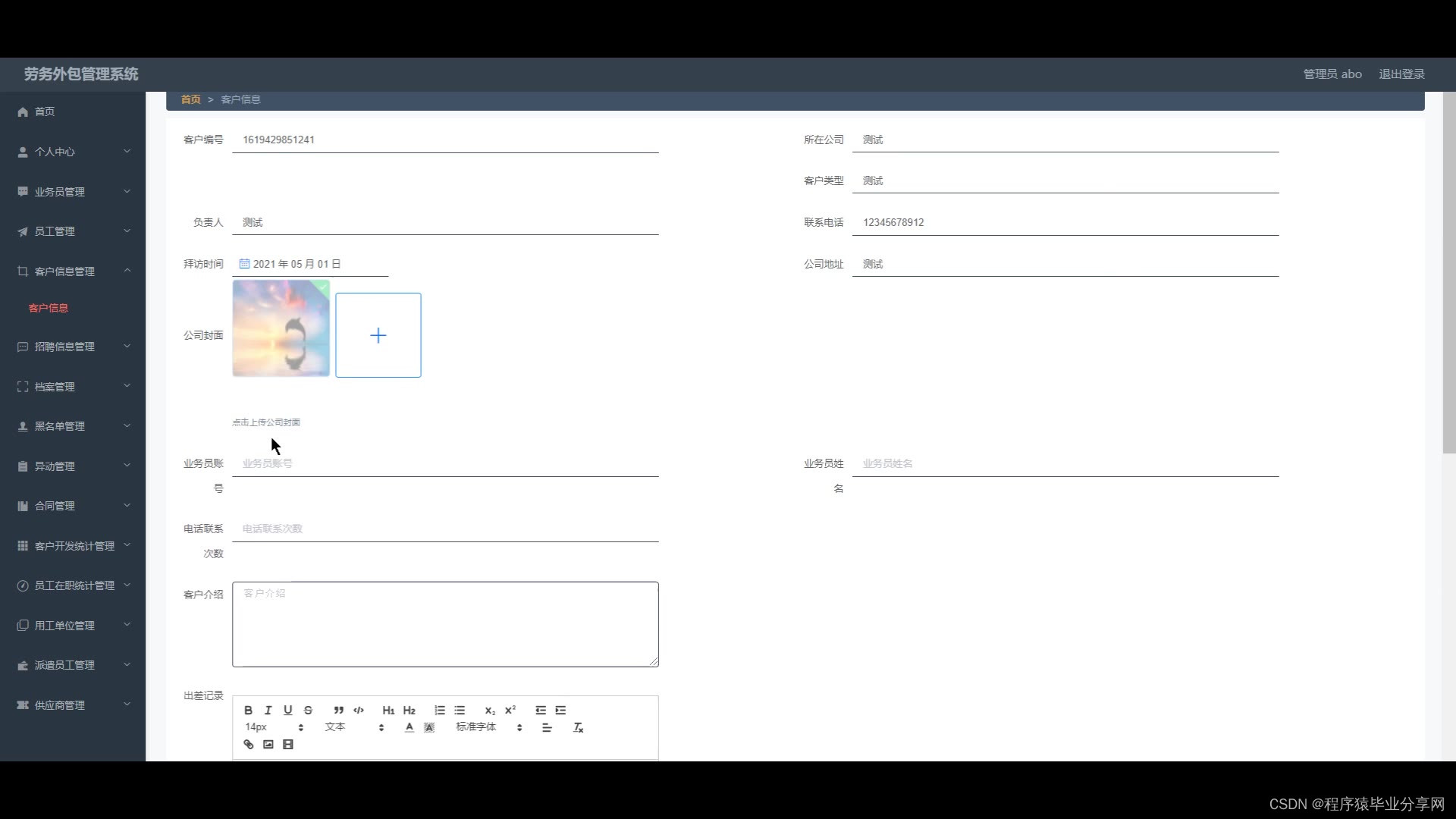
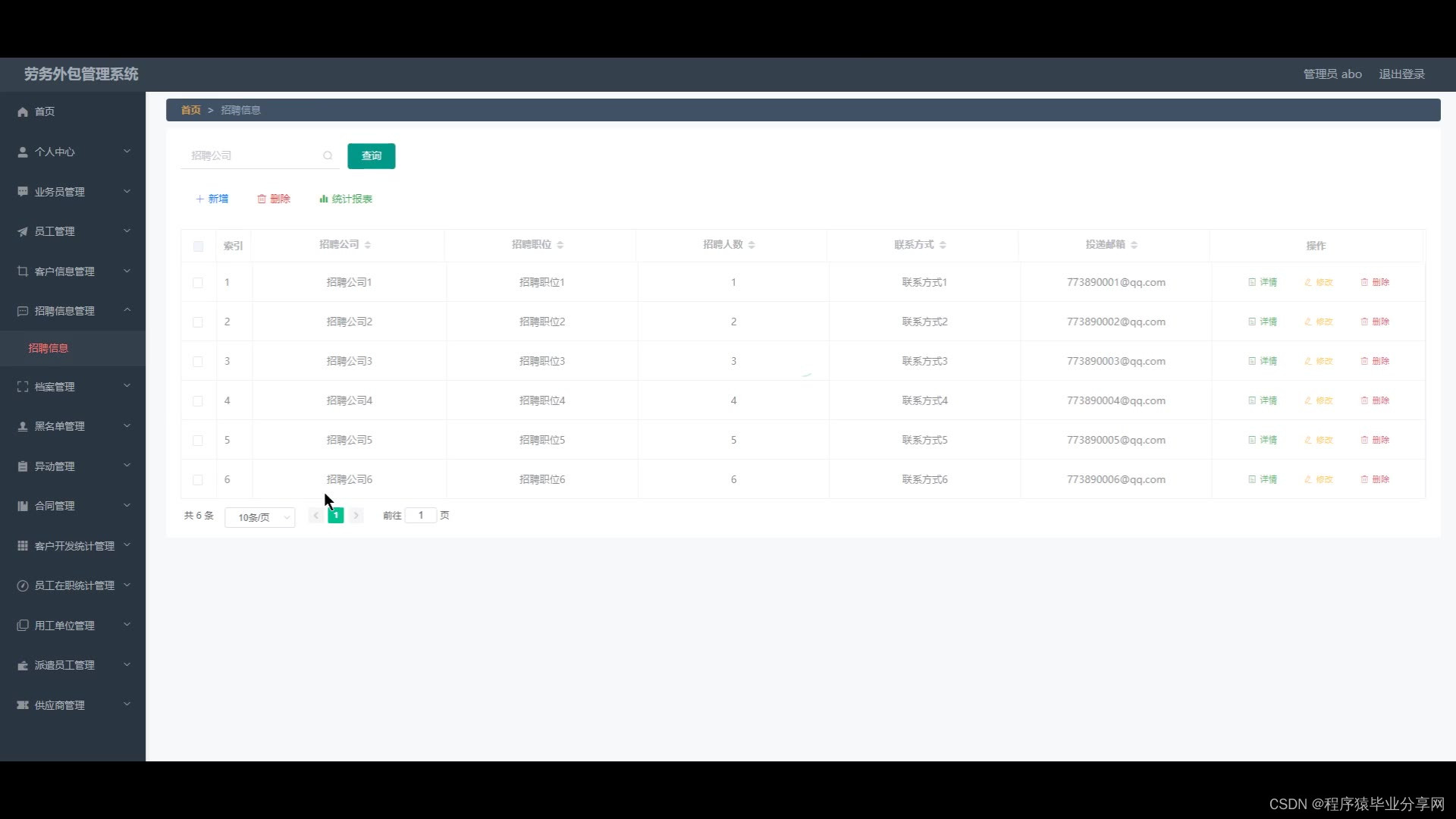
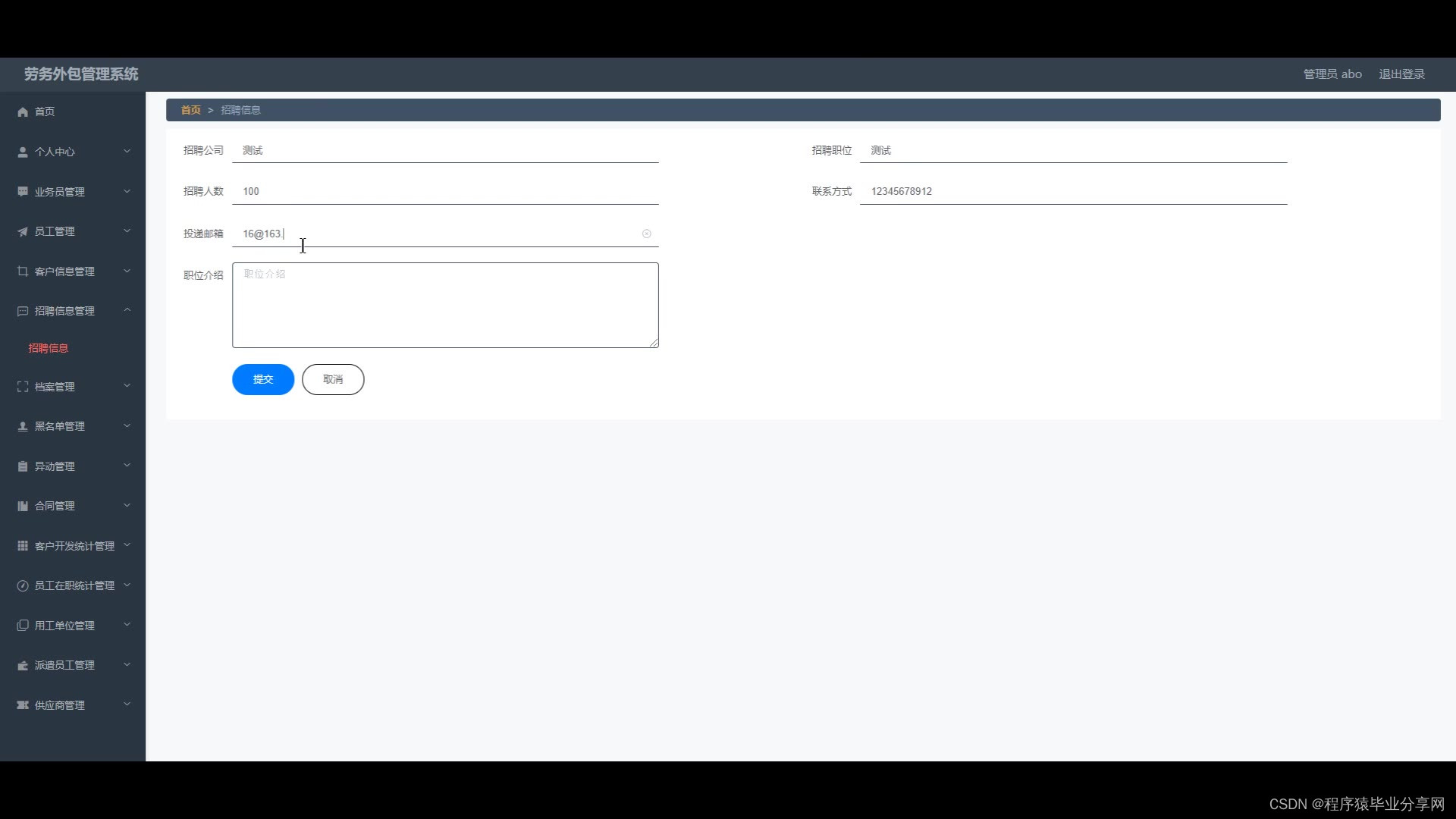
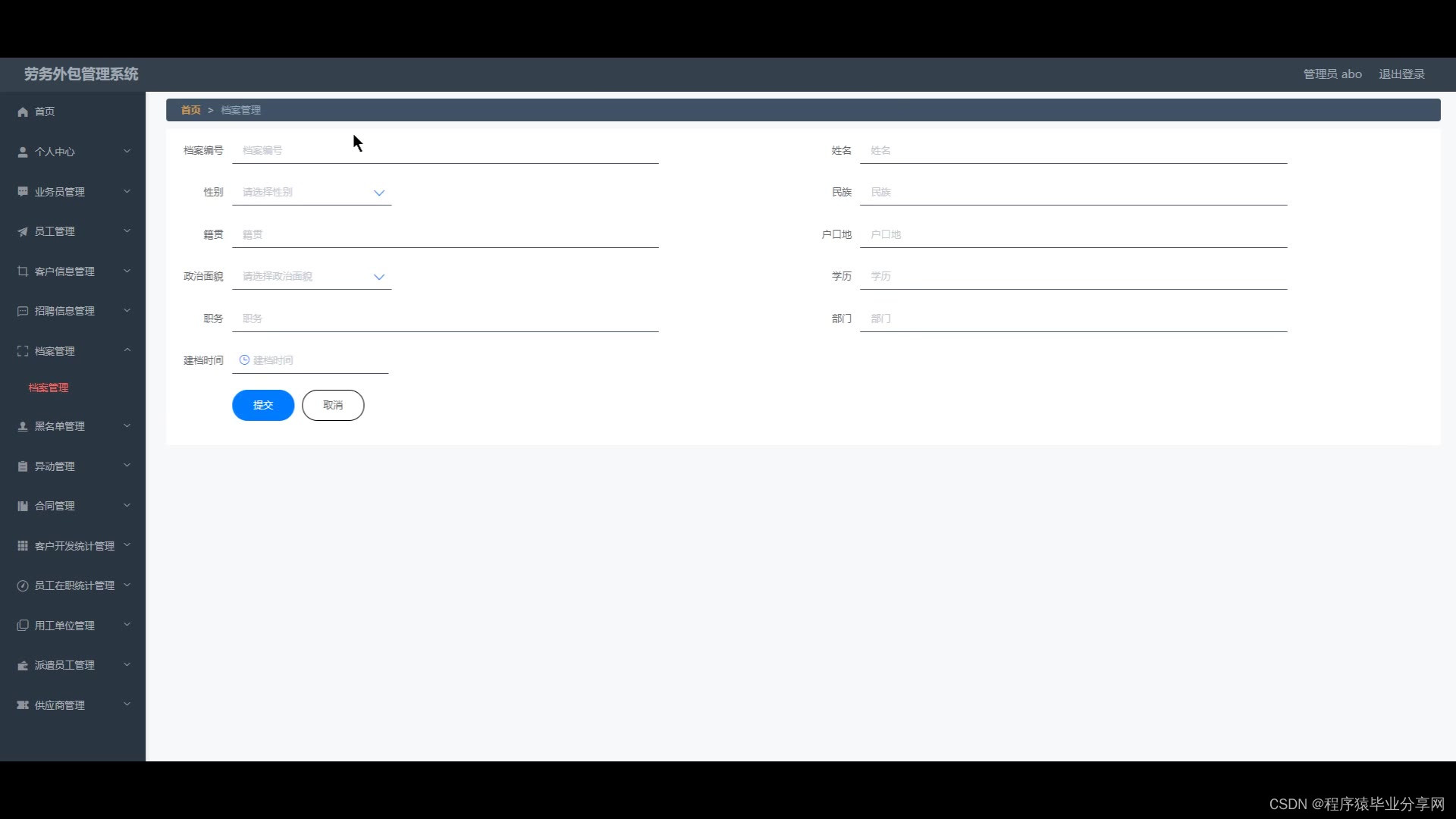
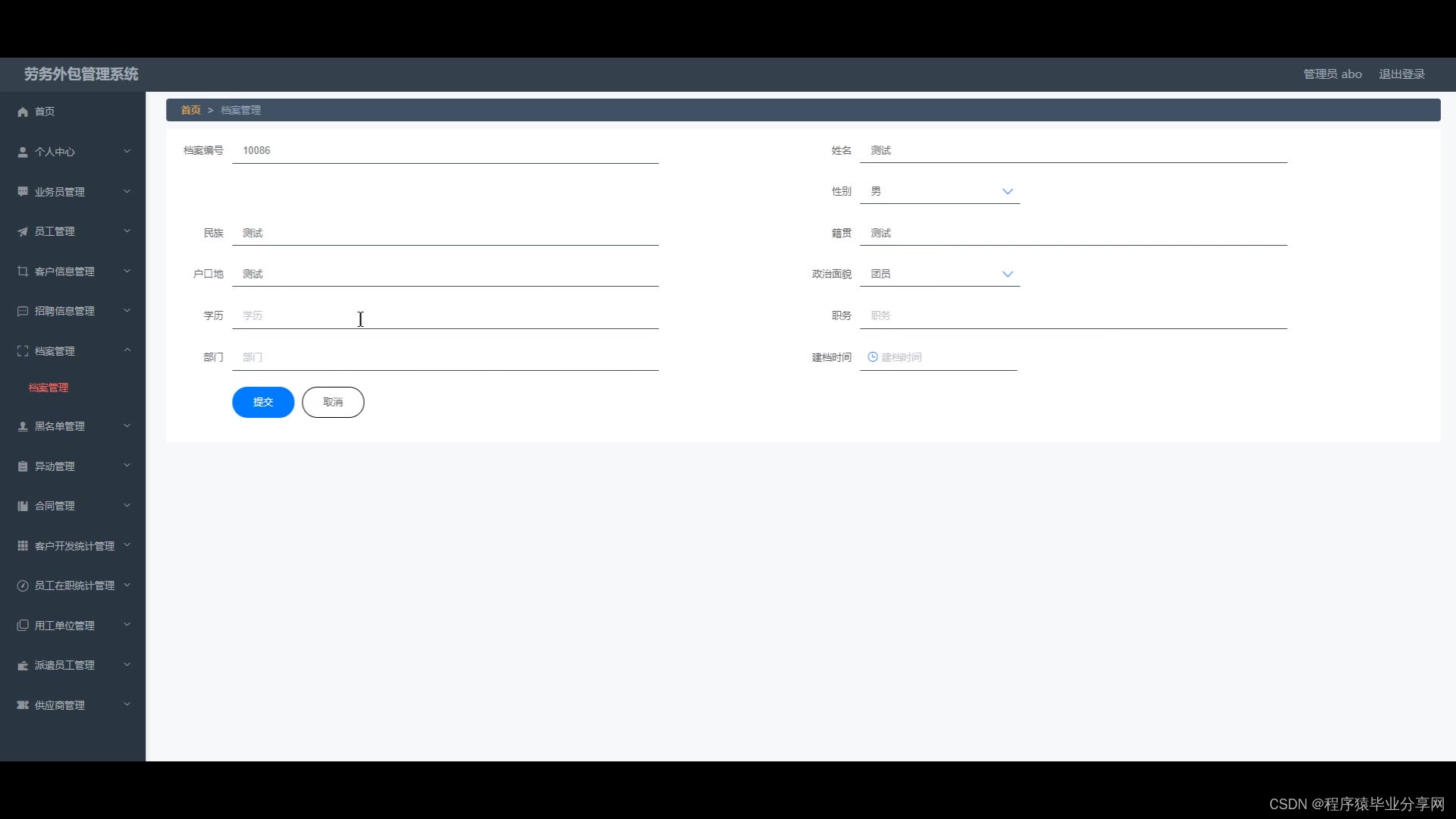
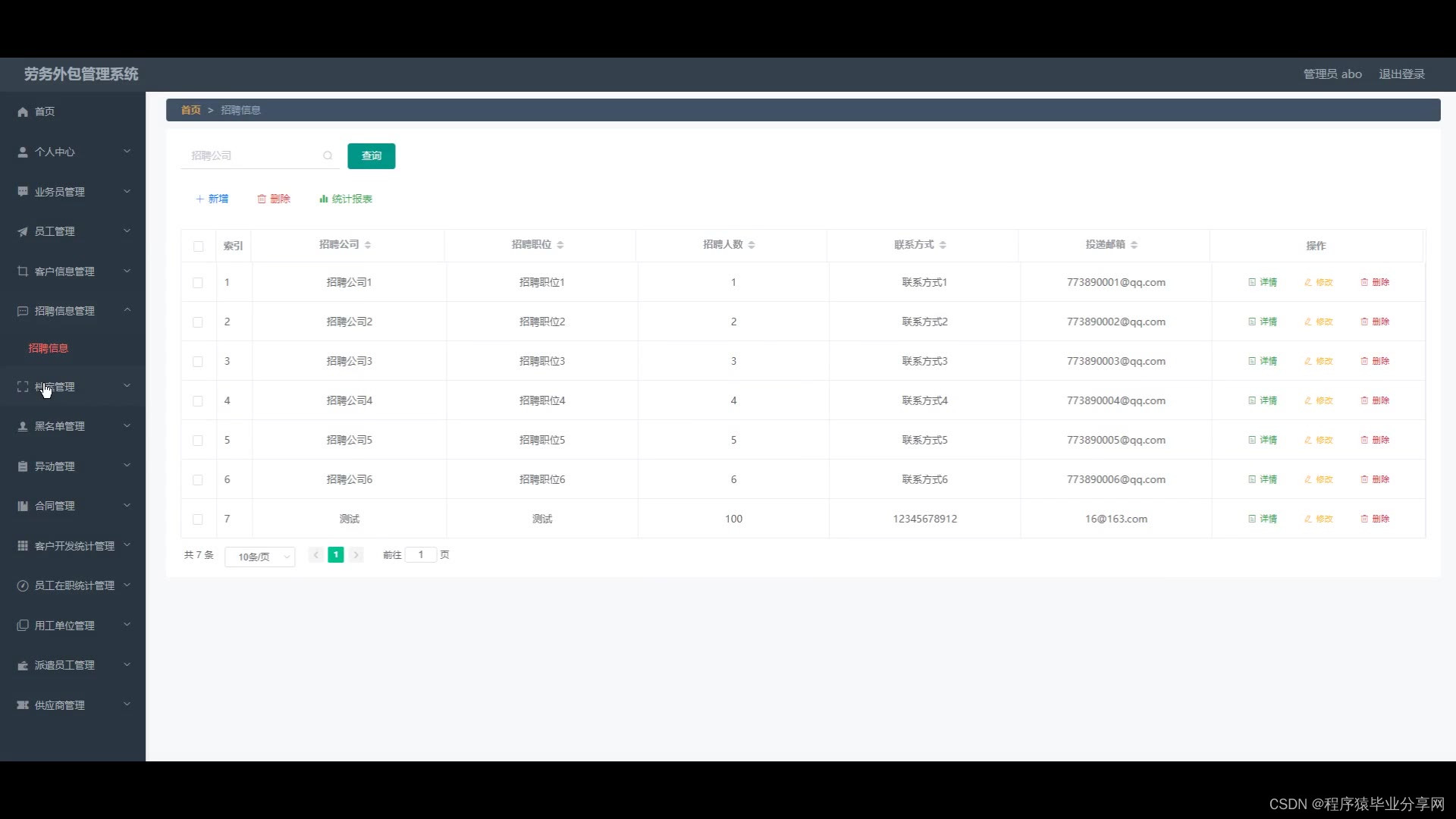
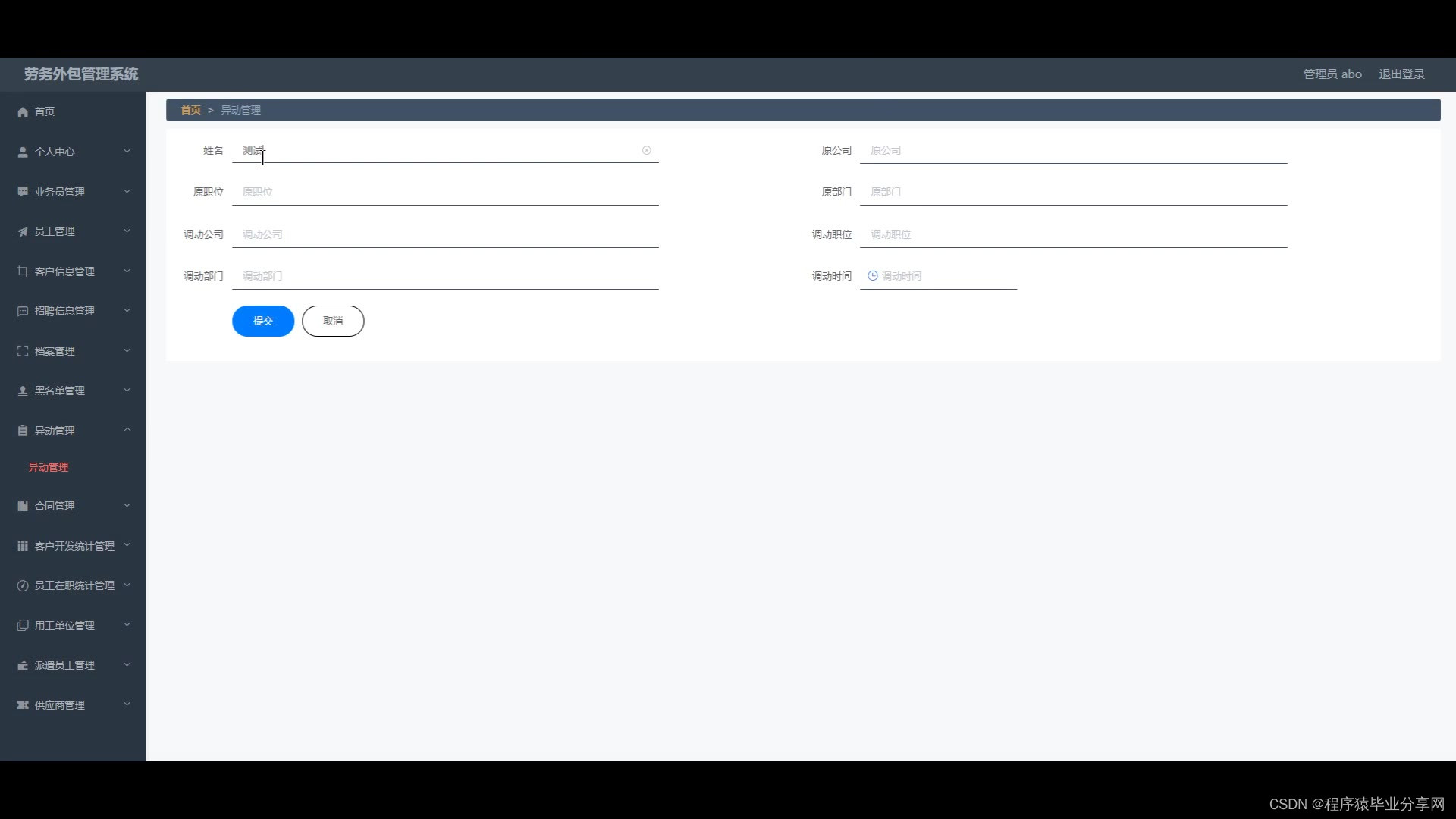
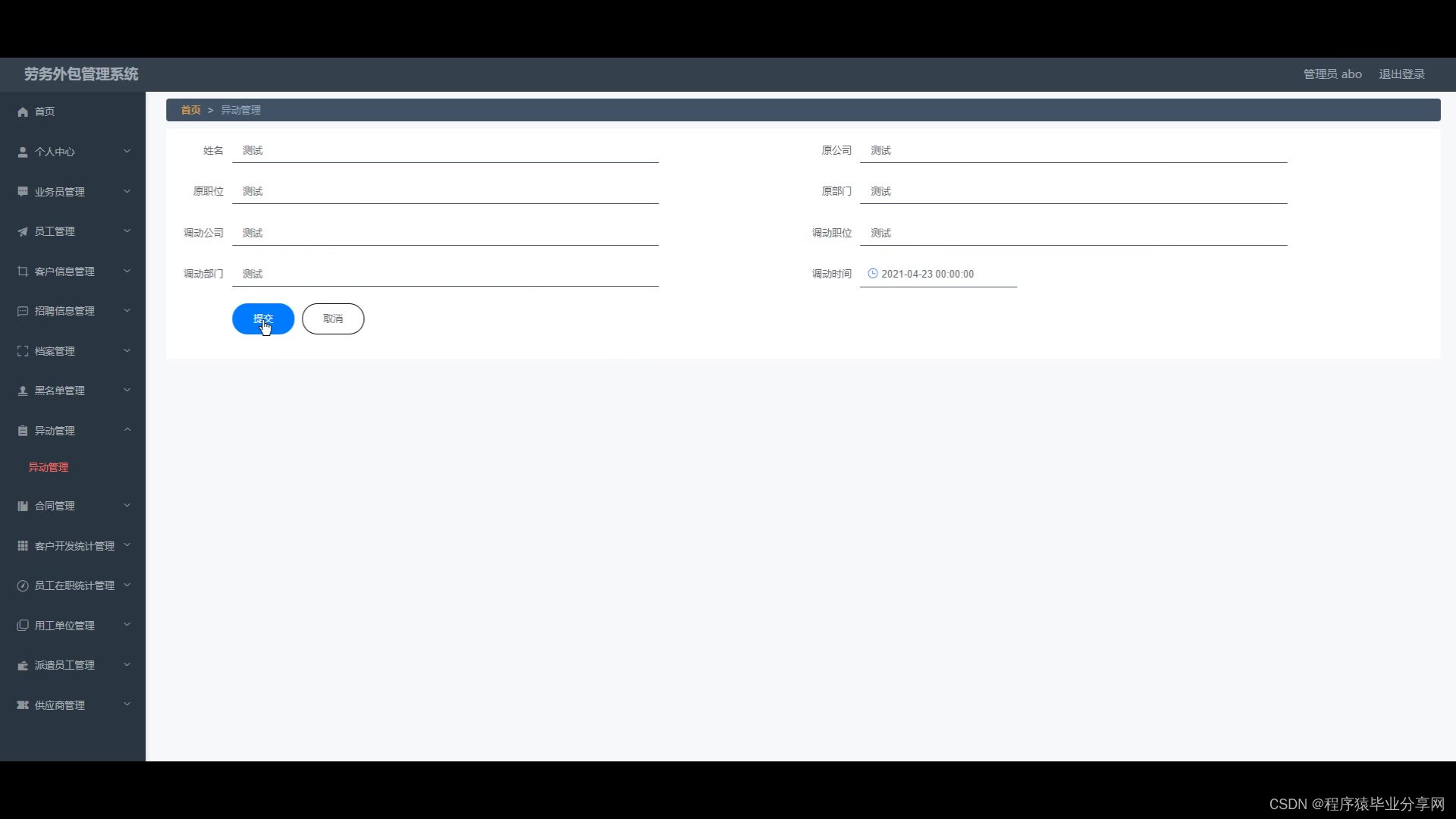
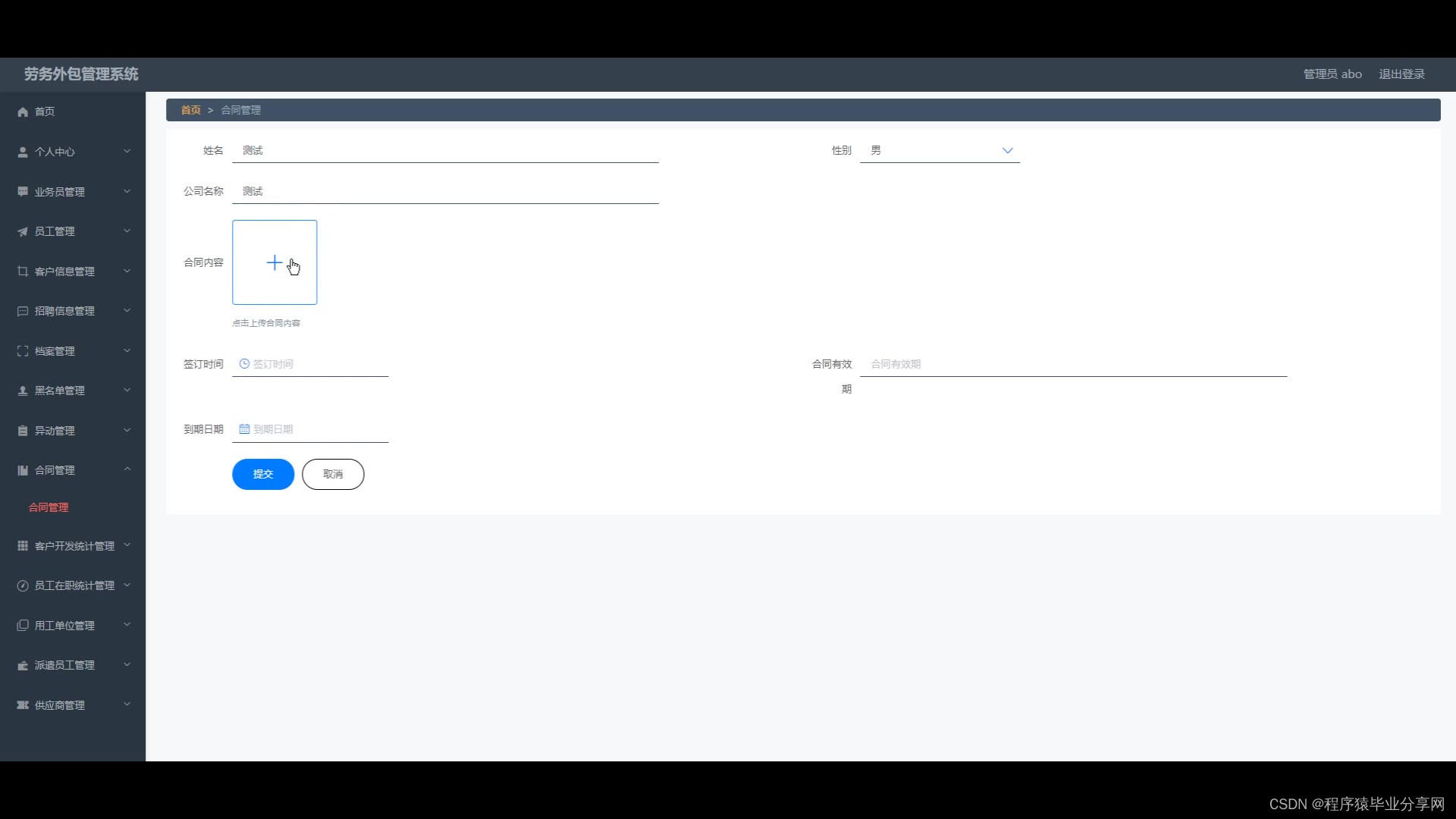
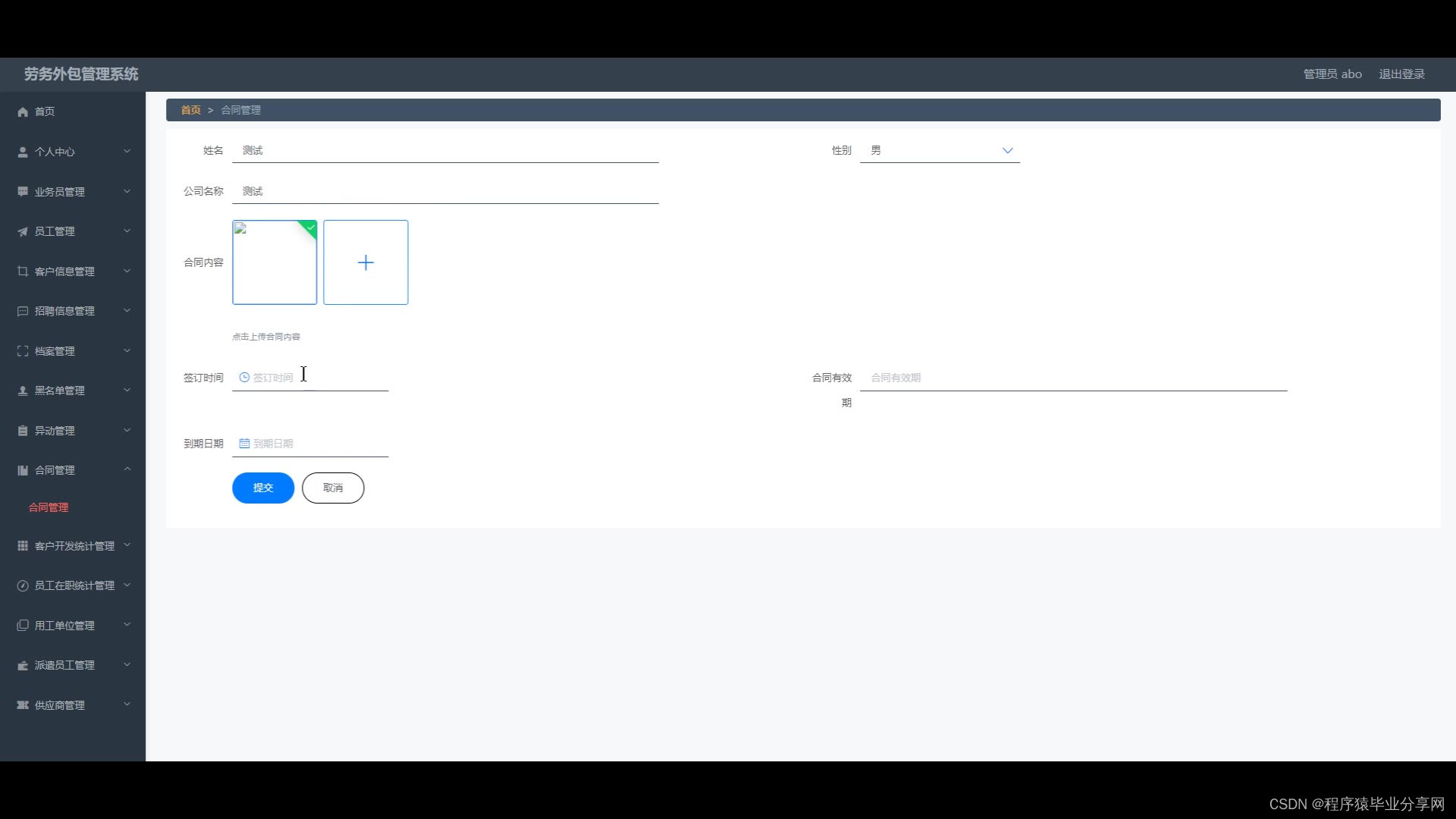
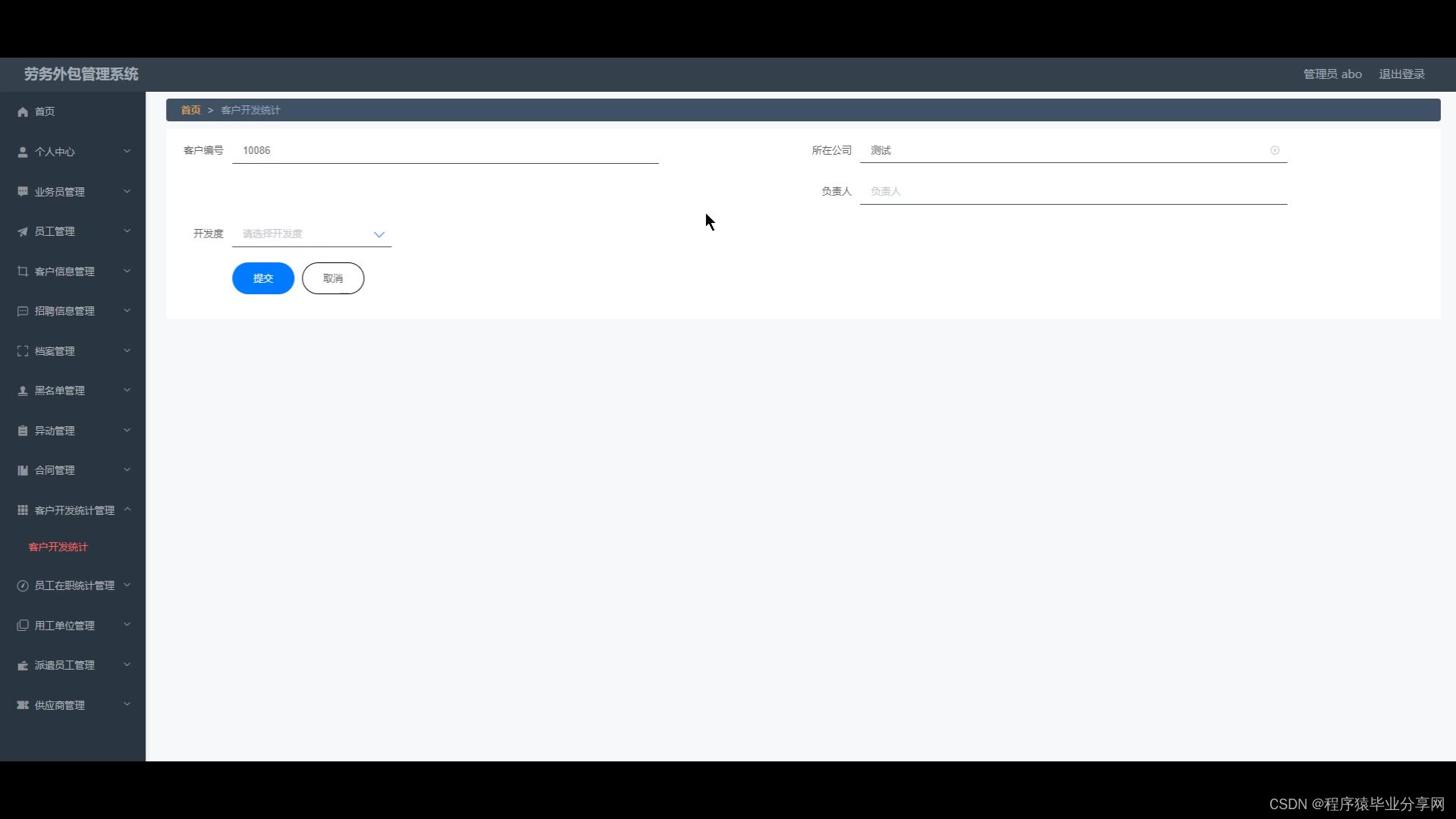
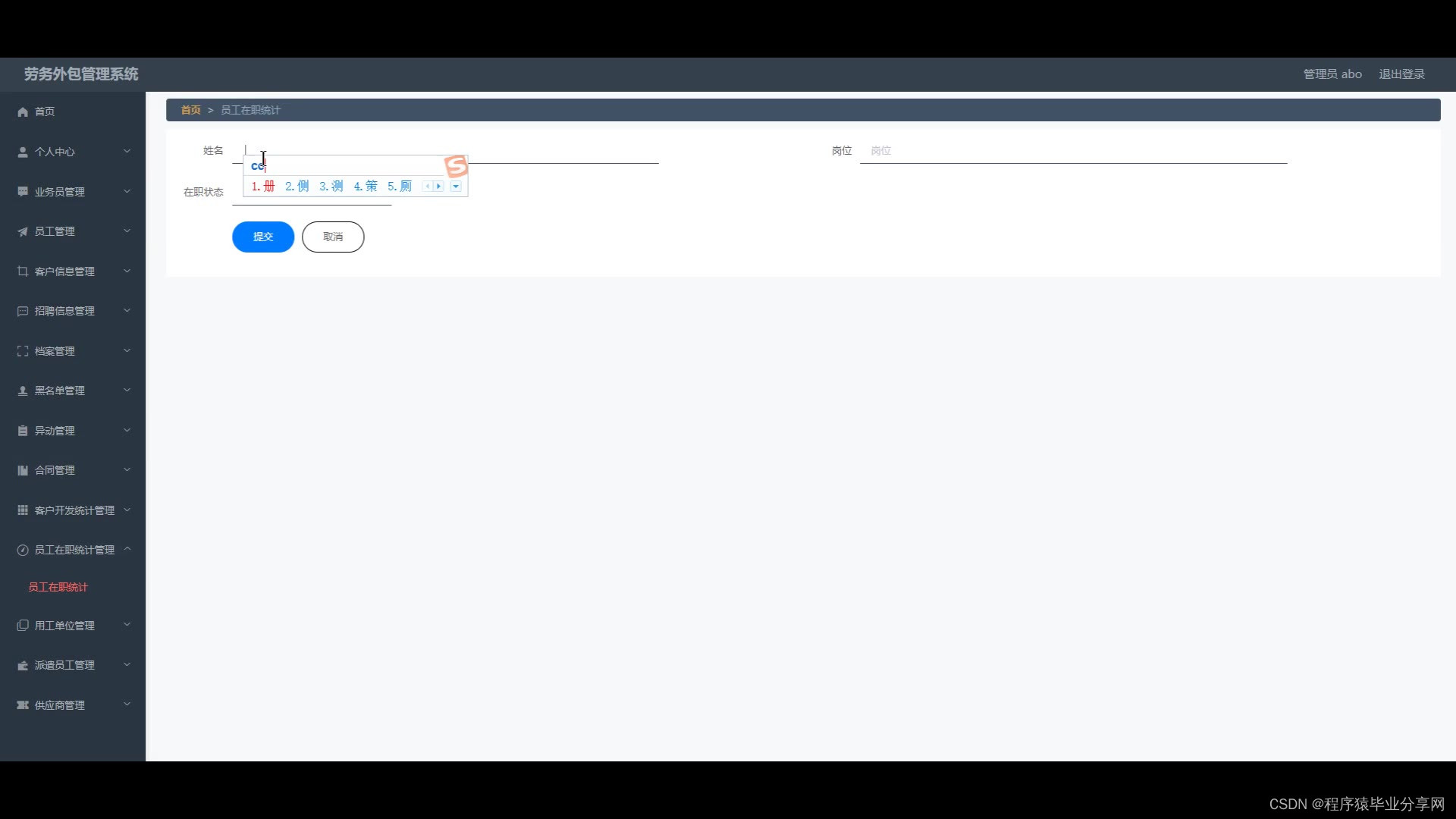
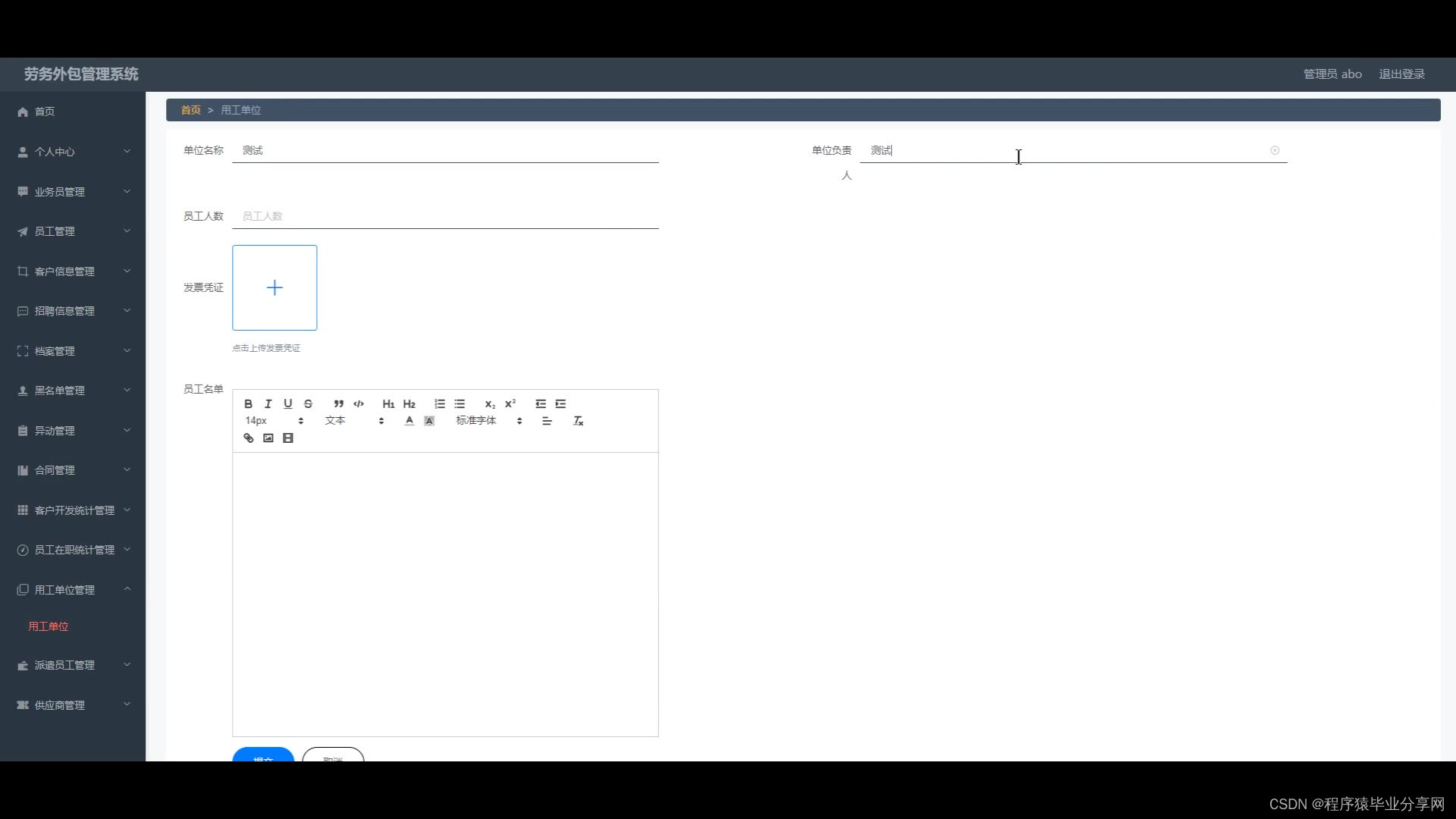
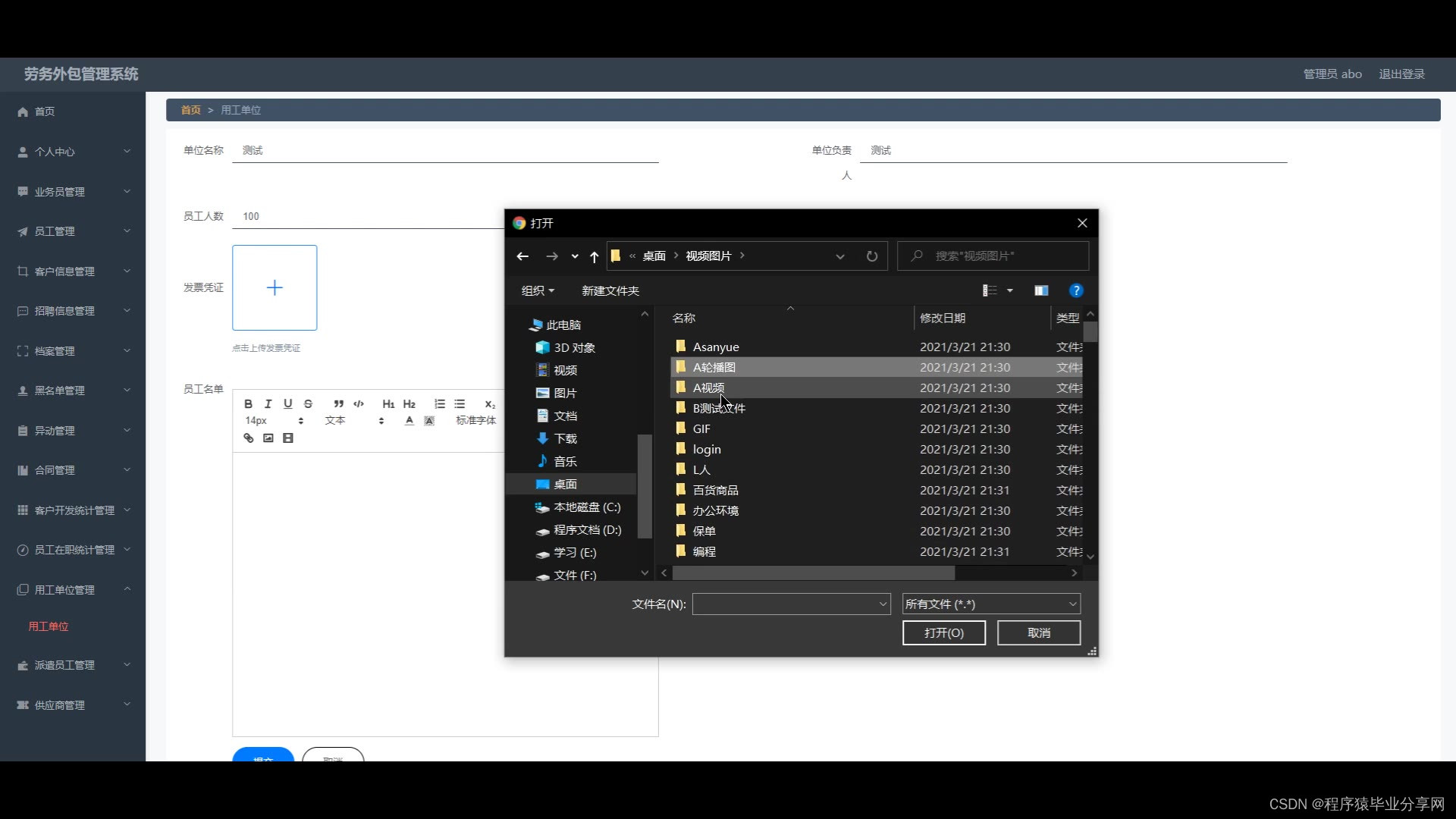
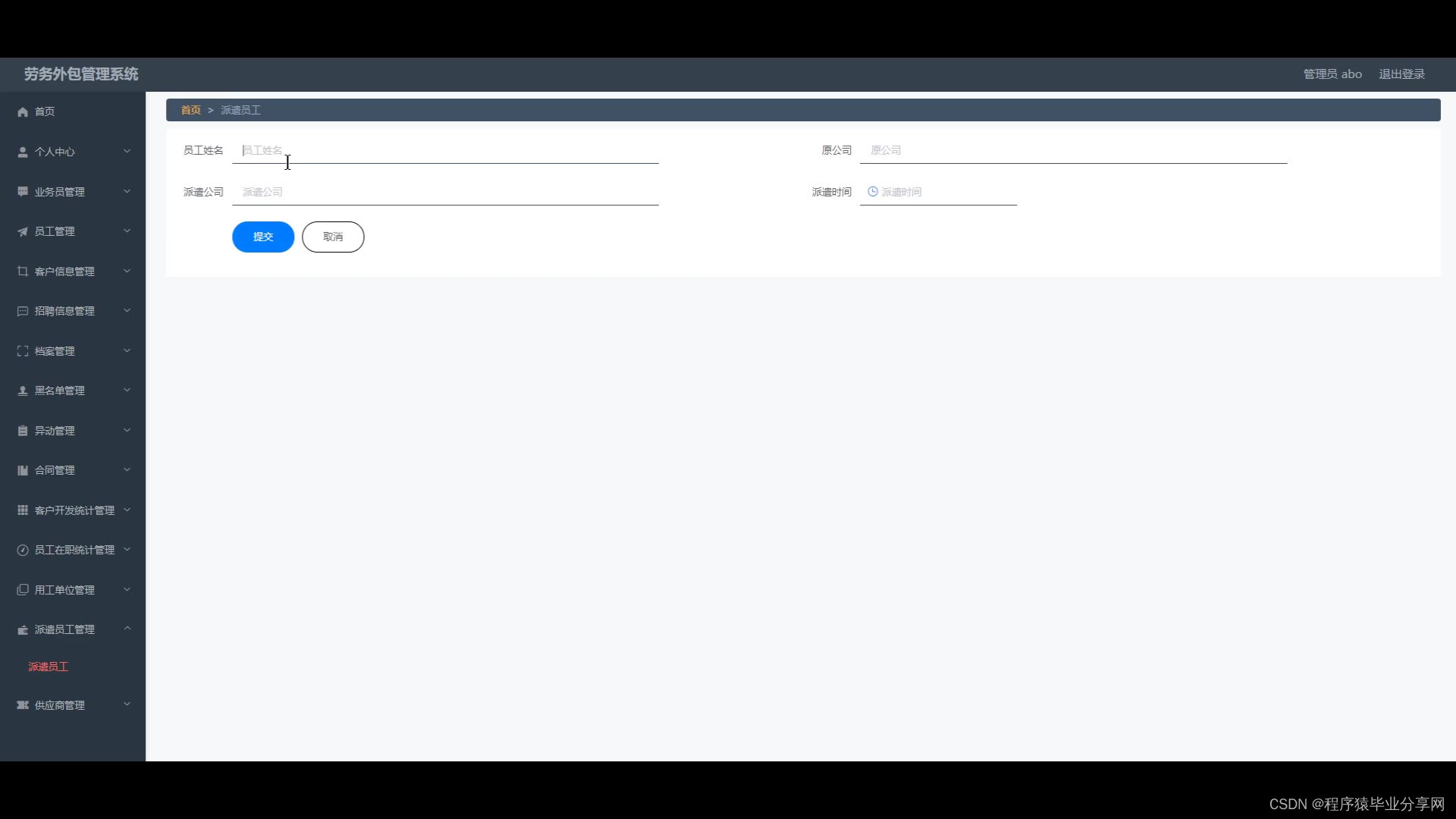
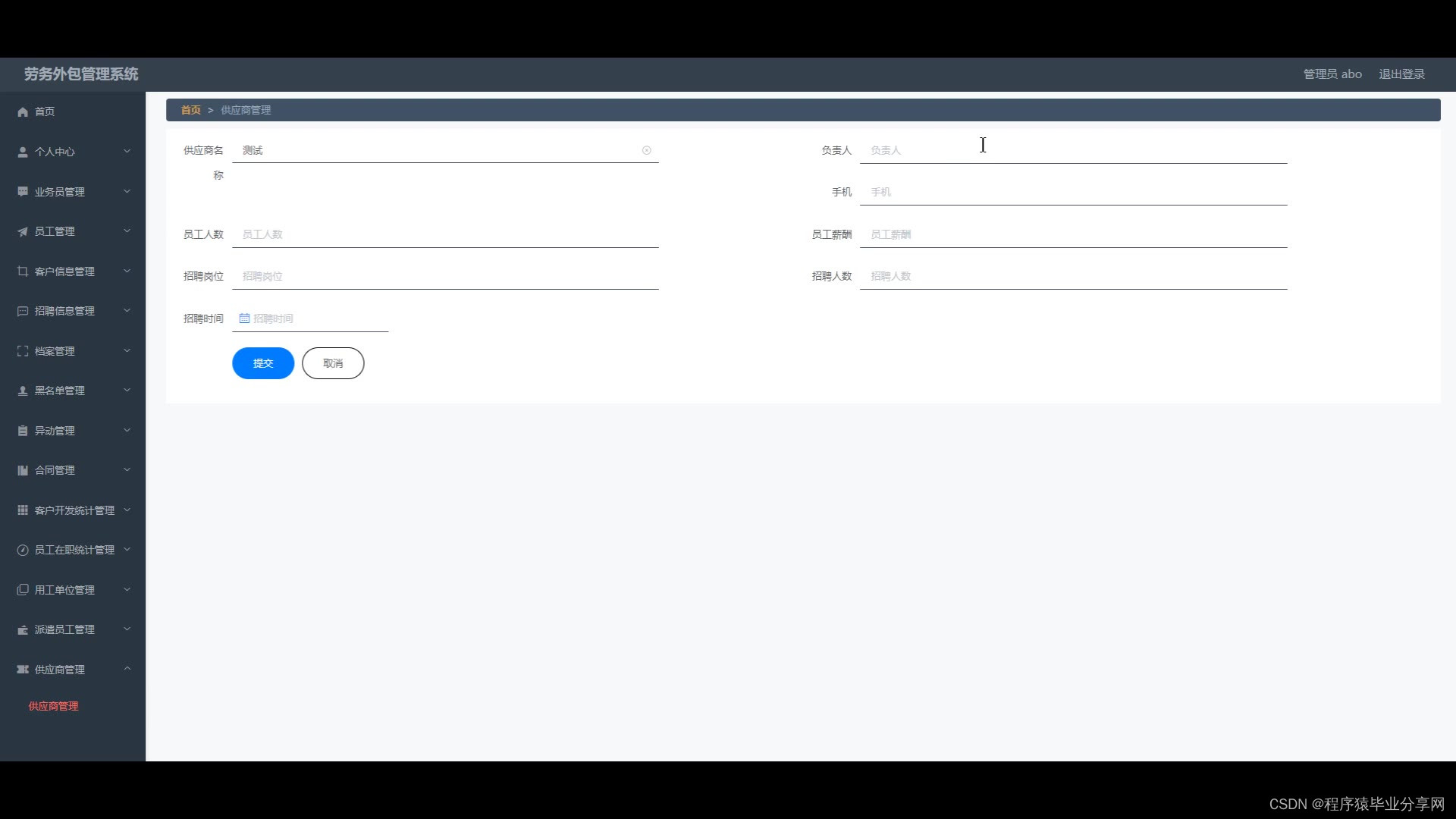
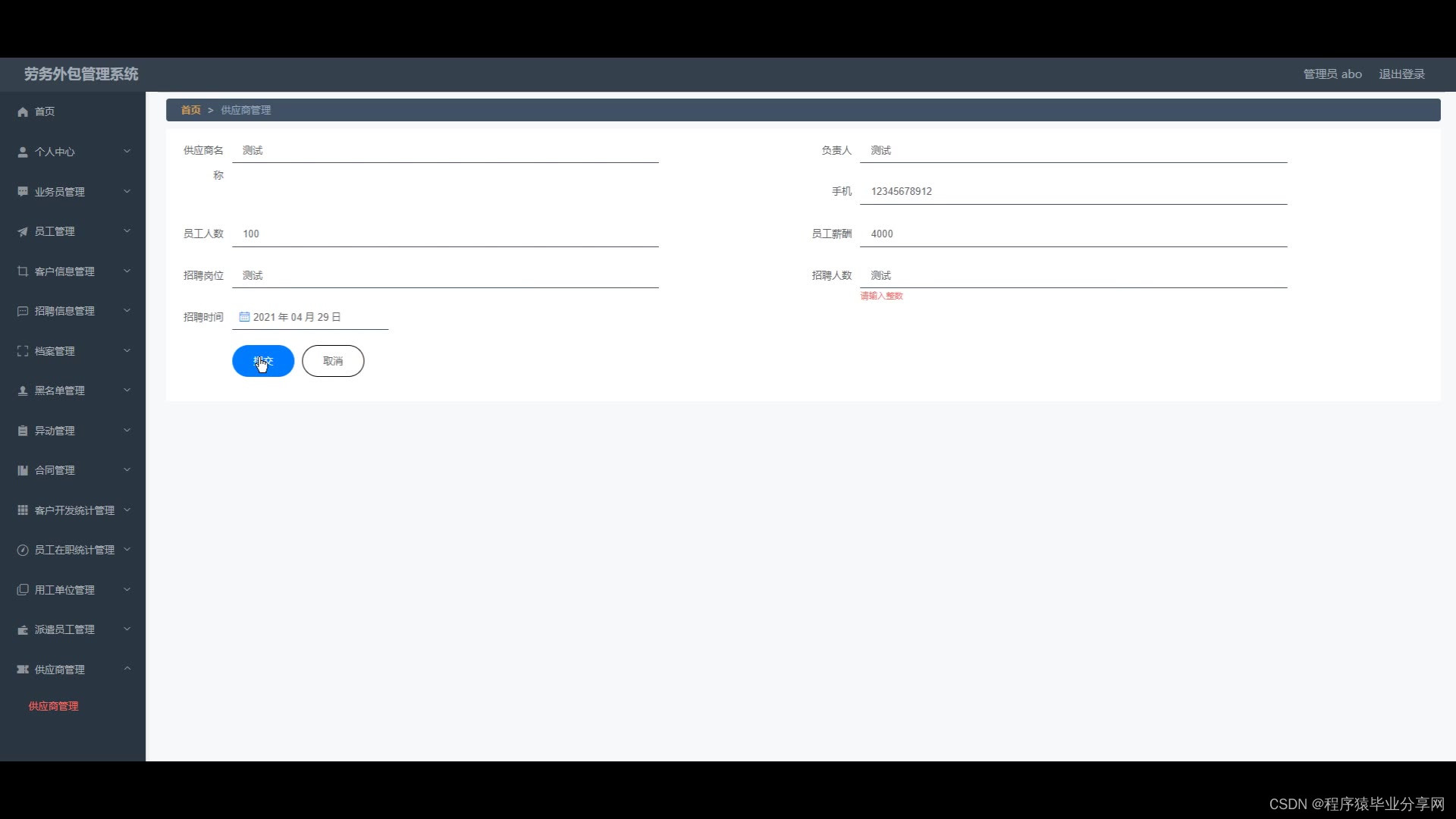
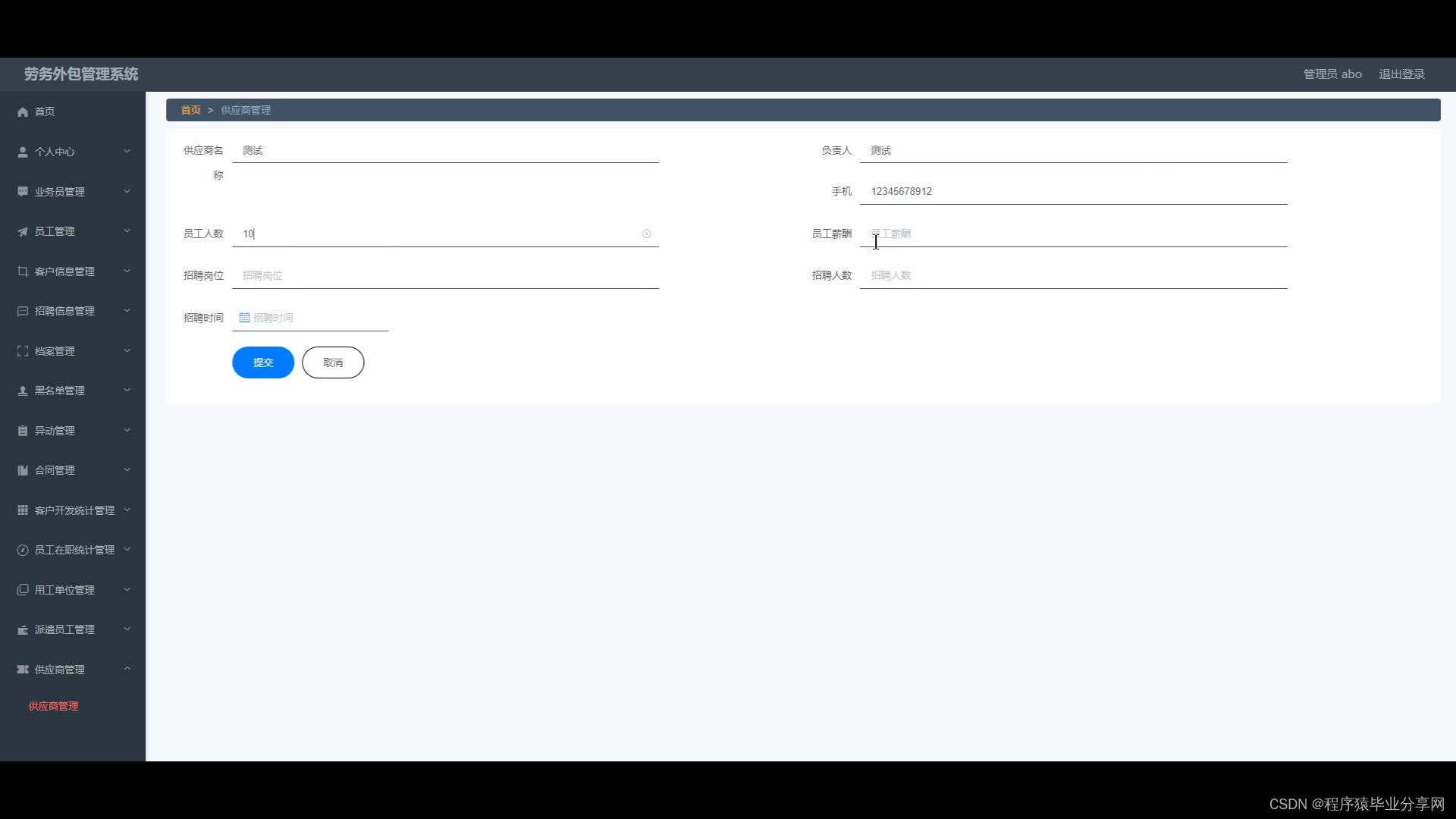
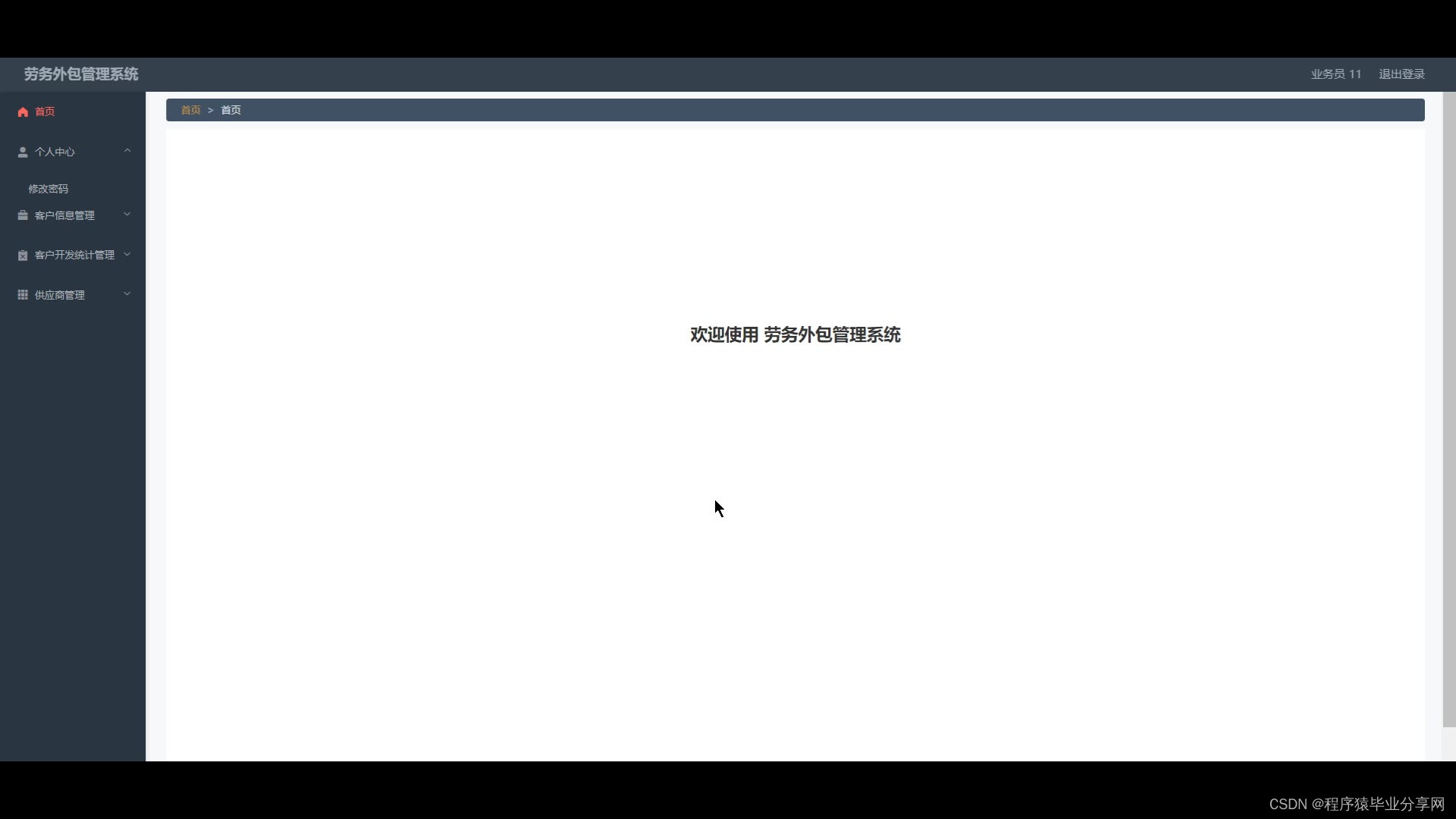
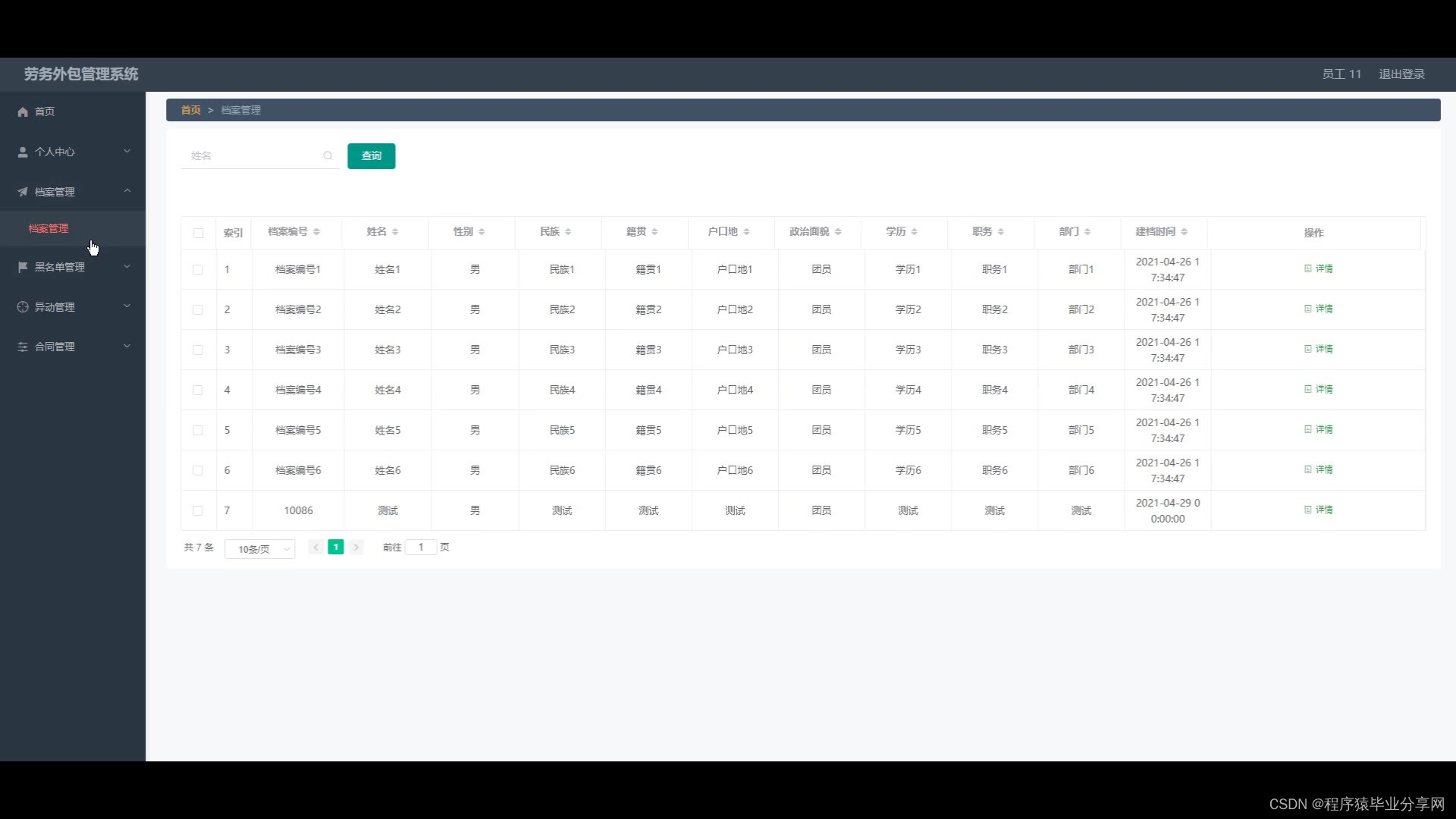
劳务外包管理系统在Eclipse环境中,使用Java语言进行编码,使用Mysql创建数据表保存本系统产生的数据。系统可以提供信息显示和相应服务,本系统管理员管理用工单位,派遣员工,合同,黑名单,招聘信息,客户信息,统计员工在职信息与客户开发信息。业务员查看客户开发统计信息,查询供应商与客户。员工可以查询合同,档案,异动以及黑名单信息。
总之,劳务外包管理系统集中管理信息,有着保密性强,效率高,存储空间大,成本低等诸多优点。它可以降低信息管理成本,实现信息管理计算机化。
关键词:劳务外包管理系统;Java语言;Mysql
Abstract
Since the development of the Internet, both its theory and technology have matured, and it has been widely involved in all aspects of society. It allows information to be disseminated through the Internet, and it can serve people well with information management tools. In view of the chaotic information management of labor outsourcing, high error rate, poor information security, high labor intensity, and time-consuming and labor-consuming problems, the use of labor outsourcing management system can effectively manage and make information management more scientific and standardized.
The labor outsourcing management system uses the Java language for coding in the Eclipse environment, and uses Mysql to create a data table to save the data generated by the system. The system can provide information display and corresponding services. The system administrator manages employers, dispatched employees, contracts, blacklists, recruitment information, customer information, and statistics on employee in-service information and customer development information. Salespersons view customer development statistics, query suppliers and customers. Employees can inquire about contracts, files, transactions, and blacklist information.
In short, the labor outsourcing management system centrally manages information, has many advantages such as strong confidentiality, high efficiency, large storage space, and low cost. It can reduce the cost of information management and realize the computerization of information management.
package com.controller;

import java.io.File;
import java.io.FileNotFoundException;
import java.io.IOException;
import java.text.SimpleDateFormat;
import java.util.ArrayList;
import java.util.Calendar;
import java.util.Date;
import java.util.HashMap;
import java.util.List;
import java.util.Map;

import javax.servlet.http.HttpServletRequest;

import org.apache.commons.lang3.StringUtils;
import org.json.JSONObject;
import org.slf4j.Logger;
import org.slf4j.LoggerFactory;
import org.springframework.beans.factory.annotation.Autowired;
import org.springframework.util.ResourceUtils;
import org.springframework.web.bind.annotation.PathVariable;
import org.springframework.web.bind.annotation.RequestBody;
import org.springframework.web.bind.annotation.RequestMapping;
import org.springframework.web.bind.annotation.RequestParam;
import org.springframework.web.bind.annotation.RestController;

import com.annotation.IgnoreAuth;
import com.baidu.aip.face.AipFace;
import com.baidu.aip.face.MatchRequest;
import com.baidu.aip.util.Base64Util;
import com.baomidou.mybatisplus.mapper.EntityWrapper;
import com.baomidou.mybatisplus.mapper.Wrapper;
import com.entity.ConfigEntity;
import com.service.CommonService;
import com.service.ConfigService;
import com.utils.BaiduUtil;
import com.utils.FileUtil;
import com.utils.R;

/**
 * 通用接口
 */
@RestController
public class CommonController{
	private static final Logger logger = LoggerFactory.getLogger(CommonController.class);
	@Autowired
	private CommonService commonService;

	@Autowired
	private ConfigService configService;

	private static AipFace client = null;

	private static String BAIDU_DITU_AK = null;

	@RequestMapping("/location")
	public R location(String lng,String lat) {
		if(BAIDU_DITU_AK==null) {
			BAIDU_DITU_AK = configService.selectOne(new EntityWrapper<ConfigEntity>().eq("name", "baidu_ditu_ak")).getValue();
			if(BAIDU_DITU_AK==null) {
				return R.error("请在配置管理中正确配置baidu_ditu_ak");
			}
		}
		Map<String, String> map = BaiduUtil.getCityByLonLat(BAIDU_DITU_AK, lng, lat);
		return R.ok().put("data", map);
	}

	/**
	 * 人脸比对
	 *
	 * @param face1 人脸1
	 * @param face2 人脸2
	 * @return
	 */
	@RequestMapping("/matchFace")
	public R matchFace(String face1, String face2, HttpServletRequest request) {
		if(client==null) {
			/*String AppID = configService.selectOne(new EntityWrapper<ConfigEntity>().eq("name", "AppID")).getValue();*/
			String APIKey = configService.selectOne(new EntityWrapper<ConfigEntity>().eq("name", "APIKey")).getValue();
			String SecretKey = configService.selectOne(new EntityWrapper<ConfigEntity>().eq("name", "SecretKey")).getValue();
			String token = BaiduUtil.getAuth(APIKey, SecretKey);
			if(token==null) {
				return R.error("请在配置管理中正确配置APIKey和SecretKey");
			}
			client = new AipFace(null, APIKey, SecretKey);
			client.setConnectionTimeoutInMillis(2000);
			client.setSocketTimeoutInMillis(60000);
		}
		JSONObject res = null;
		try {
			File file1 = new File(request.getSession().getServletContext().getRealPath("/upload")+"/"+face1);
			File file2 = new File(request.getSession().getServletContext().getRealPath("/upload")+"/"+face2);
			String img1 = Base64Util.encode(FileUtil.FileToByte(file1));
			String img2 = Base64Util.encode(FileUtil.FileToByte(file2));
			MatchRequest req1 = new MatchRequest(img1, "BASE64");
			MatchRequest req2 = new MatchRequest(img2, "BASE64");
			ArrayList<MatchRequest> requests = new ArrayList<MatchRequest>();
			requests.add(req1);
			requests.add(req2);
			res = client.match(requests);
			System.out.println(res.get("result"));
		} catch (FileNotFoundException e) {
			e.printStackTrace();
			return R.error("文件不存在");
		} catch (IOException e) {
			e.printStackTrace();
		}
		return R.ok().put("data", com.alibaba.fastjson.JSONObject.parse(res.get("result").toString()));
	}

	/**
	 * 获取table表中的column列表(联动接口)
	 * @return
	 */
	@RequestMapping("/option/{tableName}/{columnName}")
	@IgnoreAuth
	public R getOption(@PathVariable("tableName") String tableName, @PathVariable("columnName") String columnName,String level,String parent) {
		Map<String, Object> params = new HashMap<String, Object>();
		params.put("table", tableName);
		params.put("column", columnName);
		if(StringUtils.isNotBlank(level)) {
			params.put("level", level);
		}
		if(StringUtils.isNotBlank(parent)) {
			params.put("parent", parent);
		}
		List<String> data = commonService.getOption(params);
		return R.ok().put("data", data);
	}

	/**
	 * 根据table中的column获取单条记录
	 * @return
	 */
	@RequestMapping("/follow/{tableName}/{columnName}")
	@IgnoreAuth
	public R getFollowByOption(@PathVariable("tableName") String tableName, @PathVariable("columnName") String columnName, @RequestParam String columnValue) {
		Map<String, Object> params = new HashMap<String, Object>();
		params.put("table", tableName);
		params.put("column", columnName);
		params.put("columnValue", columnValue);
		Map<String, Object> result = commonService.getFollowByOption(params);
		return R.ok().put("data", result);
	}

	/**
	 * 修改table表的sfsh状态
	 * @param map
	 * @return
	 */
	@RequestMapping("/sh/{tableName}")
	public R sh(@PathVariable("tableName") String tableName, @RequestBody Map<String, Object> map) {
		map.put("table", tableName);
		commonService.sh(map);
		return R.ok();
	}

	/**
	 * 获取需要提醒的记录数
	 * @param tableName
	 * @param columnName
	 * @param type 1:数字 2:日期
	 * @param map
	 * @return
	 */
	@RequestMapping("/remind/{tableName}/{columnName}/{type}")
	@IgnoreAuth
	public R remindCount(@PathVariable("tableName") String tableName, @PathVariable("columnName") String columnName,
						 @PathVariable("type") String type,@RequestParam Map<String, Object> map) {
		map.put("table", tableName);
		map.put("column", columnName);
		map.put("type", type);

		if(type.equals("2")) {
			SimpleDateFormat sdf = new SimpleDateFormat("yyyy-MM-dd");
			Calendar c = Calendar.getInstance();
			Date remindStartDate = null;
			Date remindEndDate = null;
			if(map.get("remindstart")!=null) {
				Integer remindStart = Integer.parseInt(map.get("remindstart").toString());
				c.setTime(new Date());
				c.add(Calendar.DAY_OF_MONTH,remindStart);
				remindStartDate = c.getTime();
				map.put("remindstart", sdf.format(remindStartDate));
			}
			if(map.get("remindend")!=null) {
				Integer remindEnd = Integer.parseInt(map.get("remindend").toString());
				c.setTime(new Date());
				c.add(Calendar.DAY_OF_MONTH,remindEnd);
				remindEndDate = c.getTime();
				map.put("remindend", sdf.format(remindEndDate));
			}
		}

		int count = commonService.remindCount(map);
		return R.ok().put("count", count);
	}

	/**
	 * 圖表统计
	 */
	@IgnoreAuth
	@RequestMapping("/group/{tableName}")
	public R group1(@PathVariable("tableName") String tableName, @RequestParam Map<String,Object> params) {
		params.put("table1", tableName);
		List<Map<String, Object>> result = commonService.chartBoth(params);
		return R.ok().put("data", result);
	}


	/**
	 * 单列求和
	 */
	@RequestMapping("/cal/{tableName}/{columnName}")
	@IgnoreAuth
	public R cal(@PathVariable("tableName") String tableName, @PathVariable("columnName") String columnName) {
		Map<String, Object> params = new HashMap<String, Object>();
		params.put("table", tableName);
		params.put("column", columnName);
		Map<String, Object> result = commonService.selectCal(params);
		return R.ok().put("data", result);
	}

	/**
	 * 分组统计
	 */
	@RequestMapping("/group/{tableName}/{columnName}")
	@IgnoreAuth
	public R group(@PathVariable("tableName") String tableName, @PathVariable("columnName") String columnName) {
		Map<String, Object> params = new HashMap<String, Object>();
		params.put("table", tableName);
		params.put("column", columnName);
		List<Map<String, Object>> result = commonService.selectGroup(params);
		return R.ok().put("data", result);
	}

	/**
	 * (按值统计)
	 */
	@RequestMapping("/value/{tableName}/{xColumnName}/{yColumnName}")
	@IgnoreAuth
	public R value(@PathVariable("tableName") String tableName, @PathVariable("yColumnName") String yColumnName, @PathVariable("xColumnName") String xColumnName) {
		Map<String, Object> params = new HashMap<String, Object>();
		params.put("table", tableName);
		params.put("xColumn", xColumnName);
		params.put("yColumn", yColumnName);
		List<Map<String, Object>> result = commonService.selectValue(params);
		return R.ok().put("data", result);
	}


	/**
	 * 下面为新加的
	 *
	 *
	 *
	 */

	/**
	 * 查询字典表的分组求和
	 * @param tableName  		表名
	 * @param groupColumn  		分组字段
	 * @param sumCloum			统计字段
	 * @return
	 */
	@RequestMapping("/sum/group/{tableName}/{groupColumn}/{sumCloum}")
	@IgnoreAuth
	public R newSelectGroupSum(@PathVariable("tableName") String tableName, @PathVariable("groupColumn") String groupColumn, @PathVariable("sumCloum") String sumCloum) {
		logger.debug("newSelectGroupSum:,,Controller:{},,tableName:{},groupColumn:{},sumCloum:{}",this.getClass().getName(),tableName,groupColumn,sumCloum);
		Map<String, Object> params = new HashMap<String, Object>();
		params.put("tableName", tableName);
		params.put("groupColumn", groupColumn);
		params.put("sumColumn", sumCloum);
		List<Map<String, Object>> result = commonService.newSelectGroupSum(params);
		return R.ok().put("data", result);
	}

	/**
	 * 查询字典表的分组统计总条数
	 * @param tableName  		表名
	 * @param groupColumn  		分组字段
	 * @return
	 */
	@RequestMapping("/count/group/{tableName}/{groupColumn}")
	@IgnoreAuth
	public R newSelectGroupCount(@PathVariable("tableName") String tableName, @PathVariable("groupColumn") String groupColumn) {
		logger.debug("newSelectGroupCount:,,Controller:{},,tableName:{},groupColumn:{}",this.getClass().getName(),tableName,groupColumn);
		Map<String, Object> params = new HashMap<String, Object>();
		params.put("tableName", tableName);
		params.put("groupColumn", groupColumn);
		List<Map<String, Object>> result = commonService.newSelectGroupCount(params);
		return R.ok().put("data", result);
	}


	/**
	 * 当前表的日期分组求和
	 * @param tableName  		表名
	 * @param groupColumn  		分组字段
	 * @param sumCloum			统计字段
	 * @param dateFormatType	日期格式化类型   1:年 2:月 3:日
	 * @return
	 */
	@RequestMapping("/sum/group/{tableName}/{groupColumn}/{sumCloum}/{dateFormatType}")
	@IgnoreAuth
	public R newSelectDateGroupSum(@PathVariable("tableName") String tableName, @PathVariable("groupColumn") String groupColumn, @PathVariable("sumCloum") String sumCloum, @PathVariable("dateFormatType") String dateFormatType) {
		logger.debug("newSelectDateGroupSum:,,Controller:{},,tableName:{},groupColumn:{},sumCloum:{},dateFormatType:{}",this.getClass().getName(),tableName,groupColumn,sumCloum,dateFormatType);
		Map<String, Object> params = new HashMap<String, Object>();
		params.put("tableName", tableName);
		params.put("groupColumn", groupColumn);
		params.put("sumColumn", sumCloum);
		if("1".equals(dateFormatType)){
			params.put("dateFormat", "%Y");
		}else if("2".equals(dateFormatType)){
			params.put("dateFormat", "%Y-%m");
		}else if("3".equals(dateFormatType)){
			params.put("dateFormat", "%Y-%m-%d");
		}else{
			R.error("日期格式化不正确");
		}
		List<Map<String, Object>> result = commonService.newSelectDateGroupSum(params);
		return R.ok().put("data", result);
	}

	/**
	 *
	 * 查询字典表的分组统计总条数
	 * @param tableName  		表名
	 * @param groupColumn  		分组字段
	 * @param dateFormatType	日期格式化类型   1:年 2:月 3:日
	 * @return
	 */
	@RequestMapping("/count/group/{tableName}/{groupColumn}/{dateFormatType}")
	@IgnoreAuth
	public R newSelectDateGroupCount(@PathVariable("tableName") String tableName, @PathVariable("groupColumn") String groupColumn, @PathVariable("dateFormatType") String dateFormatType) {
		logger.debug("newSelectDateGroupCount:,,Controller:{},,tableName:{},groupColumn:{},dateFormatType:{}",this.getClass().getName(),tableName,groupColumn,dateFormatType);
		Map<String, Object> params = new HashMap<String, Object>();
		params.put("tableName", tableName);
		params.put("groupColumn", groupColumn);
		if("1".equals(dateFormatType)){
			params.put("dateFormat", "%Y");
		}else if("2".equals(dateFormatType)){
			params.put("dateFormat", "%Y-%m");
		}else if("3".equals(dateFormatType)){
			params.put("dateFormat", "%Y-%m-%d");
		}else{
			R.error("日期格式化类型不正确");
		}
		List<Map<String, Object>> result = commonService.newSelectDateGroupCount(params);
		return R.ok().put("data", result);
	}

	/**
	 * 字段加数字
	 * @param tableName 表名
	 * @param id		id
	 * @param column	字段
	 * @param number	数量
	 * @return
	 */
	@RequestMapping("/plus/{tableName}/{id}/{column}/{number}")
	public R plusCloumNumber(@PathVariable("tableName") String tableName, @PathVariable("id") Integer id, @PathVariable("column") String column, @PathVariable("number") String number) {
		logger.debug("plusCloumNumber:,,Controller:{},,tableName:{},id:{},column:{},number:{}",this.getClass().getName(),tableName,id,column,number);
		Map<String, Object> params = new HashMap<String, Object>();
		params.put("tableName", tableName);
		params.put("id", id);
		params.put("column", column);
		params.put("number", number);
		int i = commonService.plusCloumNumber(params);
		if(i>0){
			return R.ok();
		}
		return R.error("添加失败");
	}

	/**
	 * 字段减数字
	 * @param tableName
	 * @param id
	 * @param column
	 * @param number
	 * @return
	 */
	@RequestMapping("/reduce/{tableName}/{id}/{column}/{number}")
	public R reduceCloumNumber(@PathVariable("tableName") String tableName, @PathVariable("id") Integer id, @PathVariable("column") String column, @PathVariable("number") String number) {
		logger.debug("reduceCloumNumber:,,Controller:{},,tableName:{},id:{},column:{},number:{}",this.getClass().getName(),tableName,id,column,number);
		Map<String, Object> params = new HashMap<String, Object>();
		params.put("tableName", tableName);
		params.put("id", id);
		params.put("column", column);
		params.put("number", number);
		int i = commonService.reduceCloumNumber(params);
		if(i>0){
			return R.ok();
		}
		return R.error("添加失败");
	}

	@RequestMapping("/update/{tableName}/{id}/{column}/{value}")
	public R updateCloumValue(@PathVariable("tableName") String tableName, @PathVariable("id") Integer id, @PathVariable("column") String column, @PathVariable("value") String value) {
		logger.debug("updateCloumValue:,,Controller:{},,tableName:{},id:{},column:{},number:{}",this.getClass().getName(),tableName,id,column,value);
		Map<String, Object> params = new HashMap<String, Object>();
		params.put("tableName", tableName);
		params.put("id", id);
		params.put("column", column);
		params.put("value", value);
		int i = commonService.updateCloumValue(params);
		if(i>0){
			return R.ok();
		}
		return R.error("添加失败");
	}


}





 扫一扫
扫一扫


 527
527

 被折叠的 条评论
为什么被折叠?
被折叠的 条评论
为什么被折叠?
 到【灌水乐园】发言





