


 随着汽车租赁市场兴起,网络汽车租赁系统更受青睐。该系统采用Java语言和Mysql数据库开发,运用SSM技术。实现汽车信息网上宣传,用户可随时浏览租赁,管理员能管理相关信息,提高了租赁效率,助力商家快速出租。
ssm汽车租赁系统源码和论文298
开发工具:idea 或eclipse
数据库mysql5.7+
数据库链接工具:navcat,小海豚等
技术:ssm
摘 要
随着社会的发展,出行成为常态,也就造成汽车租赁市场的兴起。租赁汽车一般采用去汽车租赁公司。如果去汽车租赁公司租赁汽车,虽然质量和售后都有保证,但在选择汽车车型和配置方面需要大量的时间进行对比,对人的精力是非常大的考验。随着网络的快速发展,购物网站成为新的途径。汽车租赁系统减少中介,并且汽车信息齐全,价格透明,更受人们喜爱。
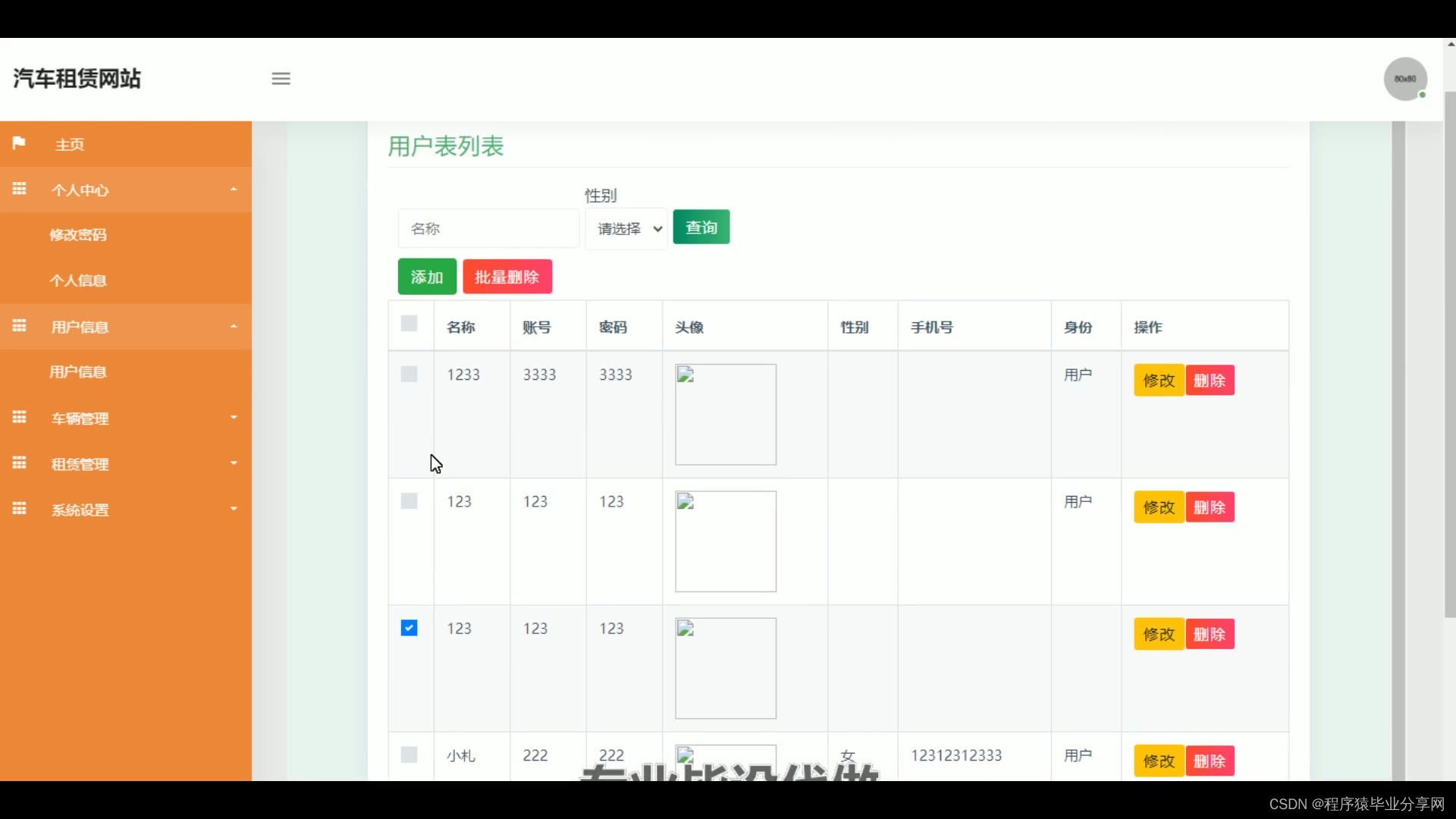
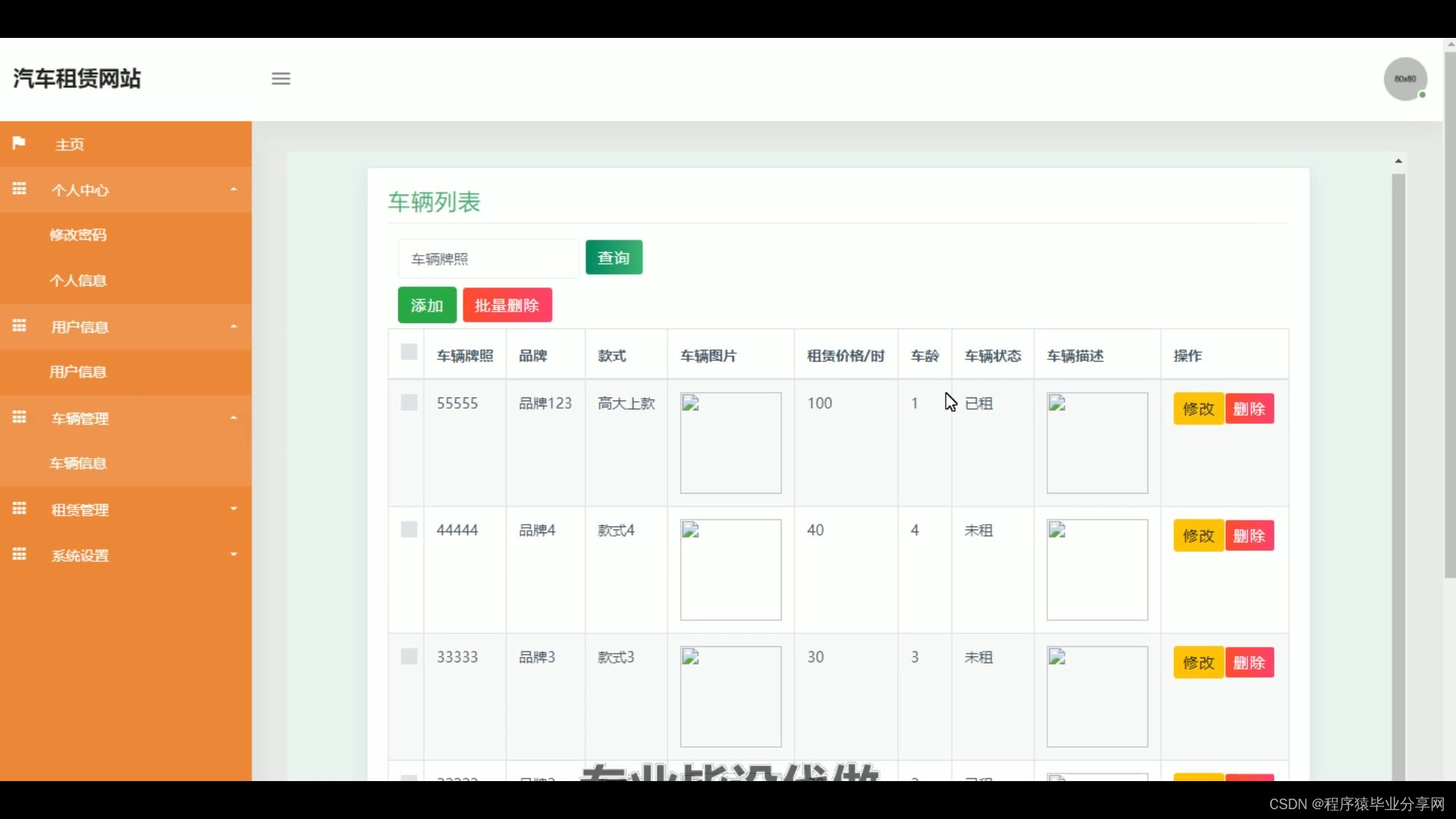
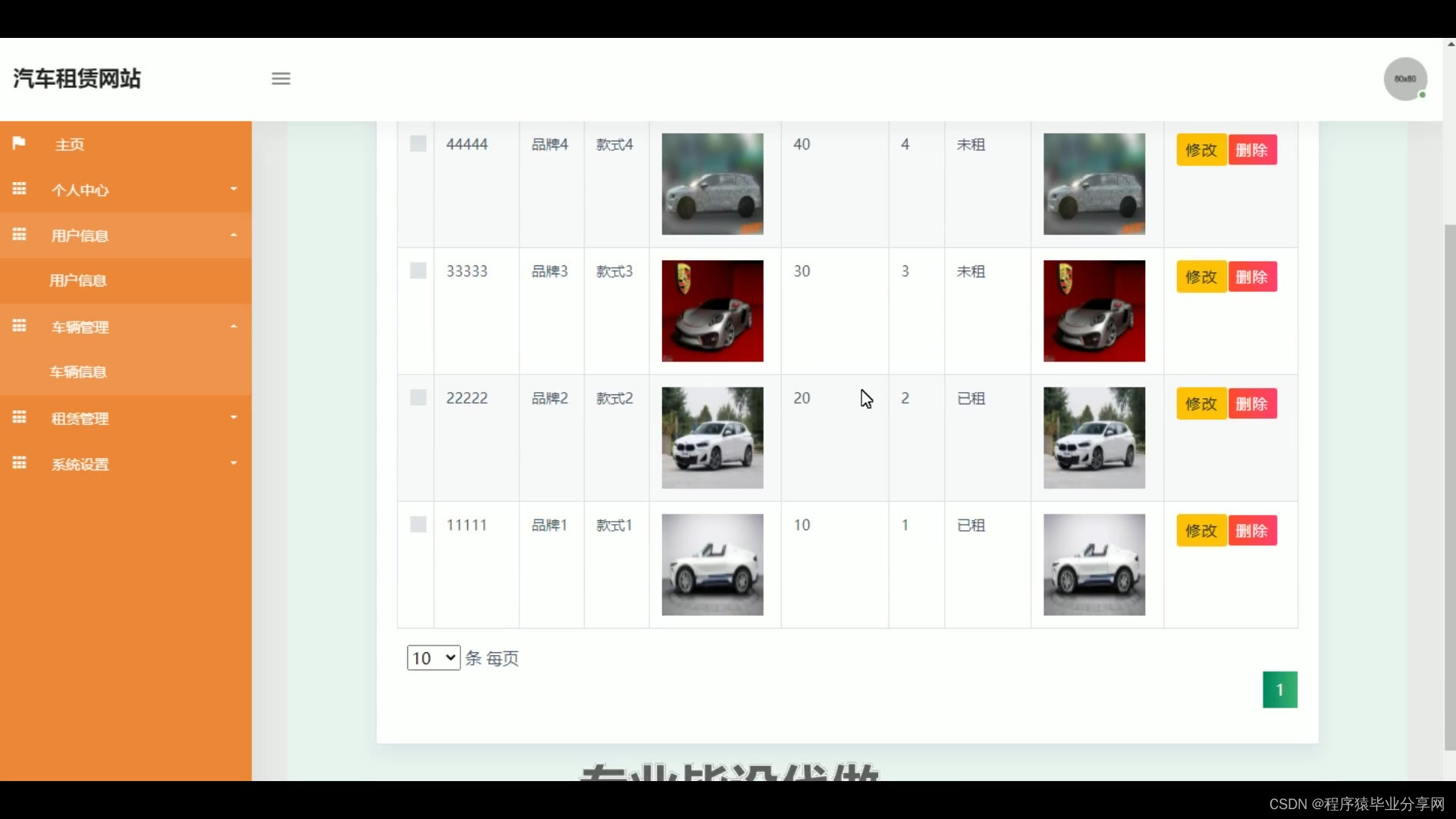
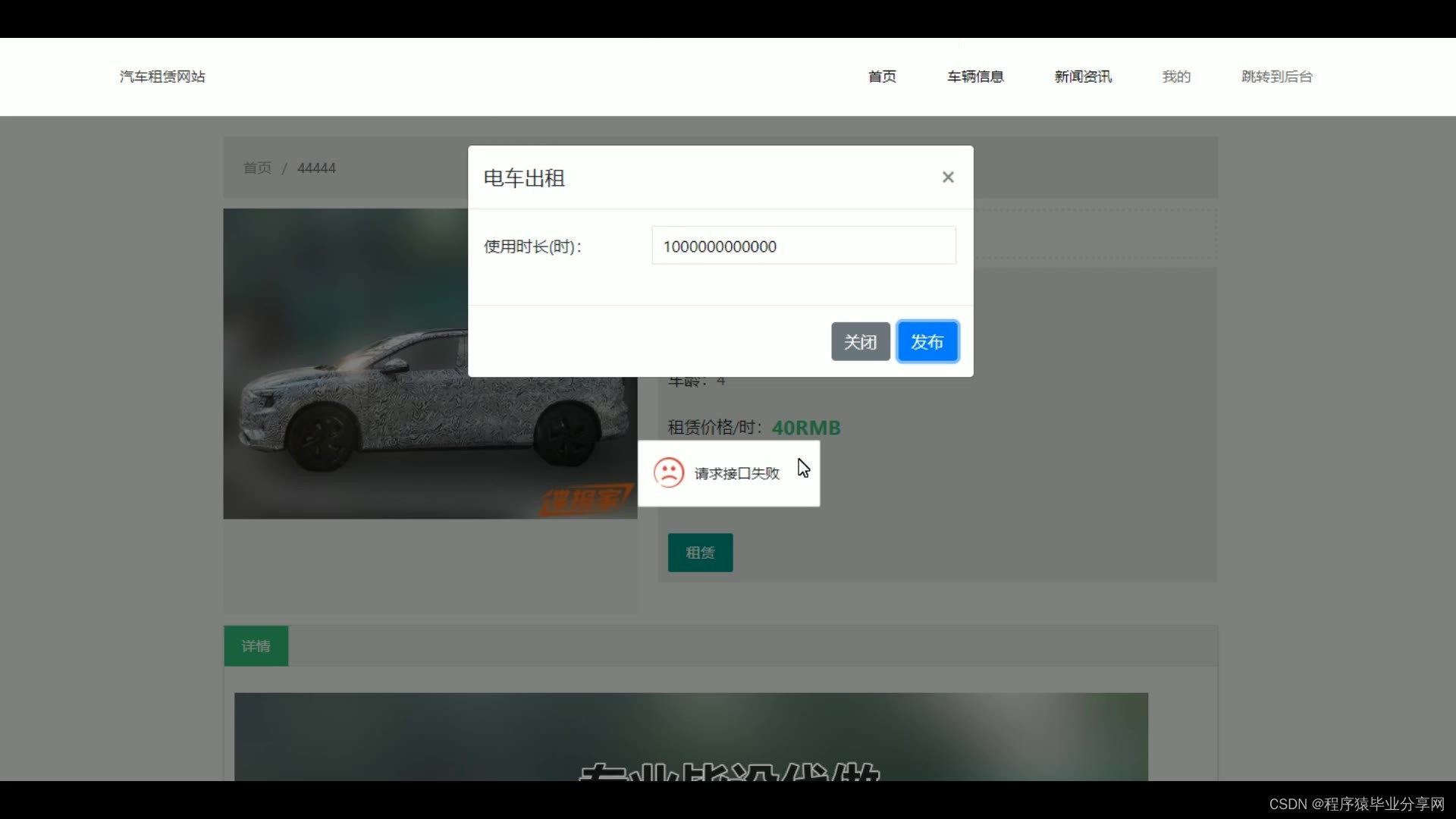
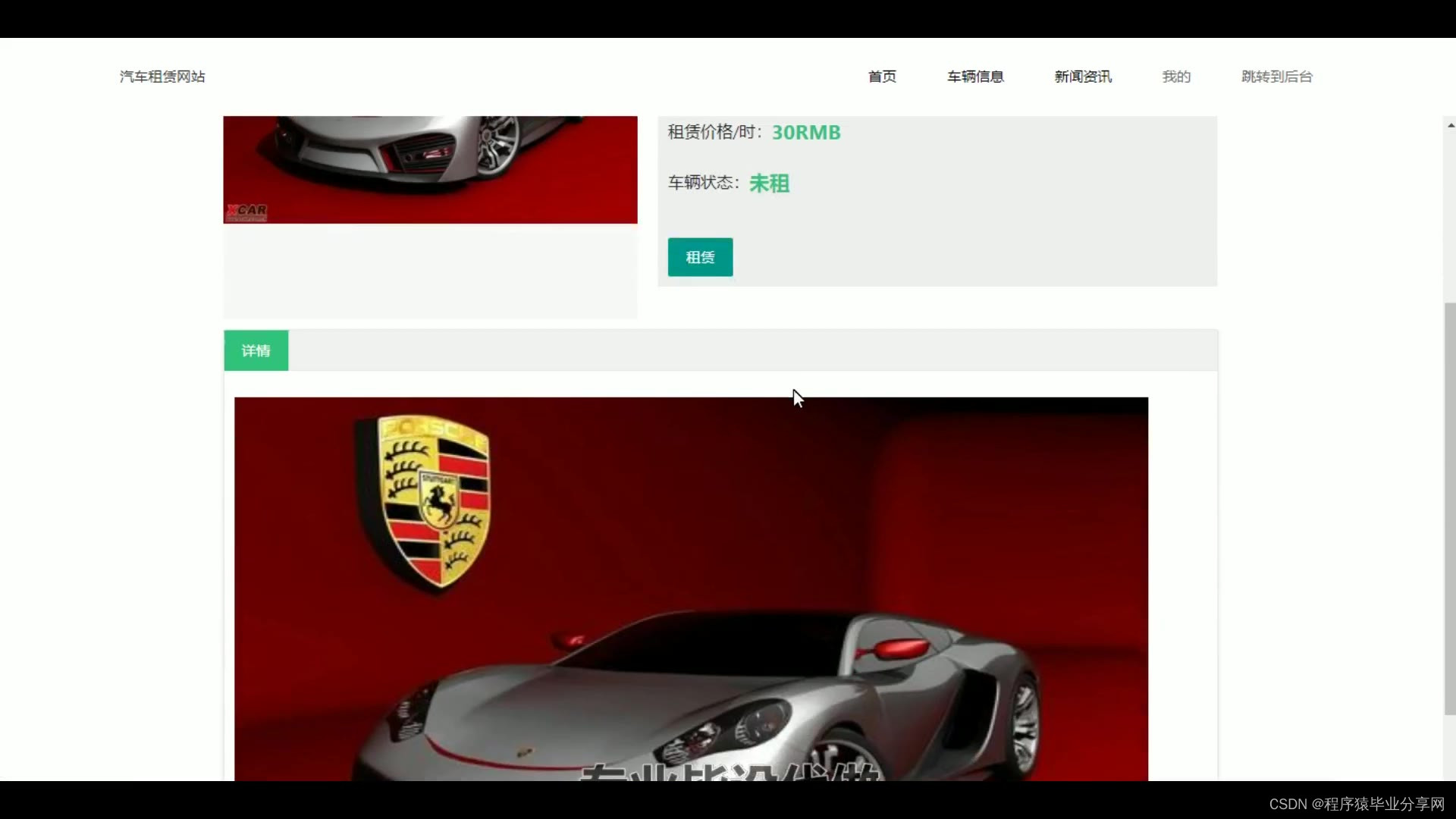
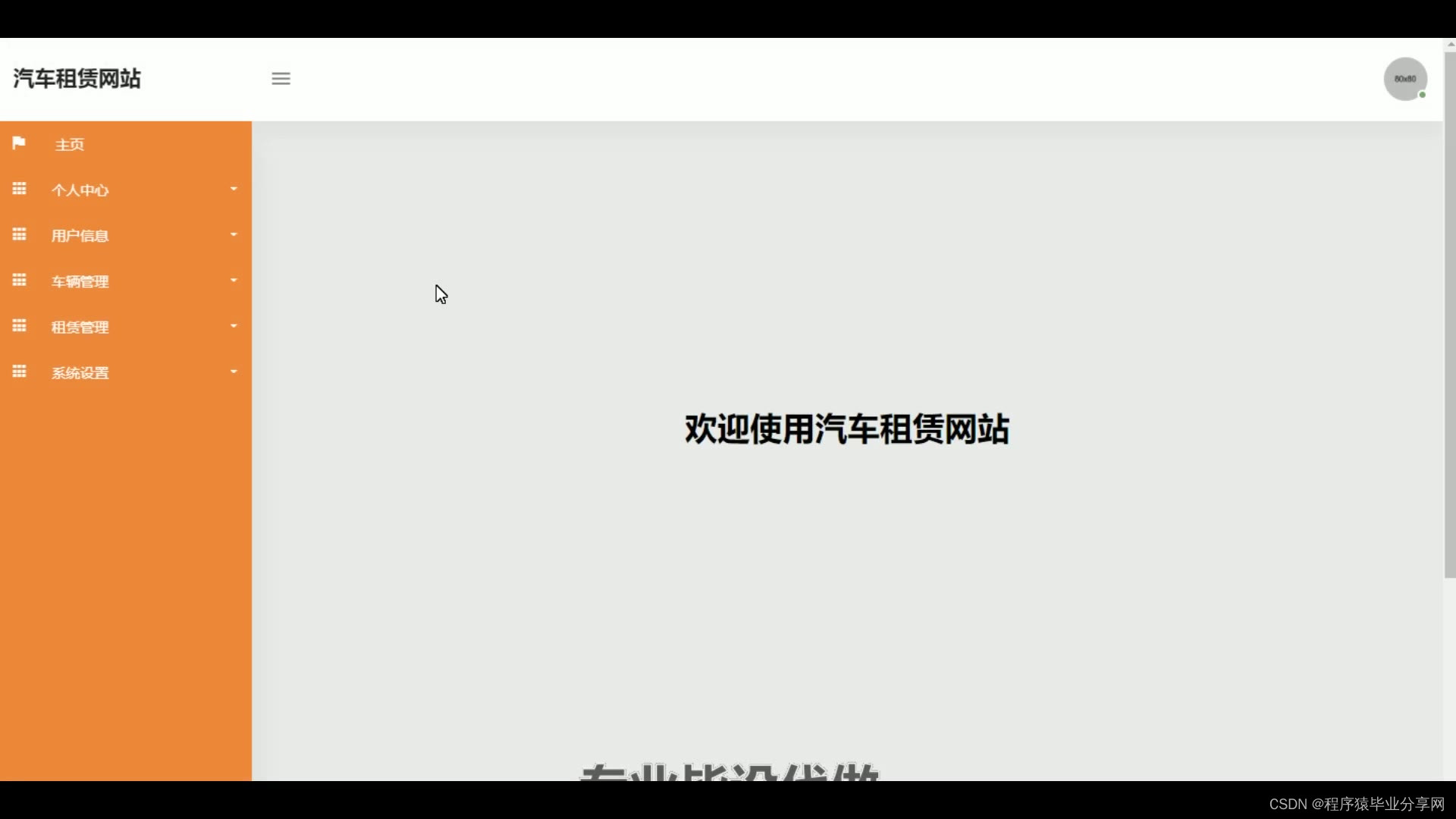
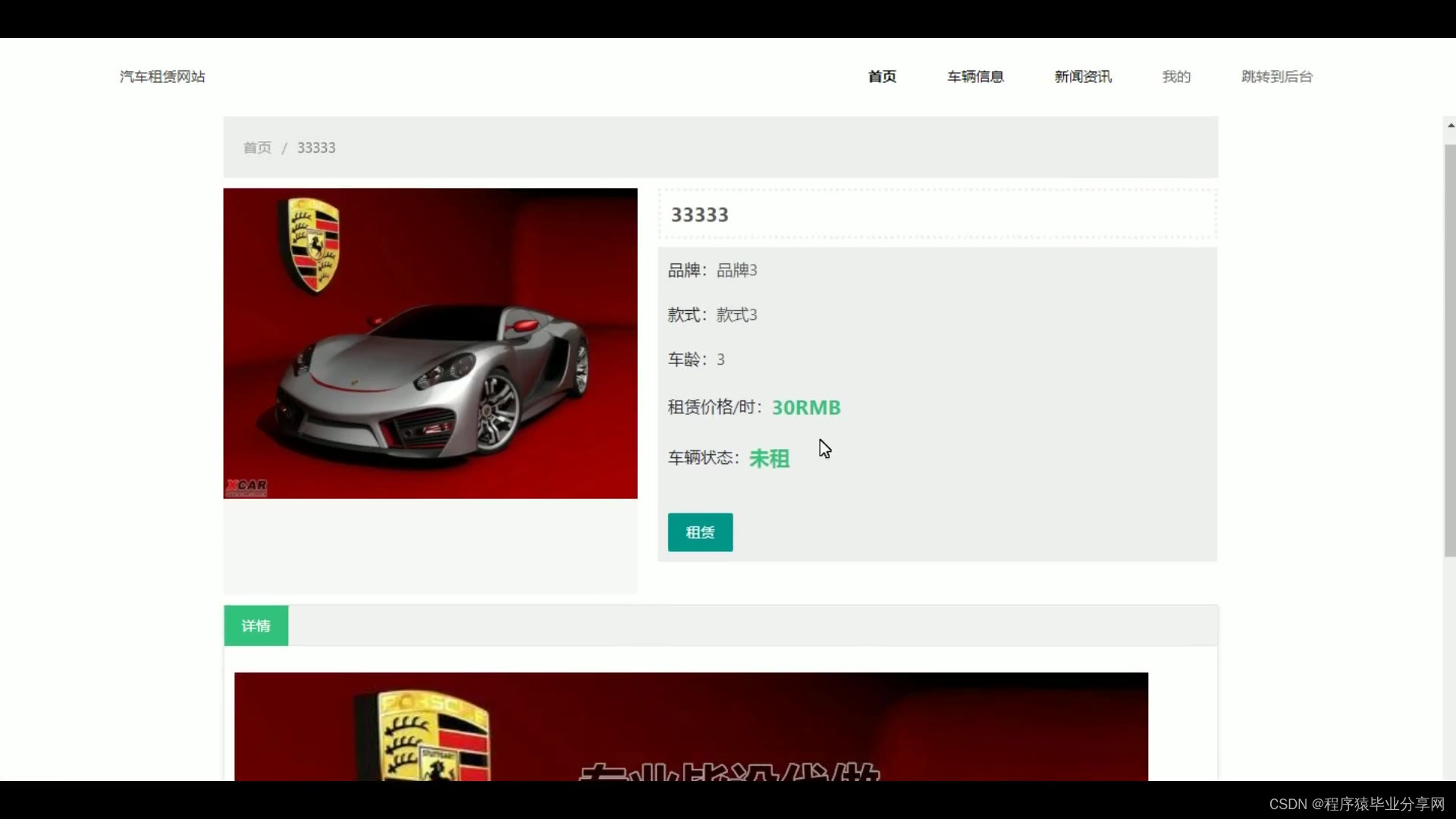
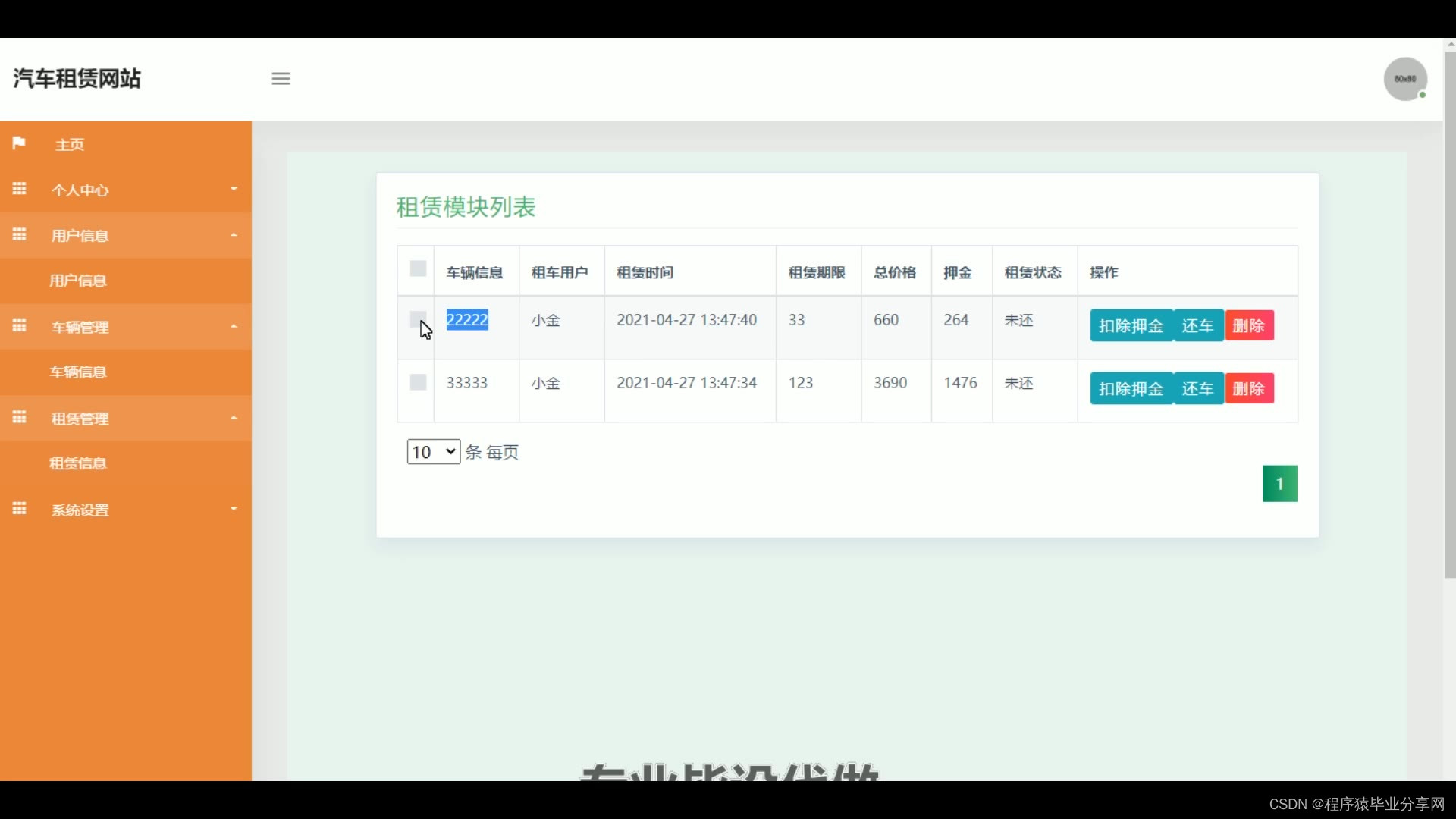
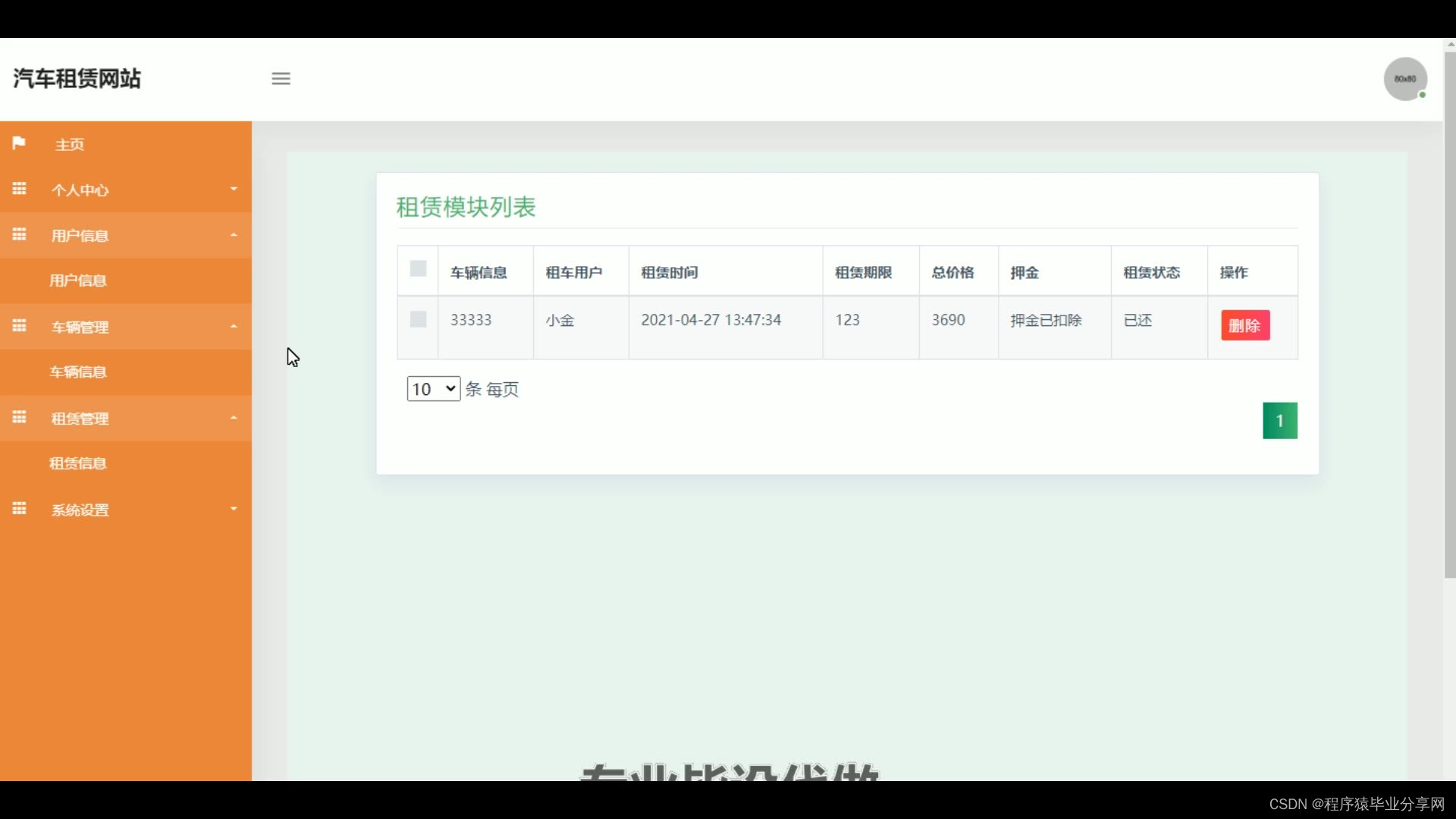
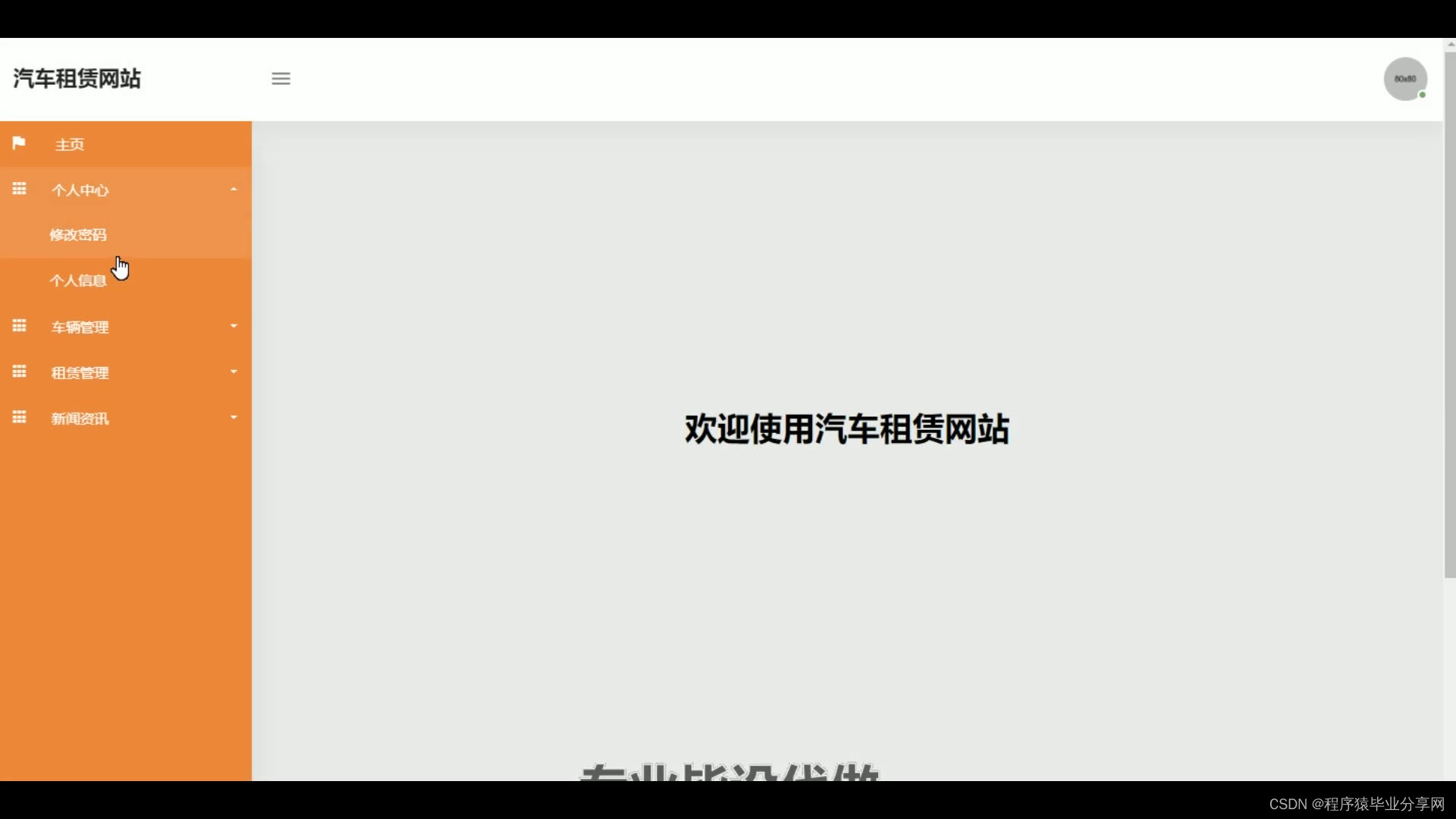
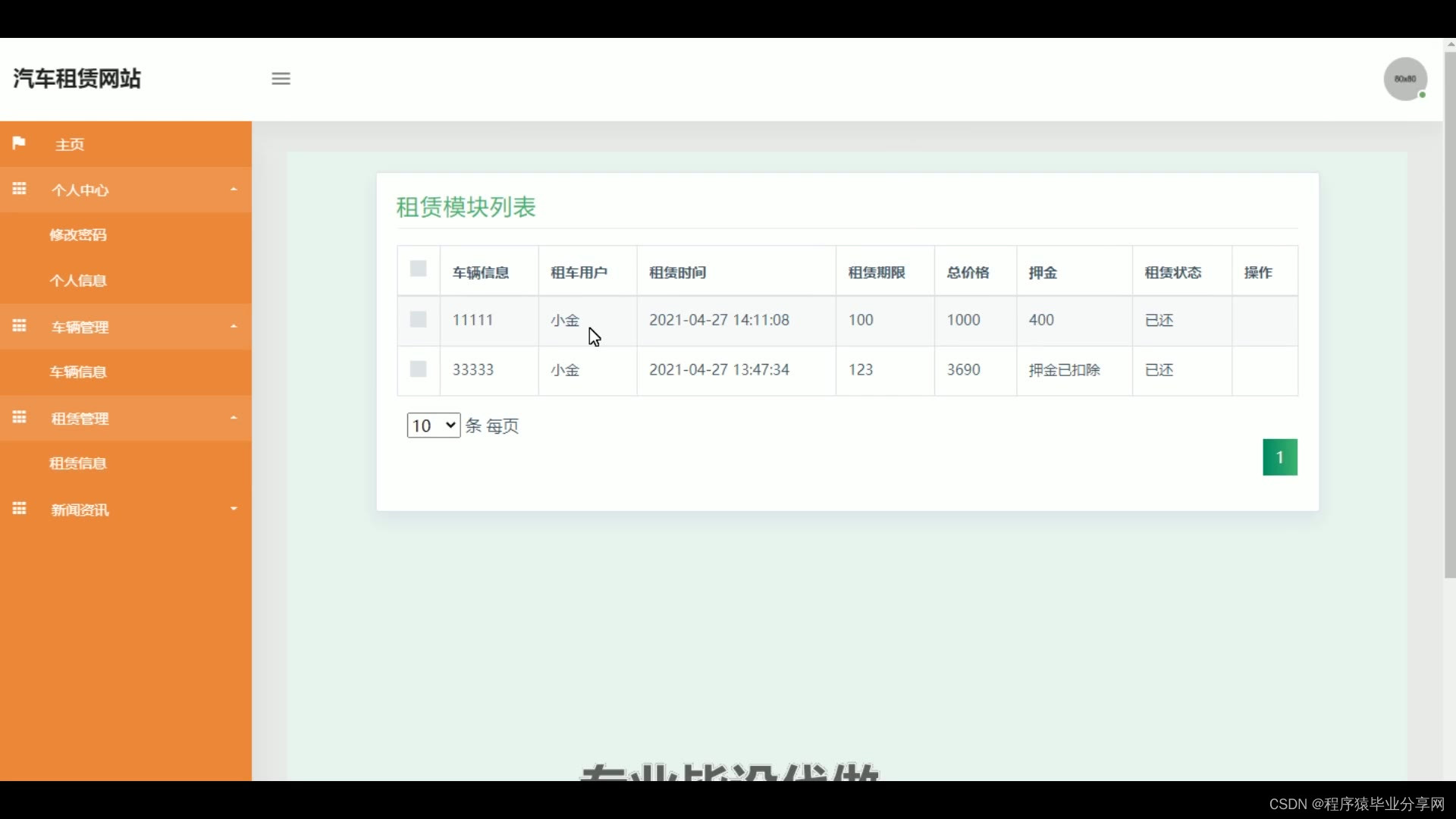
本汽车租赁系统采用Java语言进行开发,数据库采用Mysql,小型轻便,使系统中的数据更为安全。本系统实现了汽车信息的网上宣传,用户可以随时浏览和租赁。管理员可以管理汽车信息和租赁信息。本系统提高了用户租赁汽车的效率,同时也帮助商家更快的租赁汽车。
关键词:汽车信息管理;在线租赁;租赁管理;用户登录
Abstract
With the development of society, travel becomes the normal, which also leads to the rise of the car rental market. Car rental companies are generally used for leasing cars. If you rent a car to a car rental company, although the quality and after-sales are guaranteed, it takes a lot of time to compare the choice of vehicle models and configuration, which is a great test of people's energy. With the rapid development of the network, shopping websites have become a new way. The car rental system reduces the intermediary, and the car information is complete, the price is transparent, and more popular.
The car rental system is developed in Java language, and Mysql is used in the database, which is small and light, which makes the data in the system safer. The system realizes the online promotion of automobile information, and users can browse and rent at any time. Administrators can manage car information and rental information. This system improves the efficiency of car rental, and also helps businesses rent cars faster.
Key words: automobile information management; Online leasing; Lease management; User login






package com.controller;

import java.io.File;
import java.io.FileNotFoundException;
import java.io.IOException;
import java.text.SimpleDateFormat;
import java.util.ArrayList;
import java.util.Calendar;
import java.util.Date;
import java.util.HashMap;
import java.util.List;
import java.util.Map;

import javax.servlet.http.HttpServletRequest;

import org.apache.commons.lang3.StringUtils;
import org.json.JSONObject;
import org.slf4j.Logger;
import org.slf4j.LoggerFactory;
import org.springframework.beans.factory.annotation.Autowired;
import org.springframework.util.ResourceUtils;
import org.springframework.web.bind.annotation.PathVariable;
import org.springframework.web.bind.annotation.RequestBody;
import org.springframework.web.bind.annotation.RequestMapping;
import org.springframework.web.bind.annotation.RequestParam;
import org.springframework.web.bind.annotation.RestController;

import com.annotation.IgnoreAuth;
import com.baidu.aip.face.AipFace;
import com.baidu.aip.face.MatchRequest;
import com.baidu.aip.util.Base64Util;
import com.baomidou.mybatisplus.mapper.EntityWrapper;
import com.baomidou.mybatisplus.mapper.Wrapper;
import com.entity.ConfigEntity;
import com.service.CommonService;
import com.service.ConfigService;
import com.utils.BaiduUtil;
import com.utils.FileUtil;
import com.utils.R;

/**
 * 通用接口
 */
@RestController
public class CommonController{
	private static final Logger logger = LoggerFactory.getLogger(CommonController.class);
	@Autowired
	private CommonService commonService;

	@Autowired
	private ConfigService configService;

	private static AipFace client = null;

	private static String BAIDU_DITU_AK = null;

	@RequestMapping("/location")
	public R location(String lng,String lat) {
		if(BAIDU_DITU_AK==null) {
			BAIDU_DITU_AK = configService.selectOne(new EntityWrapper<ConfigEntity>().eq("name", "baidu_ditu_ak")).getValue();
			if(BAIDU_DITU_AK==null) {
				return R.error("请在配置管理中正确配置baidu_ditu_ak");
			}
		}
		Map<String, String> map = BaiduUtil.getCityByLonLat(BAIDU_DITU_AK, lng, lat);
		return R.ok().put("data", map);
	}

	/**
	 * 人脸比对
	 *
	 * @param face1 人脸1
	 * @param face2 人脸2
	 * @return
	 */
	@RequestMapping("/matchFace")
	public R matchFace(String face1, String face2, HttpServletRequest request) {
		if(client==null) {
			/*String AppID = configService.selectOne(new EntityWrapper<ConfigEntity>().eq("name", "AppID")).getValue();*/
			String APIKey = configService.selectOne(new EntityWrapper<ConfigEntity>().eq("name", "APIKey")).getValue();
			String SecretKey = configService.selectOne(new EntityWrapper<ConfigEntity>().eq("name", "SecretKey")).getValue();
			String token = BaiduUtil.getAuth(APIKey, SecretKey);
			if(token==null) {
				return R.error("请在配置管理中正确配置APIKey和SecretKey");
			}
			client = new AipFace(null, APIKey, SecretKey);
			client.setConnectionTimeoutInMillis(2000);
			client.setSocketTimeoutInMillis(60000);
		}
		JSONObject res = null;
		try {
			File file1 = new File(request.getSession().getServletContext().getRealPath("/upload")+"/"+face1);
			File file2 = new File(request.getSession().getServletContext().getRealPath("/upload")+"/"+face2);
			String img1 = Base64Util.encode(FileUtil.FileToByte(file1));
			String img2 = Base64Util.encode(FileUtil.FileToByte(file2));
			MatchRequest req1 = new MatchRequest(img1, "BASE64");
			MatchRequest req2 = new MatchRequest(img2, "BASE64");
			ArrayList<MatchRequest> requests = new ArrayList<MatchRequest>();
			requests.add(req1);
			requests.add(req2);
			res = client.match(requests);
			System.out.println(res.get("result"));
		} catch (FileNotFoundException e) {
			e.printStackTrace();
			return R.error("文件不存在");
		} catch (IOException e) {
			e.printStackTrace();
		}
		return R.ok().put("data", com.alibaba.fastjson.JSONObject.parse(res.get("result").toString()));
	}

	/**
	 * 获取table表中的column列表(联动接口)
	 * @return
	 */
	@RequestMapping("/option/{tableName}/{columnName}")
	@IgnoreAuth
	public R getOption(@PathVariable("tableName") String tableName, @PathVariable("columnName") String columnName,String level,String parent) {
		Map<String, Object> params = new HashMap<String, Object>();
		params.put("table", tableName);
		params.put("column", columnName);
		if(StringUtils.isNotBlank(level)) {
			params.put("level", level);
		}
		if(StringUtils.isNotBlank(parent)) {
			params.put("parent", parent);
		}
		List<String> data = commonService.getOption(params);
		return R.ok().put("data", data);
	}

	/**
	 * 根据table中的column获取单条记录
	 * @return
	 */
	@RequestMapping("/follow/{tableName}/{columnName}")
	@IgnoreAuth
	public R getFollowByOption(@PathVariable("tableName") String tableName, @PathVariable("columnName") String columnName, @RequestParam String columnValue) {
		Map<String, Object> params = new HashMap<String, Object>();
		params.put("table", tableName);
		params.put("column", columnName);
		params.put("columnValue", columnValue);
		Map<String, Object> result = commonService.getFollowByOption(params);
		return R.ok().put("data", result);
	}

	/**
	 * 修改table表的sfsh状态
	 * @param map
	 * @return
	 */
	@RequestMapping("/sh/{tableName}")
	public R sh(@PathVariable("tableName") String tableName, @RequestBody Map<String, Object> map) {
		map.put("table", tableName);
		commonService.sh(map);
		return R.ok();
	}

	/**
	 * 获取需要提醒的记录数
	 * @param tableName
	 * @param columnName
	 * @param type 1:数字 2:日期
	 * @param map
	 * @return
	 */
	@RequestMapping("/remind/{tableName}/{columnName}/{type}")
	@IgnoreAuth
	public R remindCount(@PathVariable("tableName") String tableName, @PathVariable("columnName") String columnName,
						 @PathVariable("type") String type,@RequestParam Map<String, Object> map) {
		map.put("table", tableName);
		map.put("column", columnName);
		map.put("type", type);

		if(type.equals("2")) {
			SimpleDateFormat sdf = new SimpleDateFormat("yyyy-MM-dd");
			Calendar c = Calendar.getInstance();
			Date remindStartDate = null;
			Date remindEndDate = null;
			if(map.get("remindstart")!=null) {
				Integer remindStart = Integer.parseInt(map.get("remindstart").toString());
				c.setTime(new Date());
				c.add(Calendar.DAY_OF_MONTH,remindStart);
				remindStartDate = c.getTime();
				map.put("remindstart", sdf.format(remindStartDate));
			}
			if(map.get("remindend")!=null) {
				Integer remindEnd = Integer.parseInt(map.get("remindend").toString());
				c.setTime(new Date());
				c.add(Calendar.DAY_OF_MONTH,remindEnd);
				remindEndDate = c.getTime();
				map.put("remindend", sdf.format(remindEndDate));
			}
		}

		int count = commonService.remindCount(map);
		return R.ok().put("count", count);
	}

	/**
	 * 圖表统计
	 */
	@IgnoreAuth
	@RequestMapping("/group/{tableName}")
	public R group1(@PathVariable("tableName") String tableName, @RequestParam Map<String,Object> params) {
		params.put("table1", tableName);
		List<Map<String, Object>> result = commonService.chartBoth(params);
		return R.ok().put("data", result);
	}


	/**
	 * 单列求和
	 */
	@RequestMapping("/cal/{tableName}/{columnName}")
	@IgnoreAuth
	public R cal(@PathVariable("tableName") String tableName, @PathVariable("columnName") String columnName) {
		Map<String, Object> params = new HashMap<String, Object>();
		params.put("table", tableName);
		params.put("column", columnName);
		Map<String, Object> result = commonService.selectCal(params);
		return R.ok().put("data", result);
	}

	/**
	 * 分组统计
	 */
	@RequestMapping("/group/{tableName}/{columnName}")
	@IgnoreAuth
	public R group(@PathVariable("tableName") String tableName, @PathVariable("columnName") String columnName) {
		Map<String, Object> params = new HashMap<String, Object>();
		params.put("table", tableName);
		params.put("column", columnName);
		List<Map<String, Object>> result = commonService.selectGroup(params);
		return R.ok().put("data", result);
	}

	/**
	 * (按值统计)
	 */
	@RequestMapping("/value/{tableName}/{xColumnName}/{yColumnName}")
	@IgnoreAuth
	public R value(@PathVariable("tableName") String tableName, @PathVariable("yColumnName") String yColumnName, @PathVariable("xColumnName") String xColumnName) {
		Map<String, Object> params = new HashMap<String, Object>();
		params.put("table", tableName);
		params.put("xColumn", xColumnName);
		params.put("yColumn", yColumnName);
		List<Map<String, Object>> result = commonService.selectValue(params);
		return R.ok().put("data", result);
	}


	/**
	 * 下面为新加的
	 *
	 *
	 *
	 */

	/**
	 * 查询字典表的分组求和
	 * @param tableName  		表名
	 * @param groupColumn  		分组字段
	 * @param sumCloum			统计字段
	 * @return
	 */
	@RequestMapping("/sum/group/{tableName}/{groupColumn}/{sumCloum}")
	@IgnoreAuth
	public R newSelectGroupSum(@PathVariable("tableName") String tableName, @PathVariable("groupColumn") String groupColumn, @PathVariable("sumCloum") String sumCloum) {
		logger.debug("newSelectGroupSum:,,Controller:{},,tableName:{},groupColumn:{},sumCloum:{}",this.getClass().getName(),tableName,groupColumn,sumCloum);
		Map<String, Object> params = new HashMap<String, Object>();
		params.put("tableName", tableName);
		params.put("groupColumn", groupColumn);
		params.put("sumColumn", sumCloum);
		List<Map<String, Object>> result = commonService.newSelectGroupSum(params);
		return R.ok().put("data", result);
	}

	/**
	 * 查询字典表的分组统计总条数
	 * @param tableName  		表名
	 * @param groupColumn  		分组字段
	 * @return
	 */
	@RequestMapping("/count/group/{tableName}/{groupColumn}")
	@IgnoreAuth
	public R newSelectGroupCount(@PathVariable("tableName") String tableName, @PathVariable("groupColumn") String groupColumn) {
		logger.debug("newSelectGroupCount:,,Controller:{},,tableName:{},groupColumn:{}",this.getClass().getName(),tableName,groupColumn);
		Map<String, Object> params = new HashMap<String, Object>();
		params.put("tableName", tableName);
		params.put("groupColumn", groupColumn);
		List<Map<String, Object>> result = commonService.newSelectGroupCount(params);
		return R.ok().put("data", result);
	}


	/**
	 * 当前表的日期分组求和
	 * @param tableName  		表名
	 * @param groupColumn  		分组字段
	 * @param sumCloum			统计字段
	 * @param dateFormatType	日期格式化类型   1:年 2:月 3:日
	 * @return
	 */
	@RequestMapping("/sum/group/{tableName}/{groupColumn}/{sumCloum}/{dateFormatType}")
	@IgnoreAuth
	public R newSelectDateGroupSum(@PathVariable("tableName") String tableName, @PathVariable("groupColumn") String groupColumn, @PathVariable("sumCloum") String sumCloum, @PathVariable("dateFormatType") String dateFormatType) {
		logger.debug("newSelectDateGroupSum:,,Controller:{},,tableName:{},groupColumn:{},sumCloum:{},dateFormatType:{}",this.getClass().getName(),tableName,groupColumn,sumCloum,dateFormatType);
		Map<String, Object> params = new HashMap<String, Object>();
		params.put("tableName", tableName);
		params.put("groupColumn", groupColumn);
		params.put("sumColumn", sumCloum);
		if("1".equals(dateFormatType)){
			params.put("dateFormat", "%Y");
		}else if("2".equals(dateFormatType)){
			params.put("dateFormat", "%Y-%m");
		}else if("3".equals(dateFormatType)){
			params.put("dateFormat", "%Y-%m-%d");
		}else{
			R.error("日期格式化不正确");
		}
		List<Map<String, Object>> result = commonService.newSelectDateGroupSum(params);
		return R.ok().put("data", result);
	}

	/**
	 *
	 * 查询字典表的分组统计总条数
	 * @param tableName  		表名
	 * @param groupColumn  		分组字段
	 * @param dateFormatType	日期格式化类型   1:年 2:月 3:日
	 * @return
	 */
	@RequestMapping("/count/group/{tableName}/{groupColumn}/{dateFormatType}")
	@IgnoreAuth
	public R newSelectDateGroupCount(@PathVariable("tableName") String tableName, @PathVariable("groupColumn") String groupColumn, @PathVariable("dateFormatType") String dateFormatType) {
		logger.debug("newSelectDateGroupCount:,,Controller:{},,tableName:{},groupColumn:{},dateFormatType:{}",this.getClass().getName(),tableName,groupColumn,dateFormatType);
		Map<String, Object> params = new HashMap<String, Object>();
		params.put("tableName", tableName);
		params.put("groupColumn", groupColumn);
		if("1".equals(dateFormatType)){
			params.put("dateFormat", "%Y");
		}else if("2".equals(dateFormatType)){
			params.put("dateFormat", "%Y-%m");
		}else if("3".equals(dateFormatType)){
			params.put("dateFormat", "%Y-%m-%d");
		}else{
			R.error("日期格式化类型不正确");
		}
		List<Map<String, Object>> result = commonService.newSelectDateGroupCount(params);
		return R.ok().put("data", result);
	}

	/**
	 * 字段加数字
	 * @param tableName 表名
	 * @param id		id
	 * @param column	字段
	 * @param number	数量
	 * @return
	 */
	@RequestMapping("/plus/{tableName}/{id}/{column}/{number}")
	public R plusCloumNumber(@PathVariable("tableName") String tableName, @PathVariable("id") Integer id, @PathVariable("column") String column, @PathVariable("number") String number) {
		logger.debug("plusCloumNumber:,,Controller:{},,tableName:{},id:{},column:{},number:{}",this.getClass().getName(),tableName,id,column,number);
		Map<String, Object> params = new HashMap<String, Object>();
		params.put("tableName", tableName);
		params.put("id", id);
		params.put("column", column);
		params.put("number", number);
		int i = commonService.plusCloumNumber(params);
		if(i>0){
			return R.ok();
		}
		return R.error("添加失败");
	}

	/**
	 * 字段减数字
	 * @param tableName
	 * @param id
	 * @param column
	 * @param number
	 * @return
	 */
	@RequestMapping("/reduce/{tableName}/{id}/{column}/{number}")
	public R reduceCloumNumber(@PathVariable("tableName") String tableName, @PathVariable("id") Integer id, @PathVariable("column") String column, @PathVariable("number") String number) {
		logger.debug("reduceCloumNumber:,,Controller:{},,tableName:{},id:{},column:{},number:{}",this.getClass().getName(),tableName,id,column,number);
		Map<String, Object> params = new HashMap<String, Object>();
		params.put("tableName", tableName);
		params.put("id", id);
		params.put("column", column);
		params.put("number", number);
		int i = commonService.reduceCloumNumber(params);
		if(i>0){
			return R.ok();
		}
		return R.error("添加失败");
	}

	@RequestMapping("/update/{tableName}/{id}/{column}/{value}")
	public R updateCloumValue(@PathVariable("tableName") String tableName, @PathVariable("id") Integer id, @PathVariable("column") String column, @PathVariable("value") String value) {
		logger.debug("updateCloumValue:,,Controller:{},,tableName:{},id:{},column:{},number:{}",this.getClass().getName(),tableName,id,column,value);
		Map<String, Object> params = new HashMap<String, Object>();
		params.put("tableName", tableName);
		params.put("id", id);
		params.put("column", column);
		params.put("value", value);
		int i = commonService.updateCloumValue(params);
		if(i>0){
			return R.ok();
		}
		return R.error("添加失败");
	}


}





 扫一扫
扫一扫


 444
444

 被折叠的 条评论
为什么被折叠?
被折叠的 条评论
为什么被折叠?
 到【灌水乐园】发言





