在这里插入代码片<!DOCTYPE html>
<html>
	<head>
		<meta charset="utf-8" />
		<title></title>
	</head>
	<style  type="text/css">
		#areadiv{
			width: 200px;
			height: 60px;

			background-color:#FF0000 ;
			border: 4px antiquewhite;

		}
		#shouMeasage{
			width: 200px;
			height: 30px;
			border: 2px;
			background-color: greenyellow;
			margin-top: 20px;
		}
		#box1{
			width: 100px;
			height: 100px;

			background-color: lightseagreen;
			margin-top: 20px;
			position: absolute;
		}
	</style>
	<script type="text/javascript">
		window.onload=function(){
		//事件对象
		var areaDiv=document.getElementById("areadiv");
		var showmasg=document.getElementById("shouMeasage");
		var box1=document.getElementById("box1")

		//onmousemove鼠标移动时触发函数
		/*事件对象
		 * 当事件响应函数被触发,浏览器每次将一个事件作为实参传递响应函数
		 * 事件对象中有封装了事件对象一切信息,如点击等 滚轮滚动的方向
		 * IE8及以下,不会传递对象作为参数,而是直接作为全局的属性,即window
		 *
		 *
		 */
		areaDiv.onmousemove=function(event){
			//在onshowmasg中显示鼠标坐标
			//alert("dsd")
			/*
			 * clientX:获取鼠标当前X坐标
			 * clientY:获取鼠标当前Y坐标
			 * pageX和pageY可以获取鼠标当前页面的信息。但不兼容IE8及以下
			 */
			//IE8及以下
			if(!event){
				event=window.event
			}
			//或者
			event=event||window.event
			var x=event.clientX;
			var y=event.clientY;
			showmasg.innerHTML="x="+x+"y="+y

		};
		//box1跟随鼠标移动
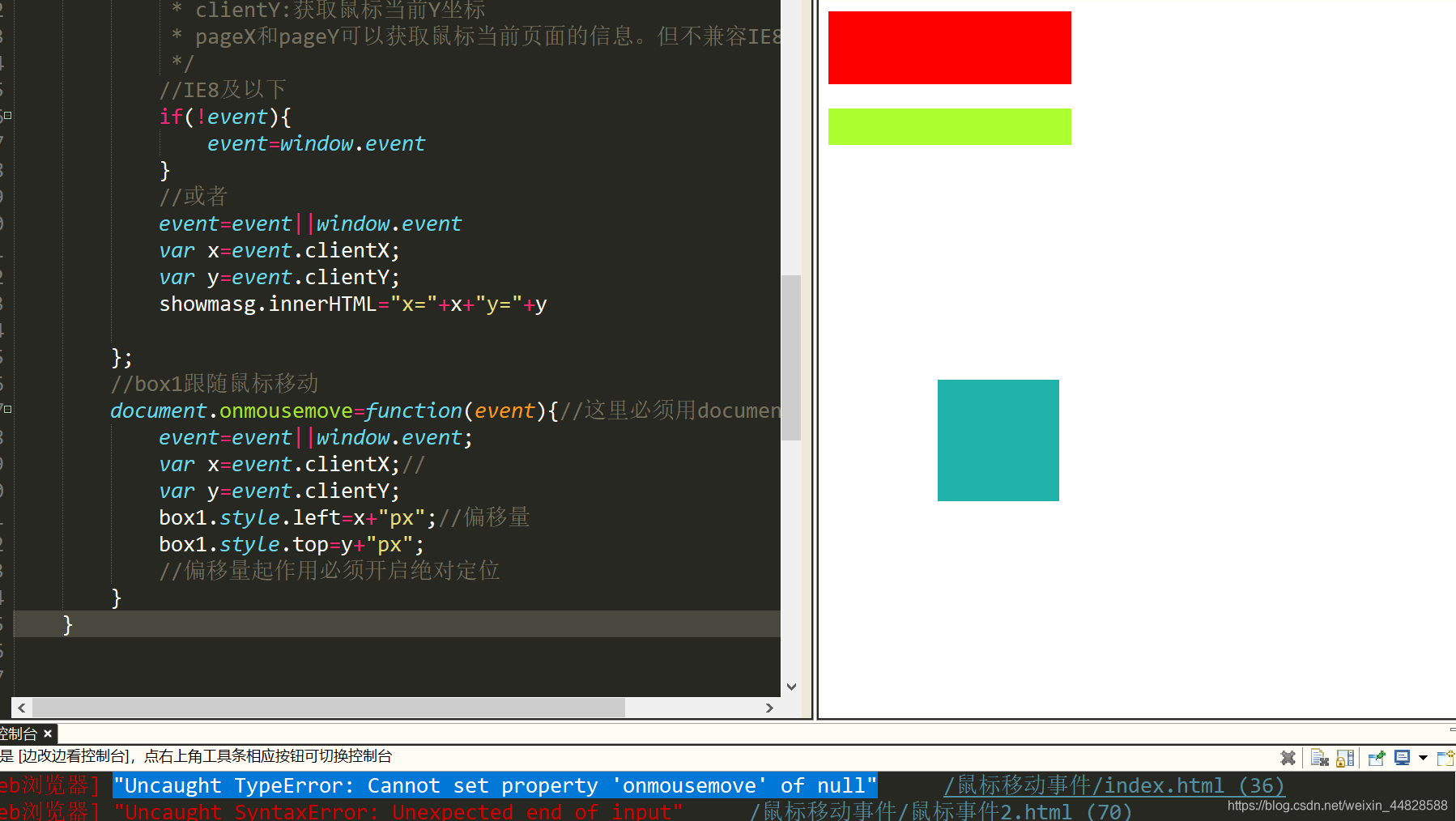
		document.onmousemove=function(event){//这里必须用document,才能始终有效
			event=event||window.event;
			var x=event.clientX;//
			var y=event.clientY;
			box1.style.left=x+"px";//偏移量
			box1.style.top=y+"px";
			//偏移量起作用必须开启绝对定位
		}
	}


	</script>
	<body>
		<div id="areadiv">

		</div>
		<div id="shouMeasage">

		</div>
		<div id="box1"></div>

	</body>
</html>








 扫一扫
扫一扫


 1827
1827

 被折叠的 条评论
为什么被折叠?
被折叠的 条评论
为什么被折叠?
 到【灌水乐园】发言





