


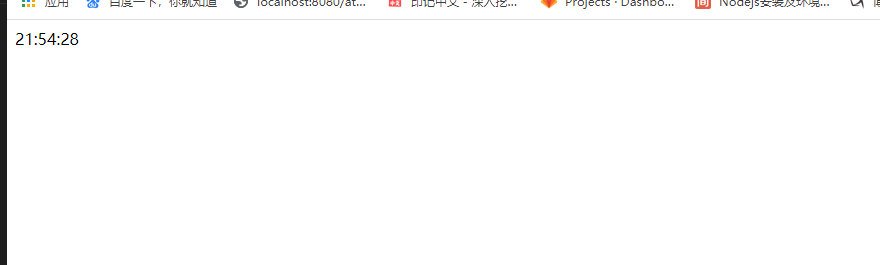
 本文介绍了一个简单的HTML页面,该页面使用JavaScript实现实时显示当前时间的功能。通过设置body的onload事件来调用startTime函数,定时更新页面上的时间显示。
<!DOCTYPE html>
<html lang="en">
<head>
    <meta charset="UTF-8">
    <meta name="viewport" content="width=device-width, initial-scale=1.0">
    <title>Document</title>
</head>
<body onload="startTime()">
    <div id="timetxt"></div>
    <script>
        function startTime(){
            var today = new Date();
            var h = today.getHours();
            var m = today.getMinutes();
            var s = today.getSeconds();
            m = checkTime(m);
            s = checkTime(s);
            document.getElementById("timetxt").innerHTML = h + ":" + m + ":" + s;
            t = setTimeout(function(){
                startTime();
            },1000);
        }
        function checkTime(i){
            if(i<10){
                i = "0"+i;
            }
            return i;
        }
    </script>
</body>
</html>





 扫一扫
扫一扫


 被折叠的 条评论
为什么被折叠?
被折叠的 条评论
为什么被折叠?
 到【灌水乐园】发言





