


 本文介绍如何使用lua-resty-auto-ssl自动化工具为100多个一级/二级域名批量部署SSL证书,通过简单的URL访问即可自动生成证书。
需求:我有100+个一级/二级域名需要做ssl证书如何处理。太多了不能手动搞,那么lua-resty-auto-ssl自动化帮你解决。只需要你访问url地址即可自动生成ssl证书。
-
安装OpenResty 官网推荐使用15.8.1以上:
https://github.com/auto-ssl/lua-resty-auto-ssl -
安装luarocks
wget http://luarocks.org/releases/luarocks-2.0.13.tar.gz //下载
tar -xzvf luarocks-2.0.13.tar.gz //解压
cd luarocks-2.0.13/
//这里需要注意prefix 路径跟自己的openresty安装路径是否匹配
./configure --prefix=/usr/local/openresty/luajit \
    --with-lua=/usr/local/openresty/luajit/ \
    --lua-suffix=jit \
    --with-lua-include=/usr/local/openresty/luajit/include/luajit-2.1
make
sudo make install
- 安装组件
cd /usr/local/openresty/luajit
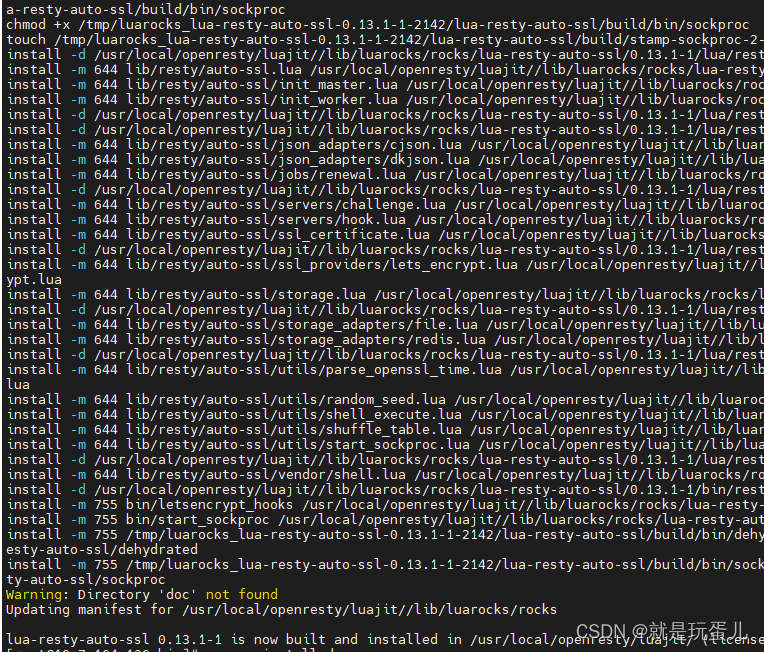
./luarocks install lua-resty-auto-ssl
mkdir /usr/local/openresty/ssl
mkdir /usr/local/openresty/ssl/resty-auto-ssl
chown -R nobody.nobody /usr/local/openresty/ssl/resty-auto-ssl
chmod -R 777 /usr/local/openresty/ssl
- 制作自签证书
cd /usr/local/openresty/ssl/resty-auto-ssl
openssl req -new -newkey rsa:2048 -days 3650 -nodes -x509 \
-subj '/CN=sni-support-required-for-valid-ssl' \
-keyout /usr/ 最低0.47元/天 解锁文章






 扫一扫
扫一扫


 2954
2954

 被折叠的 条评论
为什么被折叠?
被折叠的 条评论
为什么被折叠?
 到【灌水乐园】发言





