


 本文介绍如何通过命令行下载并安装Dia绘图软件0.97.2版本,包括配置Gnome支持、Libart及Cairo等特性,并提供使Python绑定及文档可用的方法。
wget wget http://sourceforge.net/projects/dia-installer/files/dia/0.97.2/dia-0.97.2.tar.xz/download
- tar xvf dia-0.97.2.tar.xz
- cd dia-0.97.2
- ./configure --enable-gnome
Configuration:
Source code location: .
Compiler: gcc
Gnome support: yes
Python support: no
Libart support (PNG export): yes
Cairo support (PNG, PDF, print): yes
Dia Python bindings with SWIG no
WMF plug-in with libEMF: no
html doc: no
pdf and ps doc: no
Now type make to build dia...
- #make && make install
直接在命令行输入
- #dia
打开画图软件dia
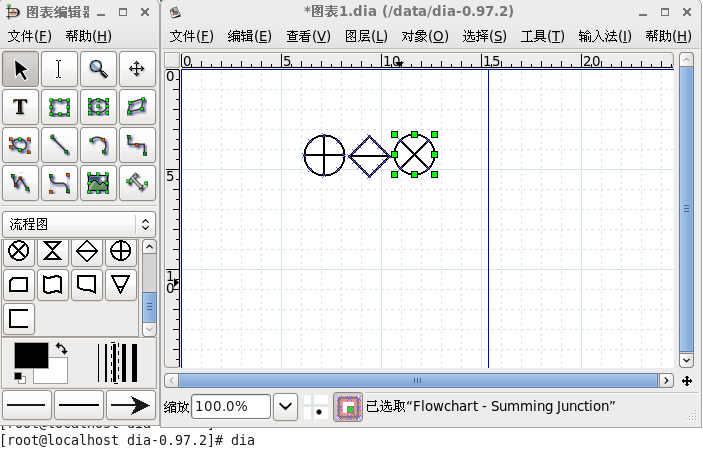
转载于:https://blog.51cto.com/itnihao/914477





 扫一扫
扫一扫


 217
217

 被折叠的 条评论
为什么被折叠?
被折叠的 条评论
为什么被折叠?
 到【灌水乐园】发言





