


 本书是一站式资源,旨在帮助读者掌握 Dynamics CRM 2011 的所有新特性。通过构建航空公司补偿管理系统 (ACM),读者将学习如何设置开发环境、进行系统配置、使用导入数据向导及 Web 服务导入数据、利用客户端编程进行数据验证等。
请大家多多支持,中文版正在商讨中。 
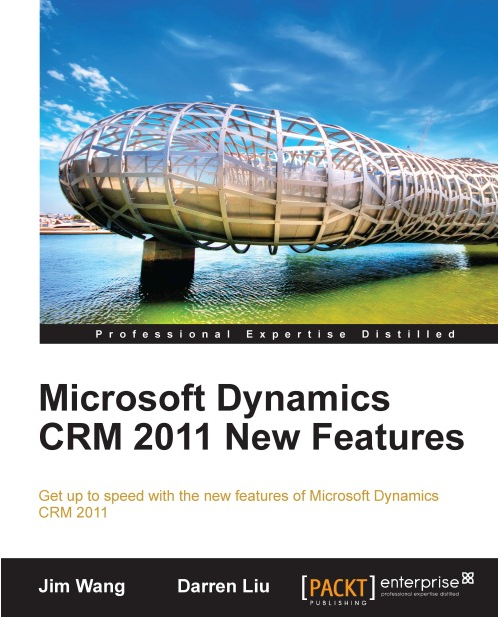
This book is your one stop resource to get to grips with all the new features of Dynamics CRM 2011. To make learning fun and engaging, we will build an Airline Compensation Management (ACM) system using Dynamics CRM 2011.
The book starts by setting up the development environment for Microsoft Dynamics CRM 2011. We will then build a structural architecture for the ACM system and configure it in Dynamics CRM 2011. While doing this, we will learn about the new customization features offered by Dynamics CRM 2011.
We will then move on to Data Importing and will cover the Import Data Wizard tool, as well as the Import file/data web service which provides additional capabilities that are not available in the Import Data Wizard.
We will use client-side programming to perform data validation, automation, and process enhancement and learn powerful event driven server-side programming methods: Plug-Ins and Processes (Formerly Workflows).
The book then steers you towards SharePoint integration, Charts and Dashboards, Customizing the Ribbon and Sitemap, and extending Dynamics CRM 2011 in the cloud.
Finally we will package the ACM solution and learn how to deploy it.
What you will learn from this book :
- Set up a development environment for Dynamics CRM 2011
- Import your important data from various sources using the Import Data Wizard
- Use web resources to store files virtually
- Visualize your data using filters, charts, and dashboards
- Customize the default Microsoft Dynamics ribbon
- Improve document management in your CRM system by integrating it with SharePoint 2010
Approach
This book is packed with practical steps and screenshots to make learning fun and addictive. You will learn to build a complete Airline Compensation Management system using Dynamics CRM 2011.
Who this book is written for
If you want a focused book that gets you up-to-speed with the new features of Microsft Dynamics CRM 2011 then this is the perfect book for you.
Microsoft Dynamics CRM 2011 New Features – with a CRM project tutorial





 扫一扫
扫一扫


 190
190

 被折叠的 条评论
为什么被折叠?
被折叠的 条评论
为什么被折叠?
 到【灌水乐园】发言





