



 本文提供了两种解决React Native中WebView组件出现错误的方法。第一种方案涉及检查并删除return方法内的所有注释;第二种方案建议若使用了WebView,则需确保没有被外层View包裹,以避免在Android平台上的显示问题。
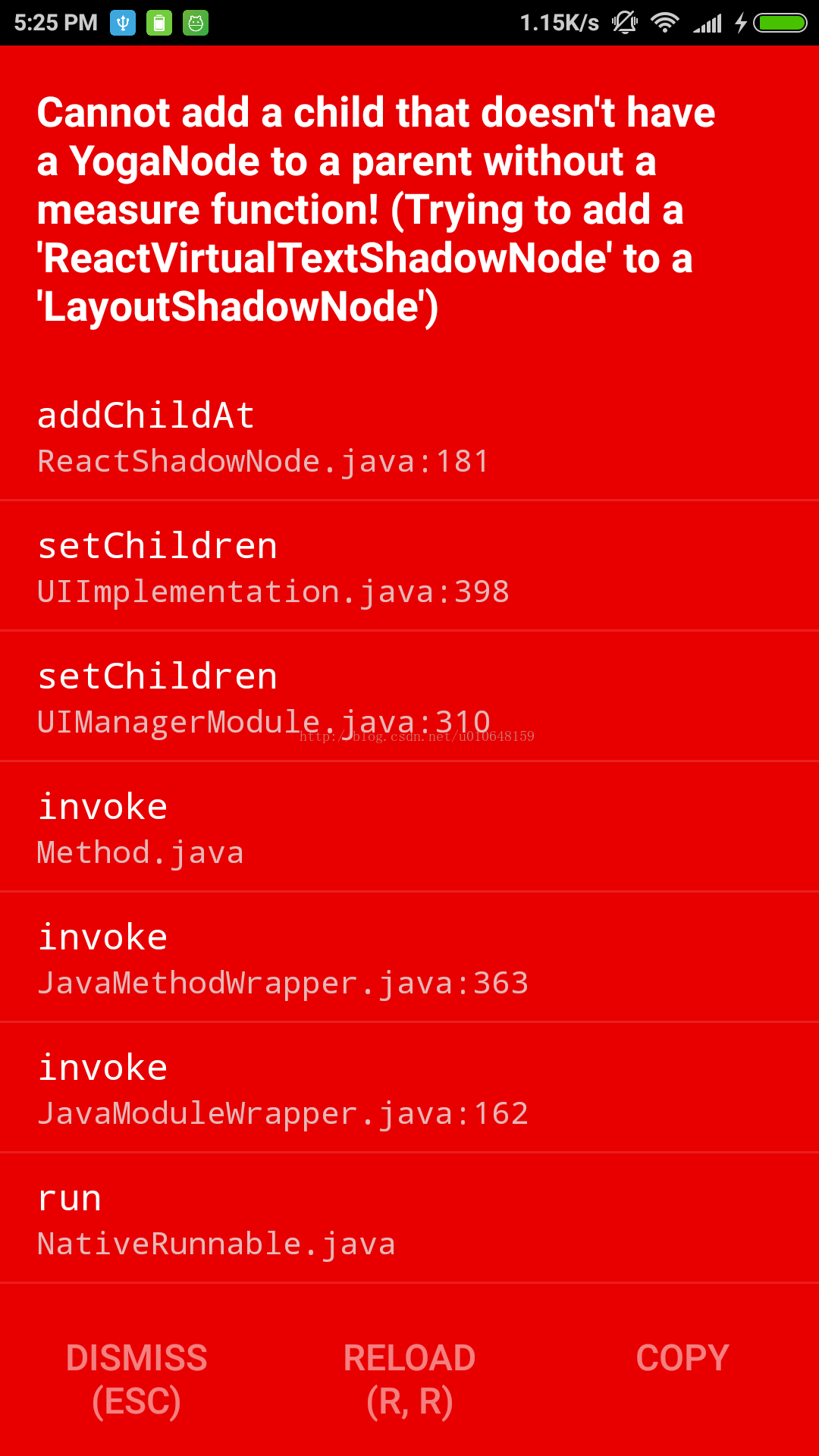
解决方案1:
检查 return 方法内是否存在注释,如果有全部删除。
解决方案2:
如果使用了WebView,那么请删除外层的View视图,否则在Android上可能出现这种错误。
  render() {
    const { params } = this.props.navigation.state;
    const title = params ? params.title : null;
    const newsUrl = params ? params.url : null;

    return (
        <WebView
          style={{width:screenWidth,height:'100%'}}
          source={{uri:newsUrl}}
          startInLoadingState={true}
          domStorageEnabled={true}
          javaScriptEnabled={true}
          onError={(e)=> DetailsScreen._loadError.bind(this,e)}/>

    );
  }
ReactNative 版本 0.55
参考文档:
React native: Cannot add a child that doesn’t have a YogaNode or parent node
http://www.sunqizheng.com/blog/655.html





 扫一扫
扫一扫


 8535
8535

 被折叠的 条评论
为什么被折叠?
被折叠的 条评论
为什么被折叠?
 到【灌水乐园】发言





