


 本文解决在使用Pod安装过程中遇到的Swift版本不一致问题,通过复制并修改库代码,创建新Flutter项目,上传至公司Git仓库并设置SWIFT_VERSION属性,实现与主项目版本兼容。
`get_ip` does not specify a Swift version and none of the targets (`Runner`) integrating it have
the `SWIFT_VERSION` attribute set. Please contact the author or set the `SWIFT_VERSION` attribute in
at least one of the targets that integrate this pod.
或者
`xxx` does not specify a Swift version and none of the targets (`Runner`) integrating it have
the `SWIFT_VERSION` attribute set. Please contact the author or set the `SWIFT_VERSION` attribute in
at least one of the targets that integrate this pod.
在pod install时,项目中引用到的get_ip库(或者其他的库xxx表示),报了以上的错误,意思是说这个库使用的swift版本跟主项目的不一致。解决方法如下:
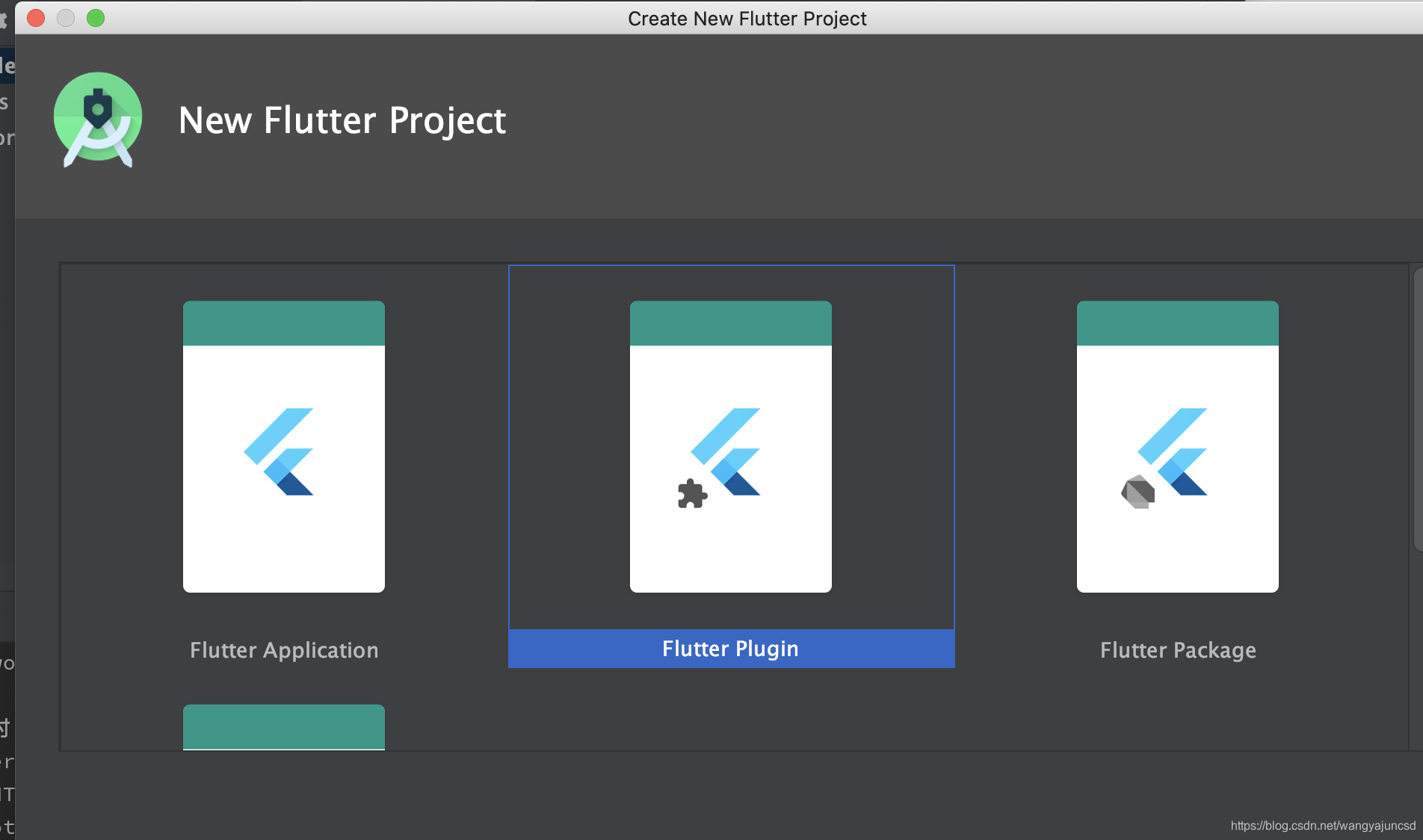
复制这个库(例如get_ip)的代码,重新新建flutter项目,将代码复制到新的项目里面,再上传到公司的git仓库中,打tag,再依赖,再去pod install,即可。

git tag -a 0.0.1 -m "改写get_ip库..."
git push --tags

总结一下,pub中的库有很多,但是经常会有flutter的版本和java/kotlin、objectC/Swift的版本冲突和不兼容的情况出现,特别是在flutter混合开发(原生项目和flutter混合的项目)的过程中会出现类似这种不兼容的情况,完全可以自己动手去改写这些pub库,不要认为很难,动手去做就完了。





 扫一扫
扫一扫


 2624
2624

 被折叠的 条评论
为什么被折叠?
被折叠的 条评论
为什么被折叠?
 到【灌水乐园】发言





