


 本文记录了一次SpringCloud服务网关Zuul路由规则配置错误的排查过程,详细说明了路由规则的正确写法,以及如何调整配置以确保服务能够按照预期路由。
一、场景简述
笔者最近用到SpringCloud 服务网关的时候,进行服务网关的路由测试,发现无法路由自己设置的规则,测试的时候如下
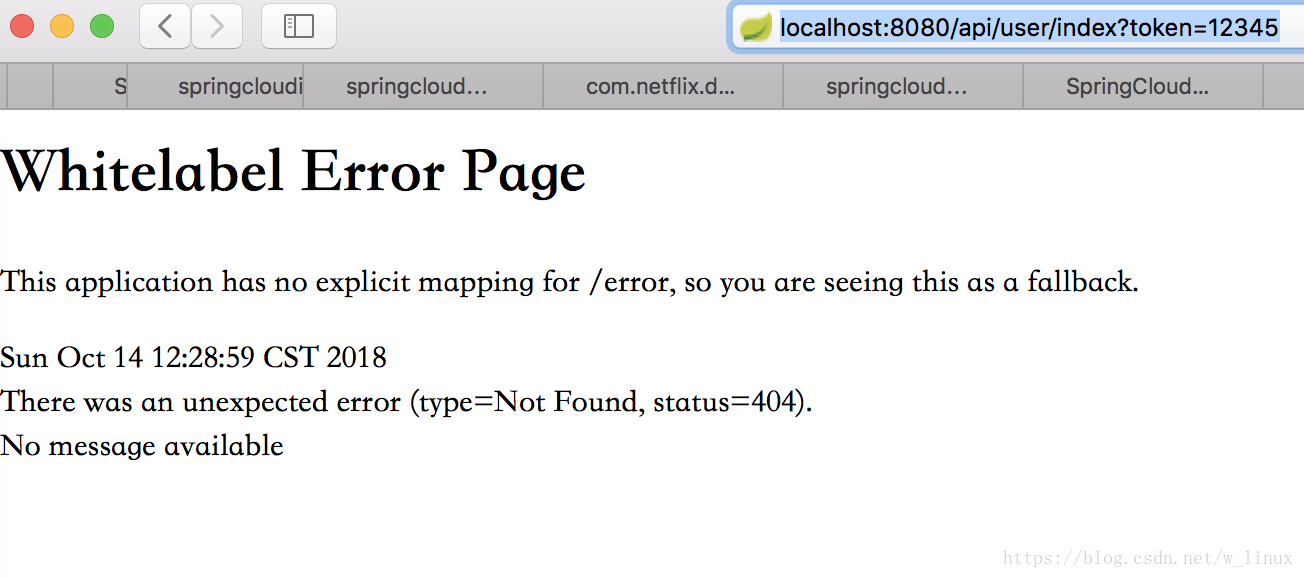
通过错误排查发现,原来是路由规则写错了!
路由规则如下(错误)
#端口
server:
  port: 8080
spring:
  #该配置文件中的配置,对应的服务名称是wc-gateway
  application:
    name: wc-gateway
  profiles:
    active: dev
#服务网关配置
zuul:
  host:
    connect-timeout-millis: 60000
    socket-timeout-millis: 60000
    #路由规则
    routes:
      api:
        path: /api/user/**
        serviceId: wc-client-user
二、解决方案
只需要将routes及以下的属性左移,与host相等级别即可
修改后的路由规则
#端口
server:
  port: 8080
spring:
  #该配置文件中的配置,对应的服务名称是wc-gateway
  application:
    name: wc-gateway
  profiles:
    active: dev
#服务网关配置
zuul:
  host:
    connect-timeout-millis: 60000
    socket-timeout-millis: 60000
  #路由规则
  routes:
    api:
      path: /api/user/**
      serviceId: wc-client-user
好了,问题解决,我们重启应用测试,测试结果和预期一样。






 扫一扫
扫一扫


 996
996

 被折叠的 条评论
为什么被折叠?
被折叠的 条评论
为什么被折叠?
 到【灌水乐园】发言





