





 本文详细介绍如何在Spring Boot项目中整合JSP引擎,包括添加依赖、配置服务器、设置视图解析器及创建控制器返回JSP页面的过程。
添加JPS引擎依赖
<dependency>
            <groupId>org.apache.tomcat.embed</groupId>
            <artifactId>tomcat-embed-jasper</artifactId>
        </dependency>
创建webapp文件夹里面放jsp文件
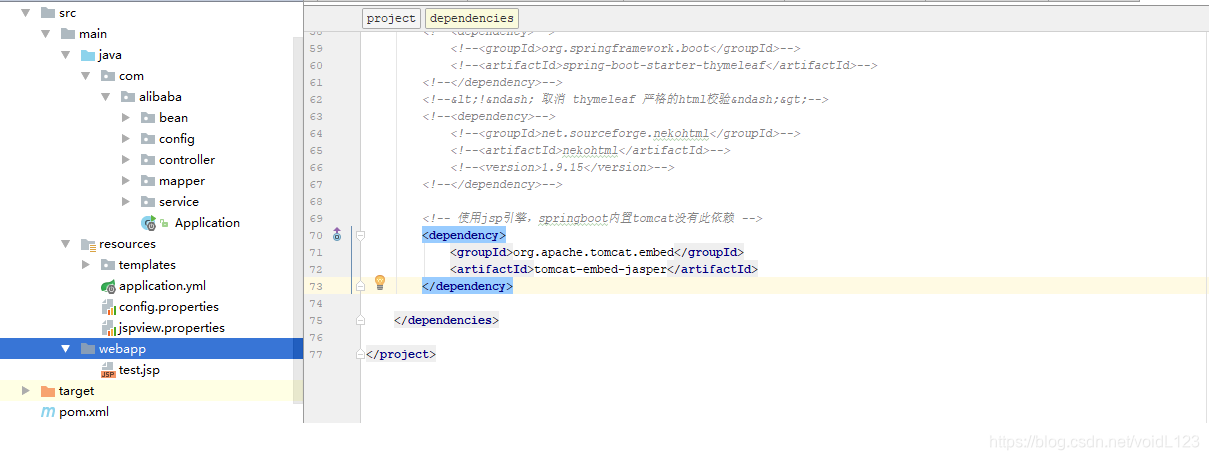
yml配置
server:
  port: 9090
spring:
  datasource:
    driver-class-name: com.mysql.cj.jdbc.Driver
    url: jdbc:mysql://192.168.1.6:3306/quartz?characterEncoding=utf8&serverTimezone=UTC&rewriteBatchedStatements=true&allowPublicKeyRetrieval=true&useSSL=false
    username: sa
    password: 123456
#  resources:
#    static-locations: classpath:/templates #访问静态页面
#  thymeleaf:
#    mode: LEGACYHTML5 #取消thymeleaf严格的html5校验
#    prefix: classpath:/templates
#    suffix: .html
  mvc:
    view:
      prefix: /  #jsp模板引擎配置
      suffix: .jsp
将关于thymeleaf的全部删除
Controller
/**
     * 测试整合jsp
     * @return Result
     */
    @GetMapping(value = "/testJsp")
    public String testJsp(){
        return "test";
    }
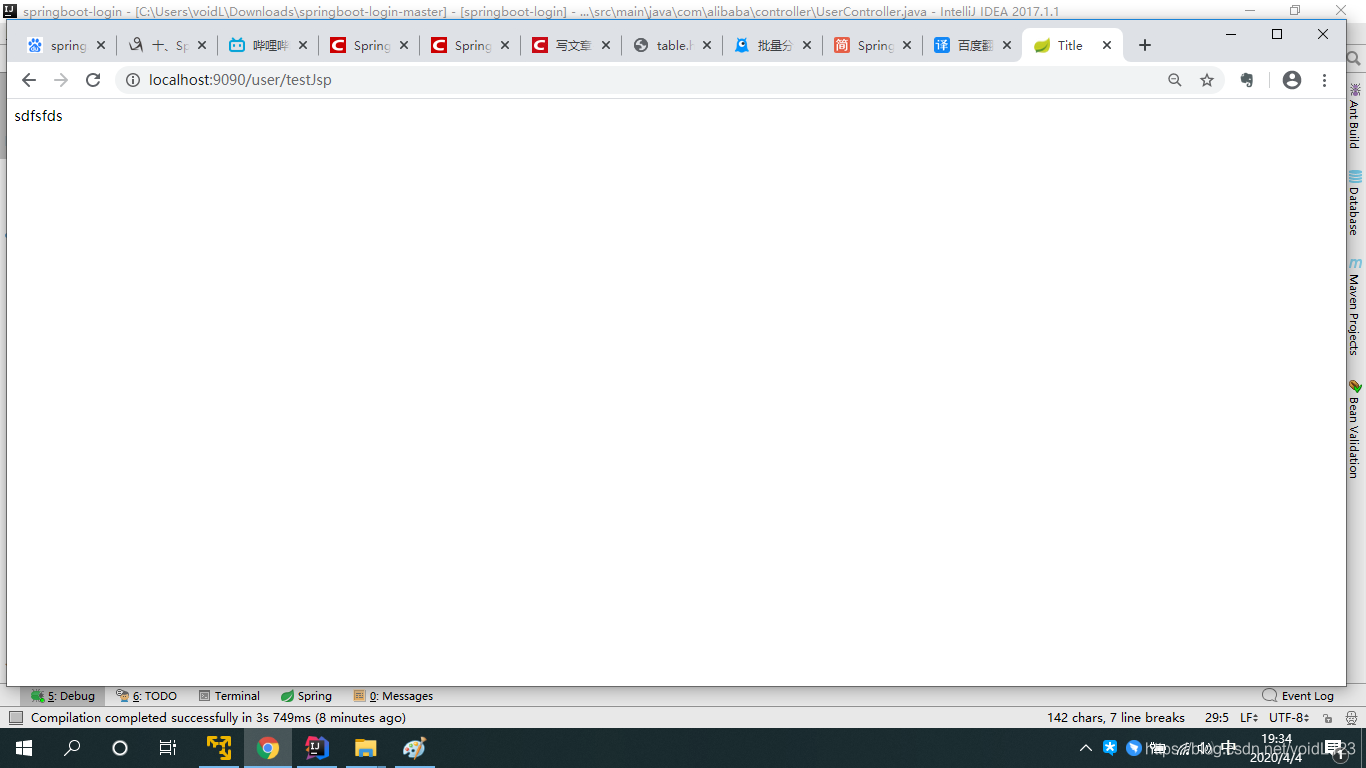
效果





 扫一扫
扫一扫


 2342
2342

 被折叠的 条评论
为什么被折叠?
被折叠的 条评论
为什么被折叠?
 到【灌水乐园】发言





