


 这篇博客详细介绍了如何使用Kotlin在Android Studio中实现底部导航栏,包括点击按钮时图标和文字颜色的变化,以及与之对应的Fragment的切换。文章分为四个部分:布局逻辑,XML布局代码,Kotlin代码实现图标和文字变换,以及Fragment的切换方法。通过实例化控件,设置点击事件和Fragment替换方法,成功实现了功能。
- 布局逻辑
- 布局代码
- .kt代码实现点击后图标和文字变换
- 实现点击后Fragment切换
效果图
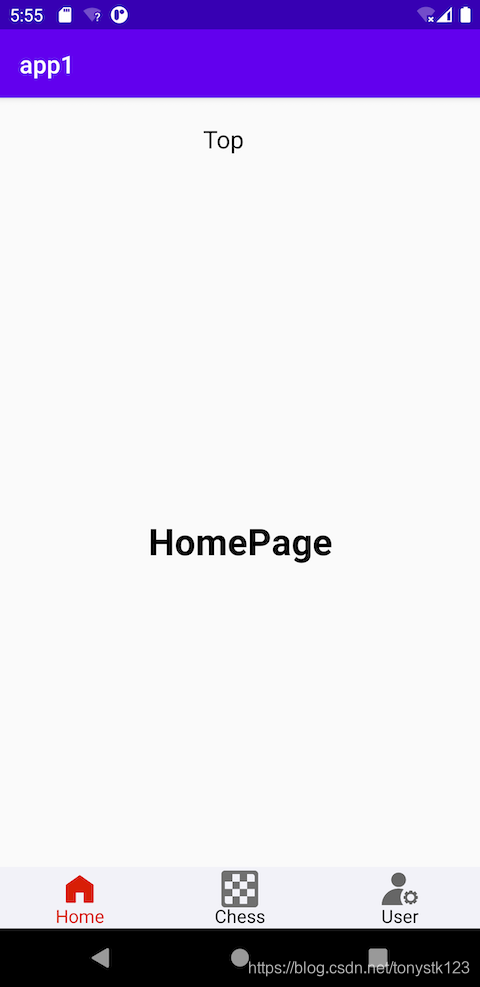
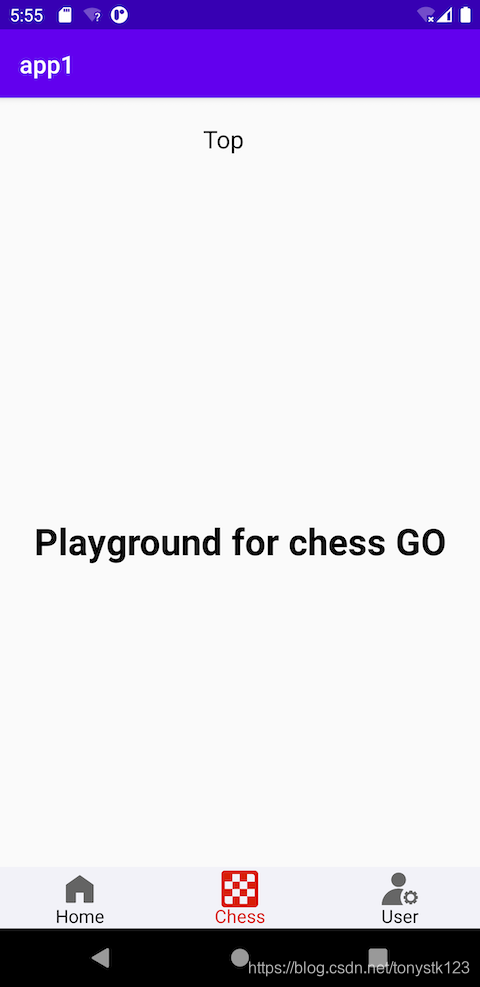
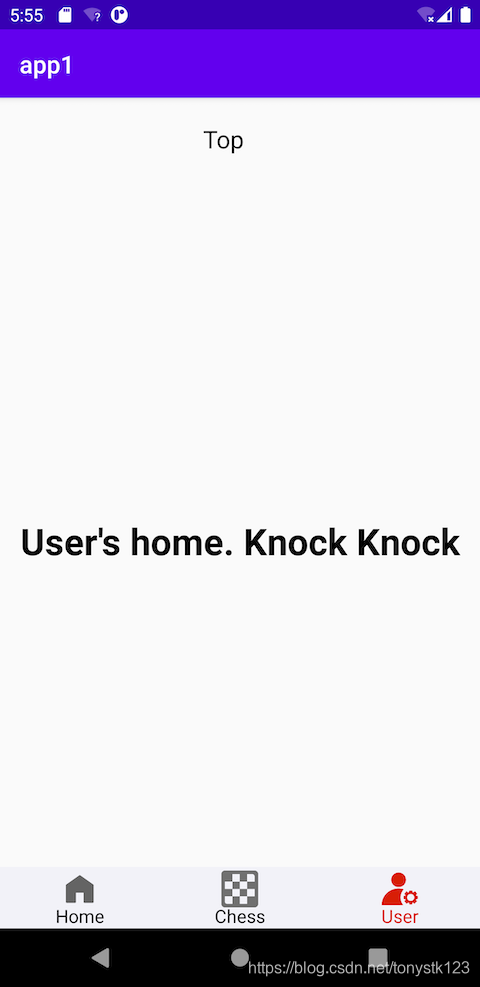
一、布局逻辑
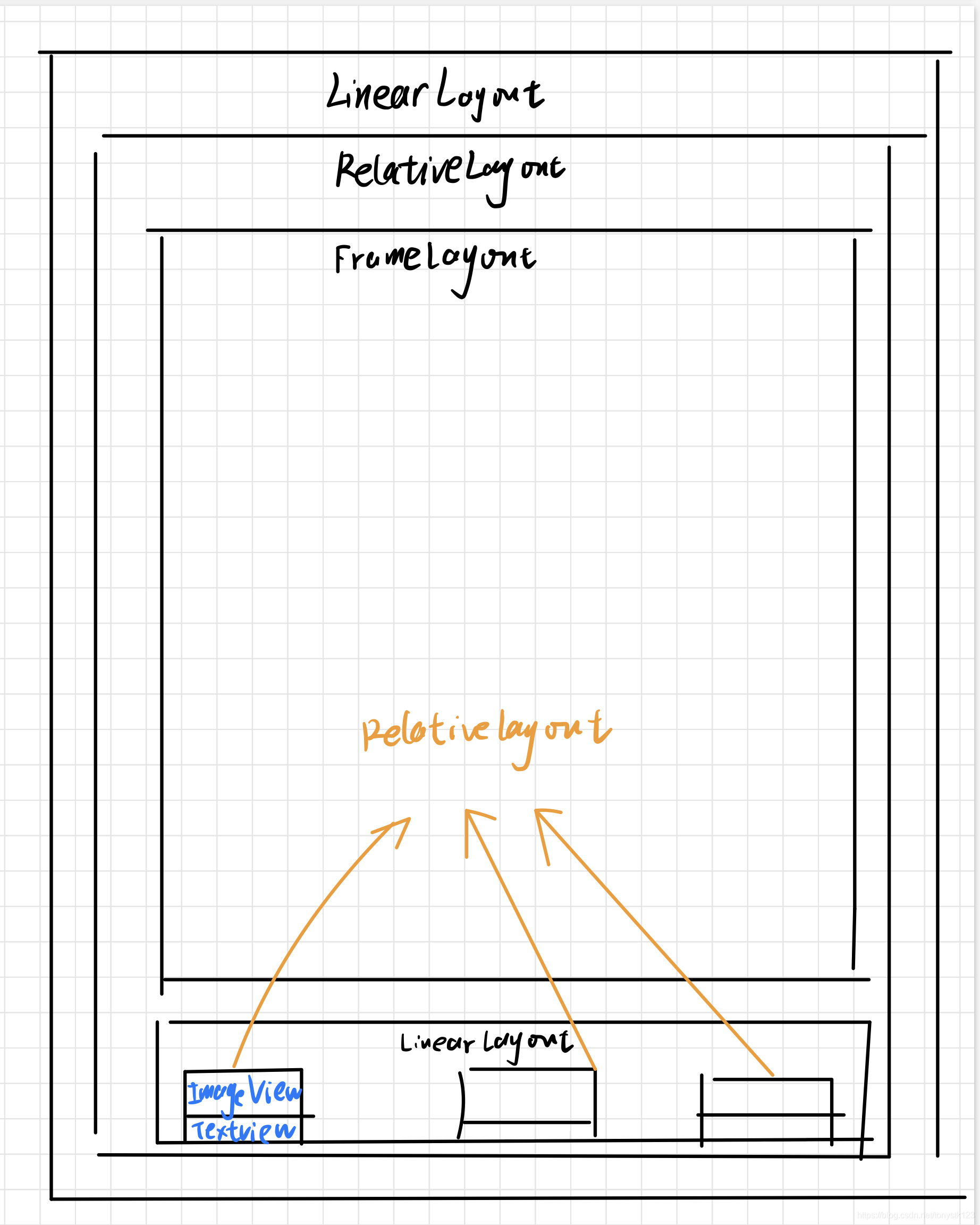
二、布局XML代码
<?xml version="1.0" encoding="utf-8"?>
<LinearLayout xmlns:android="http://schemas.android.com/apk/res/android"
xmlns:app="http://schemas.android.com/apk/res-auto"
xmlns:tools="http://schemas.android.com/tools"
android:layout_width="match_parent"
android:layout_height="match_parent"
android:gravity="center_horizontal"
android:orientation="vertical"
tools:context=".MainActivity">
<TextView
android:layout_width="wrap_content"
android:layout_height="wrap_content"
android:text="Top"
android:layout_gravity="center_horizontal"
android:textColor="#000000"
android:textSize="40sp"/>
<RelativeLayout
android:id="@+id/mainbody"
android:layout_width="match_parent"
android:layout_height="match_parent">
<FrameLayout
android:id="@+id/frag"
android:layout_width="match_parent"
android:layout_height="match_parent"
android:layout_above="@+id/bottom_bar">
</FrameLayout>
<LinearLayout
android:id="@+id/bottom_bar"
android:layout_width="match_parent"
android:layout_height="50dp"
android:orientation="horizontal"
android:layout_alignParentBottom="true 最低0.47元/天 解锁文章






 扫一扫
扫一扫


 1042
1042

 被折叠的 条评论
为什么被折叠?
被折叠的 条评论
为什么被折叠?
 到【灌水乐园】发言





