



两步(本文2、3步)完成在线表单设计开发
最近在jeecg-boot看到有块表单设计,感觉挺酷炫的,但苦于没有企业版源码,于是自己去找开源的组件自己构建了一个
本文基于jeecg-boot 开源版构建
1.组件源码地址
https://github.com/GavinZhuLei/vue-form-making
2.引入form-making组件
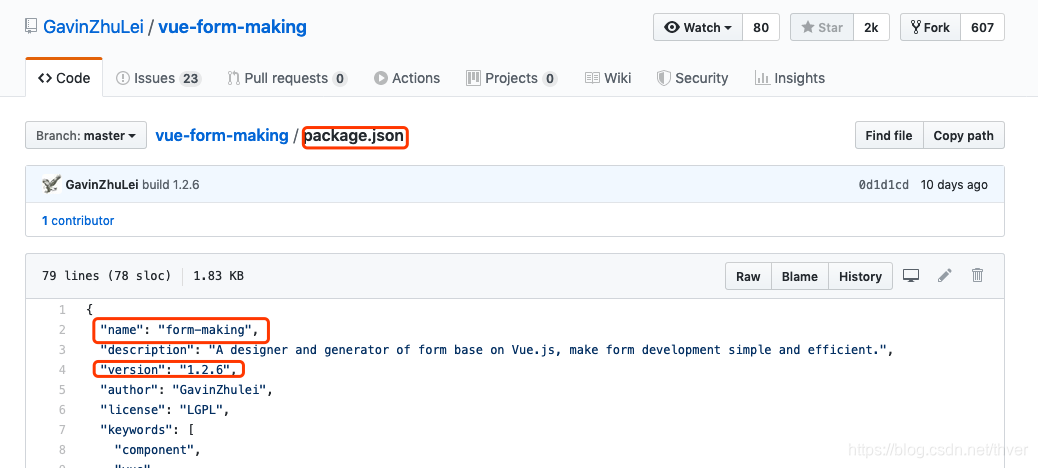
2.1 确认版本
github最新版本
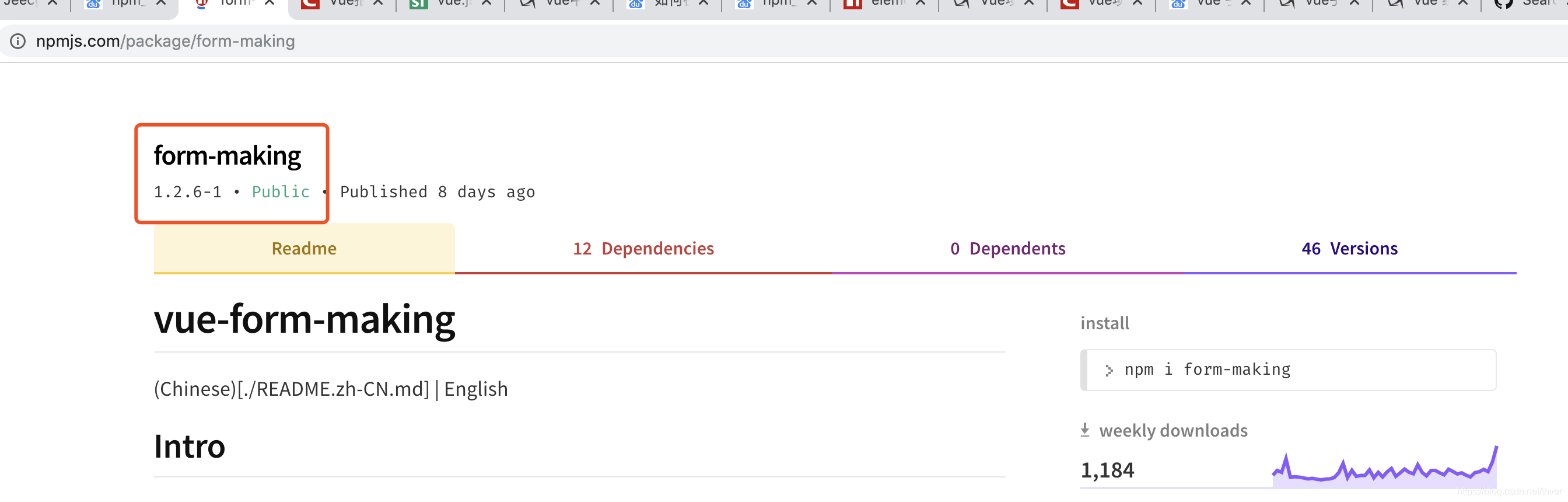
 从npm库再次确认版本
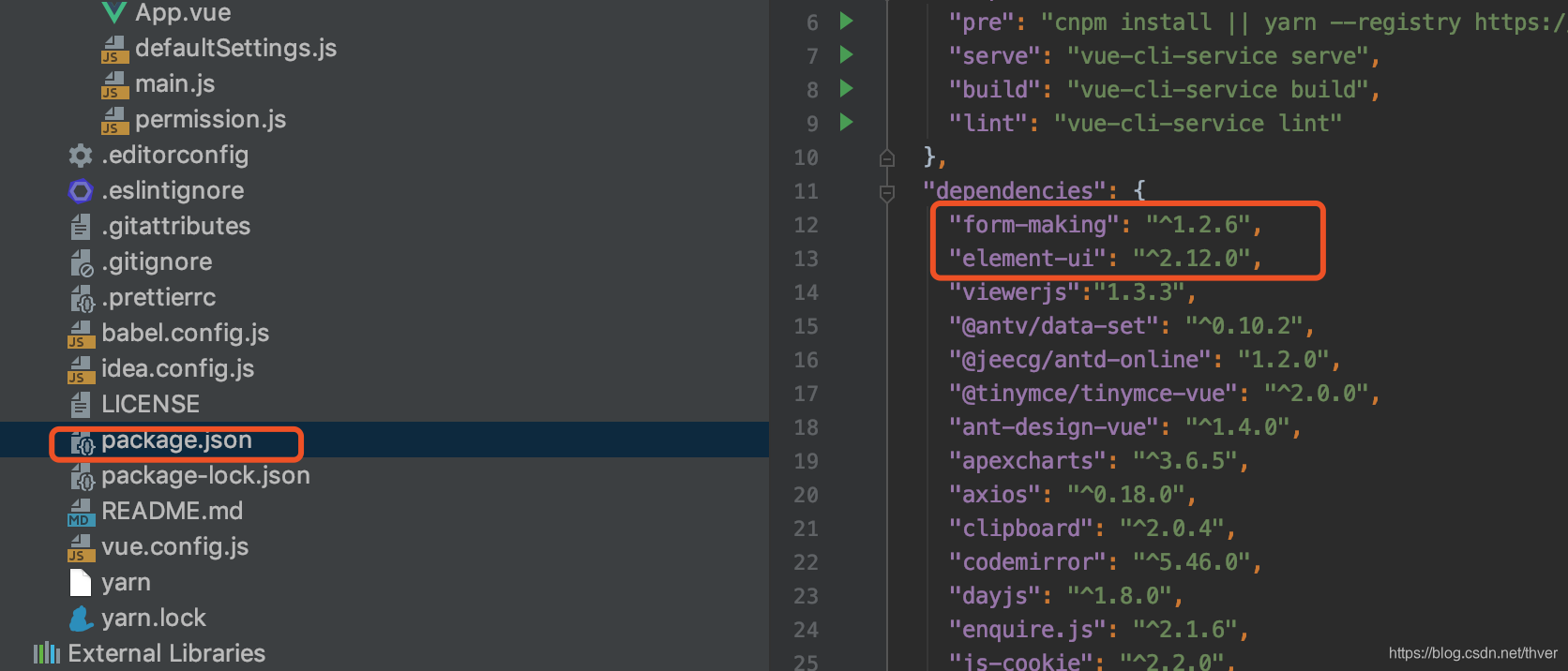
2.2引入组件
注意:必须同时引入element_ui
3.代码
3.1表单设计器(用于设计表单)
MakingForm.vue
<template>
  <fm-making-form
    ref="makingform"
    style="height: 900px;"
    preview
    generate-code
    generate-json
  >
    <template slot="action">
      <!-- 自定义操作区域插槽 -->
      <el-button type="text" icon="el-icon-upload">保存</el-button>
    </template>
  </fm-making-form>
</template>

<script src="https://unpkg.com/form-making/public/lib/ace/ace.js" ></script>
<script>
  import Vue from 'vue'
  import FormMaking from 'form-making'
  import 'form-making/dist/FormMaking.css'
  import ElementUI from 'element-ui';
  import 'element-ui/lib/theme-chalk/index.css';
  Vue.use(ElementUI);
  Vue.use(FormMaking)
  export default {
    name: 'MainPage',
    data() {
      return {}
    }
  }
</script>
  <style scoped>
  </style>
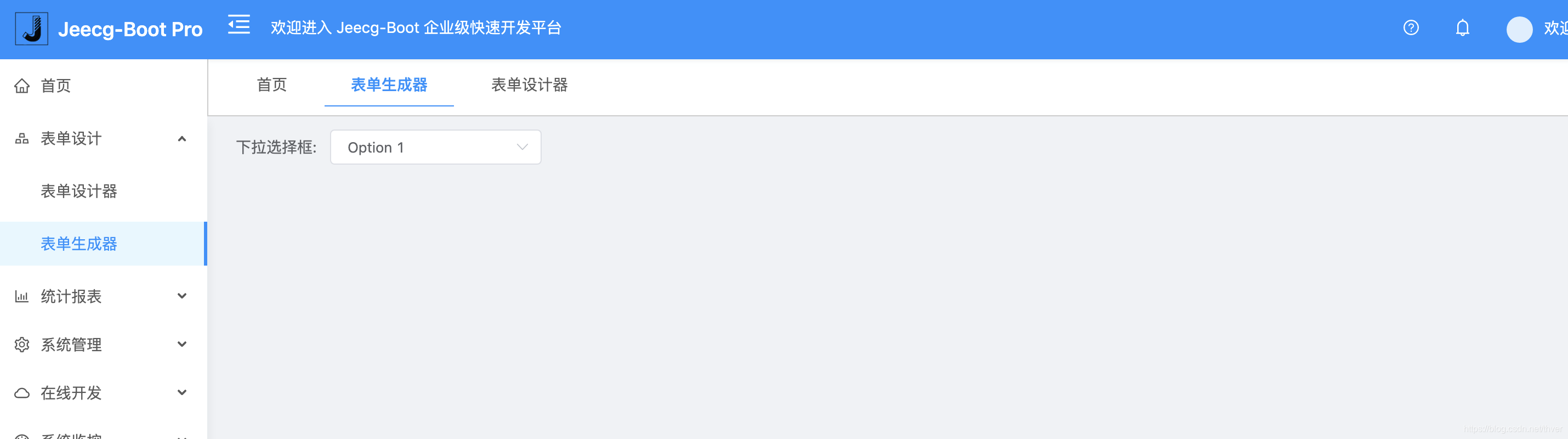
3.2表单生成器(用于展示已设计完成的表单)
jsonData来自设计器生成的json,实际应用中可保存在数据库中再获取出来,来展示动态表单
GenerateForm.vue
<template>
  <fm-generate-form
    :data="jsonData"
    :remote="remoteFuncs"
    :value="formData"
    ref="generateForm"
  >
  </fm-generate-form>
</template>
<script>
  import Vue from 'vue'
  import FormMaking from 'form-making'
  import 'form-making/dist/FormMaking.css'
  import ElementUI from 'element-ui';
  import 'element-ui/lib/theme-chalk/index.css';
  Vue.use(ElementUI);
  Vue.use(FormMaking)
  export default {
    data () {
      return {
        jsonData:{ "list": [ { "type": "select", "icon": "icon-select", "options": { "defaultValue": "Option 1", "multiple": false, "disabled": false, "clearable": false, "placeholder": "", "required": false, "showLabel": false, "width": "", "options": [ { "value": "Option 1" }, { "value": "Option 2" }, { "value": "Option 3" } ], "remote": true, "filterable": false, "remoteOptions": [], "props": { "value": "value", "label": "label" }, "remoteFunc": "func_test" }, "name": "下拉选择框", "key": "1574243679000_6946", "model": "select_1574243679000_6946", "rules": [] } ], "config": { "labelWidth": 100, "labelPosition": "right", "size": "small" } },
        remoteFuncs: {
          // 字段配置时配置的远端方法,保持和配置时输入的名称一致
          func_test (resolve) {
            const options = [
              {value: '1', label: '1efsd'},
              {value: '2', label: '2222'},
              {value: '3', label: '3333'}
            ]

            resolve(options)
          },
        },
        formData: {
          name: 'Gavin'
        }

      }
    }
  }
</script>
4.效果
设计器:
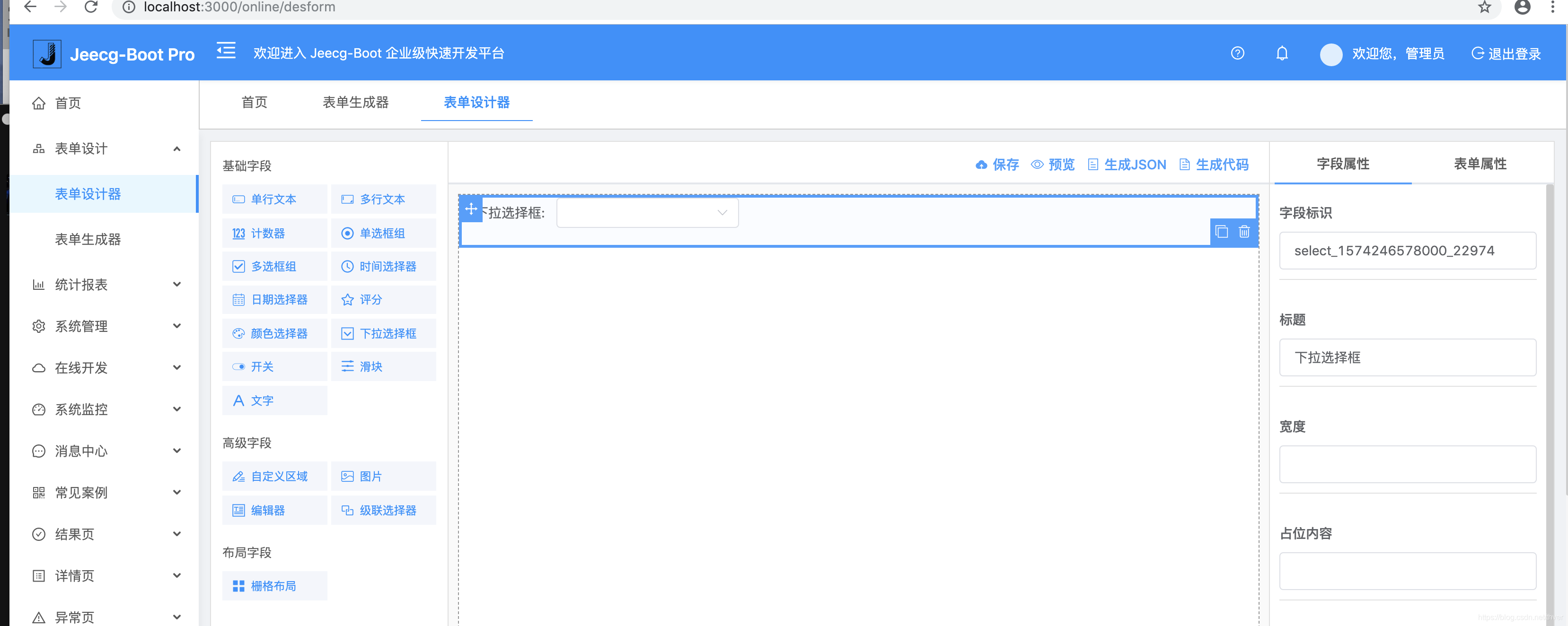 生成器:
生成器:
5.补充
文档地址:
http://docs.form.xiaoyaoji.cn/zh/manual/remote-funcs.html





 扫一扫
扫一扫


 2083
2083

 被折叠的 条评论
为什么被折叠?
被折叠的 条评论
为什么被折叠?
 到【灌水乐园】发言





