


源码介绍
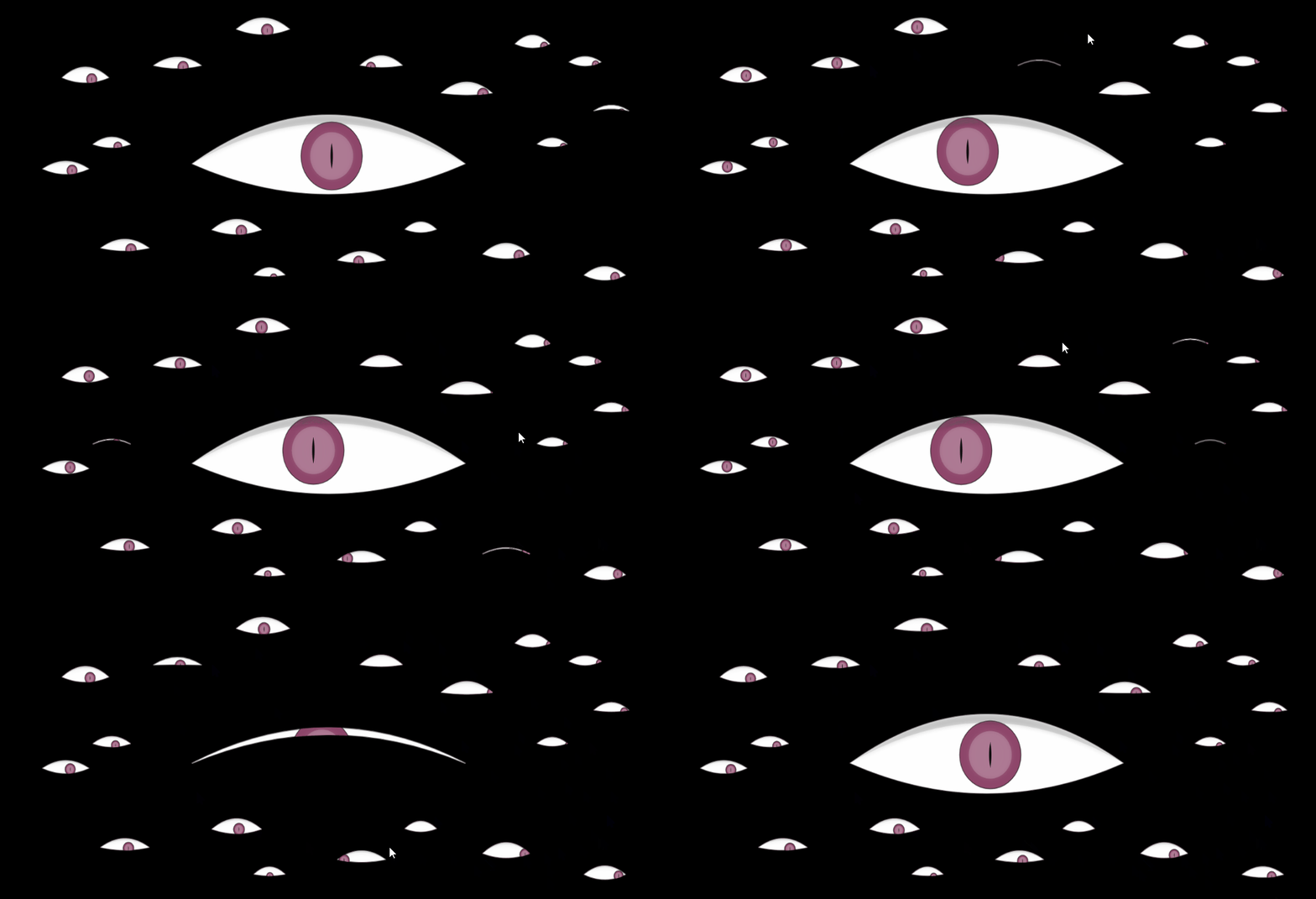
跟随鼠标转动的眼睛动态特效代码,另外还具随机眨眼动态效果,可以做网站错误页或者丢失页面,将下面的代码放到空白的HTML里面,然后上传到服务器里面,设置好重定向即可
效果预览
完整源码
<!DOCTYPE html>
<html>
<head>
<meta charset="utf-8">
<title>Bunch of eyes</title>
<style>body {
background: #000;
overflow: hidden;
}
.fof {
margin: 10px 0;
}
.fof canvas,
.fof img {
position: relative;
width: 100%;
height: 100%;
margin-bottom: 20px;
z-index: 1;
background: #000;
}</style>
</head>
<body>
<div class="fof">
<canvas></canvas>
</div>
<script>(function(){
var DISPLAY_WIDTH = window.innerWidth,
DISPLAY_HEIGHT = window.innerHeight,
DISPLAY_DURATION = 10;
var mouse = {
x: 0, y: 0 },
container,
canvas,
context,
startTime,
eyes;
function initialize() {
container = document.querySelector( '.fof' );
canvas = document.querySelector( '.fof>canvas' );
if( canvas ) {
canvas.width = DISPLAY_WIDTH;
canvas.height = DISPLAY_HEIGHT;
context = canvas.getContext( '2d' );
window.addEventListener( 'mousemove', function( event ) {
mouse.x = event.clientX;
mouse.y = event.clientY;
}, false );
eyes = [
new Eye( canvas, 0.19, 0.80, 0.88, 0.31 ),
new Eye( canvas, 0.10, 0.54, 0.84, 0.32 ),
new Eye( canvas, 0.81, 0.13, 0.63, 0.33 ),
new Eye( canvas, 0.89, 0.19, 0.58, 0.34 ),
new Eye( canvas, 0.40, 0.08, 0.97, 0.35 ),
new Eye( canvas, 0.64, 0.74, 0.57, 0.36 ),
new Eye( canvas, 0.41, 0.89, 0.56, 0.37 ),
new Eye( canvas, 0.92, 0.89, 0.75, 0.38 ),
new Eye( canvas, 0.27, 0.20, 0.87, 0.39 ),
new Eye( canvas, 0.17, 0.46, 0.68, 0.41 ),
new Eye( canvas, 0.71, 0.29, 0.93, 0.42 ),
new</ 最低0.47元/天 解锁文章






 扫一扫
扫一扫


 895
895

 被折叠的 条评论
为什么被折叠?
被折叠的 条评论
为什么被折叠?
 到【灌水乐园】发言





