 解决Antigravity登录失败问题



1.antigravity 登录没反应可能有2个原因
1.1 网络问题:
-
查看antigravity支持的地区列表,确定自己的网络是否支持这些地区: https://antigravity.google/docs/faq (美区的一般没问题)
-
开全局代理或者规则代理 + tun模式【有的叫做虚拟网卡模式】
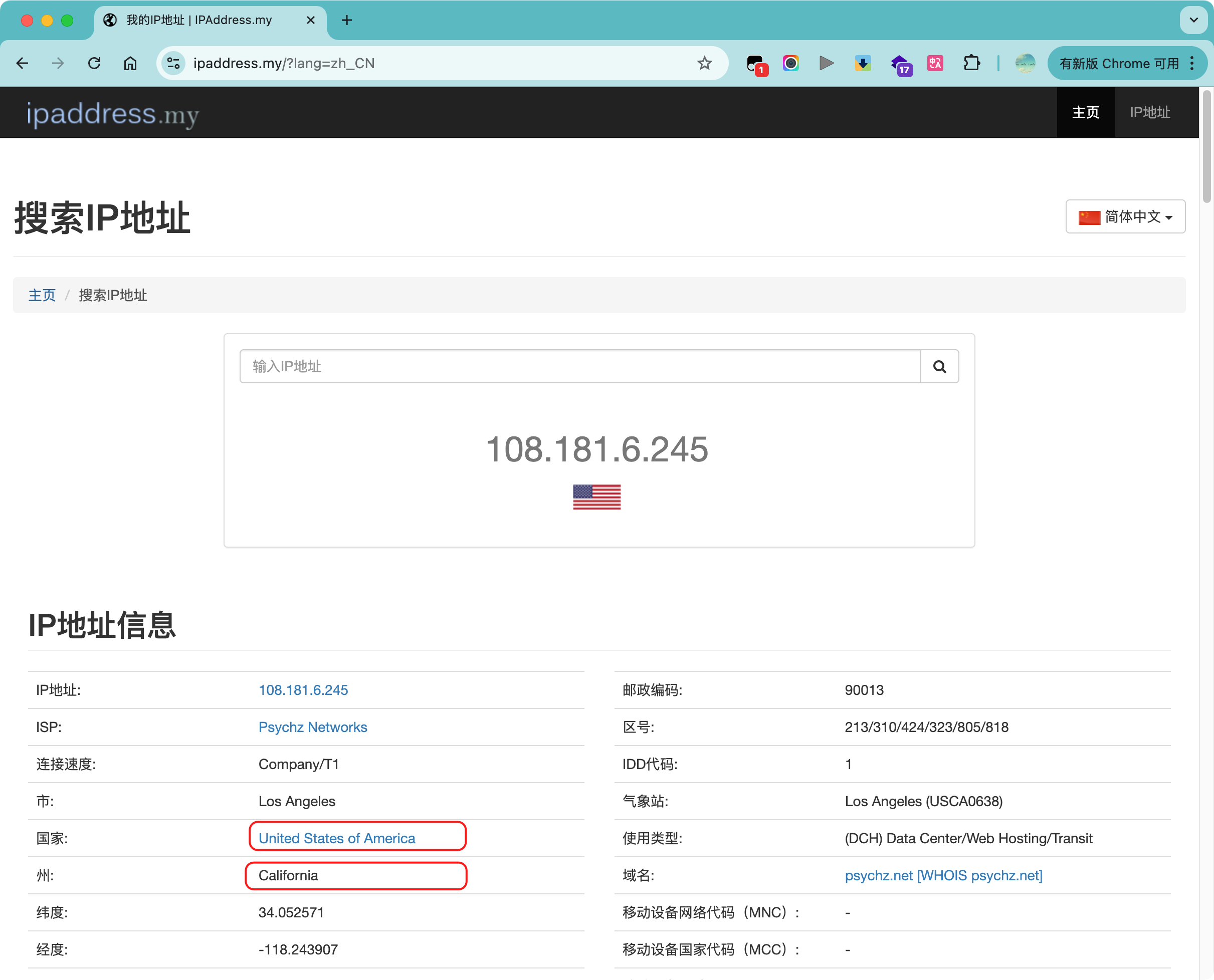
访问 https://www.ipaddress.my/?lang=zh_CN -
查看你🪜的所属国家和省市,例如我的是 United States of America【美国】 + California【加利福尼亚】
1.2 google 账号问题:
-
访问https://policies.google.com/terms, 查看当前账号的归属地
-
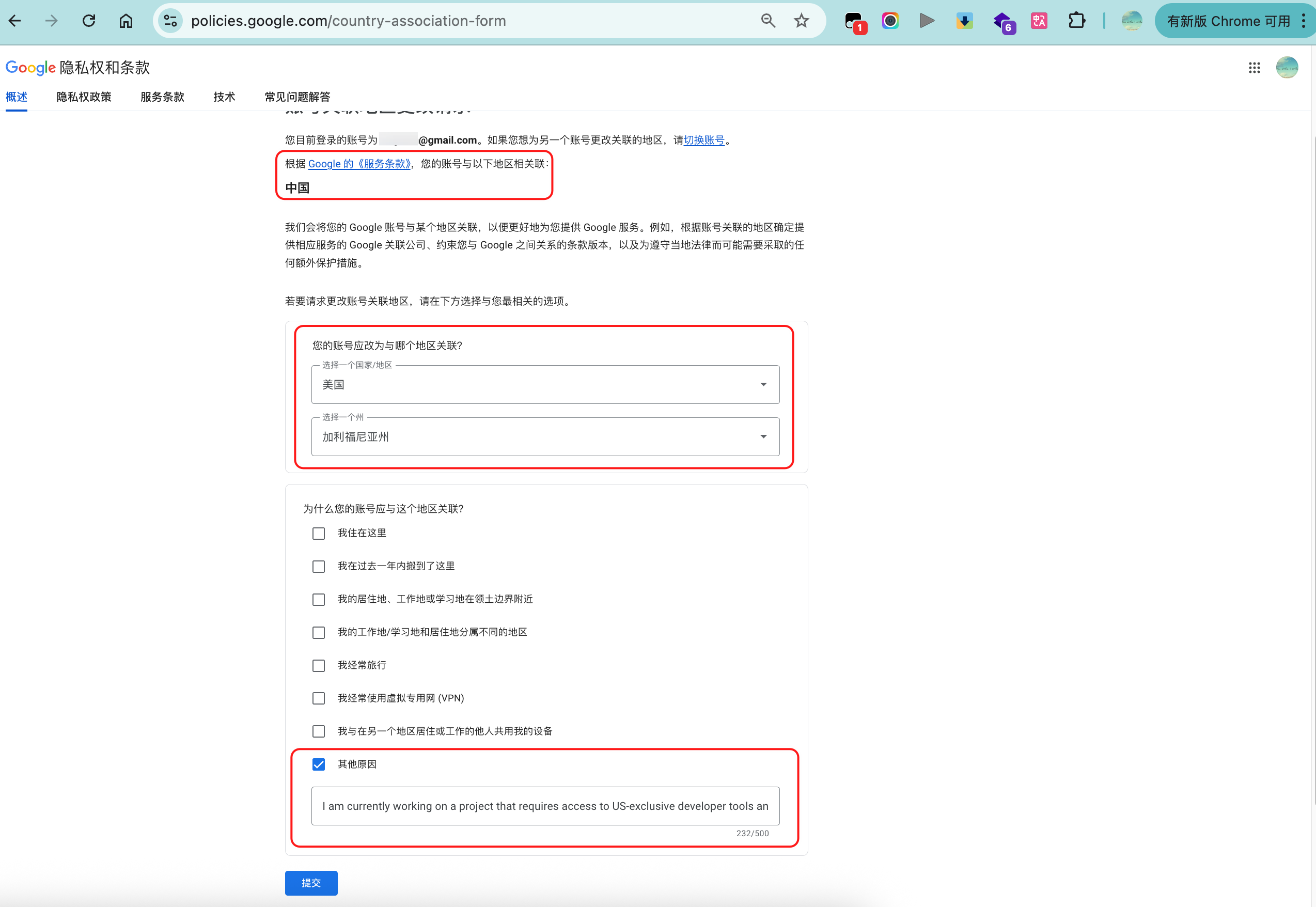
如果不在支持的地区,访问:https://policies.google.com/country-association-form 申请修改地址
-
注意:第二项原因一栏选
Other reason,在出现的文本框里写: -
I am currently working on a project that requires access to US-exclusive developer tools and early access programs. To proceed with my work, I need to update my account region. Please assist me in changing my location to [你修改的目的地].
-
例如:
I am currently working on a project that requires access to US-exclusive developer tools and early access programs. To proceed with my work, I need to update my account region. Please assist me in changing my location to California.
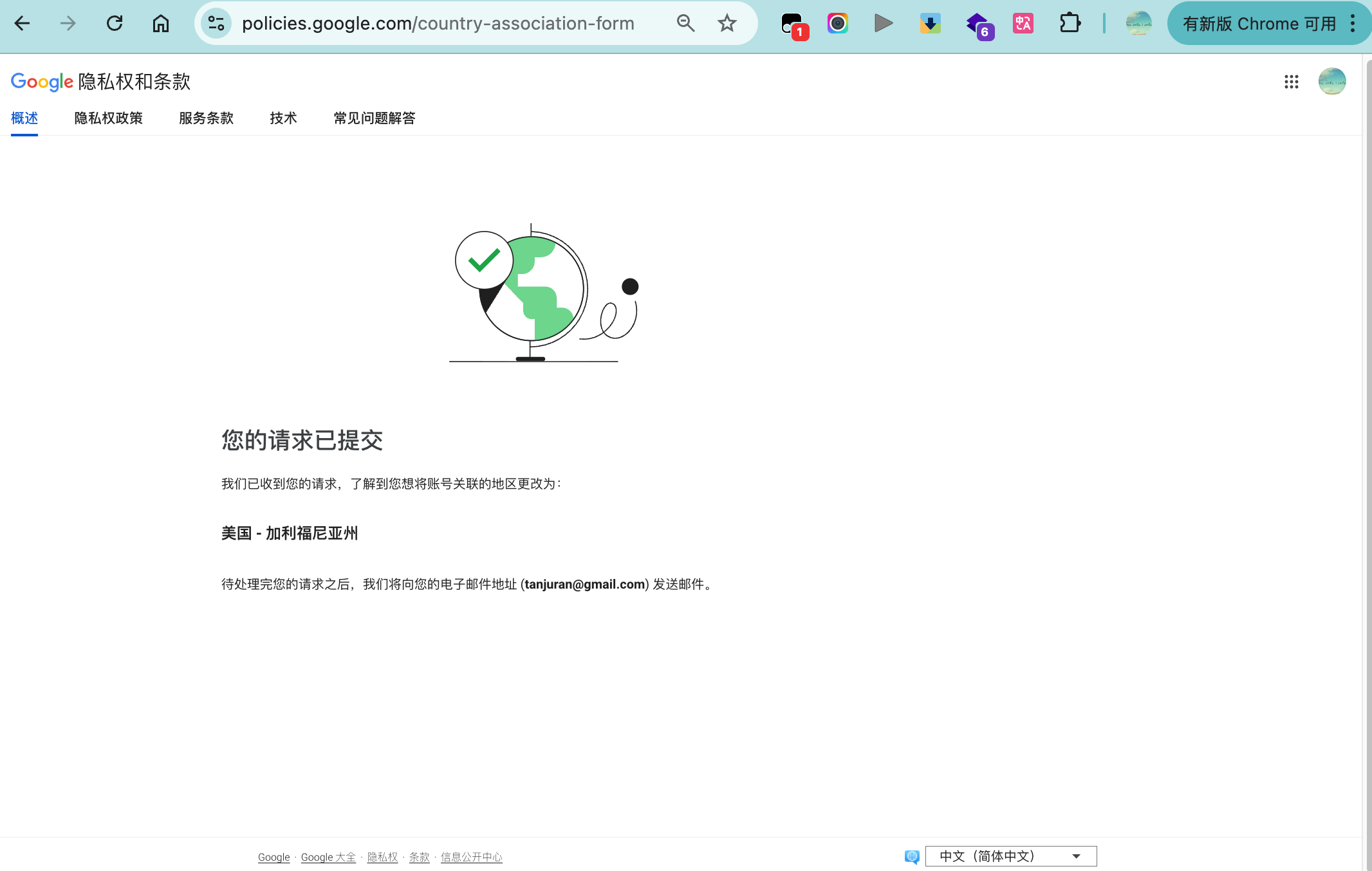
- 申请修改地址半个小时左右会收到邮件,修改成功的图如下

重新授权antigravity:
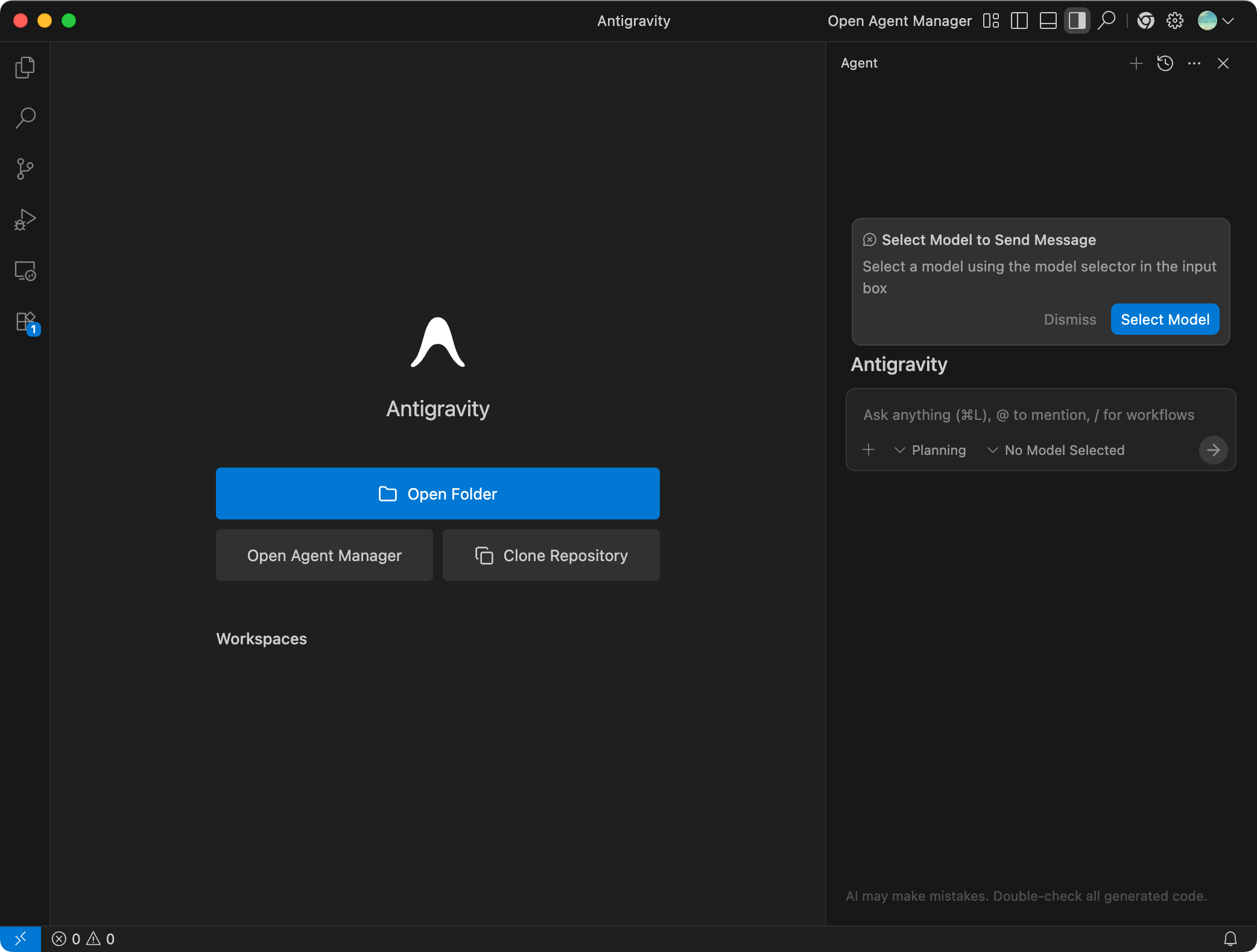
Ok,一切准备就绪。如果以上网络和账号问题都解决了,就能顺利地登陆了
antigravity 目前还是免费状态,提供Gemini Pro 3,Claude Sonnet 4.5,快去试用吧。
详细步骤见原文链接:https://yeekal.com/ai/google-antigravity-login-failed/





 扫一扫
扫一扫


 6021
6021

 被折叠的 条评论
为什么被折叠?
被折叠的 条评论
为什么被折叠?
 到【灌水乐园】发言





