


 本文介绍了如何在JavaScript中使用CryptoJS库中的AES加密算法进行字符串加密和解密,包括导入依赖、定义加密和解密函数,并展示了一个实际操作的例子。
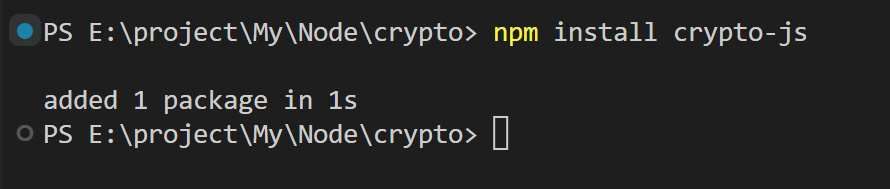
首先安装 crypto-js
npm install crypto-js
下面是完整代码,首先引入 crypto-js 里的 AES 和 enc,声明加密方法和解密方法进行测试
let { AES, enc } = require("crypto-js");
// 加密方法
function encryptString(str, key) {
// 使用 AES 加密算法,将字符串转为字节数组
const ciphertext = AES.encrypt(str, key).toString();
// 将字节数组转为 Base64 编码的字符串
const base64Ciphertext = enc.Base64.stringify(enc.Utf8.parse(ciphertext));
return base64Ciphertext;
}
// 解密方法
function decryptString(ciphertext, key) {
// 将 Base64 编码的字符串解码成字节数组
const bytes = enc.Base64.parse(ciphertext);
// 将字节数组转为 AES 加密后的数据
const decryptedData = AES.decrypt(bytes.toString(enc.Utf8), key);
// 将解密后的数据转为字符串
const plaintext = decryptedData.toString(enc.Utf8);
return plaintext;
}
const key = "qweasdzxc"; // 秘钥
const encryptionStr = "爱老虎油"; // 需要加密的字符串
let a1 = encryptString(encryptionStr, key);
conso 最低0.47元/天 解锁文章






 扫一扫
扫一扫


 1万+
1万+

 被折叠的 条评论
为什么被折叠?
被折叠的 条评论
为什么被折叠?
 到【灌水乐园】发言





