


 本文详细介绍了如何使用Vue.js实现购物车内商品数量的增减效果,包括点击加号和减号按钮更新商品数量的方法及注意事项,适用于前端开发中的电商应用。
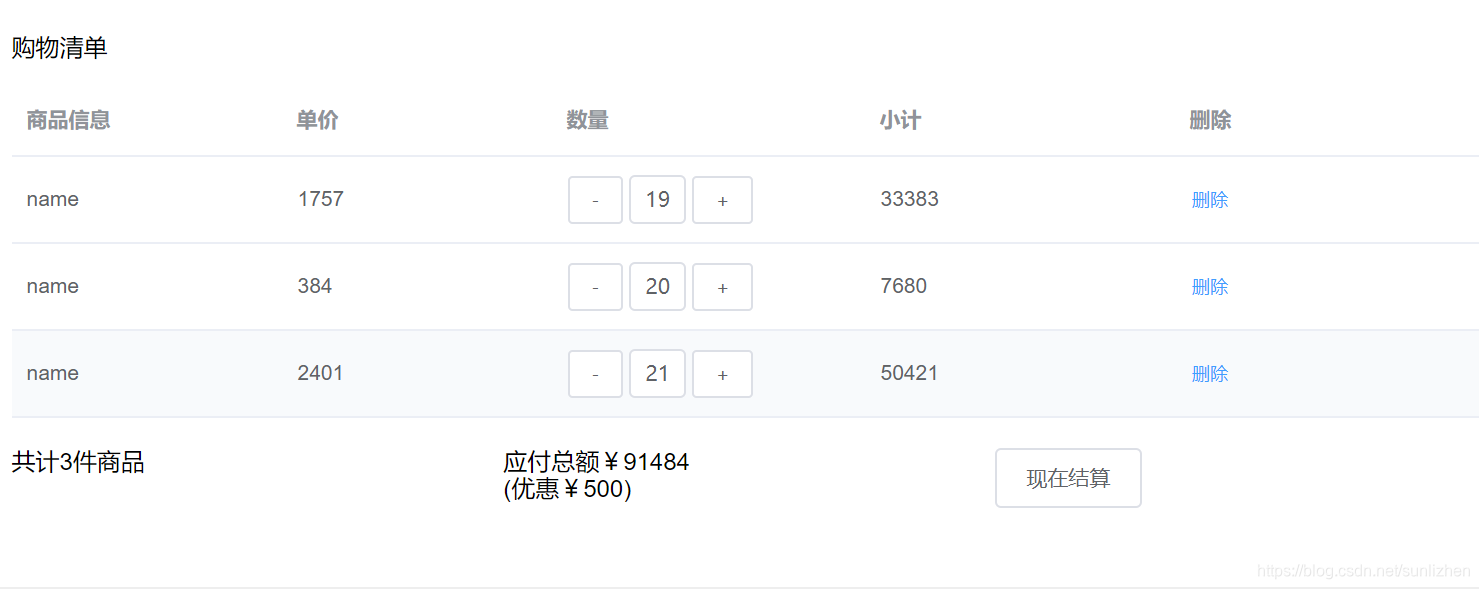
<template>
    <div class="shoppingCar">
        <div class="shopingWrap">
          <p>购物清单</p>
          <el-table
            :data="tableData"
            style="width: 100%">
            <el-table-column
              prop="author"
              label="商品信息"
              width="180">
            </el-table-column>
            <el-table-column
              prop="pageviews"
              label="单价"
              width="180">
            </el-table-column>
            <el-table-column
              prop="num"
              label="数量">
              <template slot-scope="scope">
                <el-button @click="Reduction(scope.$index, scope.row, -1)" size="small">-</el-button>
                <el-input v-model="scope.row.num" class="inp"></el-input>
 最低0.47元/天 解锁文章






 扫一扫
扫一扫


 2374
2374

 被折叠的 条评论
为什么被折叠?
被折叠的 条评论
为什么被折叠?
 到【灌水乐园】发言





