


 本文详细介绍了使用JavaScript实现走马灯滚动效果的方法,包括无限滚动的设置,以及通过CSS实现多行文本的省略号显示。同时,还探讨了页面滚动时元素的显示与隐藏控制。
白色背景:收藏了图片
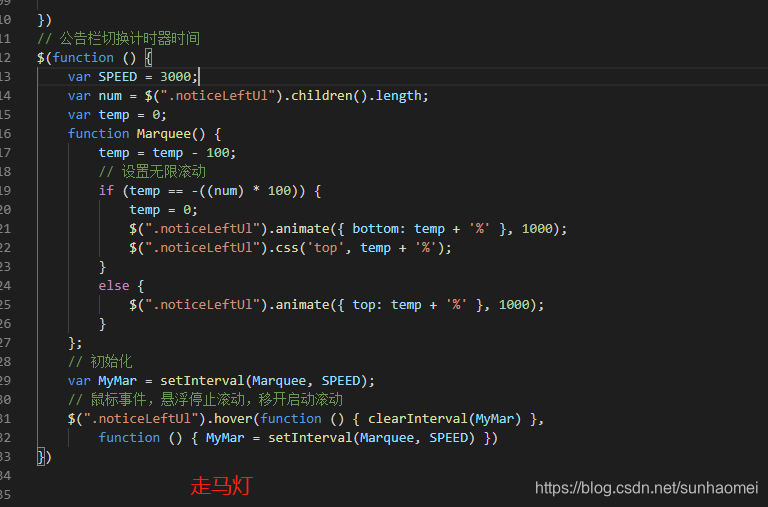
走马灯效果
$(function () {
var SPEED = 3000;
var num = $(".noticeLeftUl").children().length;
var temp = 0;
function Marquee() {
temp = temp - 100;
// 设置无限滚动
if (temp == -((num) * 100)) {
temp = 0;
$(".noticeLeftUl").animate({ bottom: temp + '%' }, 1000);
$(".noticeLeftUl").css('top', temp + '%');
}
else {
$(".noticeLeftUl").animate({ top: temp + '%' }, 1000);
}
};
// 初始化
var MyMar = setInterval(Marquee, SPEED);
// 鼠标事件,悬浮停止滚动,移开启动滚动
$(".noticeLeftUl").hover(function () { clearInterval(MyMar) },
function () { MyMar = setInterval(Marquee, SPEED) })
})
多行省略号展示:
- overflow : hidden;
- text-overflow: ellipsis;
- display: -webkit-box;
- -webkit-line-clamp: 2;
- -webkit-box-orient: vertical;

打开本页面
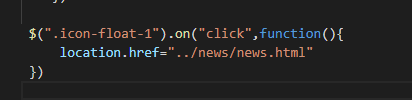
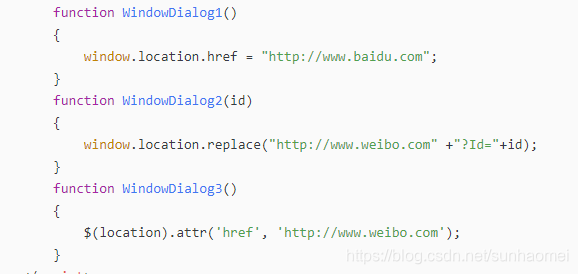
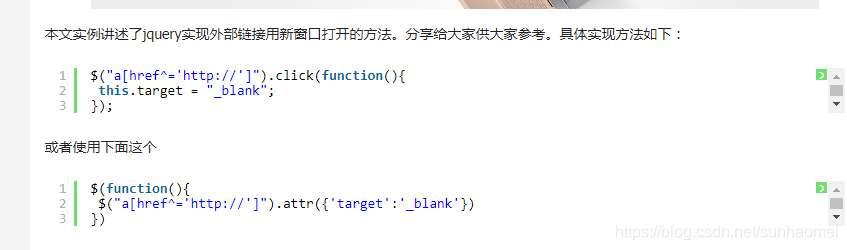
打开外链:
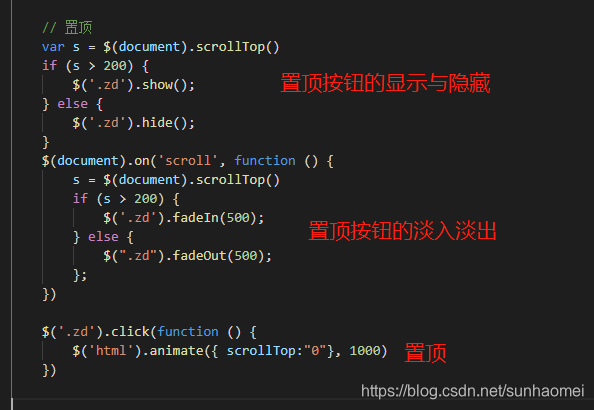
var s = $(document).scrollTop()
if (s > 200) {
$('.zd').show();
} else {
$('.zd').hide();
}
$(document).on('scroll', function () {
s = $(document).scrollTop()
if (s > 200) {
$('.zd').fadeIn(500);
} else {
$(".zd").fadeOut(500);
};
})
$('.zd').click(function () {
$('html').animate({ scrollTop:"0"}, 1000)
})
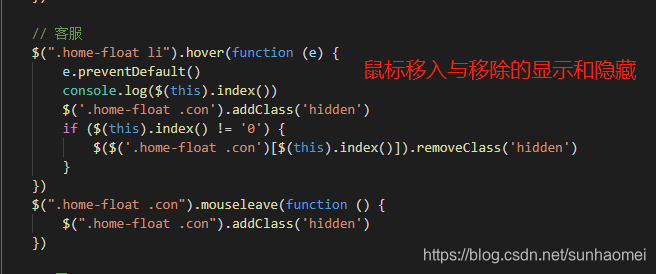
$(".home-float li").hover(function (e) {
e.preventDefault()
console.log($(this).index())
$('.home-float .con').addClass('hidden')
if ($(this).index() != '0') {
$($('.home-float .con')[$(this).index()]).removeClass('hidden')
}
})
$(".home-float .con").mouseleave(function () {
$(".home-float .con").addClass('hidden')
})





 扫一扫
扫一扫


 1375
1375

 被折叠的 条评论
为什么被折叠?
被折叠的 条评论
为什么被折叠?
 到【灌水乐园】发言





