


 本文介绍了使用JavaFX技术创建的一款简单的贪吃蛇游戏。游戏使用 AnchorPane 作为主面板,Canvas 进行图形绘制,SnakeHead、SnakePart 和 Food 类分别代表蛇头、蛇身和食物。游戏通过键盘控制蛇的移动,食物由后台线程随机生成,Snake 对象负责游戏逻辑,包括蛇的移动、吃食物和死亡判断。此外,游戏还实现了音乐播放功能和事件监听。
关于JavaFX技术这里不做过多介绍,简单说一句:
JavaFx平台作为Java gui的替代方案,是一个富客户端平台解决方案,它能够使用应用程序开发人员轻松的创建跨平台的富客户端应用程序。
通过JavaFX实现简单的贪吃蛇游戏,没有小蛇素材,使用老鼠代替😊😊😊
实现说明
- W S A D 代表上下左右方向
- AnchorPane 主面板,锚点类型
- Canvas 绘图对象,获取画笔进行图像显示绘制,设置位置坐标和尺寸
- 音乐播放使用 MediaPlayer
- 食物随机生成,使用子线程和阻塞队列进行生产。
- 使用Timer 实现蛇前进和速度控制
核心对象
- Food: 食物对象
- Snake: 蛇对象
- SnakeHead: 蛇头对象
- SnakePart: 蛇身体一部分
- SnakeRun: 游戏启动类继承了javafx的Application
运行截图

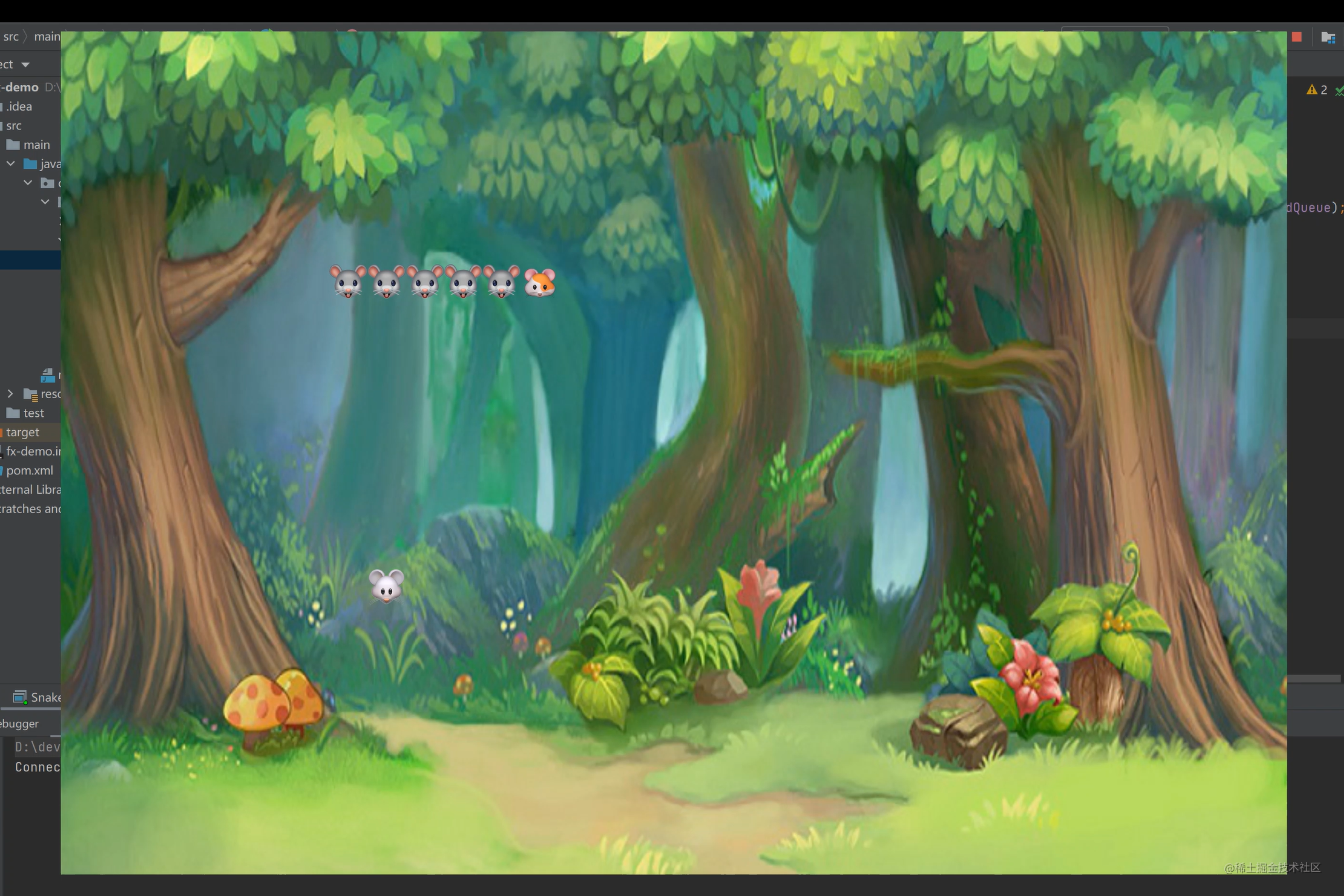
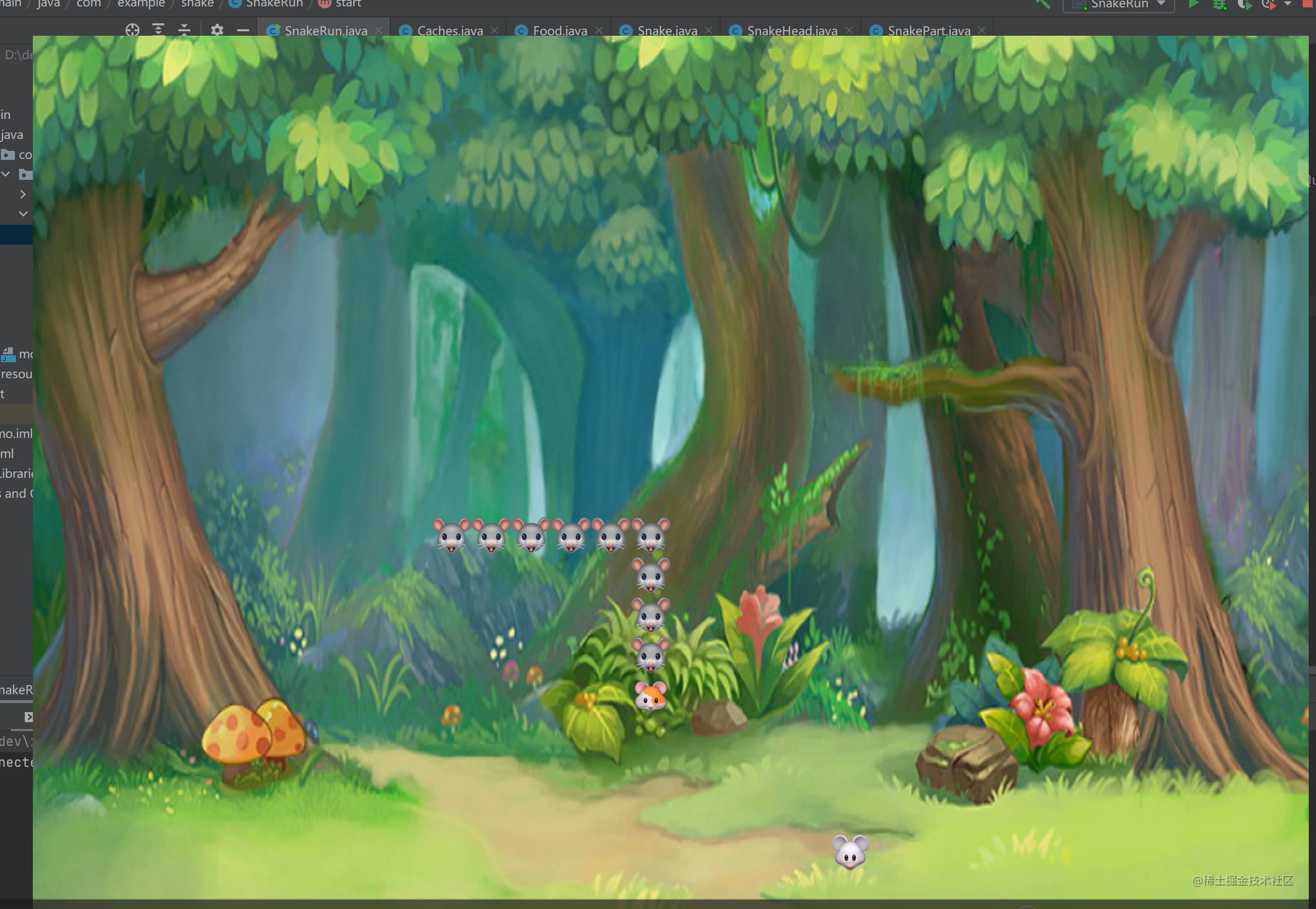
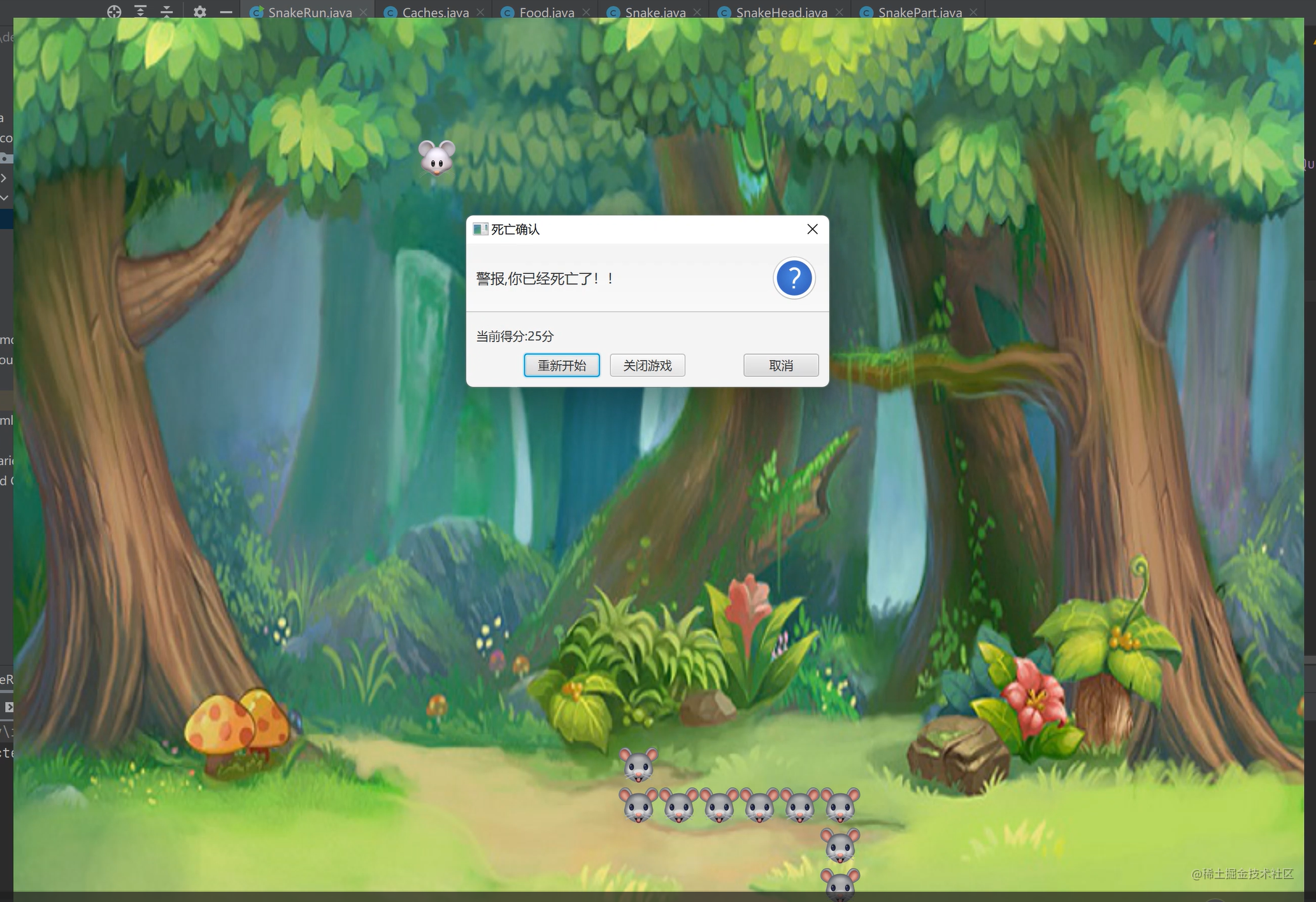
代码实现
Food
package com.example.snake;

import javafx.scene.canvas.GraphicsContext;
import javafx.scene.paint.Color;

import java.util.Random;

public class Food {


    private final int x;
    private final int y;
    private final int size;
    private final Color color;
    private final GraphicsContext graphics;

    public Food(int x, int y, int size, Color color, GraphicsContext graphics) {


        this.x = x;
        this.y = y;
        this.size = size;
        this.color = color;
        this.graphics = graphics;
    }

    public Food(int x, int y, GraphicsContext graphics) {


        this.x = x;
        this.y = y;
        this.size = SnakePart.DEF_LEN;
        Random random = new Random();
        this.color = Color.rgb(random.nextInt(255), random.nextInt(255), random.nextInt(255));
        this.graphics = graphics;
    }

    public Food show() {


        graphics.setFill(color);
//        graphics.fillRect(x, y, size, size);
        graphics.drawImage(Caches.mouseImage2, x, y, size, size);

        return this;
    }

    public void vanish() {


        graphics.clearRect(x, y, size, size);
    }

    public int getX() {


        return x;
    }

    public int getY() {


        return y;
    }

    public int getSize() {


        return size;
    }

    public Color getColor() {


        return color;
    }
}
SnakePart
package com.example.snake;
import javafx.scene.canvas.GraphicsContext;
import javafx.scene.paint.Color;
import java.util.Random;
/**
* 身体片段
*/
public class SnakePart {
public static final int DEF_LEN = 40;
protected int x;
protected int y;
protected final int len;
protected final Color color;
protected final GraphicsContext graphics;
public SnakePart(int x, int y, GraphicsContext graphics) {
this.x = x;
this.y = y;
this.len = DEF_LEN;
Random random = new Random();
this.color = Color.rgb(random.nextInt(255), random.nextInt(255), random.nextInt(255));
this.graphics = graphics;
}
public SnakePart(int x, int y, Color color, GraphicsContext graphics) {
this.x = x;
this.y = y;
this.len = DEF_LEN;
this.color = color;
this.graphics = graphics;
}
public SnakePart(int x, int y, int len, Color color, GraphicsContext graphics) {
this.x = x;
this.y = y;
this.len = len;
this.color = color;
this.graphics = graphics;
}
public void remove() {
graphics.clearRect(x, y, len, len);
}
public SnakePart move(int dX, int dY) {
x += dX;
y += dY;
graphics.drawImage(Caches.snakeBodyImage, x, y, len, len);
return this;
}
public SnakePart updateLocation(int pX, int pY) {
x = pX;
y = pY;
graphics.drawImage(Caches.snakeBodyImage, x, y, len, len);
return this;
}
public int getX() {
return x;
}
public int getY() {
return y;
}
public int getLen() {
return len;
}
@Override
public String toString() {
return "SnakePart{" +
"x=" + x +
", y=" +  最低0.47元/天 解锁文章






 扫一扫
扫一扫


 2707
2707


 到【灌水乐园】发言



