



 本文介绍了解决curl连接raw.githubusercontent.com失败的问题,并提供了配置国内源的方法。通过使用国内源,可以有效提高Homebrew等工具的安装速度。
报错提示
curl: (7) Failed to connect to raw.githubusercontent.com port 443: Connection refused
curl: (35) LibreSSL SSL_connect: SSL_ERROR_SYSCALL in connection to raw.githubusercontent.com:443
使用国内源
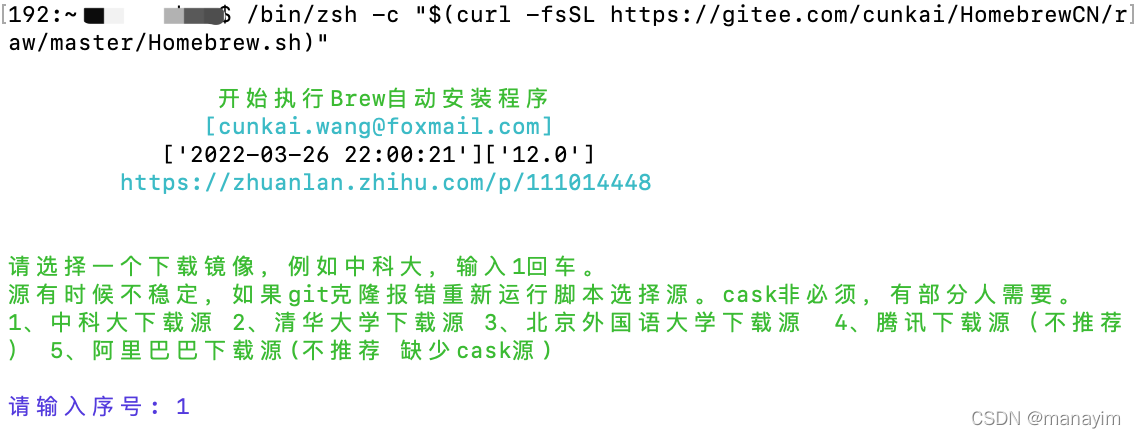
/bin/zsh -c "$(curl -fsSL https://gitee.com/cunkai/HomebrewCN/raw/master/Homebrew.sh)"
该地址提供多个国内源地址,选择一个安装即可,如图下图:
查看brew版本:brew -v
更新brew版本:brew update





 扫一扫
扫一扫


 3099
3099

 被折叠的 条评论
为什么被折叠?
被折叠的 条评论
为什么被折叠?
 到【灌水乐园】发言





