


最近沉迷 AI 小说 (不可自拔) 玩物丧志 (大雾).
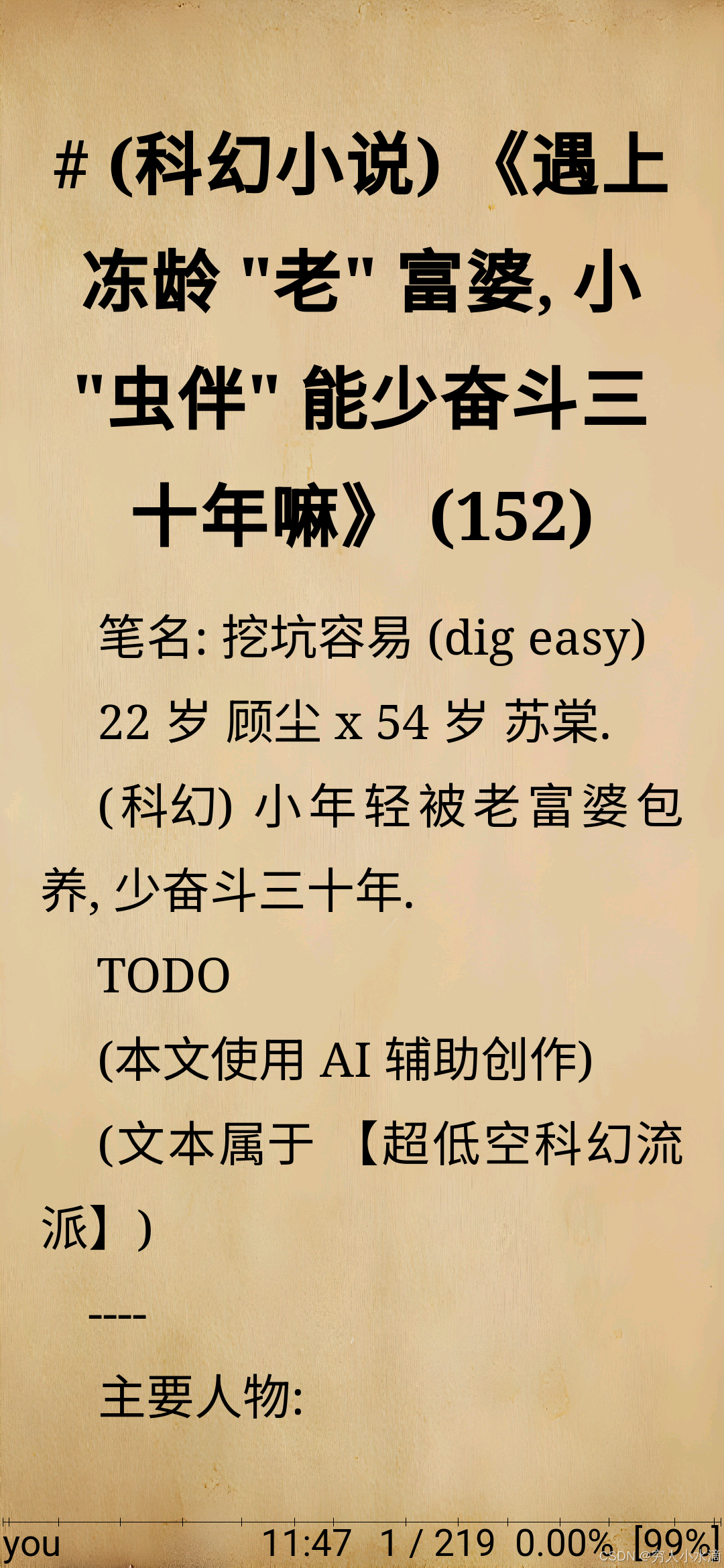
那么假如, 是说假如, 窝自己写了一本小说, 如何愉快的阅读它呢 ?
这里是 穷人小水滴, 专注于 穷人友好型 低成本技术. (本文为 86 号作品. )
相关文章:
- 《4 大低成本娱乐方式: 小说, 音乐, 视频, 电子游戏》 https://blog.youkuaiyun.com/secext2022/article/details/142268932
- 《在 Android 设备上写代码 (Termux, code-server)》 https://blog.youkuaiyun.com/secext2022/article/details/148369561
- 《Android 运行 deno 的新方法 (3): Termux 胖喵安初》 https://blog.youkuaiyun.com/secext2022/article/details/149861852
- 《小水滴系列文章目录 (整理)》 https://blog.youkuaiyun.com/secext2022/article/details/148834199
- 《自制: 7 天手搓一个拼音输入法》 https://blog.youkuaiyun.com/secext2022/article/details/136520721
- 《防误删 (实时) 文件备份系统 (btrfs 快照 + rsync)》 https://blog.youkuaiyun.com/secext2022/article/details/151936767
- 《静音键盘简单评测》 https://blog.youkuaiyun.com/secext2022/article/details/152602300
- 《科幻小说计划 (顾雪) (AIGC)》 https://blog.youkuaiyun.com/secext2022/article/details/155396015
参考资料:
- https://deno.com/
- https://termux.dev/en/
- https://mirrors.tuna.tsinghua.edu.cn/help/fdroid/
- https://wiki.lineageos.org/devices/violet/
- https://archlinux.org/
目录
- 1 制作 epub 文件 (deno)
- 1.1 程序代码
- 1.2 工作原理
- 2 手机阅读软件推荐 (Android F-Droid)
- 3 实际测试
- 4 总结与展望
- 附录 1 “全开源” 软件体系
1 制作 epub 文件 (deno)
如果使用最基础的 txt (纯文本) 文件, 由于不含任何有关内容的格式, 阅读体验并不好.
epub 是一种开放的电子书格式标准, 基于 HTML+CSS (XML) 技术, 简单, 被广泛支持, 功能丰富.
于是窝就写了一个很简单的 txt 转 epub 格式的程序, 主要功能有分章, 字数计算等, 代码如下.
1.1 程序代码
文件 txt2epub.js:
// txt2epub.js
//
// deno run -A txt2epub.js 1.txt out1

// 计算中文字数: 非 ASCII 字符都算
function 字数(文本) {
  let 计数 = 0;
  for (const i of 文本) {
    if (i.codePointAt(0) > 127) {
      计数 += 1;
    }
  }
  return 计数;
}

// 将输入 txt 文件内容转换成内部数据格式, 并进行分章
function 解析txt(文本) {
  // 全文总字数
  const 总字 = 字数(文本);

  // 按 ## 切分章节 (markdown)
  const 部分 = 文本.split("\n## ");

  // 章节的第 1 行是标题
  const 章 = 部分.map((i) => {
    const 行 = i.split("\n");

    // 章节正文字数
    const 字 = 字数(行.slice(1).join("\n"));

    return {
      // 标题 (字数)
      标题: 行[0] + " (" + 字 + ")",
      段: 行.slice(1),
    };
  });

  // 书名为第 1 行
  // 总字数 (k 计数)
  const 总字k = (总字 / 1000).toFixed(0);
  return {
    标题: 章[0].标题 + " (" + 总字k + "k)",
    章,
  };
}

// 读取 txt 文件并解析
async function 加载txt(文件) {
  const 文本 = await Deno.readTextFile(文件);
  return 解析txt(文本);
}

// 生成 uuid
function 造uuid() {
  return crypto.randomUUID();
}

// 渲染 epub

// out/mimetype
function 渲染mimetype() {
  return `application/epub+zip`;
}

// out/META-INF/container.xml
function 渲染container_xml() {
  return `<?xml version="1.0" encoding="utf-8"?>
<container
  version="1.0"
  xmlns="urn:oasis:names:tc:opendocument:xmlns:container"
>
  <rootfiles>
    <rootfile
      full-path="OEBPS/content.opf"
      media-type="application/oebps-package+xml"
    />
  </rootfiles>
</container>
`;
}

// out/OEBPS/content.opf
function 渲染content_opf(数据) {
  const uuid = 造uuid();

  const item = 数据.章.map((_, 序号) =>
    `    <item id="item${序号}" href="xhtml/${序号}.xhtml" media-type="application/xhtml+xml" />`
  );
  const itemref = 数据.章.map((_, 序号) =>
    `    <itemref idref="item${序号}" />`
  );

  return `<?xml version="1.0" encoding="utf-8"?>
<package
  xmlns="http://www.idpf.org/2007/opf"
  version="3.0"
  unique-identifier="pub-id"
>
  <metadata xmlns:dc="http://purl.org/dc/elements/1.1/">
    <dc:title>${数据.标题}</dc:title>
    <dc:creator>you</dc:creator>
    <dc:identifier id="pub-id"
    >urn:uuid:${uuid}</dc:identifier>
  </metadata>

  <manifest>
    <item id="ncx" href="toc.ncx" media-type="application/x-dtbncx+xml" />
    <item id="css" href="style.css" media-type="text/css" />

${item.join("\n")}
  </manifest>

  <spine toc="ncx">
${itemref.join("\n")}
  </spine>
</package>
`;
}

// out/OEBPS/toc.ncx
function 渲染toc_ncx(数据) {
  const uuid = 造uuid();

  const navPoint = 数据.章.map((i, 序号) =>
    `    <navPoint id="navPoint-${序号}" playOrder="${序号 + 1}">
      <navLabel><text>${i.标题}</text></navLabel>
      <content src="xhtml/${序号}.xhtml" />
    </navPoint>
`
  );

  return `<?xml version="1.0" encoding="utf-8"?>
<ncx
  xmlns="http://www.daisy.org/z3986/2005/ncx/"
  version="2005-1"
  xml:lang="zh-CN"
>
  <head>
    <meta
      name="dtb:uid"
      content="urn:uuid:${uuid}"
    />
    <meta name="dtb:depth" content="1" />
    <meta name="dtb:totalPageCount" content="${数据.章.length}" />
  </head>
  <docTitle>
    <text>${数据.标题}</text>
  </docTitle>
  <navMap>
${navPoint.join("\n")}
  </navMap>
</ncx>
`;
}

// out/OEBPS/style.css
function 渲染style_css() {
  return `body {

}
`;
}

// out/OEBPS/xhtml/0.xhtml
function 渲染xhtml(章, _序号) {
  const p = 章.段.map((i) => `    <p>${i}</p>`);

  return `<?xml version="1.0" encoding="utf-8"?>
<html xmlns="http://www.w3.org/1999/xhtml" xmlns:epub="http://www.idpf.org/2007/ops">
  <head>
    <title>${章.标题}</title>
  </head>
  <body>
    <h2>${章.标题}</h2>

${p.join("\n")}

 </body>
</html>
`;
}

// 递归创建目录: mkdir -p
async function 建目录(路径) {
  console.log("目录", 路径);
  await Deno.mkdir(路径, {
    recursive: true,
  });
}

// 写文本文件
async function 写(名, 文本) {
  console.log(" ", 名);
  await Deno.writeTextFile(名, 文本);
}

// 生成 epub 文件
//
// epub 文件结构 (zip.epub):
//
// out/
// out/mimetype
// out/META-INF/
// out/META-INF/container.xml
// out/OEBPS/
// out/OEBPS/content.opf
// out/OEBPS/toc.ncx
// out/OEBPS/style.css
// out/OEBPS/xhtml/
// out/OEBPS/xhtml/0.xhtml
async function 造epub(数据, 输出目录) {
  // epub 元数据
  await 建目录(输出目录);
  await 写(输出目录 + "/mimetype", 渲染mimetype());

  await 建目录(输出目录 + "/META-INF");
  await 写(输出目录 + "/META-INF/container.xml", 渲染container_xml());

  await 建目录(输出目录 + "/OEBPS/xhtml");
  await 写(输出目录 + "/OEBPS/content.opf", 渲染content_opf(数据));
  await 写(输出目录 + "/OEBPS/toc.ncx", 渲染toc_ncx(数据));
  await 写(输出目录 + "/OEBPS/style.css", 渲染style_css());

  // 生成每一章
  for (let [序号, 章] of 数据.章.entries()) {
    await 写(
      输出目录 + "/OEBPS/xhtml/" + 序号 + ".xhtml",
      渲染xhtml(章, 序号),
    );
  }

  console.log("完成");
}

// 开始执行
const [输入文件, 输出目录] = Deno.args;

console.log("读", 输入文件);

const 数据 = await 加载txt(输入文件);
//console.log("data", 数据);

await 造epub(数据, 输出目录);

// txt2epub.js
1.2 工作原理
我们用一个简单的测试文件.
文件 1.txt:
(测试) 整本书 的 书名

封面 1

封面 2

## 第 1 章 标题 1

段落 1
段落 2

## 第 2 章 标题 2

段落 3

段落 4

TODO end
内容很简单, 只有 2 章, 格式类似 markdown.
然后运行上面的程序:
> deno run -A txt2epub.js 1.txt out1
读 1.txt
目录 out1
  out1/mimetype
目录 out1/META-INF
  out1/META-INF/container.xml
目录 out1/OEBPS/xhtml
  out1/OEBPS/content.opf
  out1/OEBPS/toc.ncx
  out1/OEBPS/style.css
  out1/OEBPS/xhtml/0.xhtml
  out1/OEBPS/xhtml/1.xhtml
  out1/OEBPS/xhtml/2.xhtml
完成
运行完毕, 生成了这些文件:
> find out1
out1
out1/mimetype
out1/META-INF
out1/META-INF/container.xml
out1/OEBPS
out1/OEBPS/xhtml
out1/OEBPS/xhtml/0.xhtml
out1/OEBPS/xhtml/1.xhtml
out1/OEBPS/xhtml/2.xhtml
out1/OEBPS/content.opf
out1/OEBPS/toc.ncx
out1/OEBPS/style.css
文件 out1/mimetype:
application/epub+zip
文件 out1/META-INF/container.xml:
<?xml version="1.0" encoding="utf-8"?>
<container
  version="1.0"
  xmlns="urn:oasis:names:tc:opendocument:xmlns:container"
>
  <rootfiles>
    <rootfile
      full-path="OEBPS/content.opf"
      media-type="application/oebps-package+xml"
    />
  </rootfiles>
</container>
文件 out1/OEBPS/content.opf:
<?xml version="1.0" encoding="utf-8"?>
<package
  xmlns="http://www.idpf.org/2007/opf"
  version="3.0"
  unique-identifier="pub-id"
>
  <metadata xmlns:dc="http://purl.org/dc/elements/1.1/">
    <dc:title>(测试) 整本书 的 书名 (4) (0k)</dc:title>
    <dc:creator>you</dc:creator>
    <dc:identifier id="pub-id"
    >urn:uuid:b203607a-1ebb-44db-ba21-854dd5dc57b3</dc:identifier>
  </metadata>

  <manifest>
    <item id="ncx" href="toc.ncx" media-type="application/x-dtbncx+xml" />
    <item id="css" href="style.css" media-type="text/css" />

    <item id="item0" href="xhtml/0.xhtml" media-type="application/xhtml+xml" />
    <item id="item1" href="xhtml/1.xhtml" media-type="application/xhtml+xml" />
    <item id="item2" href="xhtml/2.xhtml" media-type="application/xhtml+xml" />
  </manifest>

  <spine toc="ncx">
    <itemref idref="item0" />
    <itemref idref="item1" />
    <itemref idref="item2" />
  </spine>
</package>
文件 out1/OEBPS/toc.ncx:
<?xml version="1.0" encoding="utf-8"?>
<ncx
  xmlns="http://www.daisy.org/z3986/2005/ncx/"
  version="2005-1"
  xml:lang="zh-CN"
>
  <head>
    <meta
      name="dtb:uid"
      content="urn:uuid:34deb94e-ee02-4db6-b96b-31996f4e8900"
    />
    <meta name="dtb:depth" content="1" />
    <meta name="dtb:totalPageCount" content="3" />
  </head>
  <docTitle>
    <text>(测试) 整本书 的 书名 (4) (0k)</text>
  </docTitle>
  <navMap>
    <navPoint id="navPoint-0" playOrder="1">
      <navLabel><text>(测试) 整本书 的 书名 (4)</text></navLabel>
      <content src="xhtml/0.xhtml" />
    </navPoint>

    <navPoint id="navPoint-1" playOrder="2">
      <navLabel><text>第 1 章 标题 1 (4)</text></navLabel>
      <content src="xhtml/1.xhtml" />
    </navPoint>

    <navPoint id="navPoint-2" playOrder="3">
      <navLabel><text>第 2 章 标题 2 (4)</text></navLabel>
      <content src="xhtml/2.xhtml" />
    </navPoint>

  </navMap>
</ncx>
文件 out1/OEBPS/style.css:
body {

}
文件 out1/OEBPS/xhtml/0.xhtml:
<?xml version="1.0" encoding="utf-8"?>
<html xmlns="http://www.w3.org/1999/xhtml" xmlns:epub="http://www.idpf.org/2007/ops">
  <head>
    <title>(测试) 整本书 的 书名 (4)</title>
  </head>
  <body>
    <h2>(测试) 整本书 的 书名 (4)</h2>

    <p></p>
    <p>封面 1</p>
    <p></p>
    <p>封面 2</p>
    <p></p>

 </body>
</html>
文件 out1/OEBPS/xhtml/1.xhtml:
<?xml version="1.0" encoding="utf-8"?>
<html xmlns="http://www.w3.org/1999/xhtml" xmlns:epub="http://www.idpf.org/2007/ops">
  <head>
    <title>第 1 章 标题 1 (4)</title>
  </head>
  <body>
    <h2>第 1 章 标题 1 (4)</h2>

    <p></p>
    <p>段落 1</p>
    <p>段落 2</p>
    <p></p>

 </body>
</html>
文件 out1/OEBPS/xhtml/2.xhtml:
<?xml version="1.0" encoding="utf-8"?>
<html xmlns="http://www.w3.org/1999/xhtml" xmlns:epub="http://www.idpf.org/2007/ops">
  <head>
    <title>第 2 章 标题 2 (4)</title>
  </head>
  <body>
    <h2>第 2 章 标题 2 (4)</h2>

    <p></p>
    <p>段落 3</p>
    <p></p>
    <p>段落 4</p>
    <p></p>
    <p>TODO end</p>
    <p></p>

 </body>
</html>
上面的大部分文件都是 epub 的元数据, 比如标题, 目录什么的.
xhtml 文件是章节内容, 每章一个.
然后, 把这堆文件手动压缩成 zip 包, 再把文件名后缀改成 .epub, 就完成啦 ~
对, epub 格式就是这么朴实无华.
2 手机阅读软件推荐 (Android F-Droid)
如何安装 Termux (F-Droid) 详见文章 《在 Android 设备上写代码 (Termux, code-server)》.
此处推荐的 epub 阅读软件有: LxReader, Librera (F-Droid), Anx Reader
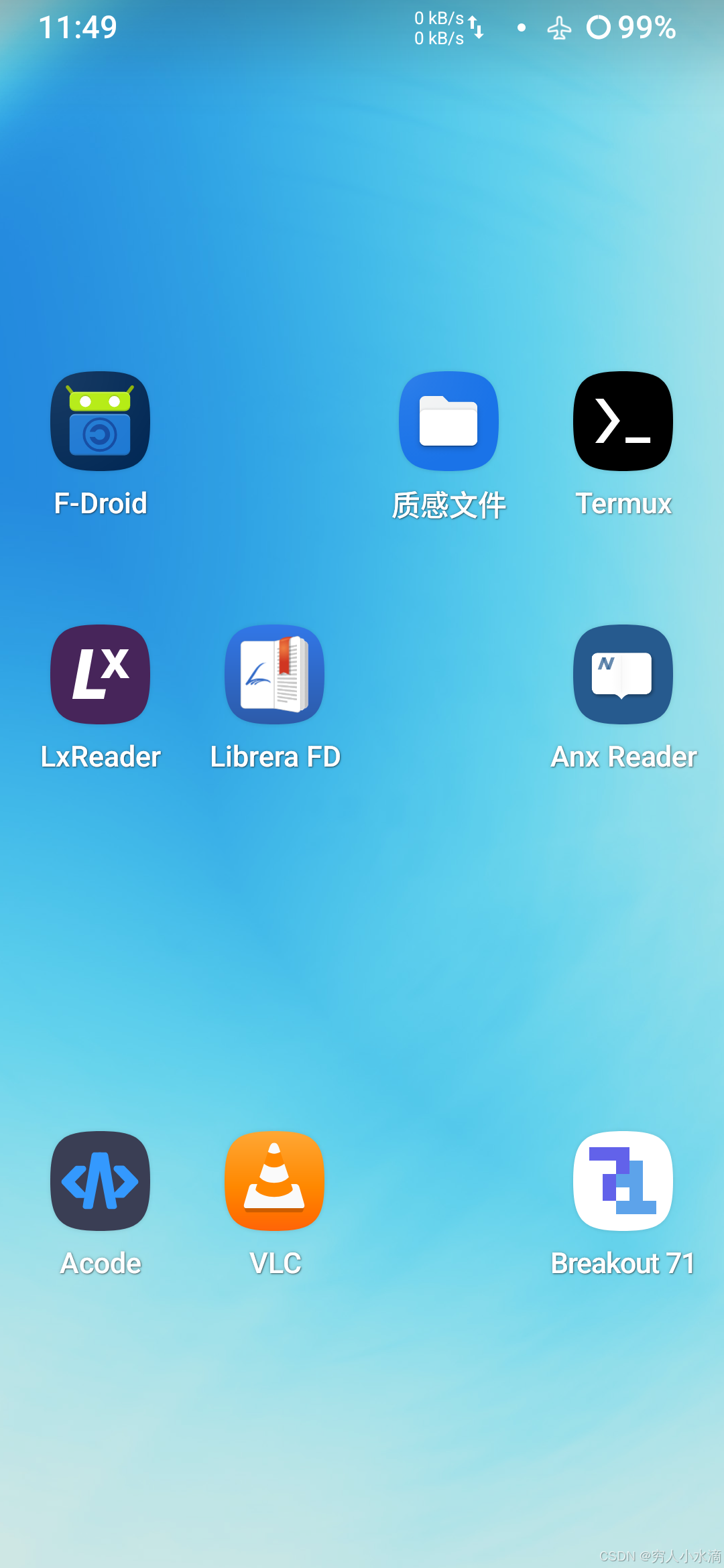
这些软件可以从 F-Droid 下载.
为什么使用 F-Droid 软件呢 ? 因为 F-Droid 的规则要求, 里面的软件必须是 “完全开源” 的, 也就是不能有闭源的依赖组件, 整个软件从源代码从头编译.
这意味着, 最终用户不必受限于任何人, 你可以获取软件的源代码, 自己编译, 或进行修改.
3 实际测试
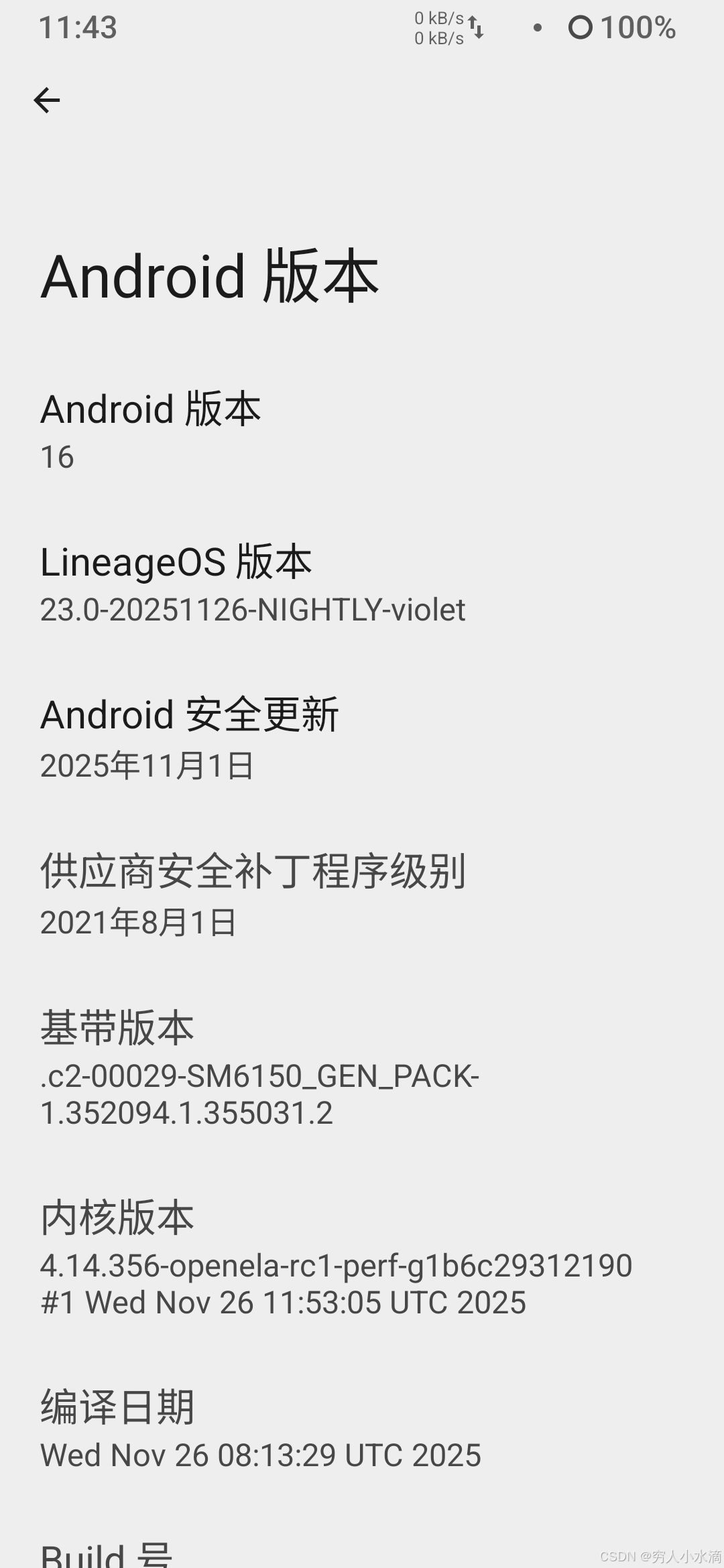
测试手机: 型号 Redmi Note 7 pro (6G+128G) (对, 这只手机来自古老但美好的 MIUI 时代 ~ )
操作系统: LineageOS 23.0
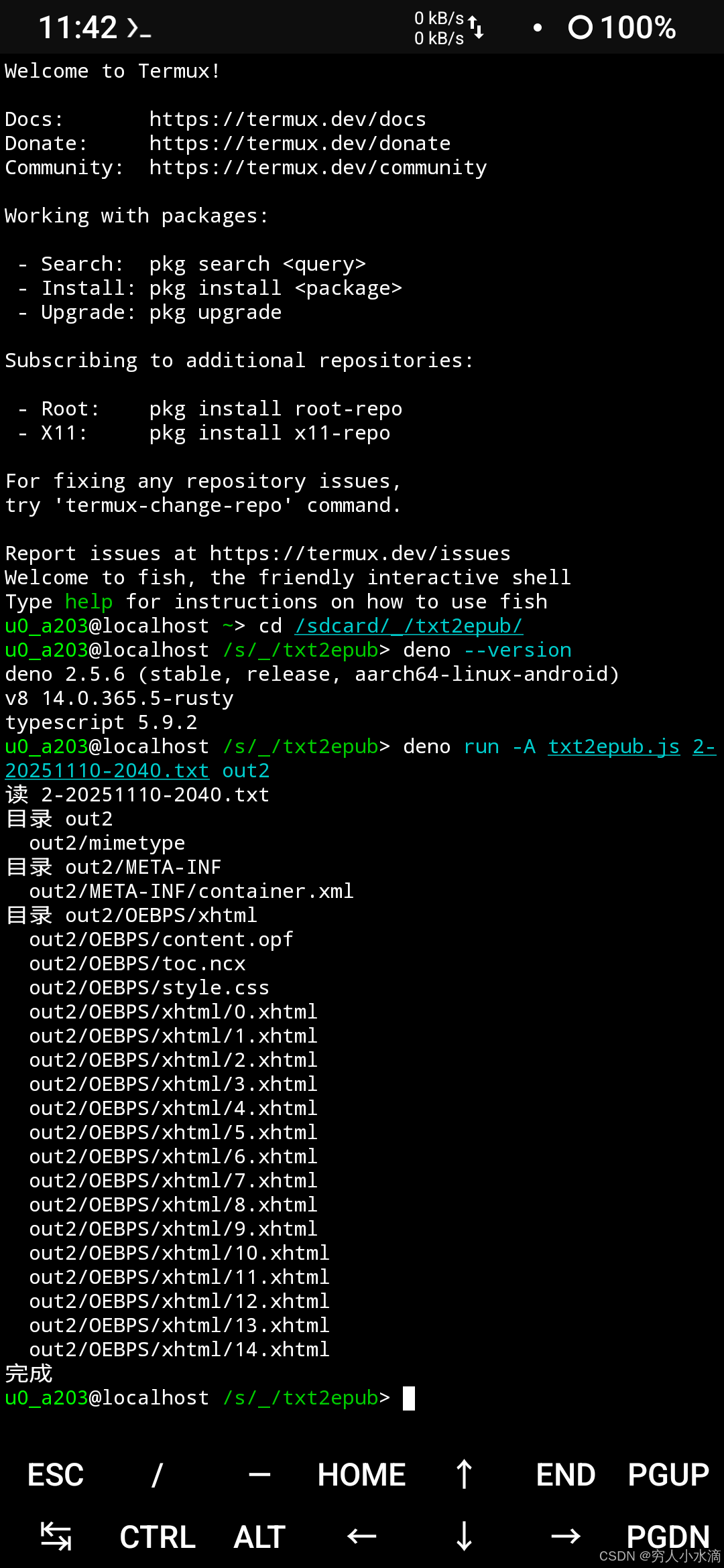
在 Termux 中安装 deno, 命令:
pkg install deno
然后就可以在手机上运行上面的程序啦 ~
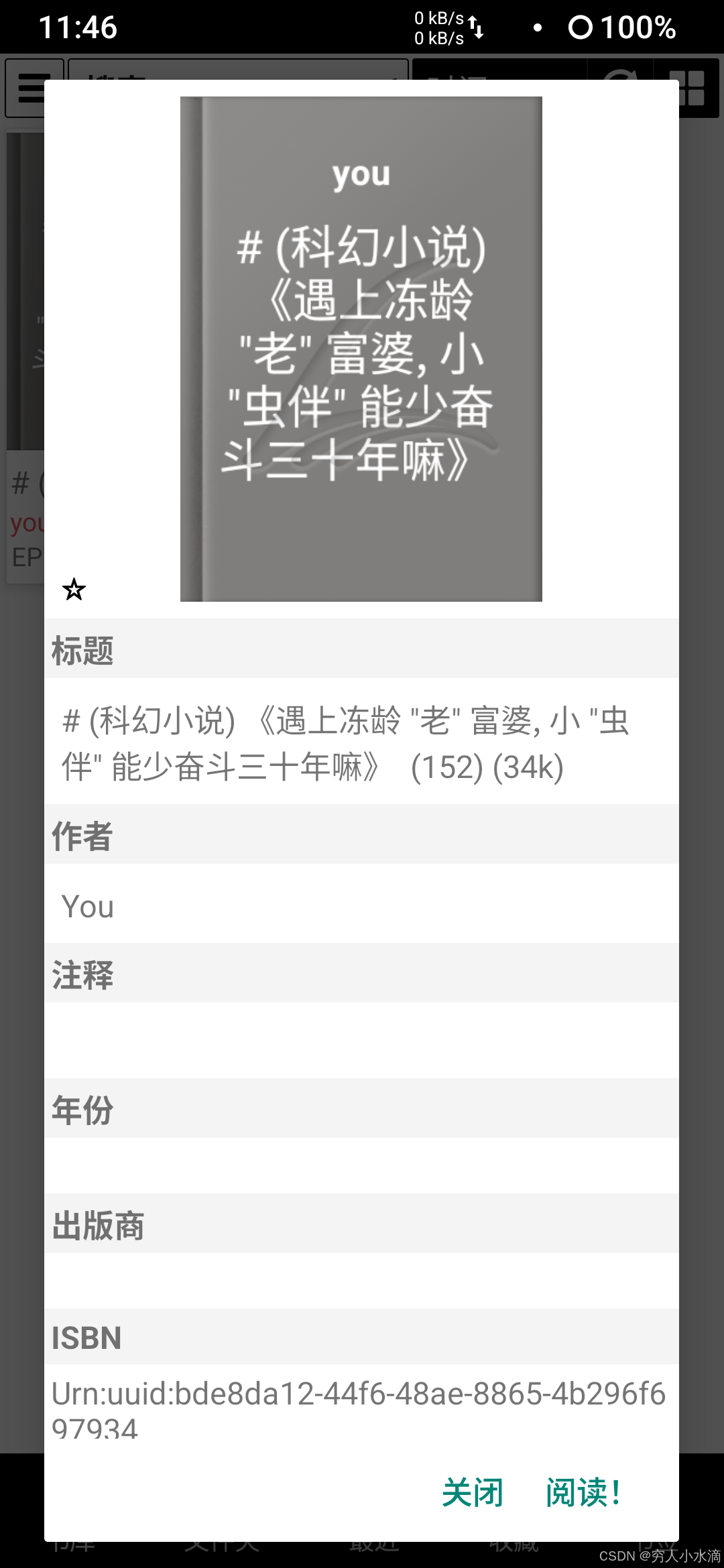
这是制作好的 epub 文件:
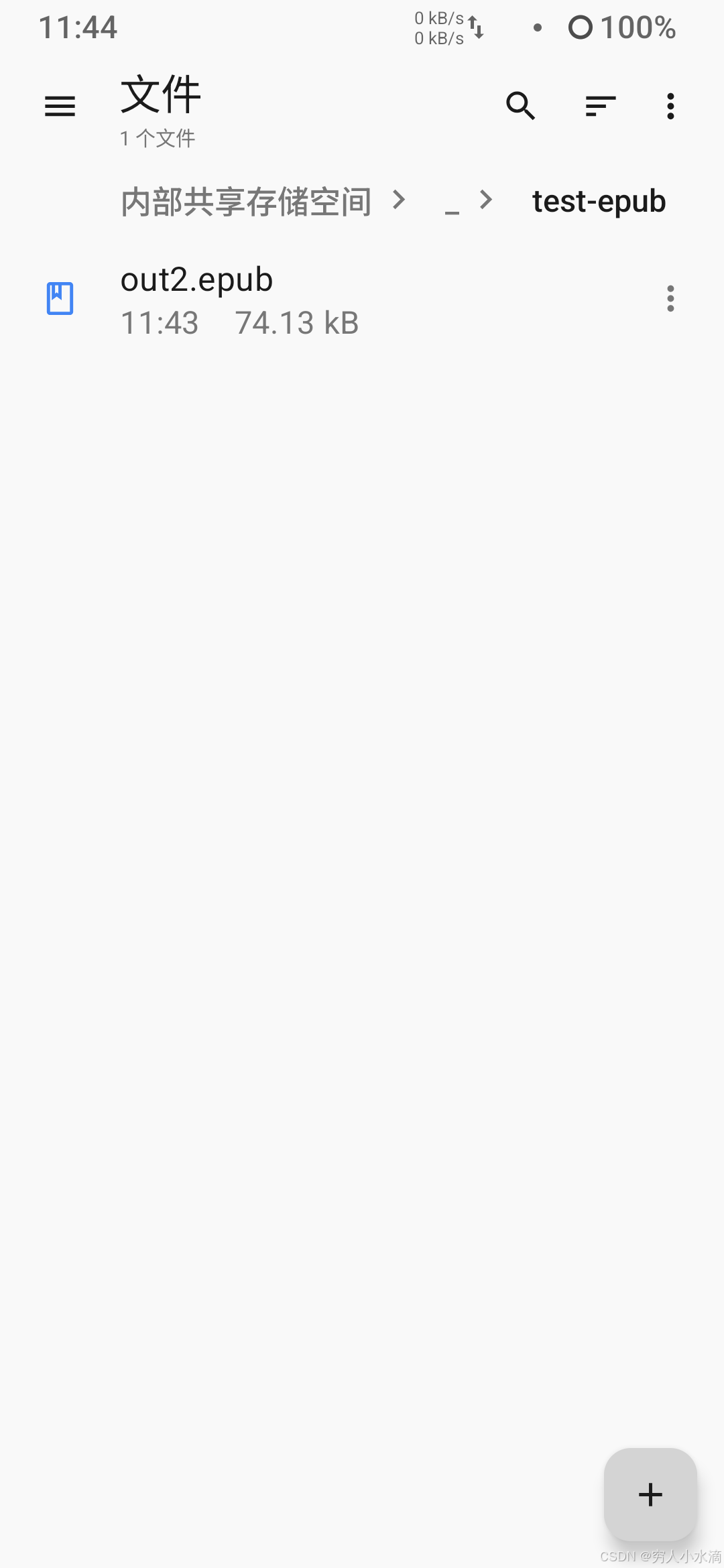
这是窝写的一个中篇小说 (初稿).
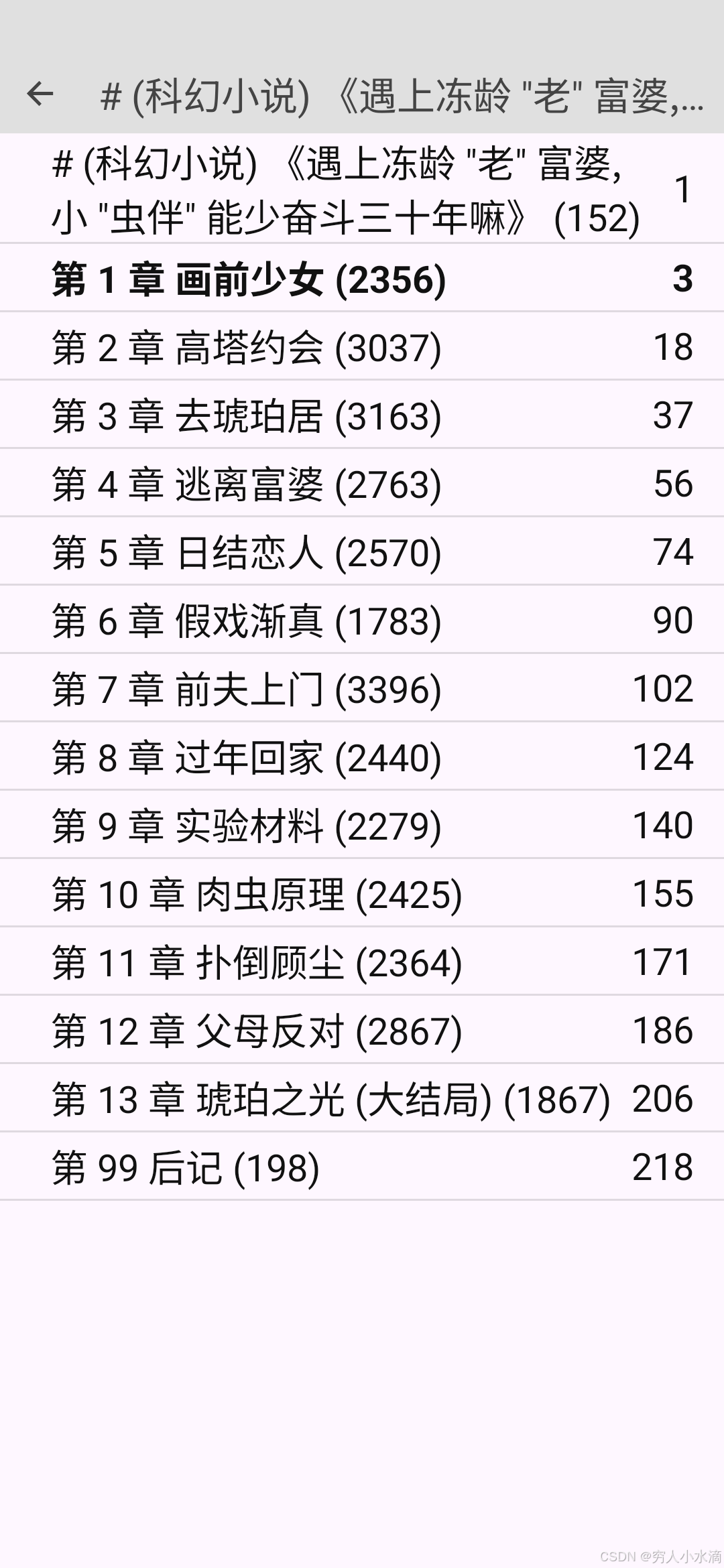
LxReader 阅读效果:
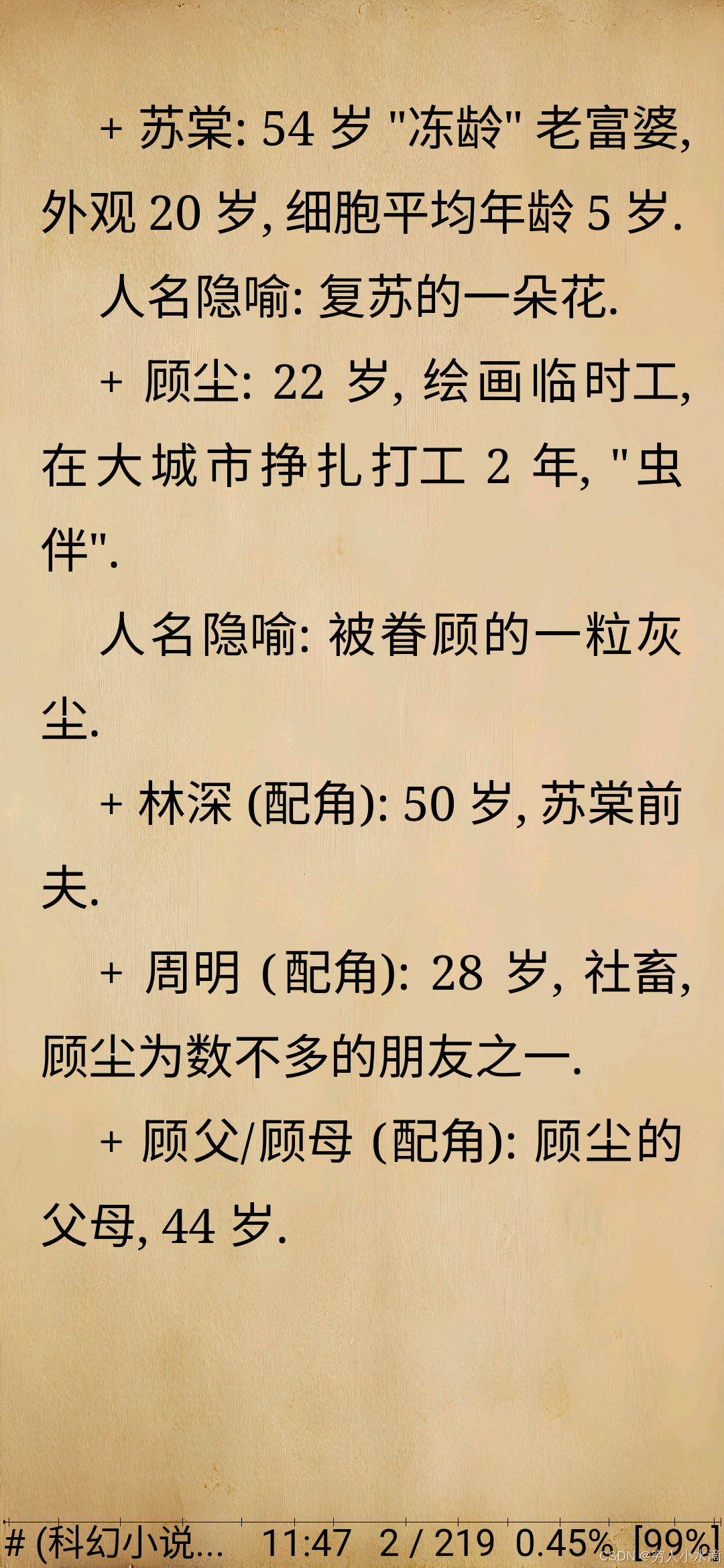
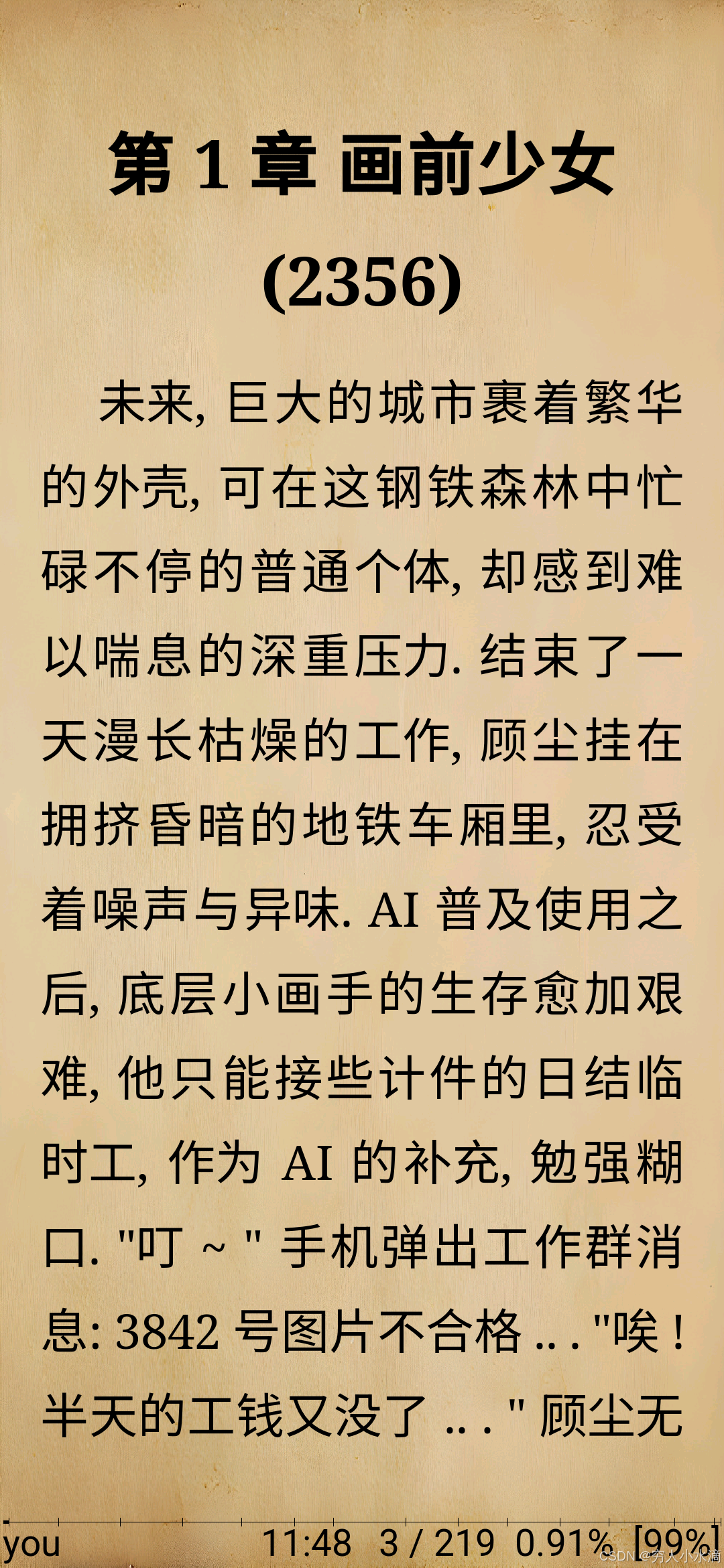
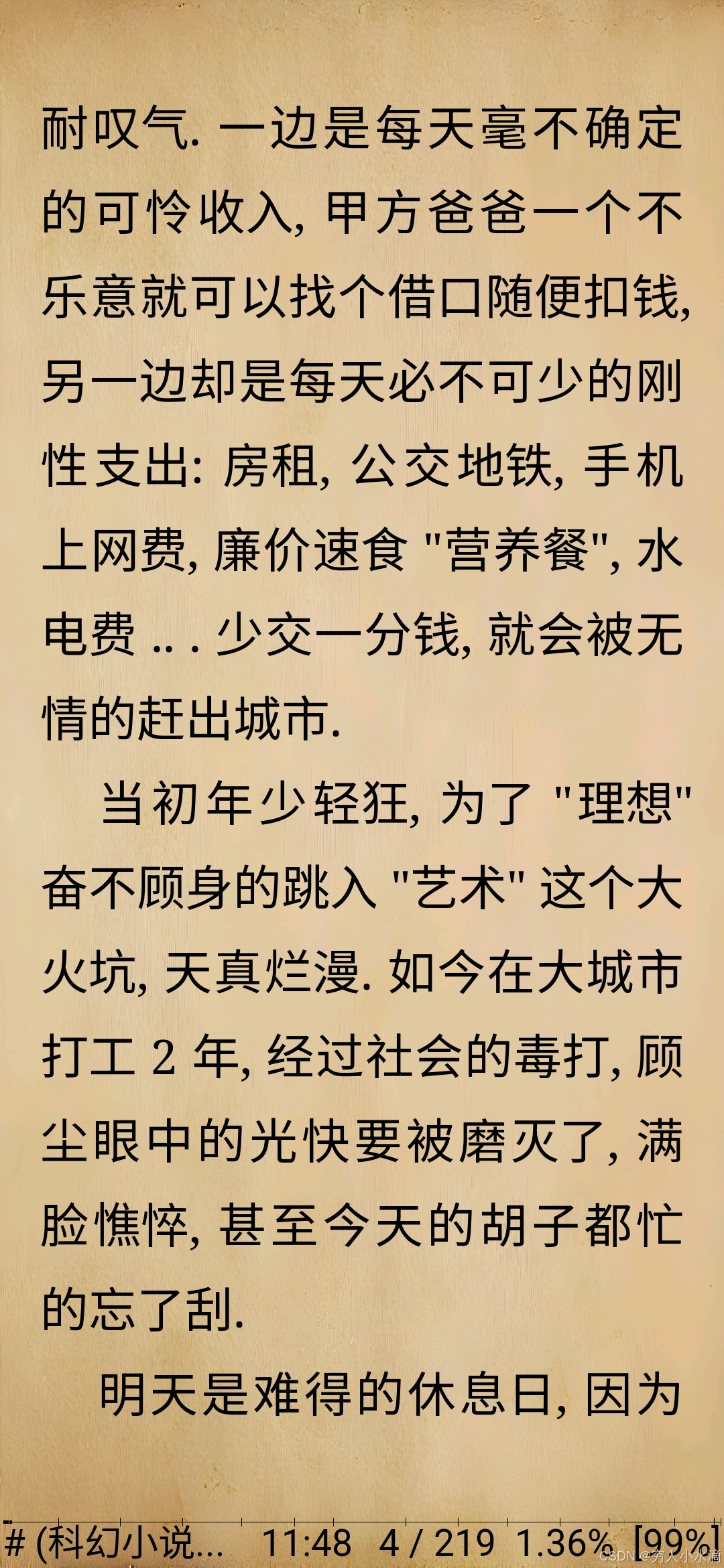
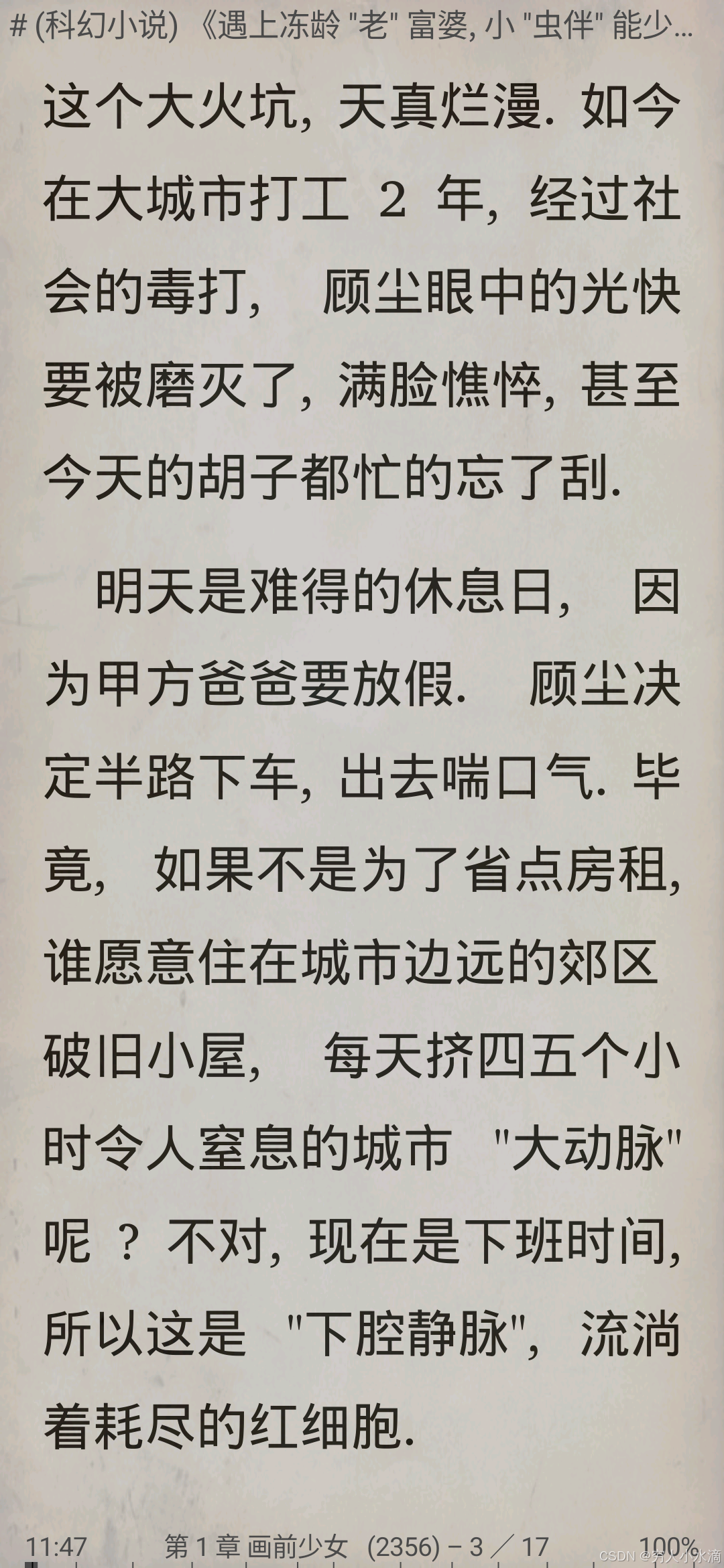
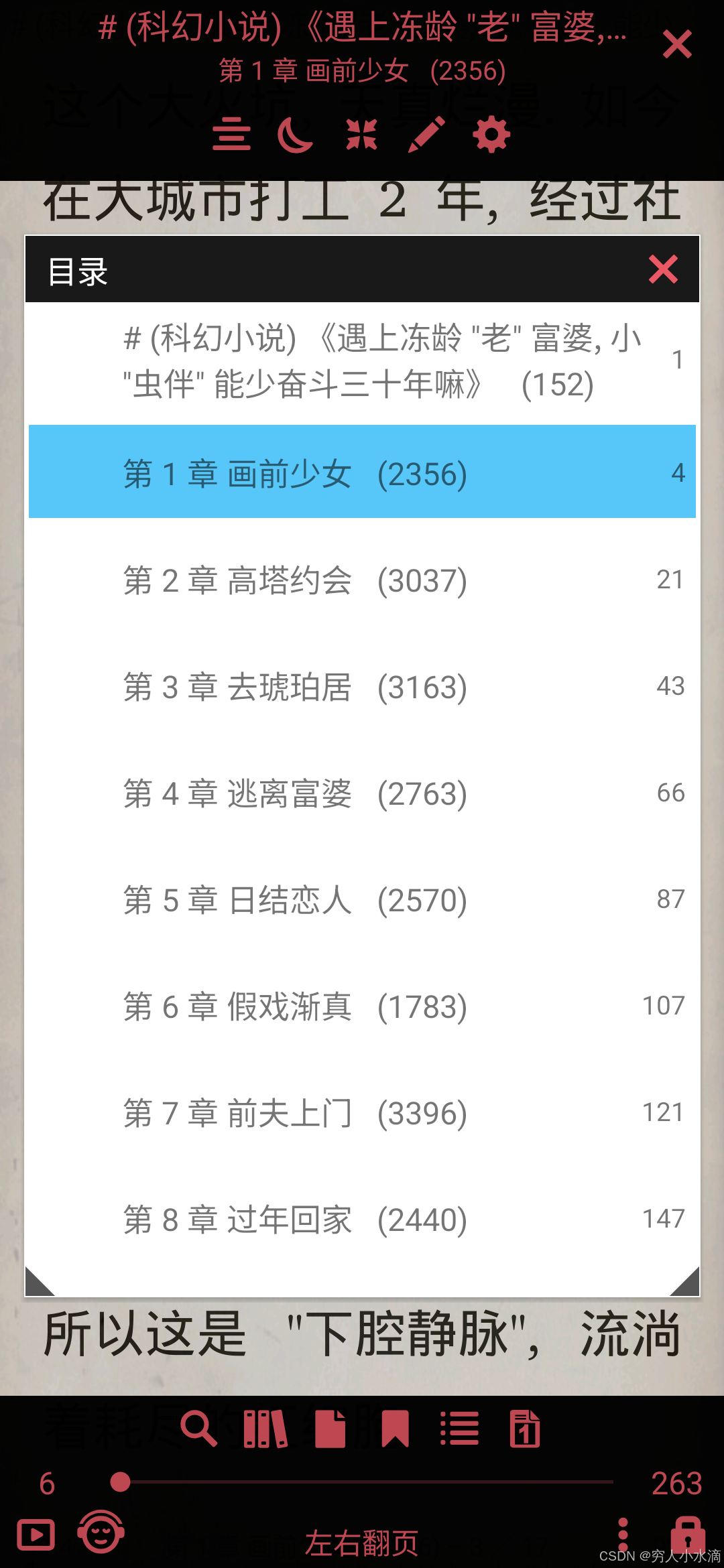
Librera 阅读效果:
4 总结与展望
随着 AI 语言大模型越来越强, 在 AI 的辅助下写小说就越来越容易啦 ~
相比被动的阅读别人写好的小说, 写出自己的小说, 是一种更快乐的娱乐方式. 加油 !
本文只使用了 epub 最简单的功能 (章节标题), epub 还有很多功能可以继续深入挖掘.
附录 1 “全开源” 软件体系
-
操作系统: Android (LineageOS, 手机), ArchLinux GNOME (PC).
-
中文输入法: 胖喵拼音 (自制)
-
AI (语言大模型): deepseek
-
txt 转 epub: 自制 (deno, Termux)
-
手机阅读软件: LxReader, Librera (F-Droid)
从 操作系统 -> 创作 -> 阅读 的 全链条 开源软件.
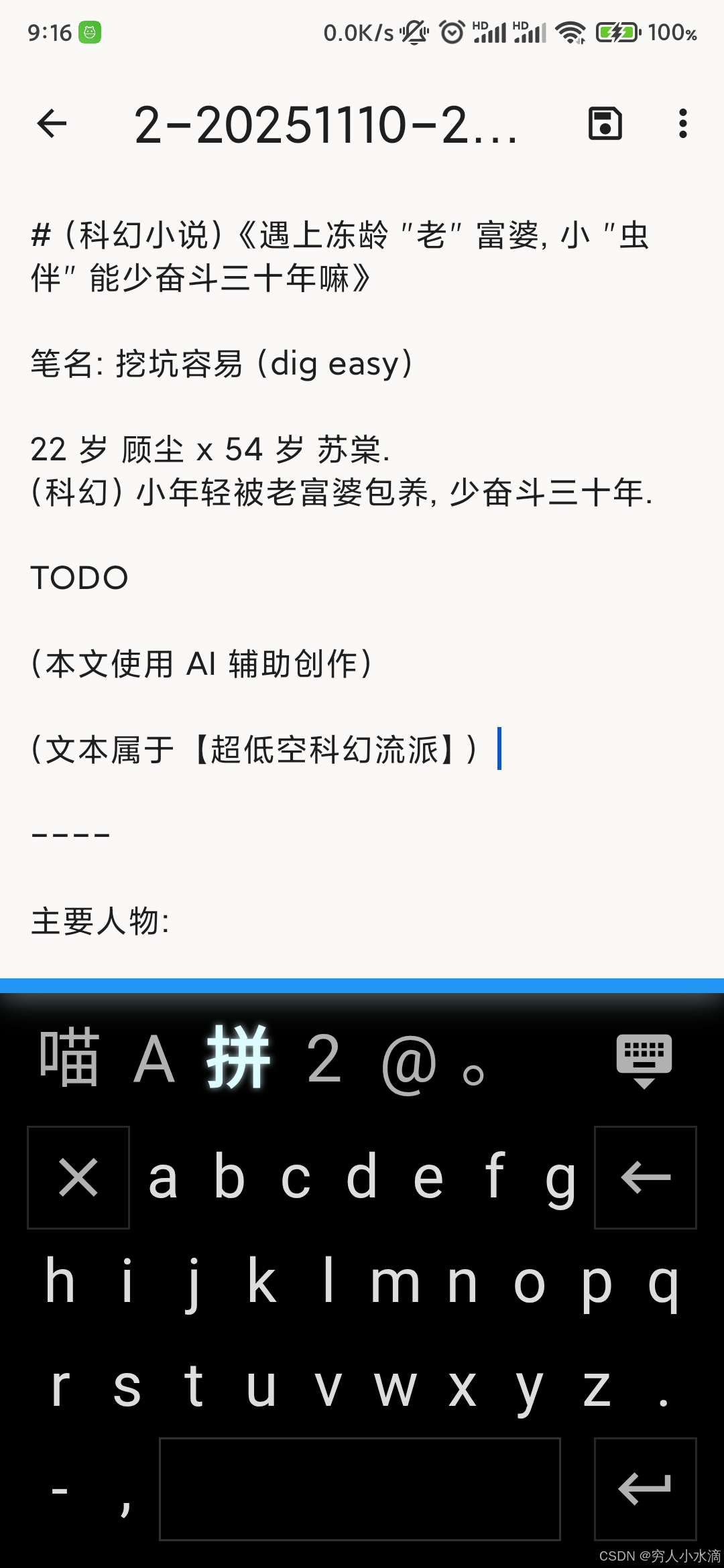
如图, 使用胖喵拼音 (和 AI) 在手机上写小说 ~
本文使用 CC-BY-SA 4.0 许可发布.





 扫一扫
扫一扫


 7226
7226

 被折叠的 条评论
为什么被折叠?
被折叠的 条评论
为什么被折叠?
 到【灌水乐园】发言





