


1.创建多个目录
# mkdir 7001 7002 7003 8001 8002 8003
[test@host1 tmp]$ ll
total 0
drwxrwxr-x 2 test test 6 Oct 29 10:58 7001
drwxrwxr-x 2 test test 6 Oct 29 10:58 7002
drwxrwxr-x 2 test test 6 Oct 29 10:58 7003
drwxrwxr-x 2 test test 6 Oct 29 10:58 8001
drwxrwxr-x 2 test test 6 Oct 29 10:58 8002
drwxrwxr-x 2 test test 6 Oct 29 10:58 8003
准备一个配置文件tmp.conf。将配置文件复制进不同的目录下
# cat tmp.conf
6379
2.管道方式复制文件
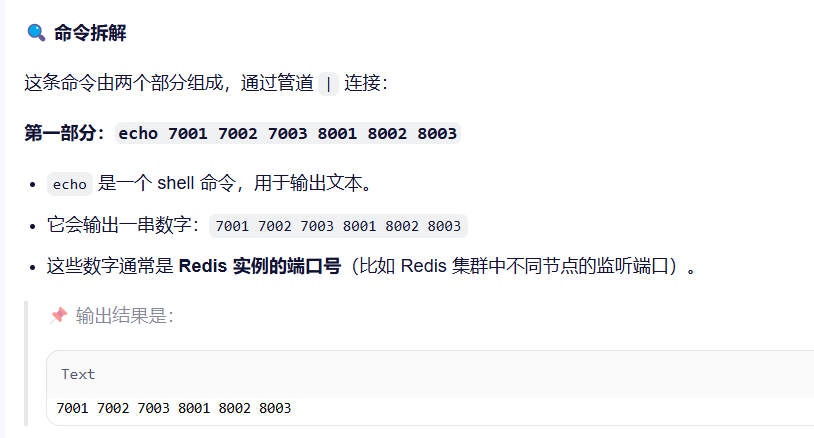
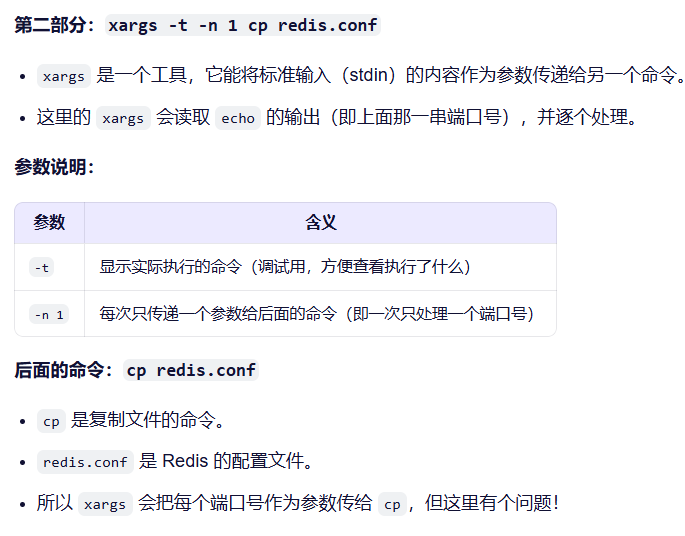
# echo 7001 7002 7003 8001 8002 8003 | xargs -t -n 1 cp tmp.conf
cp tmp.conf 7001
cp tmp.conf 7002
cp tmp.conf 7003
cp tmp.conf 8001
cp tmp.conf 8002
cp tmp.conf 8003
3.结果
[test@host1 tmp]$ ll 7001/
total 0
-rw-rw-r-- 1 test test 0 Oct 29 11:03 tmp.conf
[test@host1 tmp]$ ll 7002
total 0
-rw-rw-r-- 1 test test 0 Oct 29 11:03 tmp.conf
4.修改文档中某行数据
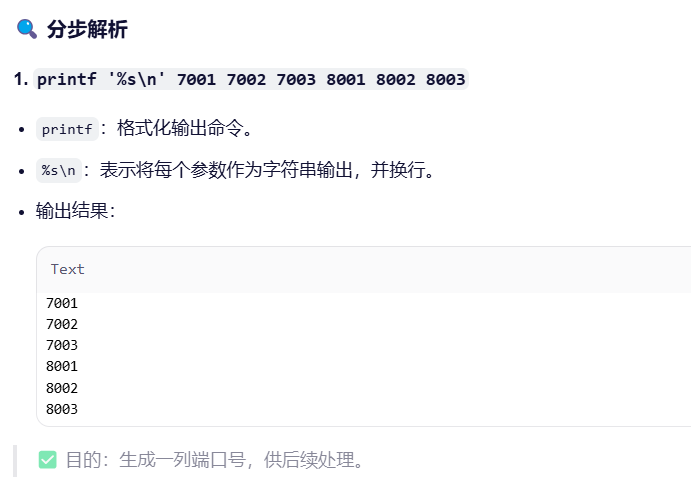
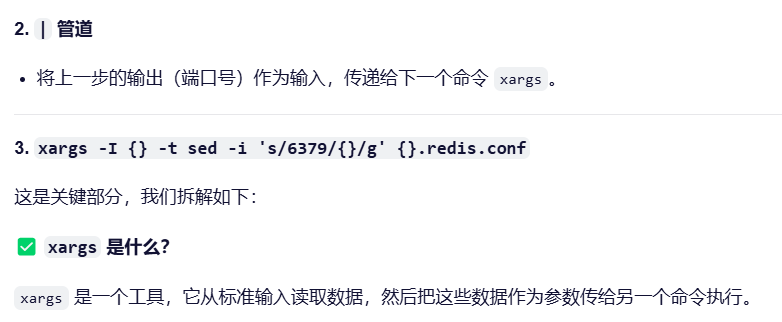
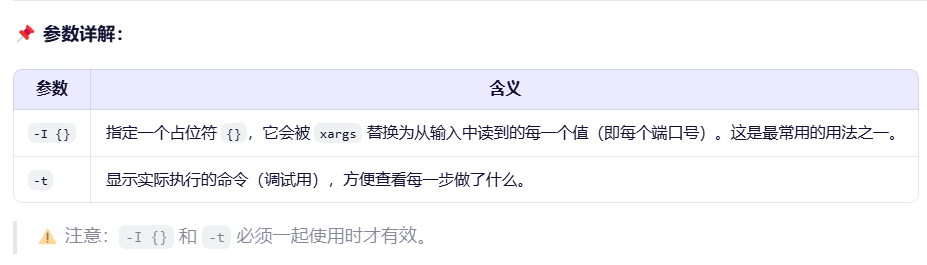
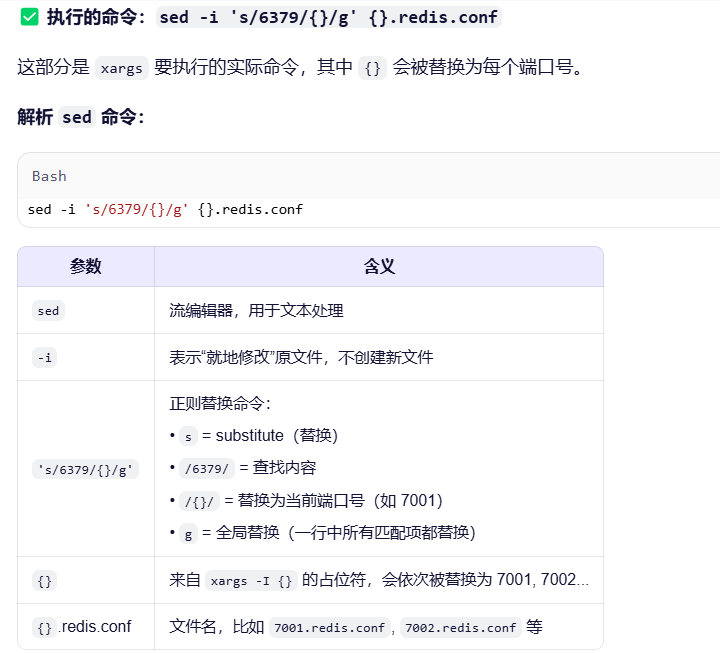
# printf '%s\n' 7001 7002 7003 8001 8002 8003 | xargs -I {} -t sed -i 's/6379/{}/g' {}/tmp.conf
sed -i s/6379/7001/g 7001/tmp.conf
sed -i s/6379/7002/g 7002/tmp.conf
sed -i s/6379/7003/g 7003/tmp.conf
sed -i s/6379/8001/g 8001/tmp.conf
sed -i s/6379/8002/g 8002/tmp.conf
sed -i s/6379/8003/g 8003/tmp.conf
# cat 7001/tmp.conf
7001
# cat 8003/tmp.conf
8003
5.实际使用时,也可以这样
# 1. 创建多个配置文件副本
for port in 7001 7002 7003; do
    cp redis.conf ${port}/redis.conf
done

# 2. 批量替换端口号
printf '%s\n' 7001 7002 7003 | xargs -I {} -t sed -i 's/6379/{}/g' {}/redis.conf
命令将文件都放在不同的目录下了。但我们想用端口号将配置文件区分下
6.批量启动
printf '%s\n' 7001 7002 7003 8001 8002 8003 | xargs -I{} -t redis-server {}/redis.conf






 扫一扫
扫一扫


 5361
5361

 被折叠的 条评论
为什么被折叠?
被折叠的 条评论
为什么被折叠?
 到【灌水乐园】发言





