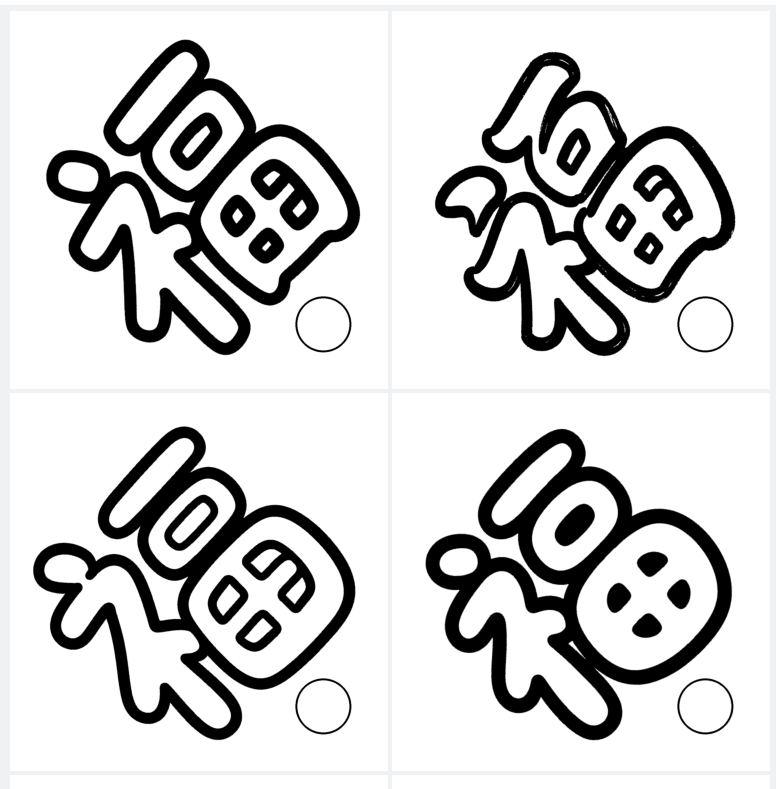
背景需求
【教学类-89-03】20250113新年篇03——福字贴(PPTX艺术字-空心字)
https://mp.youkuaiyun.com/mp_blog/creation/editor/145285172 https://mp.youkuaiyun.com/mp_blog/creation/editor/145285172
以可以使用的空心字体只有3种

1、福字菱形纸1.0- 华光通心圆_CNKI 段落固定值310 字体大小290
2、吉祥字菱形纸2.0-红豆空心黑体 段落固定值290 字体大小290
3、吉祥字菱形纸3.0-文艺空心黑体 段落固定值310 字体大小290
字体获取
马上2026年的元旦了,需要做福字贴,今年我试着用AI来画福字。AI给了很多适合画福字的字帖。
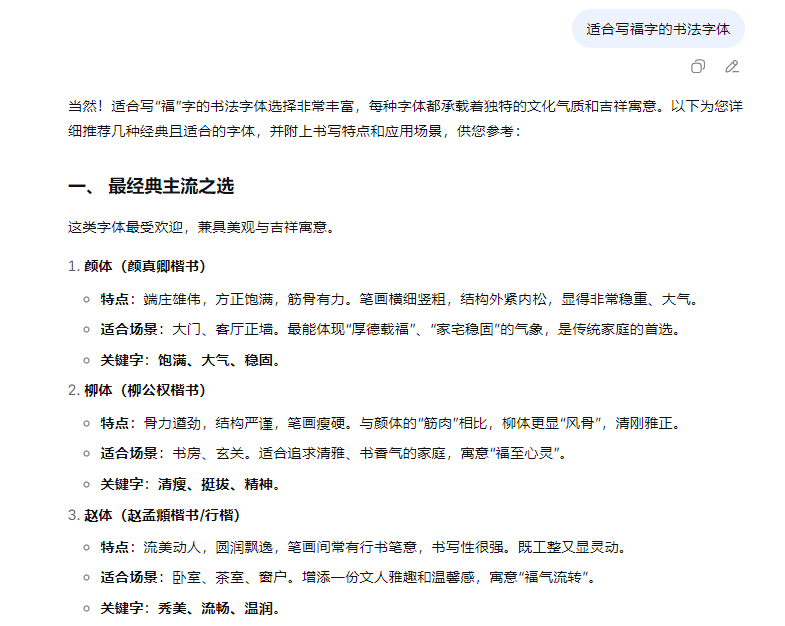
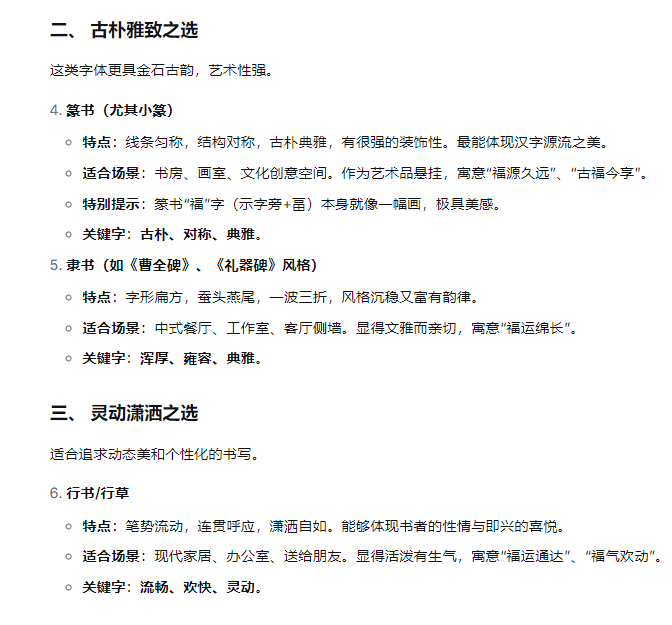
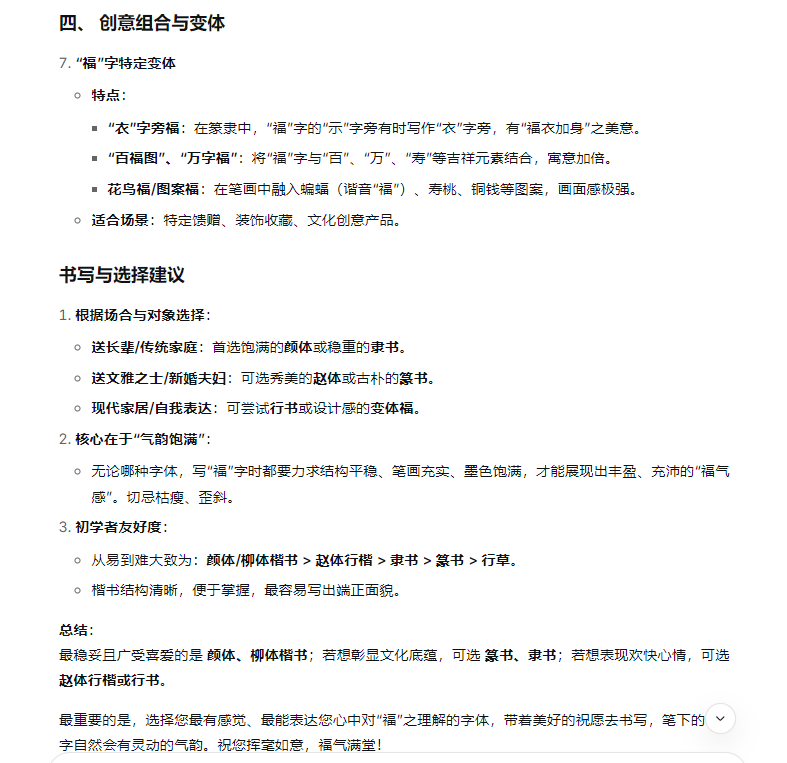
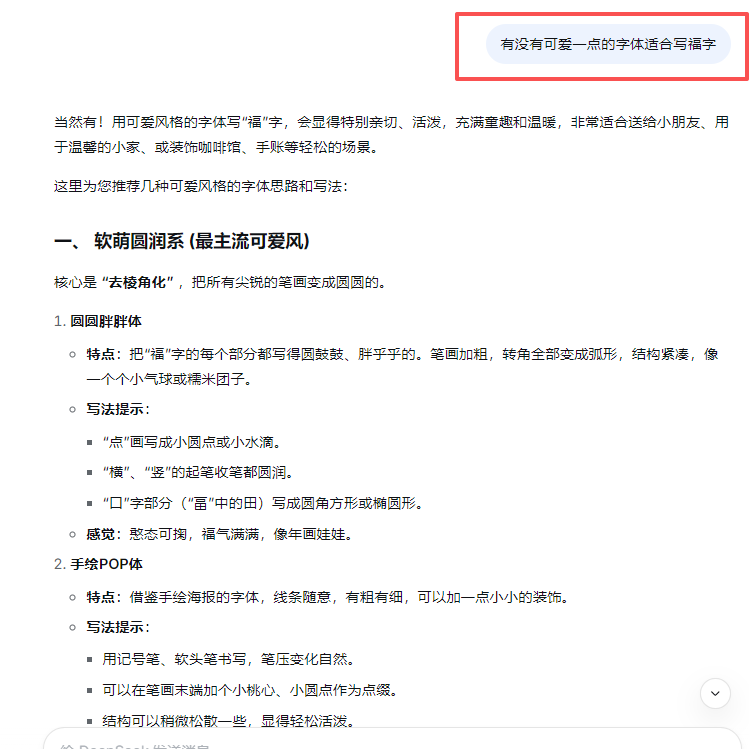
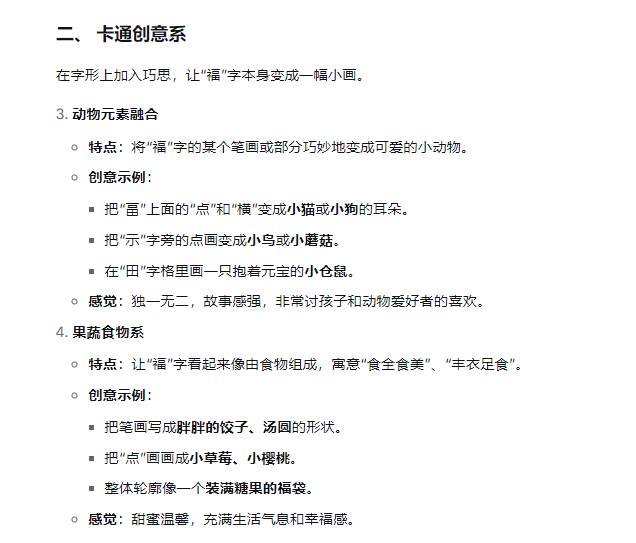
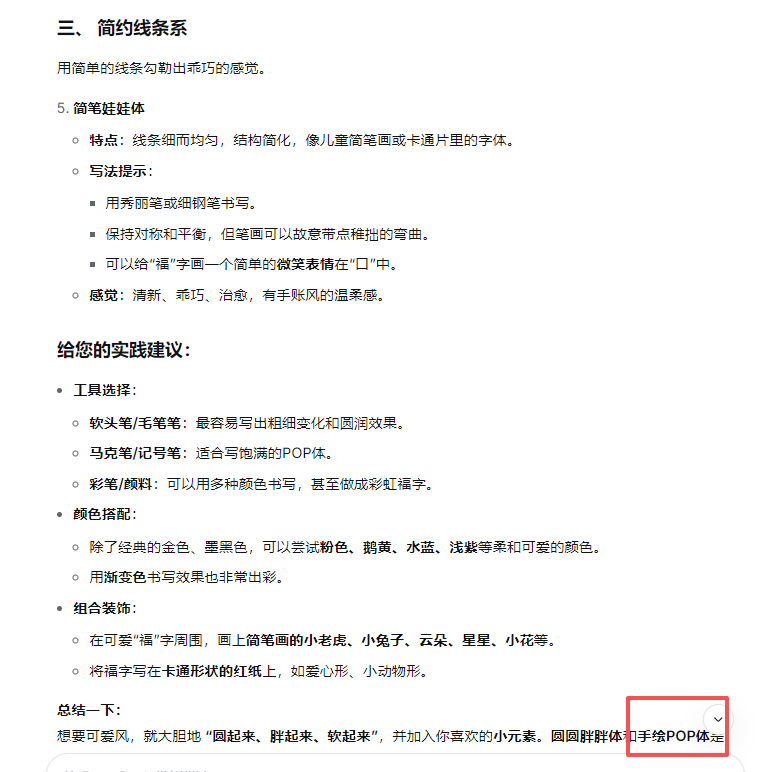
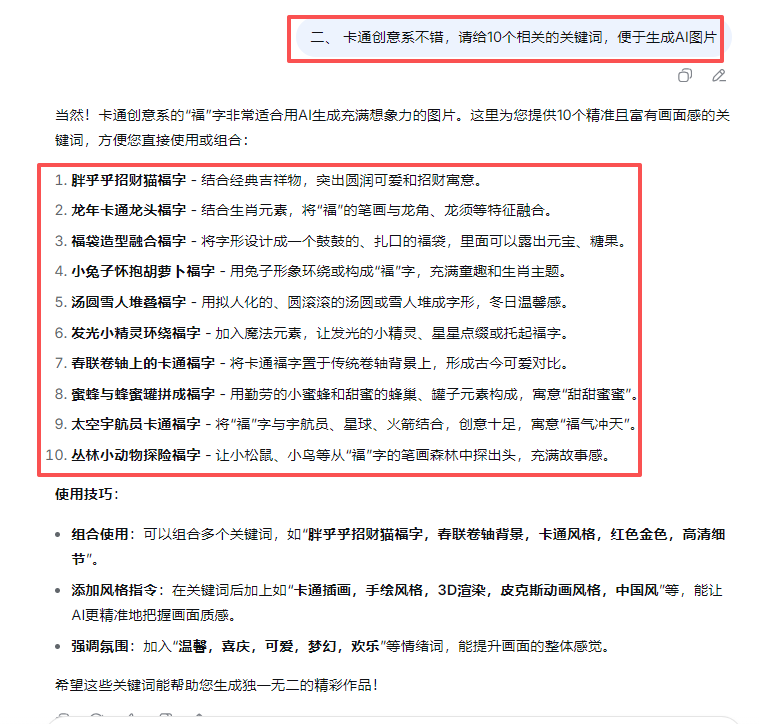
关键词:简笔画,白色背景,手绘POP体字体,福字,空心字,粗胖,没有颜色,正面图,
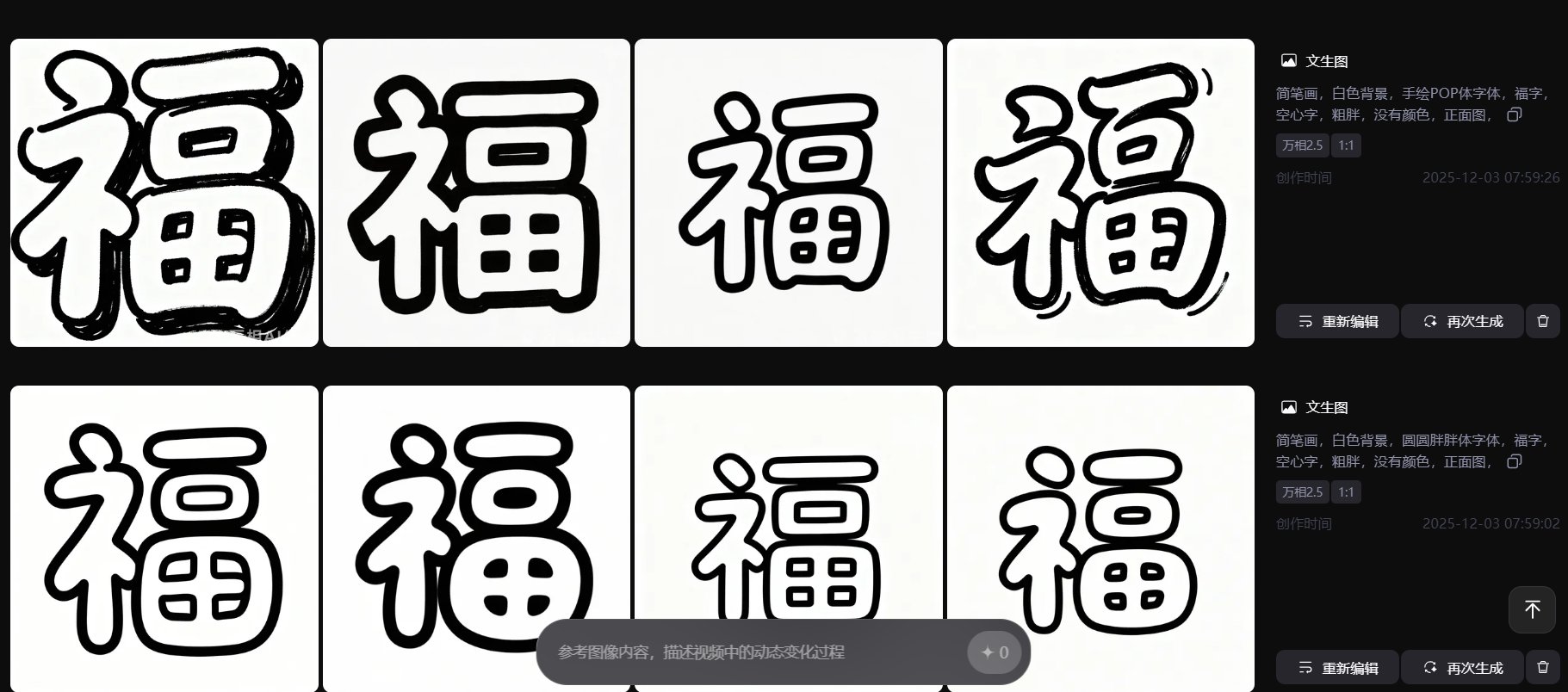
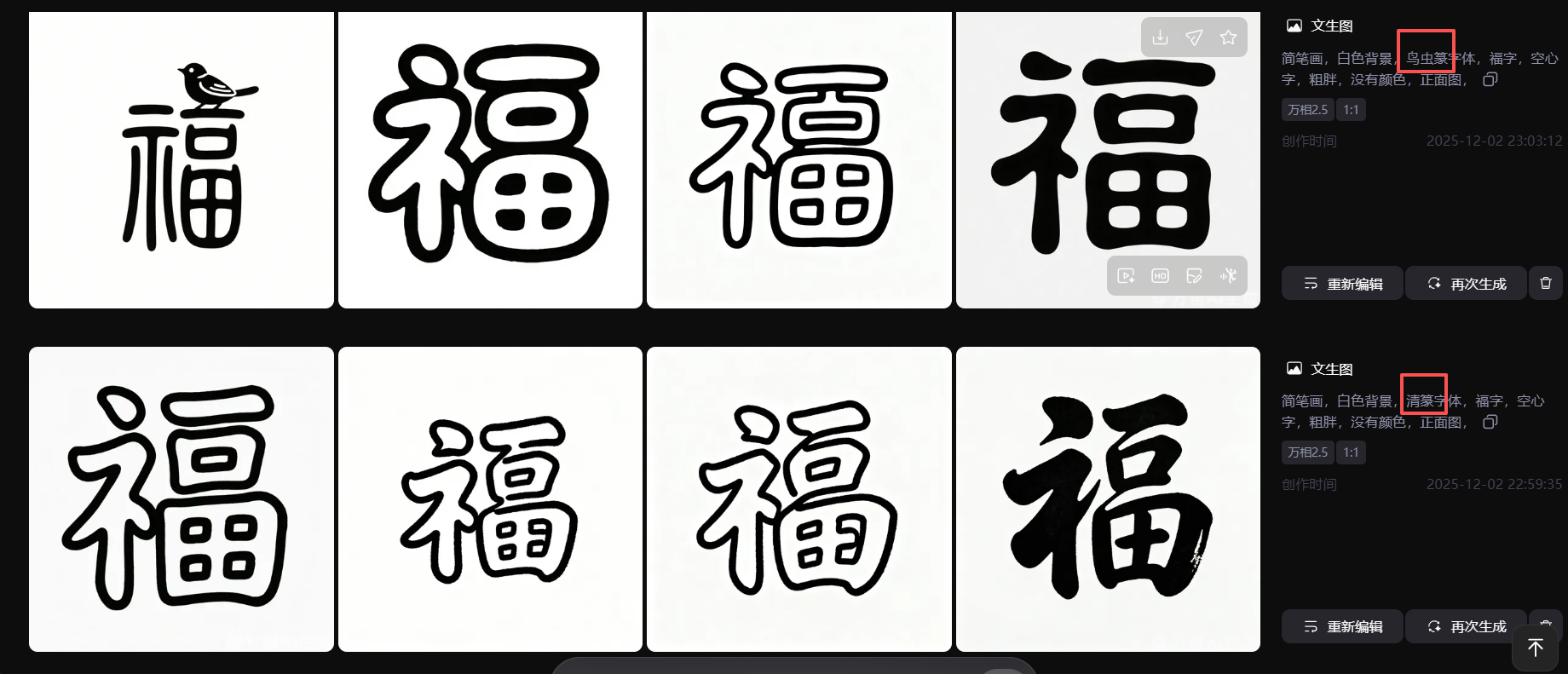
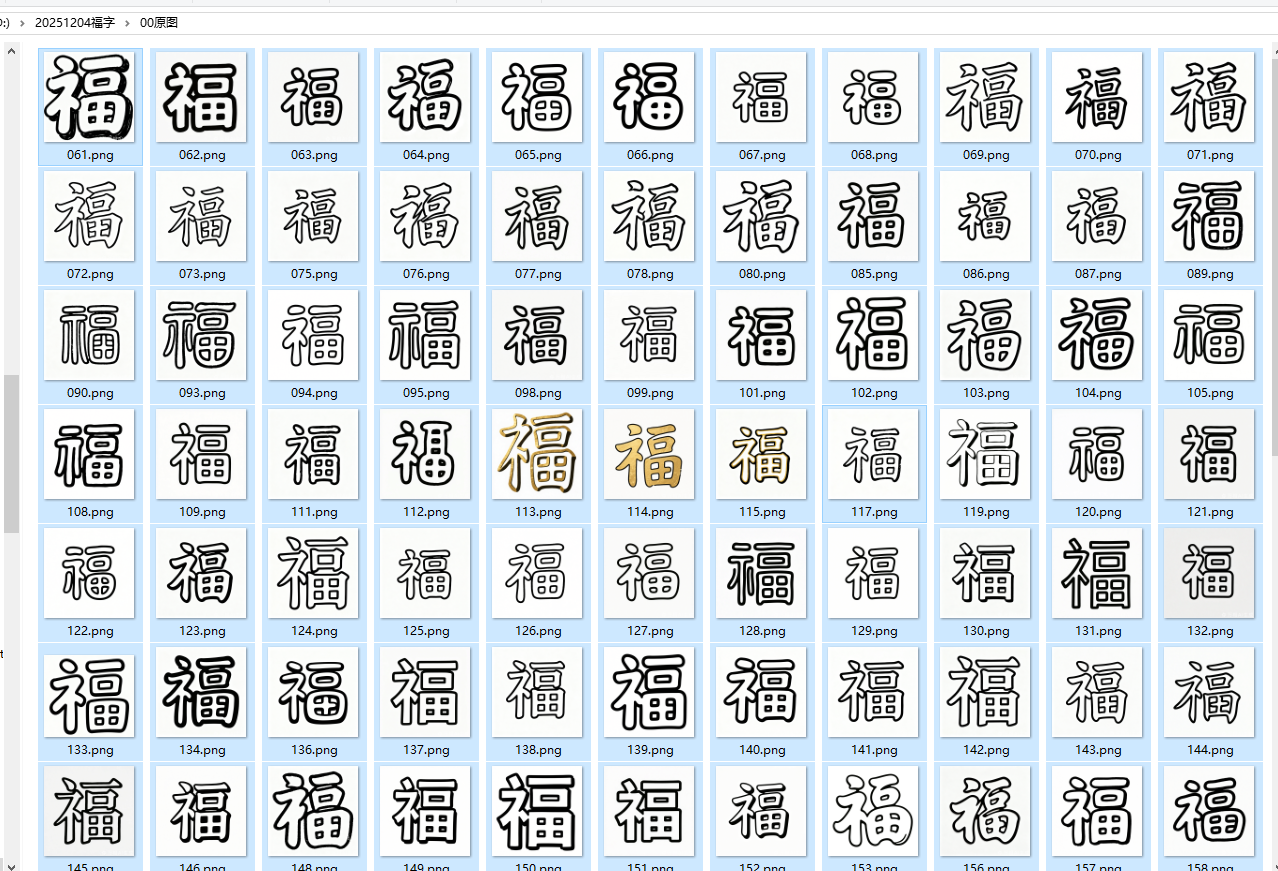
下载各类空心福字字体
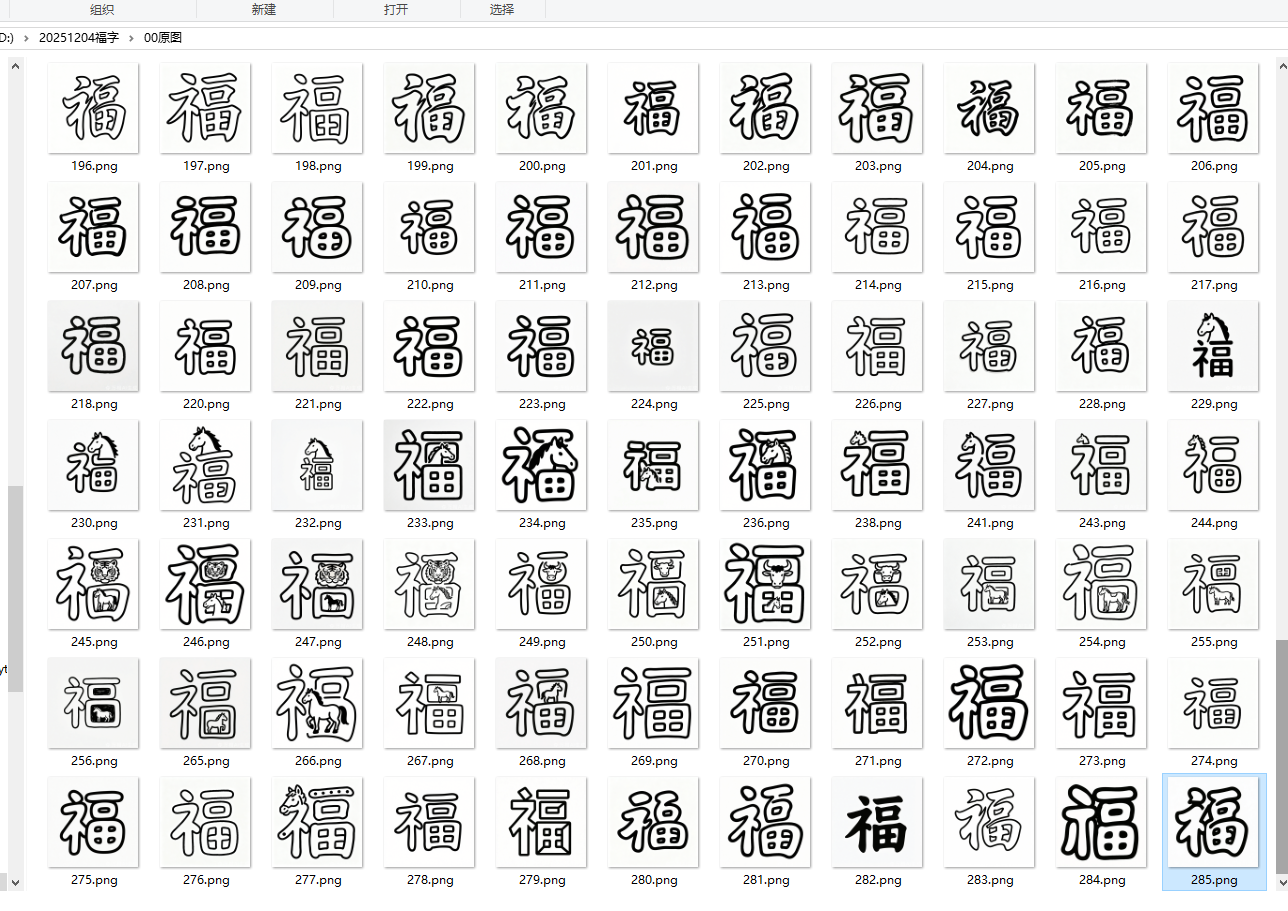
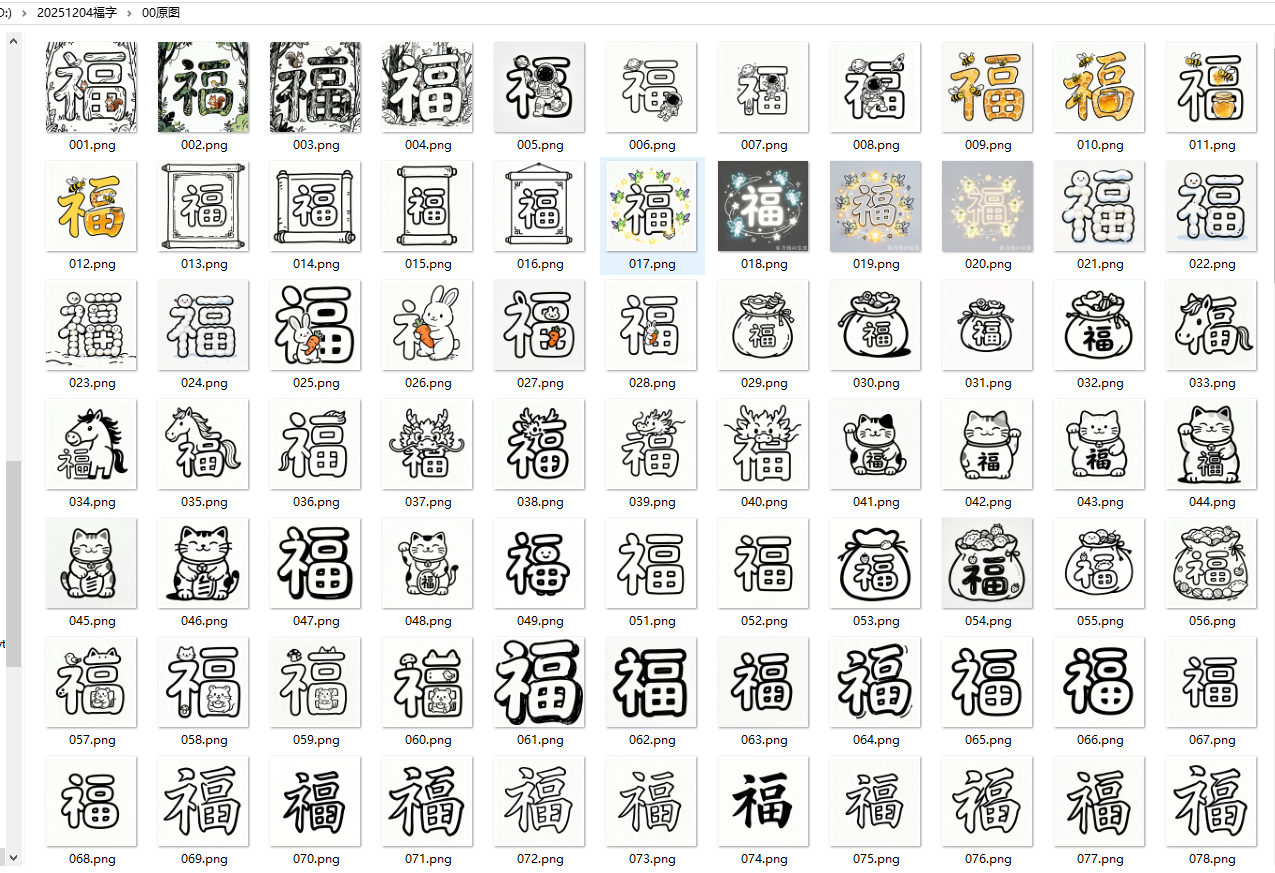
删除一些黑色实心字体
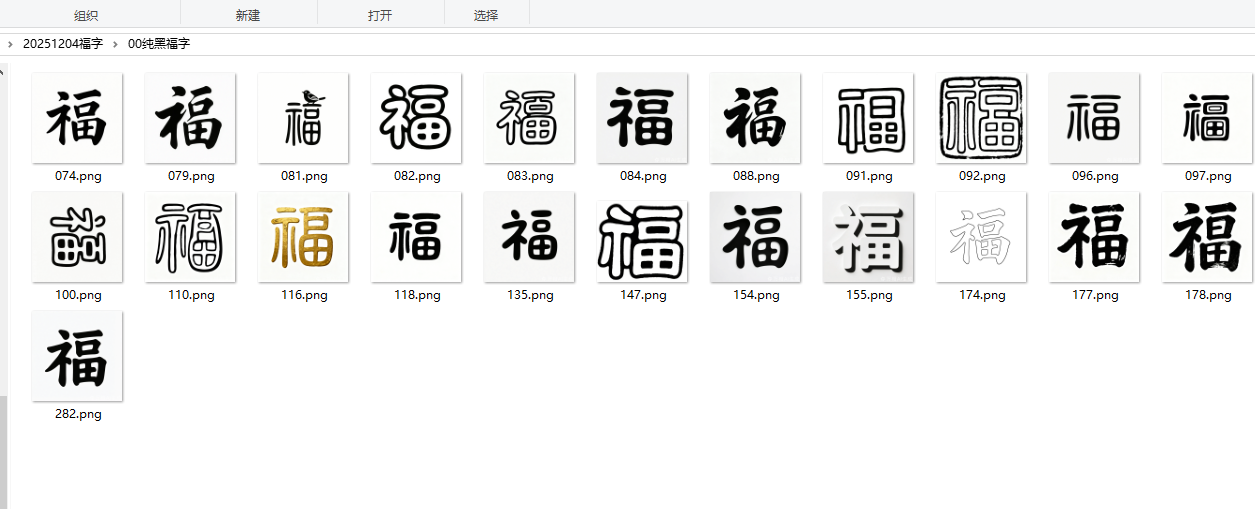
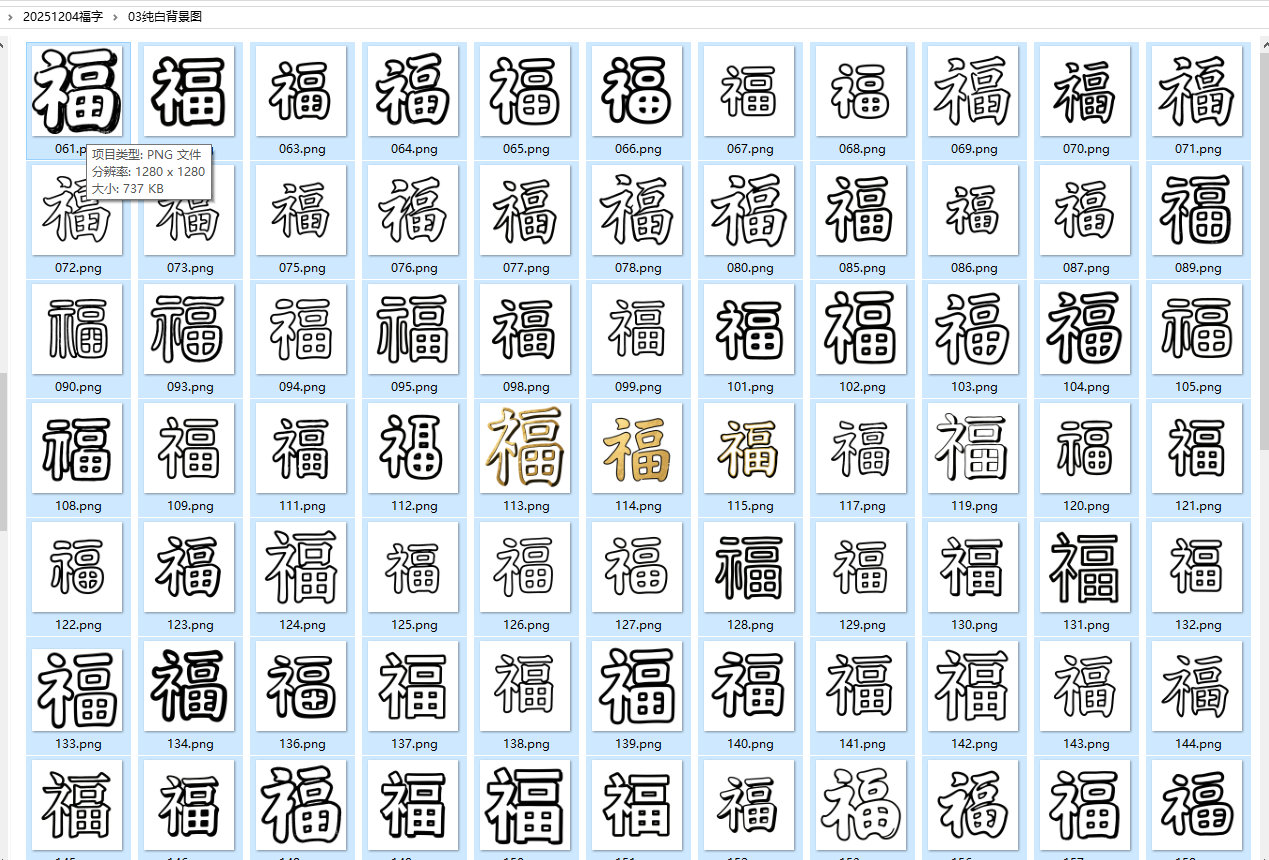
保留152张可用图片
代码部分
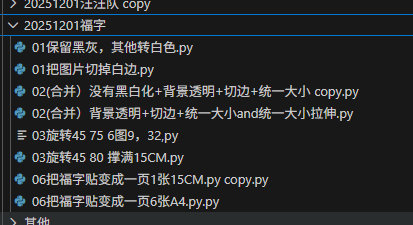
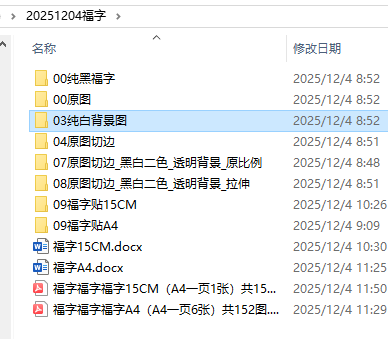
图案黑白化、切白边,福字扩展到1200*1200大小
'''
保留黑线和灰色斑点,其他的灰色和白色都转为白色
豆包(它可以识别图片,Deepseek读图,只能提取文字,如果没有文字就显示错误,不能输入需求文字),阿夏
20251118
'''

import numpy as np
from pathlib import Path
from PIL import Image

def keep_black_and_spots(image_path, output_path=None, bg_threshold=230):
    """
    保留图片中的黑色和斑点颜色,其他区域转为纯白色(255,255,255)

    参数:
        image_path: 输入图片路径(str或Path)
        output_path: 输出图片路径(默认原目录加_white_bg后缀)
        bg_threshold: 背景识别阈值(默认230,值越高越容易识别浅灰背景)
    """
    try:
        # 读取图片并转为RGB格式(去除透明通道)
        img = Image.open(str(image_path)).convert("RGB")
        img_np = np.array(img)  # 转为numpy数组便于处理
    except Exception as e:
        print(f"警告:无法读取图片 {image_path},错误:{str(e)}")
        return

    # 转换为灰度图,用于识别背景区域
    gray = np.dot(img_np[..., :3], [0.2989, 0.5870, 0.1140]).astype(np.uint8)

    # 识别背景区域:灰度值高于阈值的区域(浅灰/白色背景)
    # 背景区域设为纯白(255,255,255),非背景区域(黑色+斑点)保留原颜色
    bg_mask = gray >= bg_threshold  # True=背景区域,False=需要保留的区域

    # 将背景区域转为纯白
    img_np[bg_mask] = [255, 255, 255]

    # 转回PIL图片
    processed_img = Image.fromarray(img_np)

    # 设置输出路径
    if output_path is None:
        input_path = Path(image_path)
        output_path = input_path.parent / f"{input_path.stem}_white_bg{input_path.suffix}"

    # 保存处理后的图片
    try:
        processed_img.save(str(output_path))
        print(f"处理完成:{image_path} -> {output_path},尺寸:{processed_img.size}")
    except Exception as e:
        print(f"警告:无法保存图片 {output_path},错误:{str(e)}")

def batch_keep_black_and_spots(input_dir, output_dir=None, bg_threshold=230):
    """
    批量处理目录中的所有图片,保留黑色和斑点,其他转为纯白
    """
    input_dir = Path(input_dir)
    if not input_dir.exists():
        print(f"错误:目录 {input_dir} 不存在")
        return

    # 支持的图片格式
    image_extensions = ['.jpg', '.jpeg', '.png', '.bmp', '.tiff']
    image_files = [f for f in input_dir.glob("*.*") if f.suffix.lower() in image_extensions]

    if not image_files:
        print(f"警告:在目录 {input_dir} 中未找到图片文件")
        return

    # 创建输出目录
    if output_dir is not None:
        output_dir = Path(output_dir)
        output_dir.mkdir(exist_ok=True)

    # 批量处理每张图片
    for img_file in image_files:
        if output_dir is not None:
            output_path = output_dir / img_file.name
        else:
            output_path = None  # 使用默认命名

        keep_black_and_spots(img_file, output_path, bg_threshold)

# ------------------- 使用示例 -------------------
if __name__ == "__main__":
    # 替换为你的实际输入输出目录(支持中文路径)
    path=r'D:\20251204福字'
    input_dir = Path(path+r'\00原图').resolve()
    output_dir = Path(path+r'\03纯白背景图').resolve()

    batch_keep_black_and_spots(
        input_dir=input_dir,
        output_dir=output_dir,
        bg_threshold=230  # 可调整:背景残留多则降低(如220),斑点被洗白则提高(如240)
    )
切白边
'''
所有向右方向的狗切边,图案最大化(保留身上的灰点)
Deepseek,阿夏
20251118
'''


import numpy as np
from pathlib import Path
from PIL import Image  # 改用PIL处理图片,解决中文路径问题

def crop_white_margin(image_path, output_path=None, white_threshold=245):
    """
    裁剪图片中物体外侧的白色边距(支持中文路径)

    参数:
        image_path: 输入图片路径(str或Path)
        output_path: 输出图片路径(默认在原目录添加_cropped后缀)
        white_threshold: 白色阈值(0-255),值越高越严格识别白色
    """
    try:
        # 用PIL读取图片(支持中文路径)
        img = Image.open(str(image_path)).convert("RGB")  # 直接转为RGB,自动处理RGBA
        img_np = np.array(img)  # 转为numpy数组(便于处理)
    except Exception as e:
        print(f"警告:无法读取图片 {image_path},错误:{str(e)}")
        return

    # 转换为灰度图
    gray = np.dot(img_np[..., :3], [0.2989, 0.5870, 0.1140])  # RGB转灰度(PIL读取的是RGB格式)
    gray = gray.astype(np.uint8)  # 转为8位整数

    # 找到所有非白色的像素(低于阈值的像素)
    non_white_pixels = np.where(gray < white_threshold)

    # 如果没有找到非白色像素(全白图片)
    if len(non_white_pixels[0]) == 0:
        print(f"警告:图片 {image_path} 全是白色,无需裁剪")
        return

    # 找到非白色区域的边界
    y_min = np.min(non_white_pixels[0])  # 最顶部
    y_max = np.max(non_white_pixels[0])  # 最底部
    x_min = np.min(non_white_pixels[1])  # 最左侧
    x_max = np.max(non_white_pixels[1])  # 最右侧

    # 裁剪图片(保留物体区域,去除白色边距)
    cropped_img_np = img_np[y_min:y_max+1, x_min:x_max+1]
    cropped_img = Image.fromarray(cropped_img_np)  # 转回PIL图片

    # 设置输出路径
    if output_path is None:
        input_path = Path(image_path)
        output_path = input_path.parent / f"{input_path.stem}_cropped{input_path.suffix}"

    # 保存裁剪后的图片(PIL支持中文路径)
    try:
        cropped_img.save(str(output_path))
        print(f"裁剪完成:{image_path} -> {output_path}")
        print(f"原尺寸:{img.size} -> 新尺寸:{cropped_img.size}")  # PIL尺寸是(宽,高),和OpenCV一致
    except Exception as e:
        print(f"警告:无法保存图片 {output_path},错误:{str(e)}")

def batch_crop_white_margin(input_dir, output_dir=None, white_threshold=245):
    """
    批量裁剪目录中的所有图片(支持中文路径)

    参数:
        input_dir: 输入图片目录
        output_dir: 输出目录(默认与输入目录相同)
        white_threshold: 白色阈值
    """
    input_dir = Path(input_dir)
    if not input_dir.exists():
        print(f"错误:目录 {input_dir} 不存在")
        return

    # 支持的图片格式



 最低0.47元/天 解锁文章






 扫一扫
扫一扫


 2万+
2万+

 被折叠的 条评论
为什么被折叠?
被折叠的 条评论
为什么被折叠?
 到【灌水乐园】发言





