


需求:点击按钮之后可以由快到慢地回到顶部,处于顶部位置时按钮消失
实现原理:
先将按钮用黏性定位,定位到页面右下角
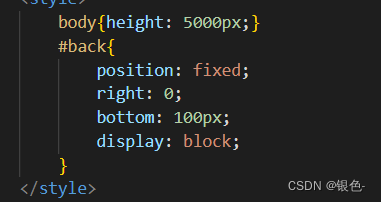
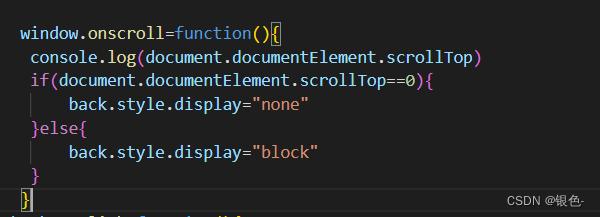
使用window.onscroll滚动条触发,通过判断scrollTop的距离对display进行赋值,实现按钮位于顶部消失,离开顶部出现的功能。
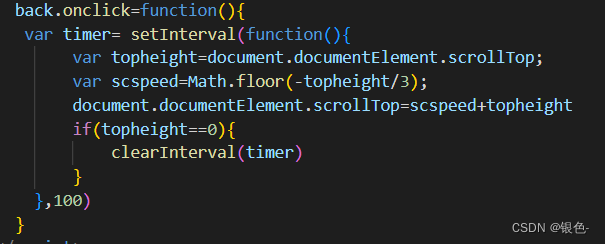
对按钮添加click事件,设置一个间隔定时器。通过控制每次定时器执行滚动的距离减少,实现由快到慢。直到页面顶部时清除定时器。
完整代码:
<!DOCTYPE html>
<html lang="en">
<head>
    <meta charset="UTF-8">
    <meta http-equiv="X-UA-Compatible" content="IE=edge">
    <meta name="viewport" content="width=device-width, initial-scale=1.0">
    <title>Document</title>
    <style>
        body{height: 5000px;}
        #back{
            position: fixed;
            right: 0;
            bottom: 100px;
            display: block;
        }
    </style>
</head>
<body>
    <button id="back">返回顶部</button>
    <script>

       window.onscroll=function(){
        console.log(document.documentElement.scrollTop)
        if(document.documentElement.scrollTop==0){
            back.style.display="none"
        }else{
            back.style.display="block"
        }
       }
      back.onclick=function(){
       var timer= setInterval(function(){
            var topheight=document.documentElement.scrollTop;
            var scspeed=Math.floor(-topheight/3);
            document.documentElement.scrollTop=scspeed+topheight
            if(topheight==0){
                clearInterval(timer)
            }
        },100)
      }
    </script>
</body>
</html>
功能展示:
顶部返回





 扫一扫
扫一扫


 被折叠的 条评论
为什么被折叠?
被折叠的 条评论
为什么被折叠?
 到【灌水乐园】发言





