


 这篇博客主要介绍了在使用Jupyter Notebook时遇到的两个错误。第一阶段是由于nbconvert新版本与旧配置不兼容,通过降级nbconvert到5.6.1解决了问题。第二阶段是由于pyzmq的高版本导致的'Bad file descriptor'错误,卸载22.0.2版本并安装19.0.2版本的pyzmq后,问题得到解决。通过这些步骤,作者成功地使Jupyter Notebook恢复正常运行。
安装nbconver后,使用jupyter发现使用出现error,并在cmd上出现了警告
目录
第一阶段:“Config option `template_path` not recognized by `LenvsLatexExporter`”
第二阶段:“Bad file descriptor (C:\ci\zeromq_1616055400030\work\src\epoll.cpp:100)”
第一阶段:“Config option `template_path` not recognized by `LenvsLatexExporter`”
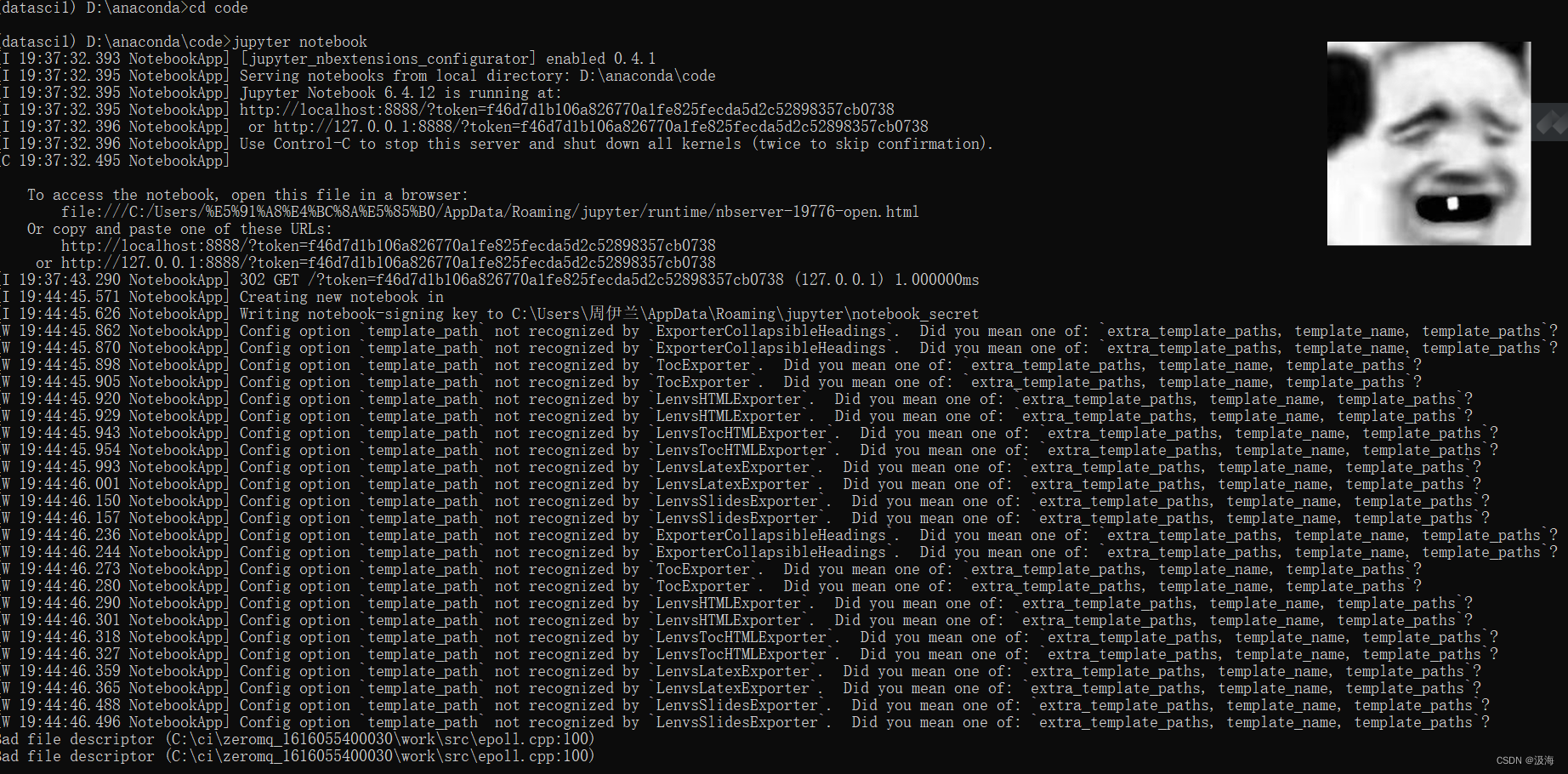
原因是nbconvert6.0.0版本以上的某些参数的名称发生了更改,与原先版本不兼容,需要将版本降低到5.6.1
conda install "nbconvert=5.6.1"
如果下载过慢可以利用:
pip install nbconvert==5.6.1 -i https://pypi.mirrors.ustc.edu.cn/simple
结果:
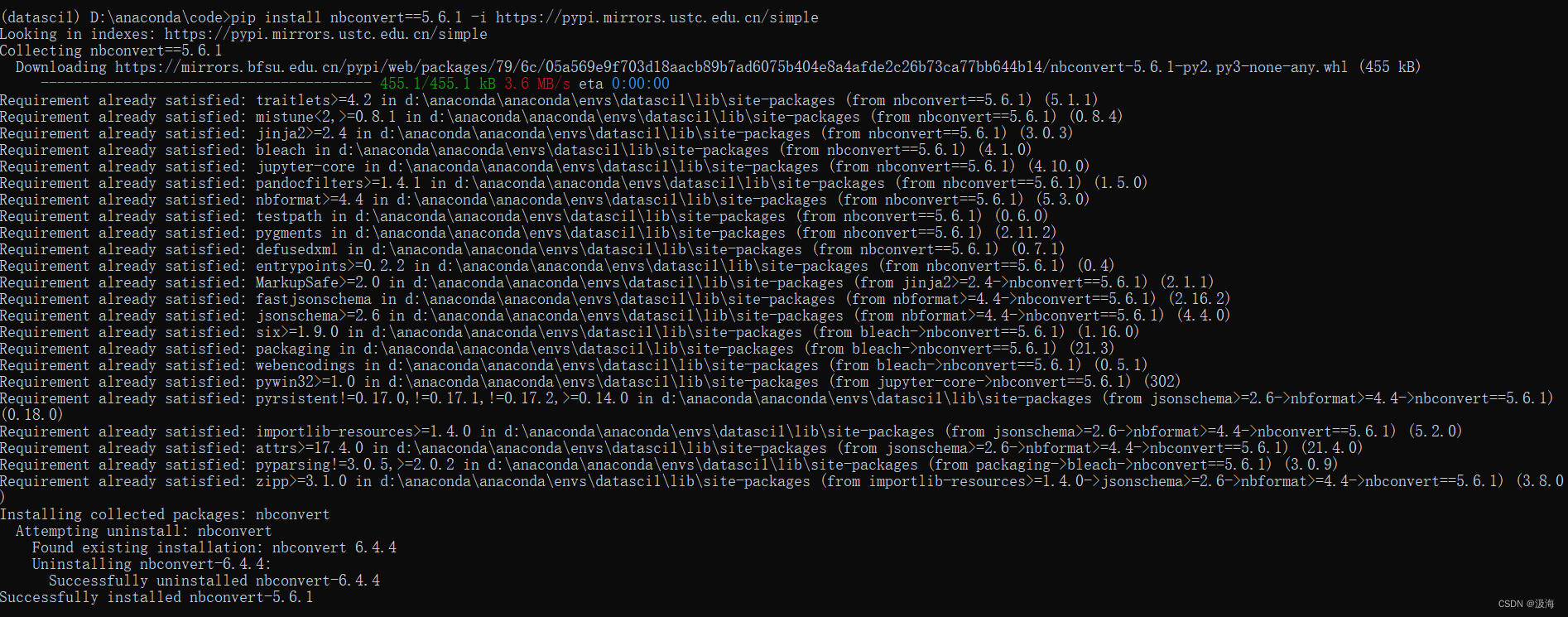
如果再次运行jupyter notebook可以了并且正常使用了,那海海就在这恭喜你了!!
但是我当时安装完,并没有结束,而是出现了另外一种情况
第二阶段:“Bad file descriptor (C:\ci\zeromq_1616055400030\work\src\epoll.cpp:100)”
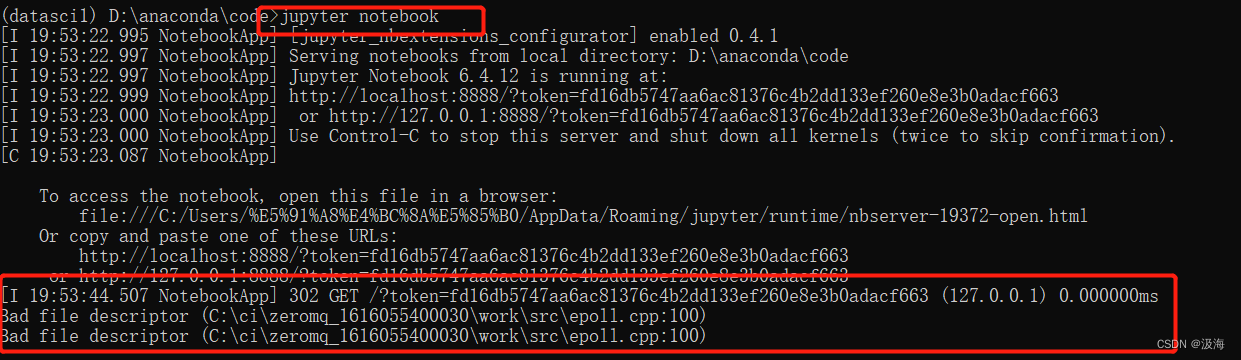
因为当你安装jupyterlab 或者jupyter notebook的时候,会自动安装ipykernel, 然后自动安装了高版本的pyzmq.
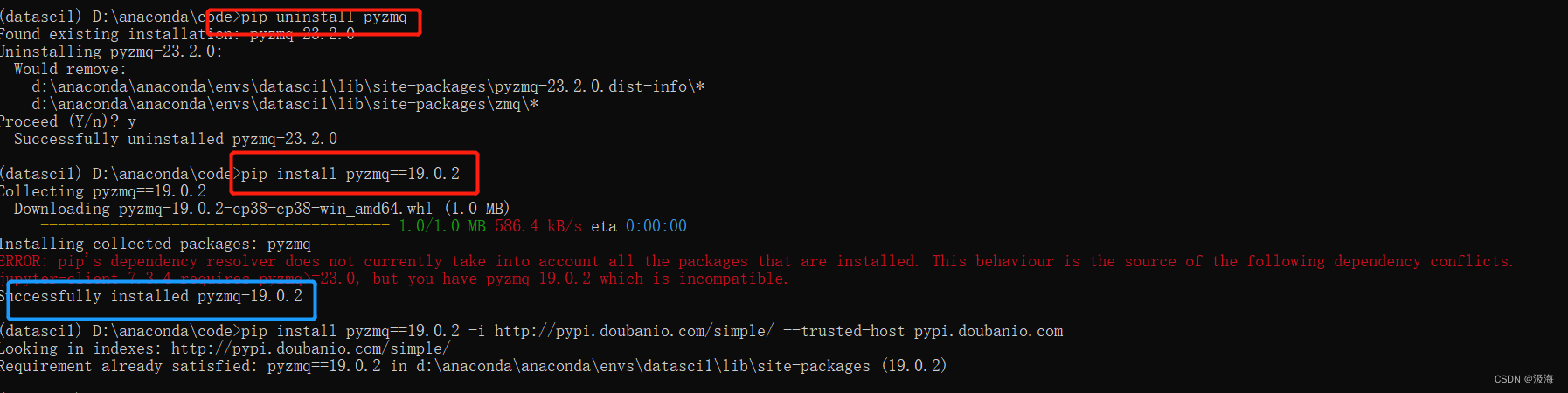
此问题是pyzmq版本问题,先卸载pyzmq 22.0.2,然后安装19.0.2版本即可
pip uninstall pyzmq
pip install pyzmq==19.0.2到这里我虽然报错了,但是我的jupyter能正常使用了
报错如下啊:






 扫一扫
扫一扫


 1万+
1万+

 被折叠的 条评论
为什么被折叠?
被折叠的 条评论
为什么被折叠?
 到【灌水乐园】发言





