


 本文详细介绍了如何在Nginx环境中配置防盗链功能,包括使用HTTPReferer头判断请求来源,以及如何设置子配置文件和主配置文件,以阻止未经授权的网站盗用图片。
1、Nginx 防盗链问题
两个网站 A 和 B, B网站引用了A网站上的图片,这种行为就叫做盗链。
防盗链,就是要防止B引用A的图片。
2、如何区分哪些是不正常的用户?
HTTP Referer是Header的一部分,当浏览器向Web服务器发送请求的时候,一般会带上Referer,告诉服务器我是从哪个页面链接过来的,服务器借此可以获得一些信息用于处理,例如防止未经允许的网站盗链图片、文件等。因此HTTP Referer头信息是可以通过程序来伪装生成的,所以通过Referer信息防盗链并非100%可靠,但是,它能够限制大部分的盗链情况
3、环境准备
准备两台机器安装好Nginx
web1
web2
4、配置有一张图片网站的服务器(web1)
##上传图片

[root@localhost ~]# mkdir -p /usr/share/nginx/html
[root@localhost ~]# cp text.jpg  /usr/share/nginx/html

##配置子配置文件
vim /etc/nginx/nginx.conf.default

server {
        listen 81;
        server_name     localhost;

        location /{
        root  /usr/share/nginx/html;
        index index.html index.htm;
        }
}

##将子配置文件加入到主配置文件中
vim /etc/nginx/nginx.conf

    include       /etc/nginx/nginx.conf.default;
##重启
[root@nginx-server conf.d]# nginx -t
[root@nginx-server conf.d]# systemctl reload nginx
访问指定位置
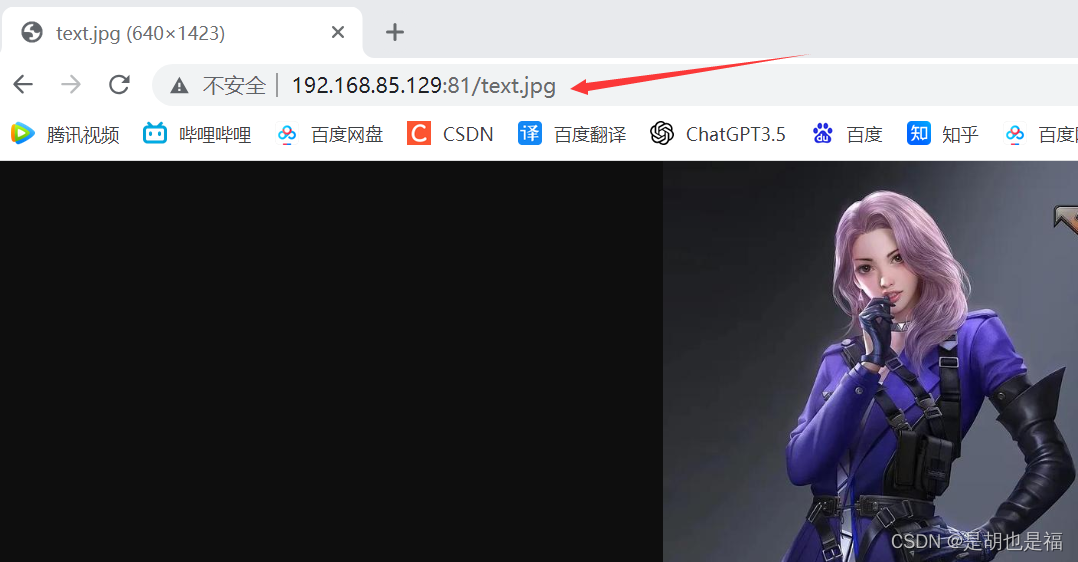
5、配置盗链接的服务器(web2)
##盗链机器配置:192.168.85.132
##配置子配置文件
[root@localhost ~]# vim /etc/nginx/nginx.conf.default
server {
        listen 81;
        server_name     localhost;
        location / {
                root /usr/share/nginx/html;
                index index.html;
        }
}

##创建所需的访问页面
[root@localhost ~]# mkdir -p /usr/share/nginx/html
[root@localhost ~]# vim /usr/share/nginx/html/index.html

<html>
<head>
    <meta charset="utf-8">
    <title>hello</title>
</head>
<body style="background-color:red;">
    <img src="http://192.168.85.129:81/text.jpg"/>
</body>
</html>

##将子配置加入到主配置文件中
include       /etc/nginx/nginx.conf.default;

重启nginx服务
[root@localhost ~]# /usr/local/nginx/sbin/nginx -t
nginx: the configuration file /etc/nginx/nginx.conf syntax is ok
nginx: configuration file /etc/nginx/nginx.conf test is successful
[root@localhost ~]# /usr/local/nginx/sbin/nginx -s reload
盗图片访问成功!!!
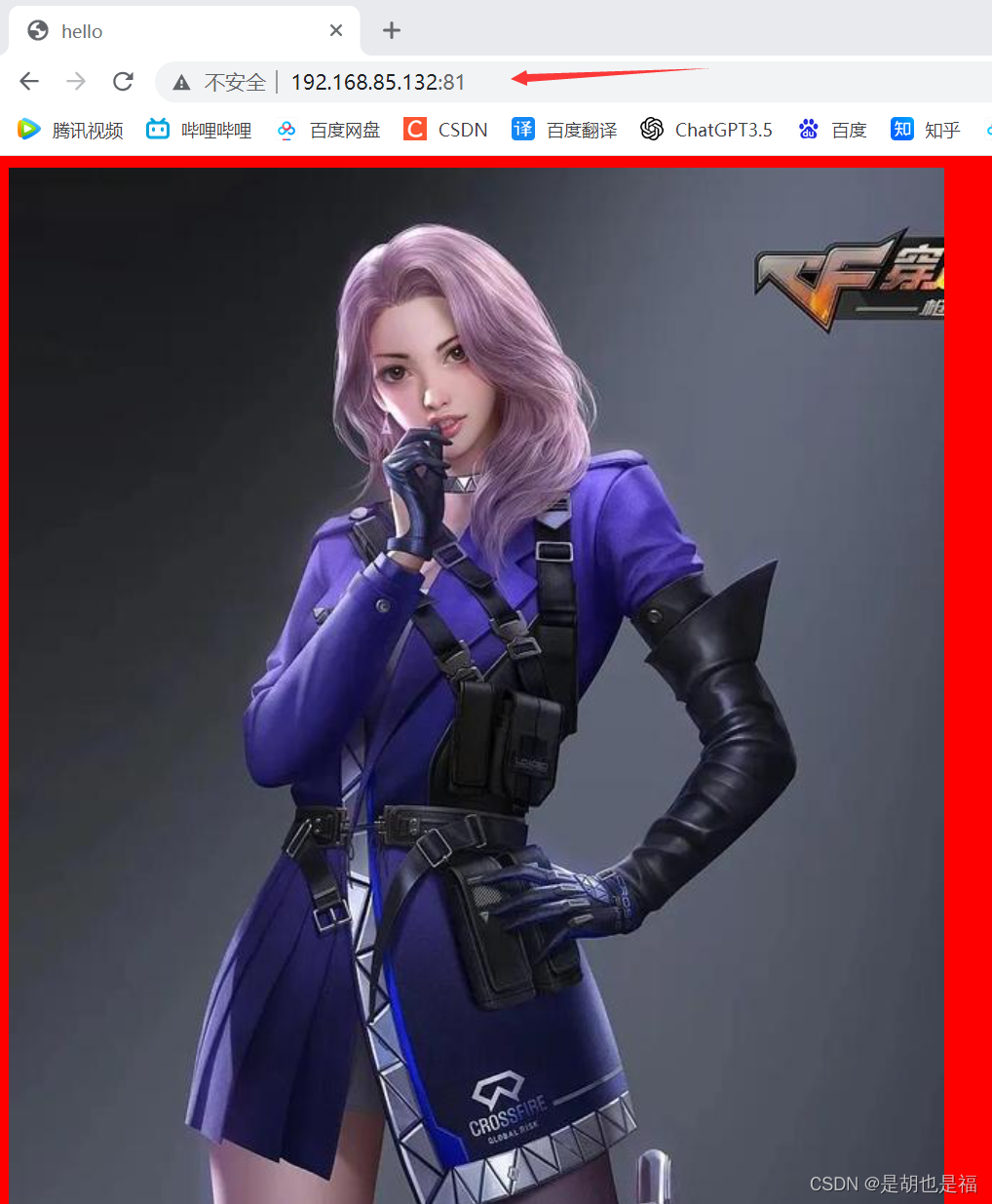
6、做防盗链接配置(web1)
修改子配置文件
vim /etc/nginx/nginx.conf
server {
    listen       81;
    server_name  localhost;
    location / {
        root   /usr/share/nginx/html;
        index  index.html index.htm;

        valid_referers none blocked www.jd.com;  #允许这些访问
        if ($invalid_referer) {
                   return 403;
                }
        }
}
盗链接机器去访问(web2)
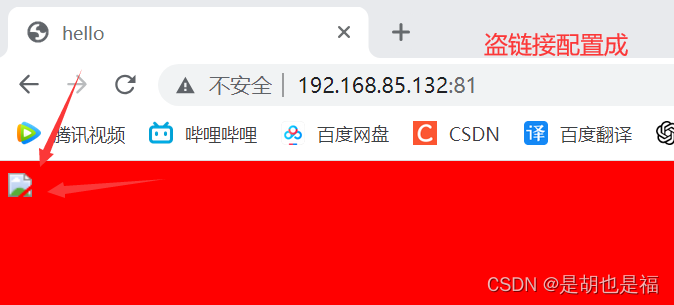
完成配置!!!





 扫一扫
扫一扫


 1138
1138

 被折叠的 条评论
为什么被折叠?
被折叠的 条评论
为什么被折叠?
 到【灌水乐园】发言





