


 本文档详细介绍了EdgeX Foundry的部署与管理步骤,包括拉取Docker镜像、启动与停止EdgeX服务、检查容器状态、查看日志以及通过API与UI界面进行设备控制。此外,还提供了规则引擎使用教程和API文档链接,帮助用户深入了解EdgeX生态系统。
1. 拉取EdgeX Docker镜像
docker-compose pull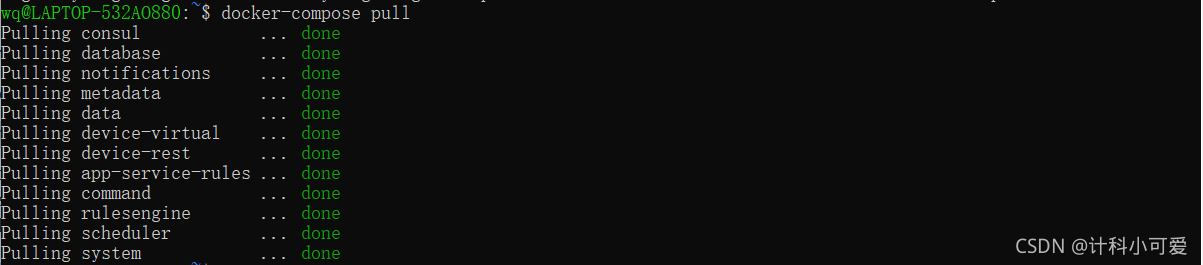
2. 启动EdgeX
docker-compose up -d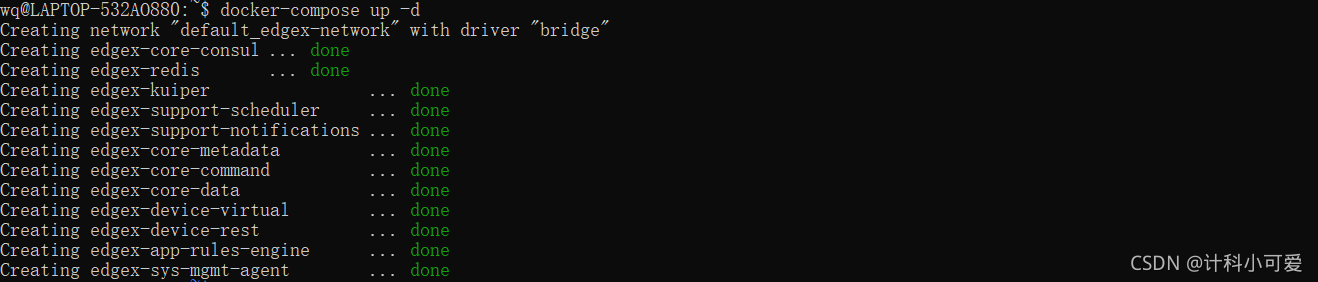
3. 停止并删除EdgeX容器(删除容器镜像)
docker-compose down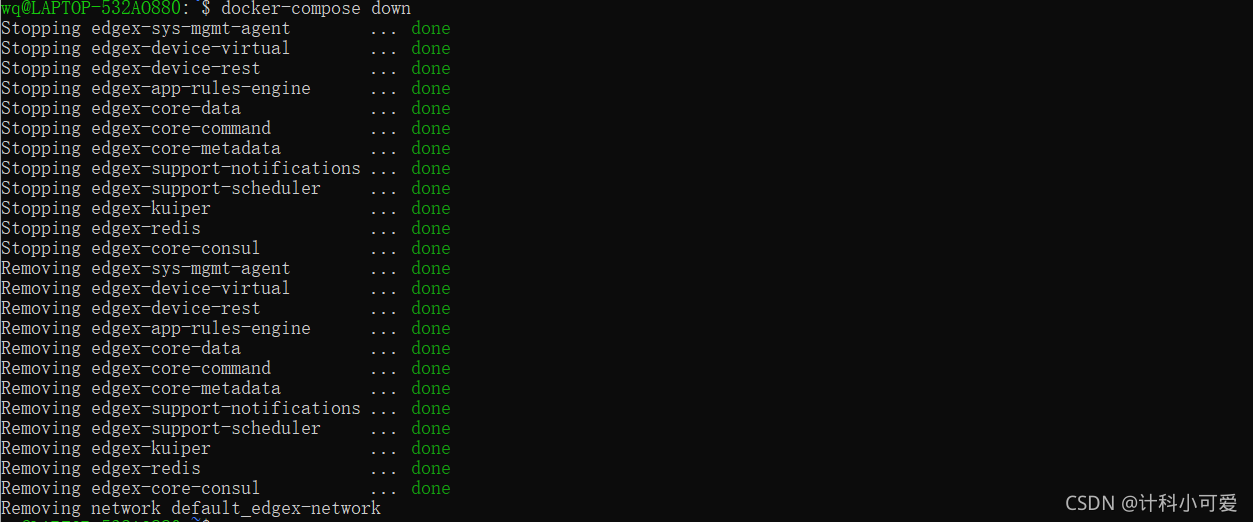
4. 检查容器是否启动
docker-compose ps启动状态
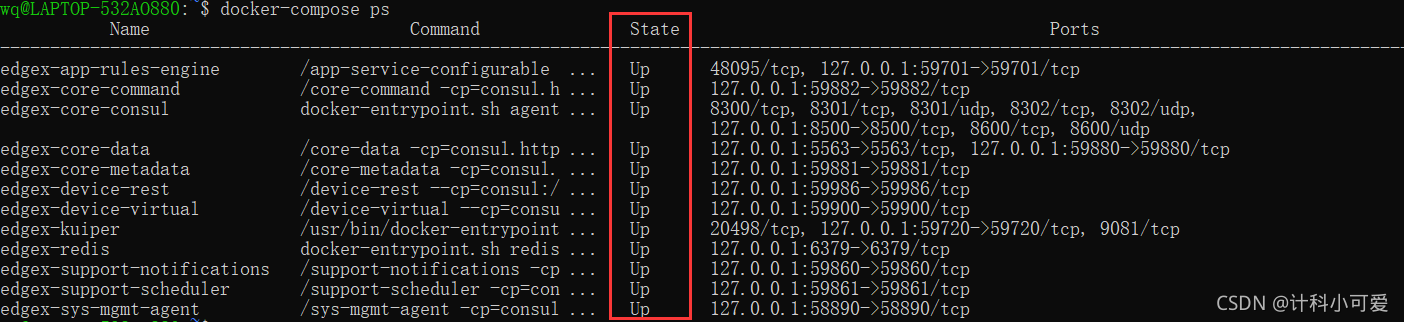
未启动状态
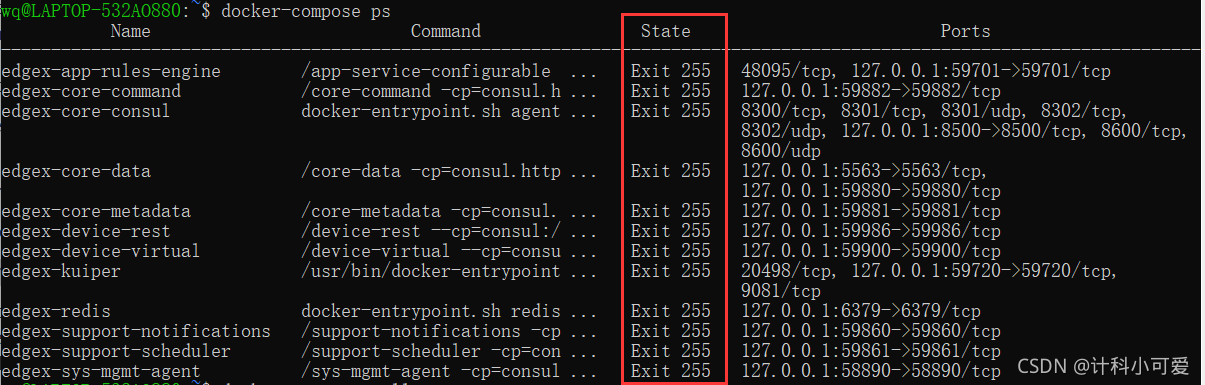
5. 停止与重启EdgeX(不删除容器镜像)
docker-compose stop
docker-compose stop rulesengine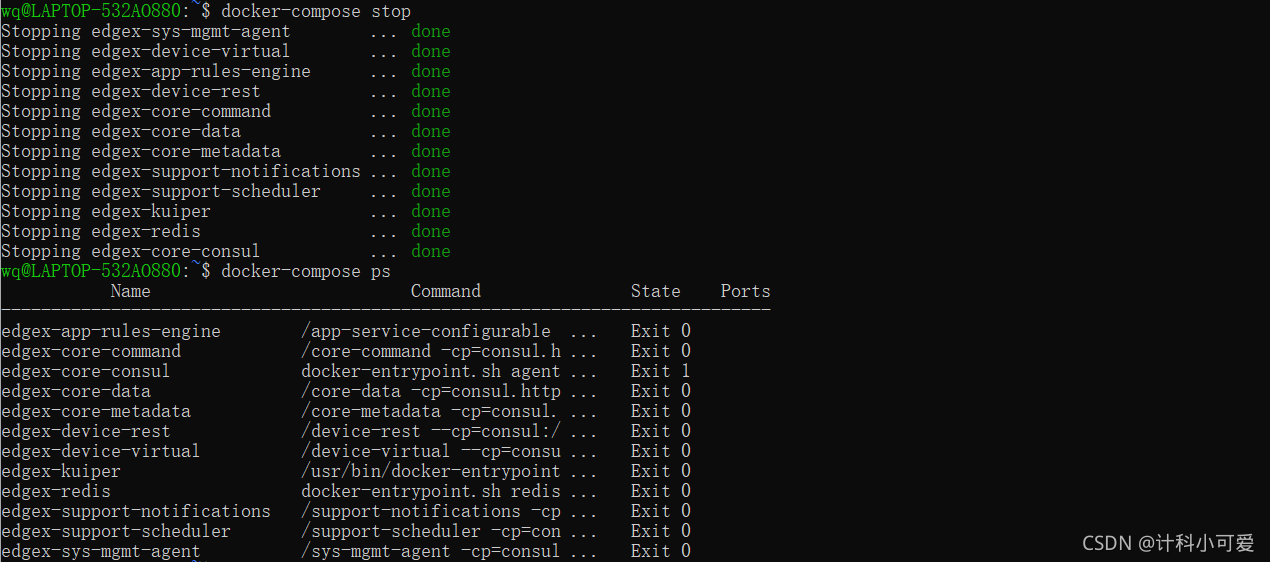
docker-compose start
docker-compose start rulesengine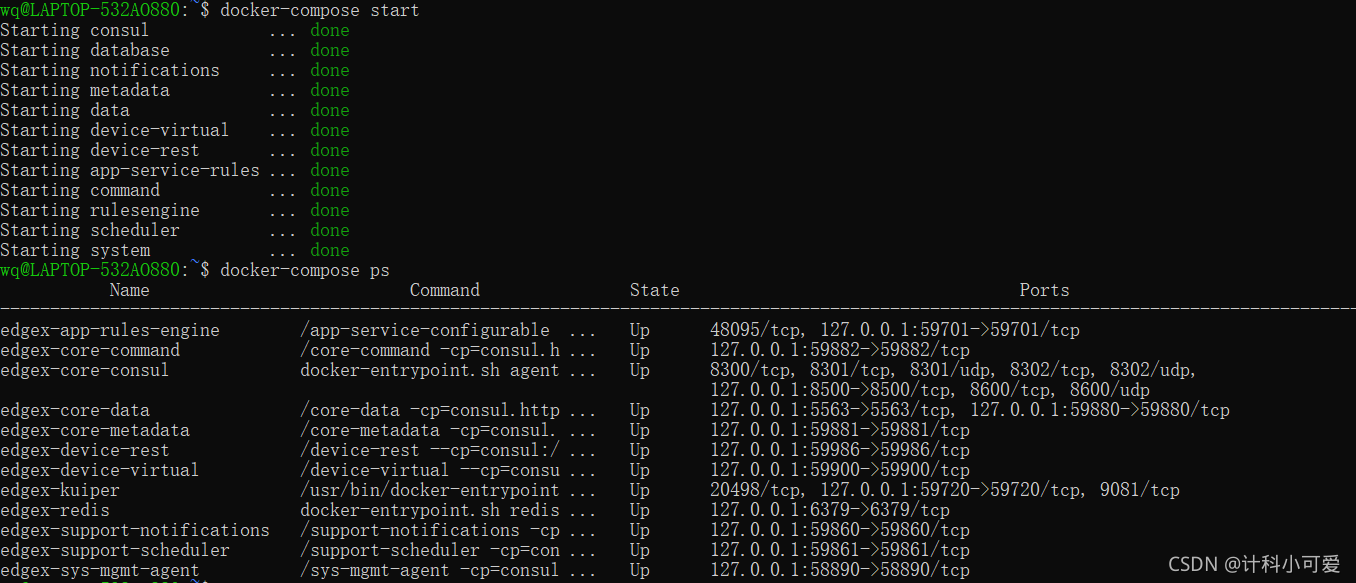
6. 获取容器名列表
docker-compose config --services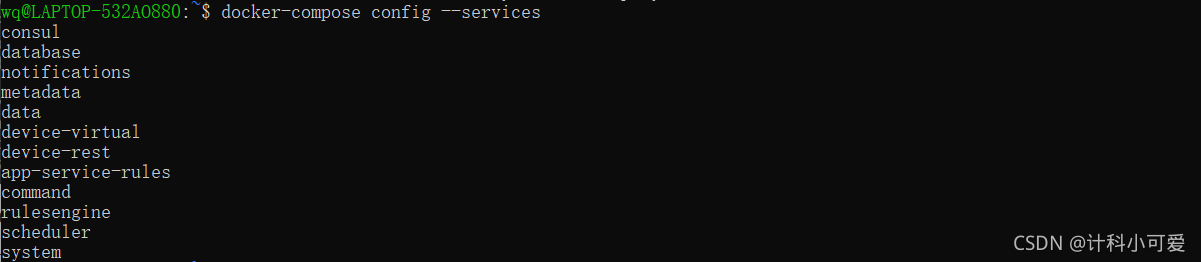
7. Docker容器状态检查
docker ps -a格式化输出
docker ps -a --format “table {{.Names}}\t{{.Status}}\t{{.Ports}}\t{{.RunningFor}}”
8. 打印EdgeX容器日志
docker-compose logs -f [compose-contatainer-name]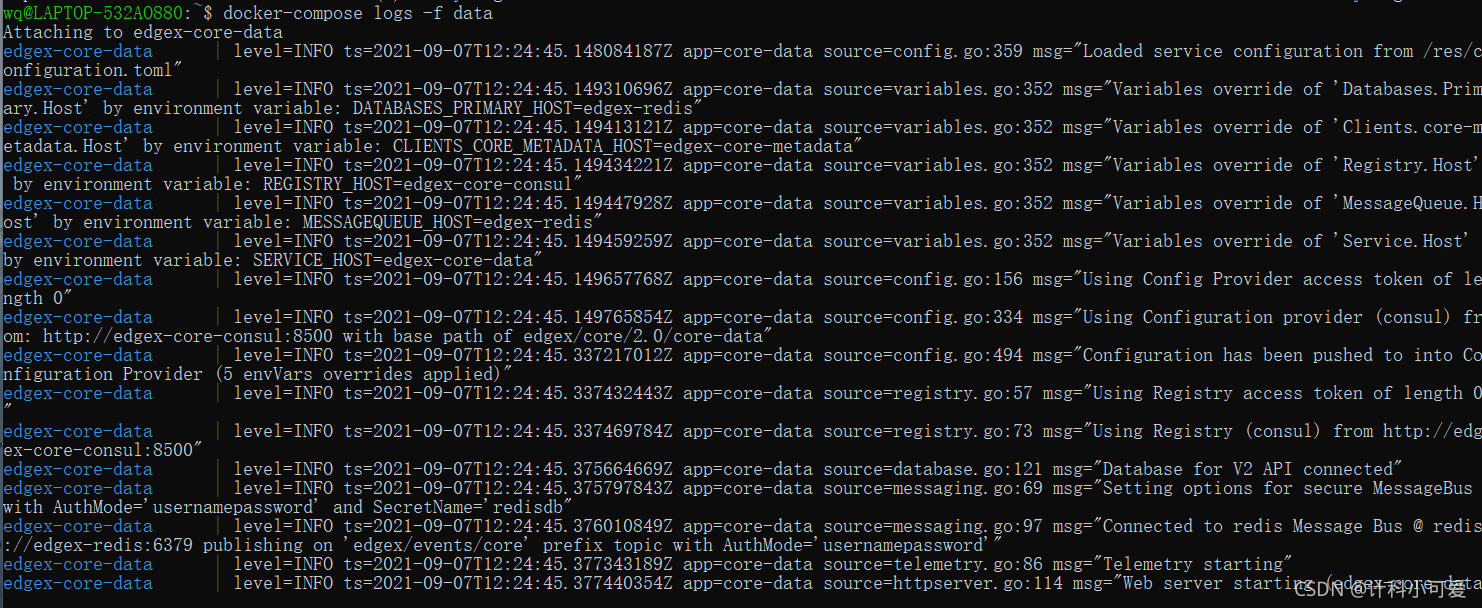
9. 微服务UI界面
http://localhost:8500/ui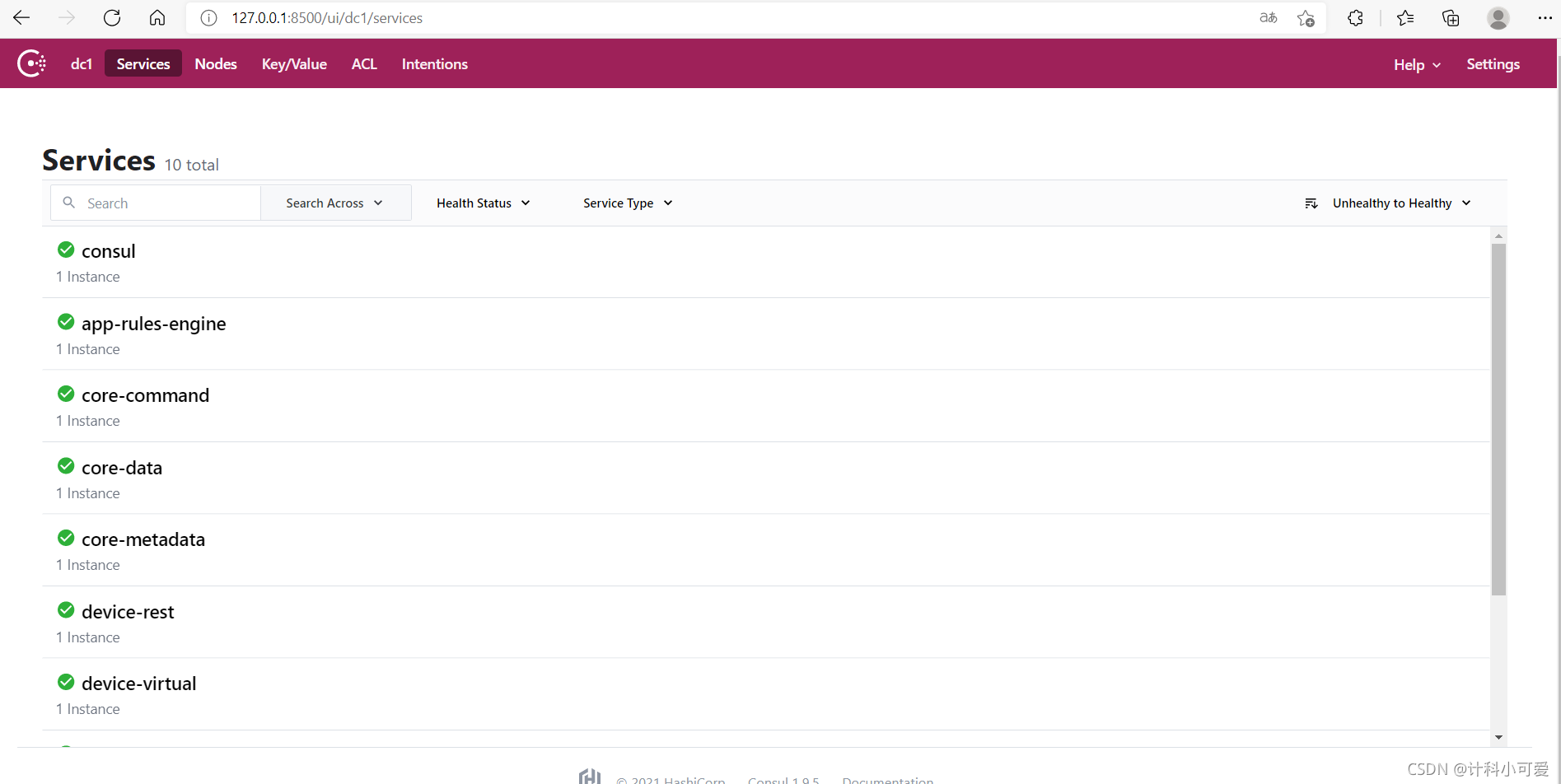 10. 获取虚拟设备数据
curl http://localhost:59880/api/v2/event/device/name/Random-Integer-Device添加limit参数,指定输出50条数据
curl http://localhost:59880/api/v2/event/device/name/Random-Integer-Device?limit=50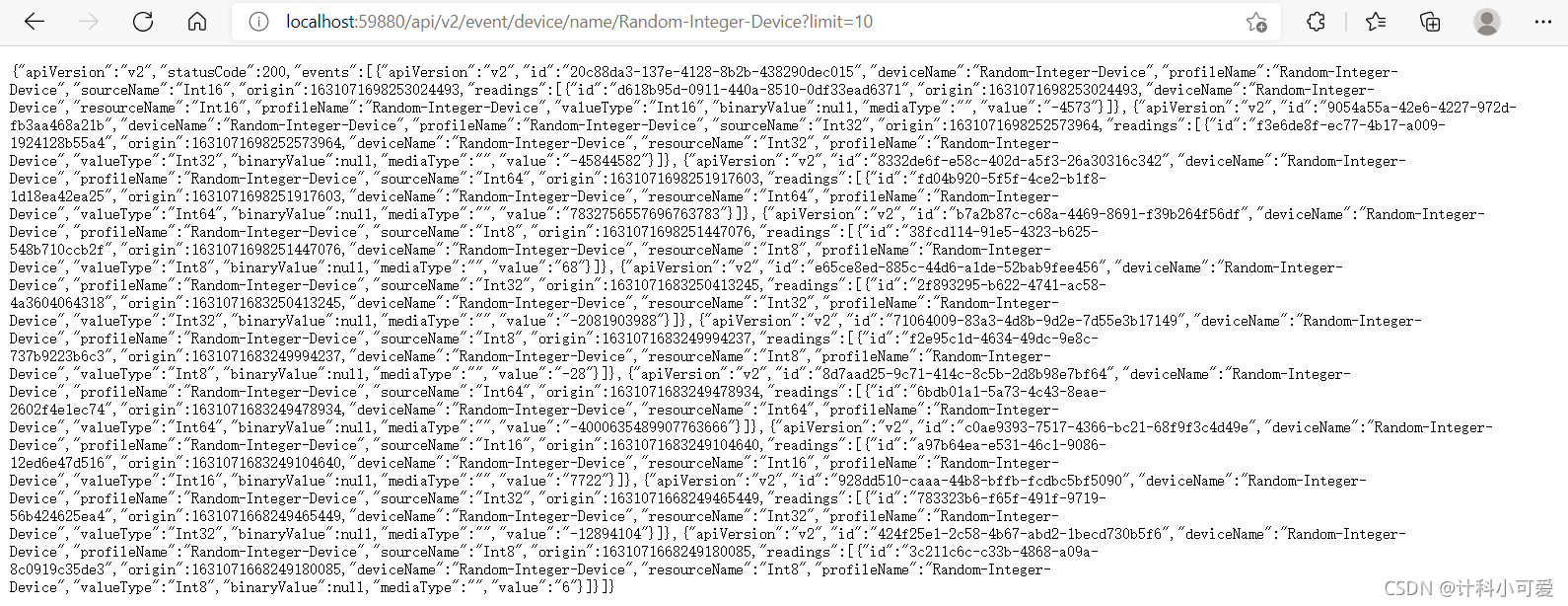
11. 控制设备
curl -X PUT -d '{"Int16":"42", "EnableRandomization_Int16":"false"}' http://localhost:59882/api/v2/device/name/Random-Integer-Device/WriteInt16Value

12. Edgex Foundry API文档
Introduction - EdgeX Foundry Documentation
13. 规则引擎使用教程
Command Devices with eKuiper Rules Engine - EdgeX Foundry Documentation





 扫一扫
扫一扫


 3759
3759

 被折叠的 条评论
为什么被折叠?
被折叠的 条评论
为什么被折叠?
 到【灌水乐园】发言





