


 这篇博客展示了如何用纯JavaScript实现点击图片使其放大的功能。通过创建克隆节点并添加样式,实现了全屏显示大图并添加半透明黑色背景,提供了一种简洁的图片预览解决方案。
闲来无事练习下原生js
效果:
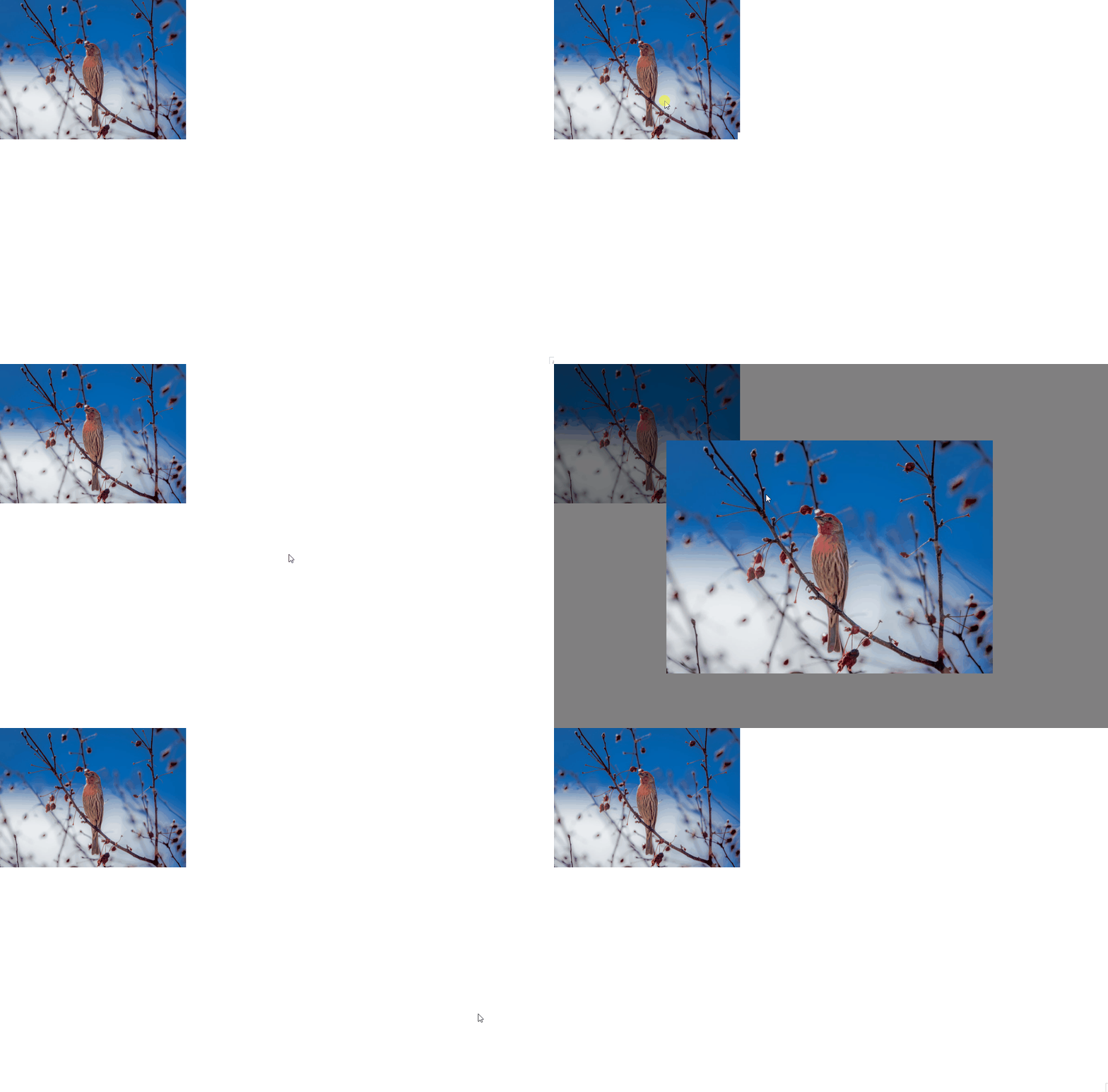 代码:
代码:
<!DOCTYPE html>
<html lang="en">

<head>
    <meta charset="UTF-8">
    <meta http-equiv="X-UA-Compatible" content="IE=edge">
    <meta name="viewport" content="width=device-width, initial-scale=1.0">
    <title>Document</title>
</head>

<body>
    <div class="imgBox" onclick="big(this)">
        <div class="black"></div>
        <img src="https://fuss10.elemecdn.com/e/5d/4a731a90594a4af544c0c25941171jpeg.jpeg">
    </div>
</body>
<script>
    function big(dom) {
        if (document.querySelector('.big')) {
            document.documentElement.removeChild(document.querySelector('.big')) //移除元素则图片还原
        } else {
            const newdom = dom.cloneNode(true) //复制元素,用于显示放大的图片
            newdom.classList.add("big") // 添加类名
            document.documentElement.appendChild(newdom) // 添加到body下
        }
    }
</script>
<style>
    .imgBox {
        width: 400px;
        height: 300px;
    }

    img {
        width: 100%;
        height: 100%;
    }

    .big {
        position: fixed;
        left: 0;
        top: 0;
        width: 100%;
        height: 100vh;
        display: flex;
        align-items: center;
        justify-content: center;
    }

    .big .black {
        position: fixed;
        z-index: 800;
        left: 0;
        top: 0;
        width: 100%;
        height: 100vh;
        opacity: 0.5;
        background-color: #000;
    }

    .big img {
        position: absolute;
        z-index: 999;
        width: 700px;
        height: 500px;
    }
</style>

</html>





 扫一扫
扫一扫


 1万+
1万+

 被折叠的 条评论
为什么被折叠?
被折叠的 条评论
为什么被折叠?
 到【灌水乐园】发言





