


根据模板文件生成数据并预览、保存
1 根据模板生成word文件
word文件示例:
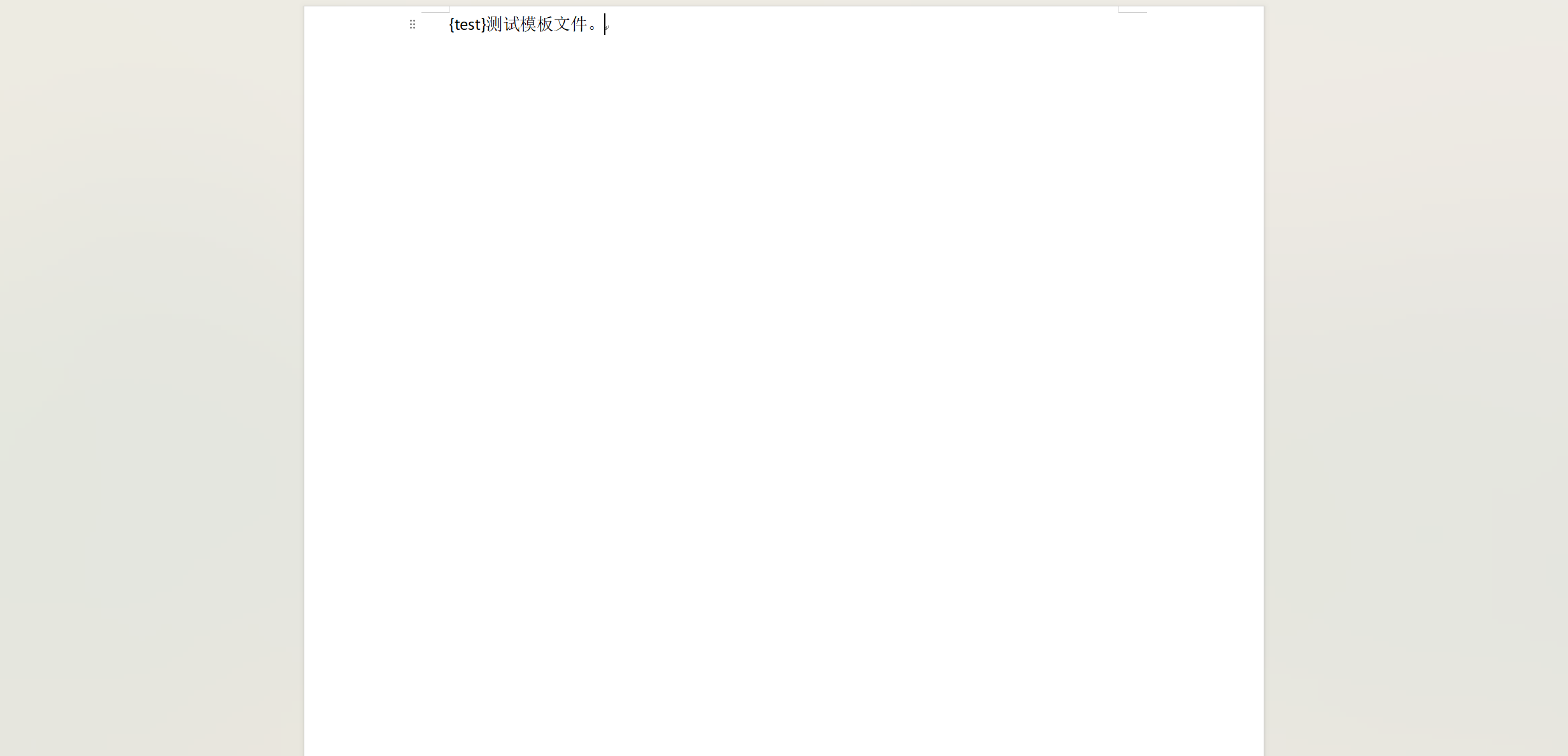
data示例:
{

   test:'替换数据'}
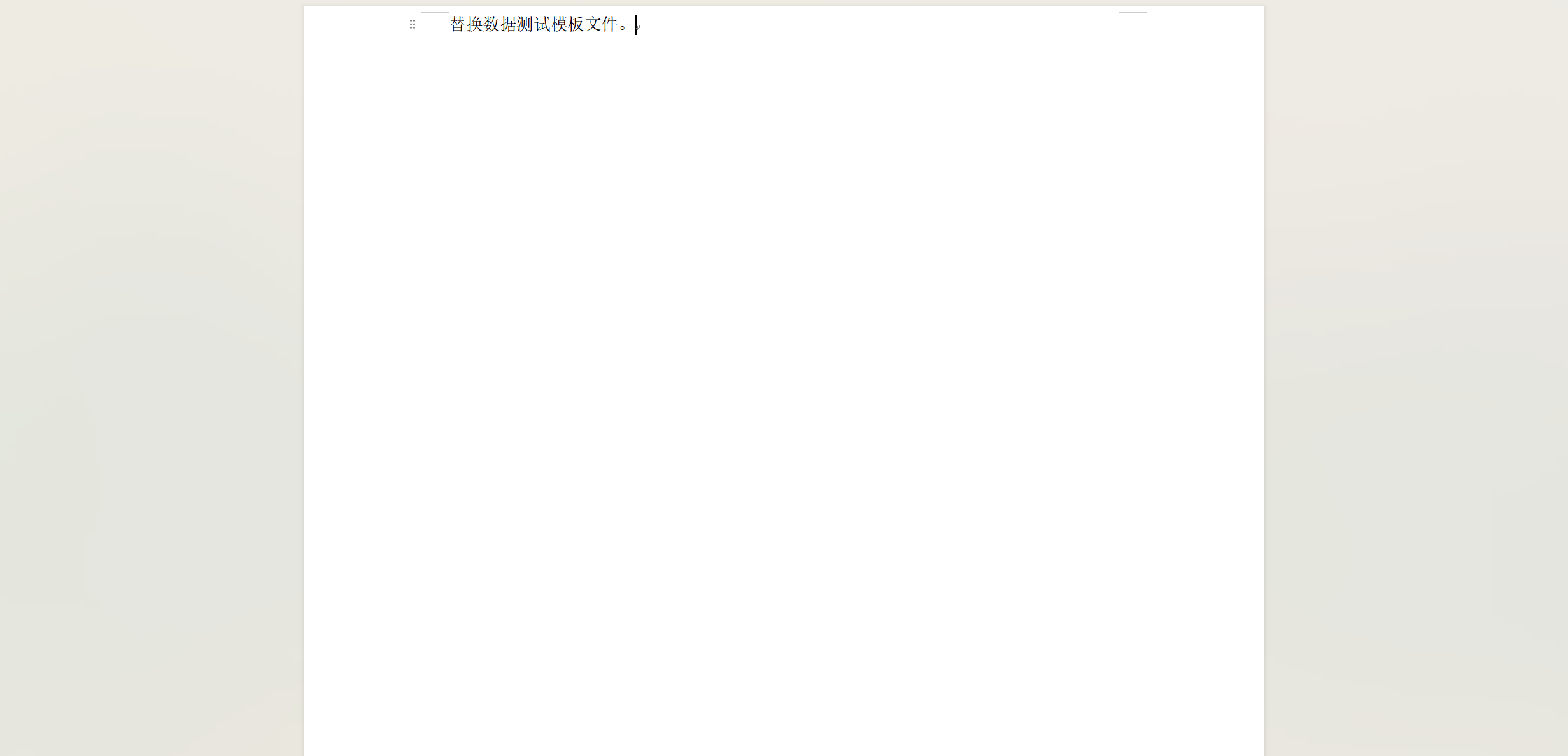
数据里面的字段 test要和文件模板里面的test对应。
生成结果:
import Docxtemplater from "docxtemplater"
import PizZip from "pizzip"
import PizZipUtils from 'pizzip/utils/index.js'
/**
 * fileTemplate:文件路径
 * data:json格式的数据
 */
export const generateDocx = (fileTemplate, data, fileName = '文件') => {


    let result = new Promise(
        (resolve, reject) => {


            PizZipUtils.getBinaryContent(fileTemplate, (error, content) => {


                if (error) throw error
                // 创建一个Zip实例,内容为模板的内容
                const zip = new PizZip(content)
                // 使用zip对象
                // 创建并加载docxtemplater实例对象
                let doc = new Docxtemplater();
                doc.loadZip(zip);
                doc.setData(data)
                // 设置模板变量的值
                try {


                    // 用模板变量的值替换所有模板变量
                    doc.render(data);
                } catch (error) {


                    // 抛出异常
                    let e = {


                        message: error.message,
                        name: error.name,
                        stack: error.stack,
                        properties: error.properties
                    };
                    console.log(JSON.stringify({


                        error: e
                    }));
                    throw error;
                }
                // 生成一个代表docxtemplater对象的zip文件(不是一个真实的文件,而是在内存中的表示)
                resolve(doc.getZip().generate({


                    type: 'blob',
                    mimeType: 'application/vnd.openxmlformats-officedocument.wordprocessingml.document'
                }))
            })
        }
    )

    return result
}
根据模板生成word网上比较多,详细的不在赘述,我是参考的这位:前端实现根据模版导出word【docxtemplater】。
如果要插入图片的话,需要引入ImageModule,然后在实例化Docxtemplater的时候添加到modules里面。并且实例化ImageModule里面需要包含getImage,getSize两个函数,告知图片及图片的大小。
import ImageModule from 'docxtemplater-image-module-free'
let doc = new Docxtemplater(zip, {
paragraphLoop: true,
linebreaks: true,
modules: [
new ImageModule({
getImage: (value, key) => {
return imgDataDict[key];
},
getSize: (afterValue, value, key) => 最低0.47元/天 解锁文章






 扫一扫
扫一扫


 8019
8019

 被折叠的 条评论
为什么被折叠?
被折叠的 条评论
为什么被折叠?
 到【灌水乐园】发言





