





【ELK】Kibana Discover菜单使用
Discover菜单介绍
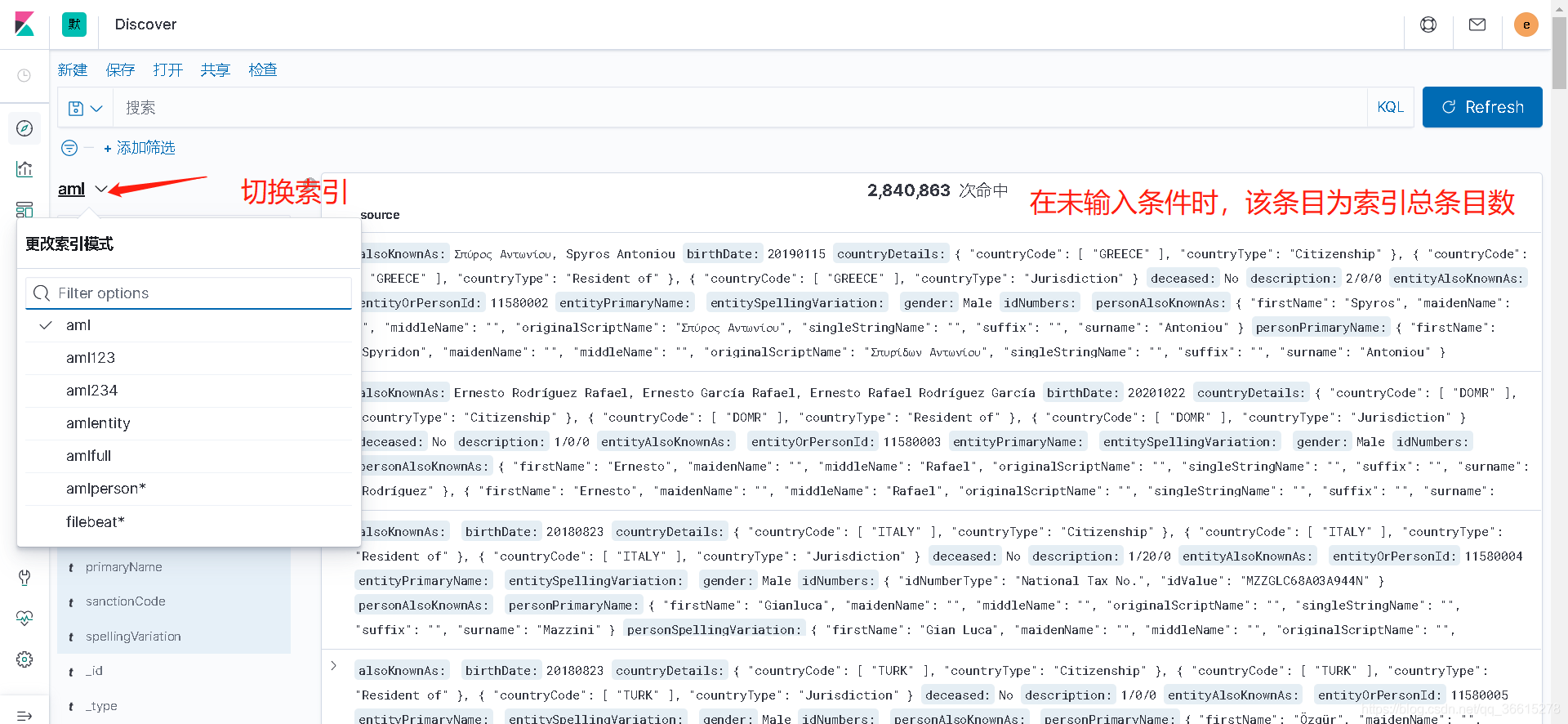
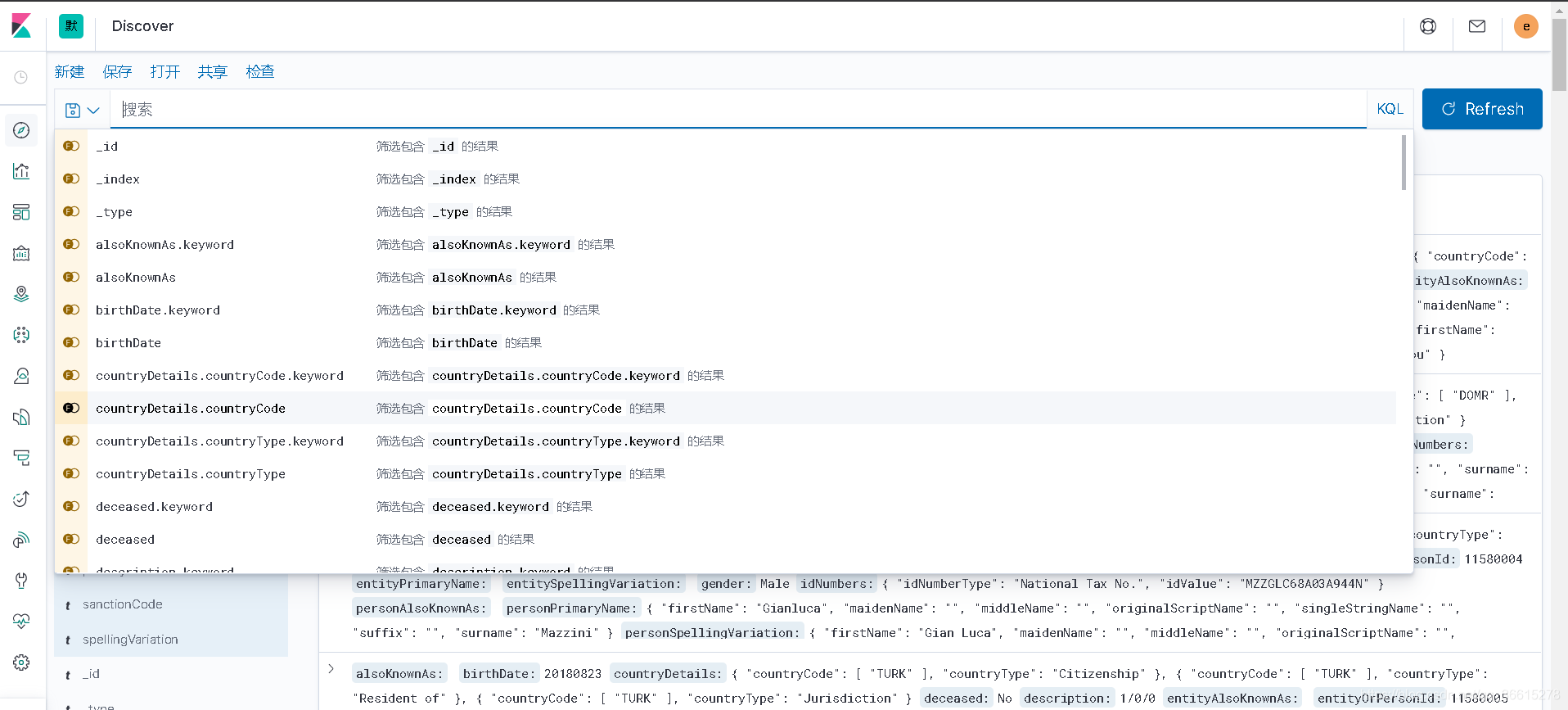
在搜索下拉框中列出了索引各个栏位的信息,根据提示可以筛选出对应的数据
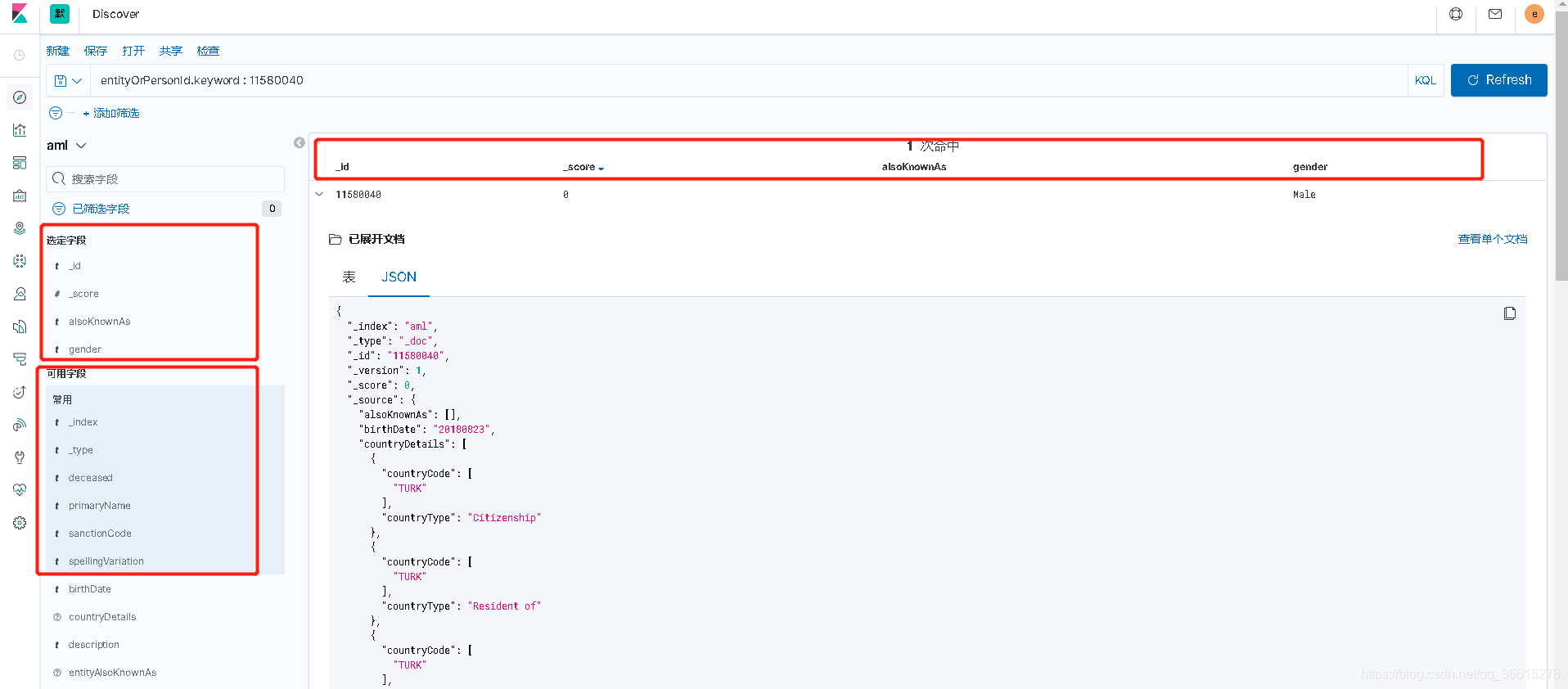
例如:搜索ID为11580040 不分词检索得到以下结果
entityOrPersonId.keyword : 11580040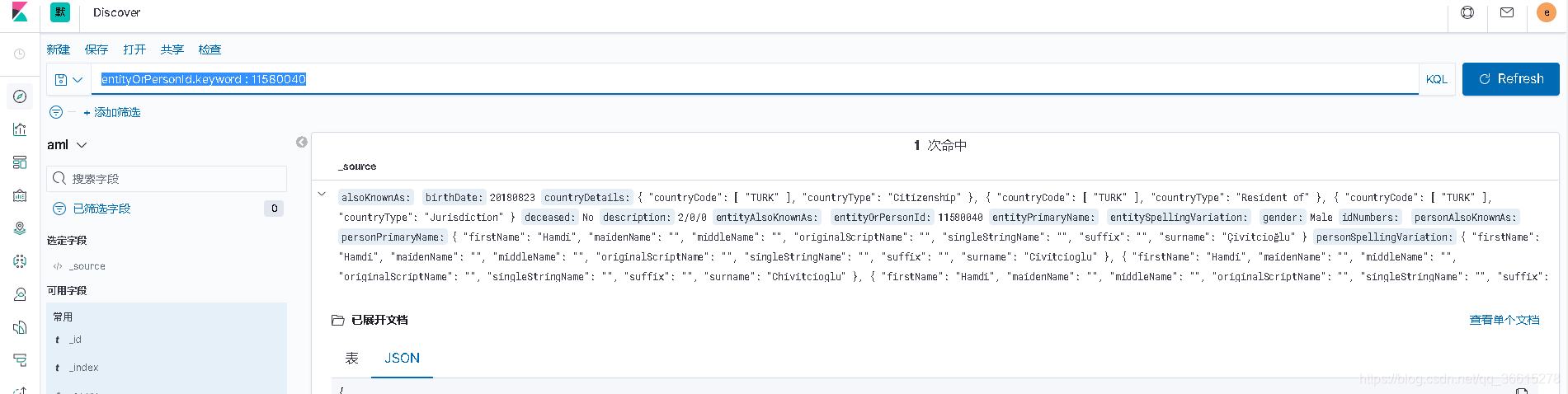
我们可以点击展开文档的详细信息,文档详细信息为两种,一种按照字段key:value显示。一种为json。
下图为按字段显示:
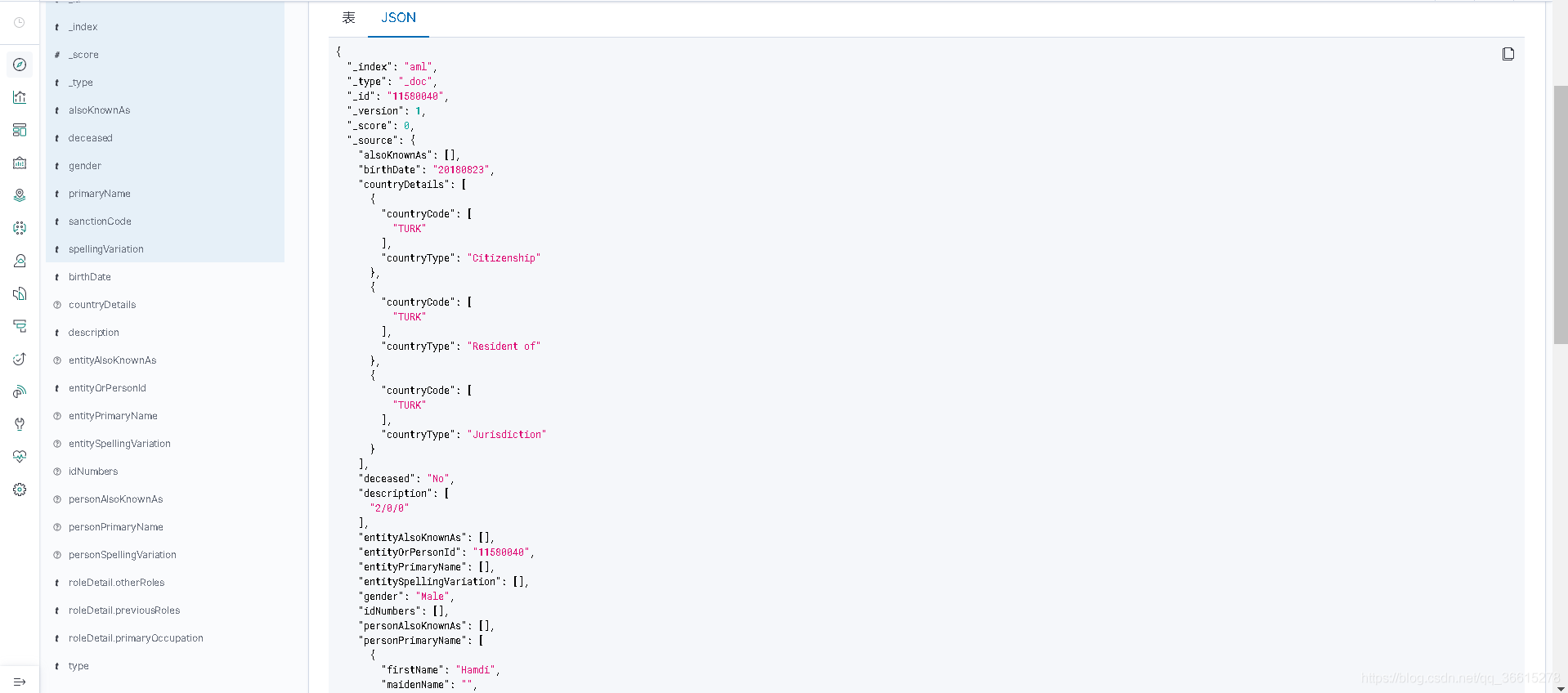
下面为按JSON显示:
{
  "_index": "aml",
  "_type": "_doc",
  "_id": "11580040",
  "_version": 1,
  "_score": 0,
  "_source": {
    "alsoKnownAs": [],
    "birthDate": "20180823",
    "countryDetails": [
      {
        "countryCode": [
          "TURK"
        ],
        "countryType": "Citizenship"
      },
      {
        "countryCode": [
          "TURK"
        ],
        "countryType": "Resident of"
      },
      {
        "countryCode": [
          "TURK"
        ],
        "countryType": "Jurisdiction"
      }
    ],
    "deceased": "No",
    "description": [
      "2/0/0"
    ],
    "entityAlsoKnownAs": [],
    "entityOrPersonId": "11580040",
    "entityPrimaryName": [],
    "entitySpellingVariation": [],
    "gender": "Male",
    "idNumbers": [],
    "personAlsoKnownAs": [],
    "primaryName": [
      "Hamdi Çivitcioğlu"
    ],
    "roleDetail": {
      "otherRoles": [],
      "previousRoles": [],
      "primaryOccupation": []
    },
    "sanctionCode": [],
}
可以点击常用字段,将自己想查询的字段单独抽出来显示





 扫一扫
扫一扫


 992
992


 到【灌水乐园】发言



