


用AppleScript做macOS UI自动化
一、定位到System Setting → General → Login Items& Extensions 页面
1. 获取页面锚点,以便直接滑动到锚点区域
tell application "System Settings"

  get every anchor of current pane

end tell
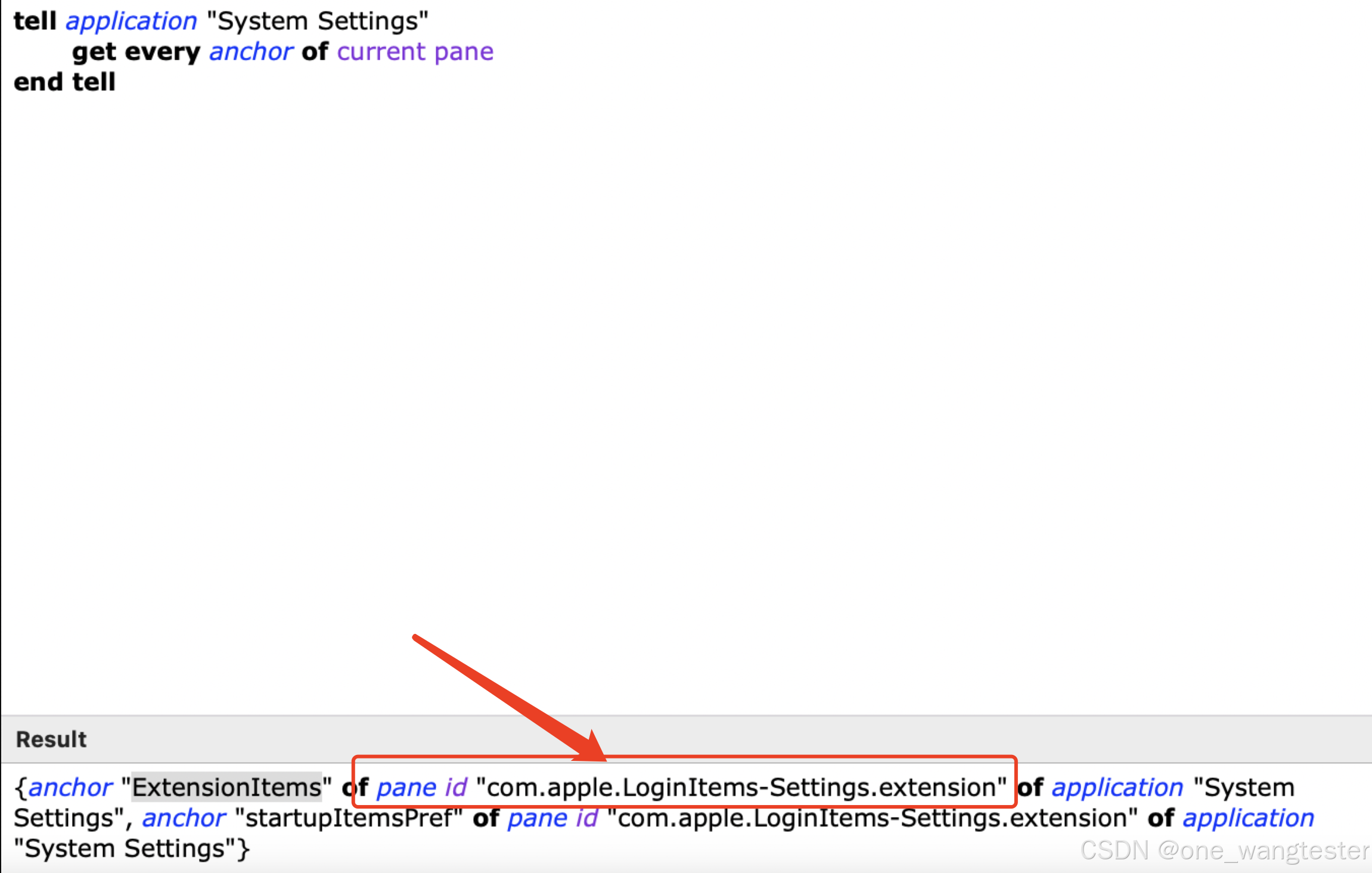
2. 滑动到Extensions 区域
reveal命令用于在“系统设置”中显示指定的窗格或部分
anchor关键字则用于指定窗格内的一个特定部分或标签页。
tell application "System Settings"
	activate
	reveal anchor "ExtensionItems" of pane id "com.apple.LoginItems-Settings.extension"
end tell
 最低0.47元/天 解锁文章






 扫一扫
扫一扫


 448
448

 被折叠的 条评论
为什么被折叠?
被折叠的 条评论
为什么被折叠?
 到【灌水乐园】发言





