



 这篇博客展示了如何在Vue项目中使用Element-UI库自定义一个加载效果。通过引入`Loading`组件,并在`test()`方法中创建一个锁定屏幕的加载服务,将加载指示器定位到指定的`#loadingDiv`元素上。当需要结束加载时,调用`endLoading()`方法关闭加载提示。
1.效果图
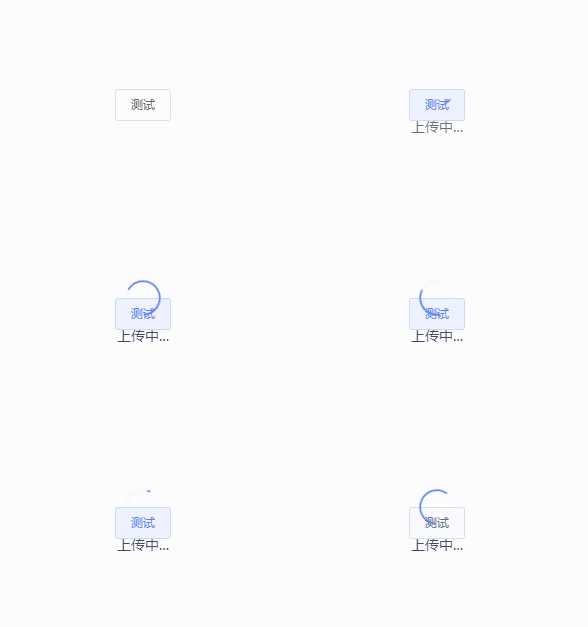
2.自定义loading代码
<template>
<div>
	<div id="loadingDiv"></div>
	<el-button @click="test()">测试</el-button>
</div>
</template>
import { Loading } from 'element-ui';
<script>
export default {
  data() {
    return {
      loading: undefined
    };
  },
  methods: {
    test(){
      this.loading = Loading.service({
        lock: true,
        text: '上传中...',
        // background: 'rgba(0, 0, 0, 0.7)',
        target: document.querySelector('#loadingDiv')
      })
    },
    endLoading() {
      this.loading.close()
    }
   }
  }





 扫一扫
扫一扫


 4146
4146

 被折叠的 条评论
为什么被折叠?
被折叠的 条评论
为什么被折叠?
 到【灌水乐园】发言





