


using ShowScreen;
using System;
using System.Collections.Generic;
using System.ComponentModel;
using System.Data;
using System.Drawing;
using System.Linq;
using System.Text;
using System.Windows;
using System.Windows.Forms;

namespace SmartMouse
{
    public partial class frmAutoSize
    {
        public void Init(Control   control)
        {

            double width2 = SystemParameters.PrimaryScreenWidth;
            double width3 = Screen.PrimaryScreen.Bounds.Width;
            double height2 = SystemParameters.PrimaryScreenHeight;
            double height3 = Screen.PrimaryScreen.Bounds.Height;

            x = control.Size.Width;
            y = control.Size.Height;
            AddDic(control);
            control.SizeChanged += frmAutoSize_SizeChanged;
            control.Resize += frmAutoSize_SizeChanged;
        }

        private void Control_Resize(object sender, EventArgs e)
        {
            throw new NotImplementedException();
        }

        Dictionary<string, OneCon> dic = new Dictionary<string, OneCon>();//原始控件大小
        float x = 0;//原始大小
        float y = 0;

        /// <summary>
        /// /添加数据
        /// </summary>
        /// <param name="con"></param>
        void AddDic(Control con)
        {
            foreach (Control item in con.Controls)
            {
                if (item.Controls.Count != 0)
                {
                    //if (item is uOneScreen == false)
                    {
                        AddDic(item);
                    }
                }
                SetColor(item);
                OneCon oneCon = new OneCon();
                oneCon.X = item.Location.X;
                oneCon.Y = item.Location.Y;
                oneCon.Width = item.Width;
                oneCon.Height = item.Height;
                oneCon.fontSize = item.Font.Size;
                string name = getAllName(item);
                if (dic.Keys.Contains(name))
                {
                    continue;
                }
                dic.Add(name, oneCon);
            }
            SetColor(con);
        }
        Random random = new Random();
        void SetColor(Control item)
        {
            //return;
            item.ForeColor = Color.White;
            //item.BackColor = Color.FromArgb(14, 33, 71);
            int x2 = (int)(item.Width / x * 20)-10;
            item.BackColor = Color.FromArgb(14 + x2, 33 + x2, 71 + x2);
            //item.BackColor = Color.FromArgb(random.Next(0, 30), random.Next(10, 50), random.Next (60,80));
        }
        string getAllName(Control item)
        {
            string s1 = "";
            while (true)
            {
                s1 += item.Name+"-";
                if (item.Parent == null)
                {
                    break;
                }
                item = item.Parent;
            }
            return s1;
        }
        /// <summary>
        /// 窗体变化大小
        /// </summary>
        /// <param name="sender"></param>
        /// <param name="e"></param>
        private void frmAutoSize_SizeChanged(object sender, EventArgs e)
        {
            //return;
            Control control = (Control)sender;
            float x1 = (float )control.Width / x;
            float y1 = (float)control.Height / y;
            SetSize(control, x1, y1);
        }

        /// <summary>
        /// /设置全部的控件大小位置字体大小
        /// </summary>
        /// <param name="con"></param>
        /// <param name="x1"></param>
        /// <param name="y1"></param>
        void SetSize(Control con, float x1, float y1)
        {
            foreach (Control item in con.Controls)
            {
                if (item.Controls.Count != 0)
                {
                    SetSize(item, x1, y1);
                }
                string name = getAllName(item);
                if (dic.Keys.Contains(name) == false)
                {
                    continue;
                }
                OneCon rec = dic[name];
                item.Location = new Point((int)(rec.X * x1), (int)(rec.Y * y1));
                item.Size = new Size((int)(rec.Width * x1), (int)(rec.Height * y1));
                //item.Font.Size = (int)(9 * x1);
                double  xy = rec.fontSize  * x1;//使用最小的字体变化,默认字体9号
                if (x < y)
                {
                    xy = rec.fontSize * y1;
                }
                xy /= 1.5;
                item.Font = new System.Drawing.Font("宋体", (float )xy, System.Drawing.FontStyle.Regular, System.Drawing.GraphicsUnit.Point, ((byte)(134)));
                //item.AutoScaleMode = System.Windows.Forms.AutoScaleMode.Font;
            }
        }
    }
    public class OneCon
    {
        public int X = 0;
        public int Y = 0;
        public int Width = 10;
        public int Height = 10;
        public float  fontSize = 9;
    }
}
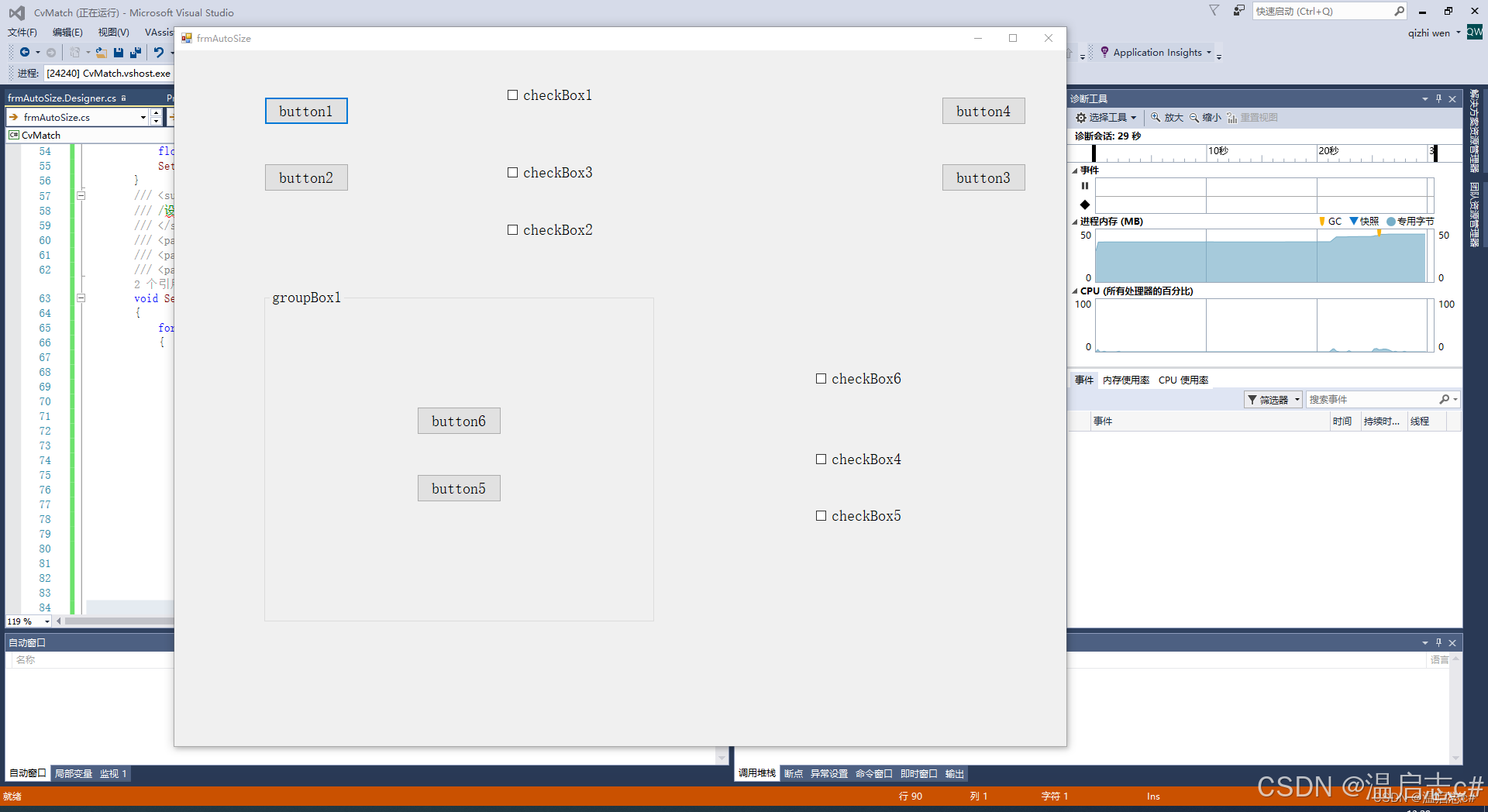
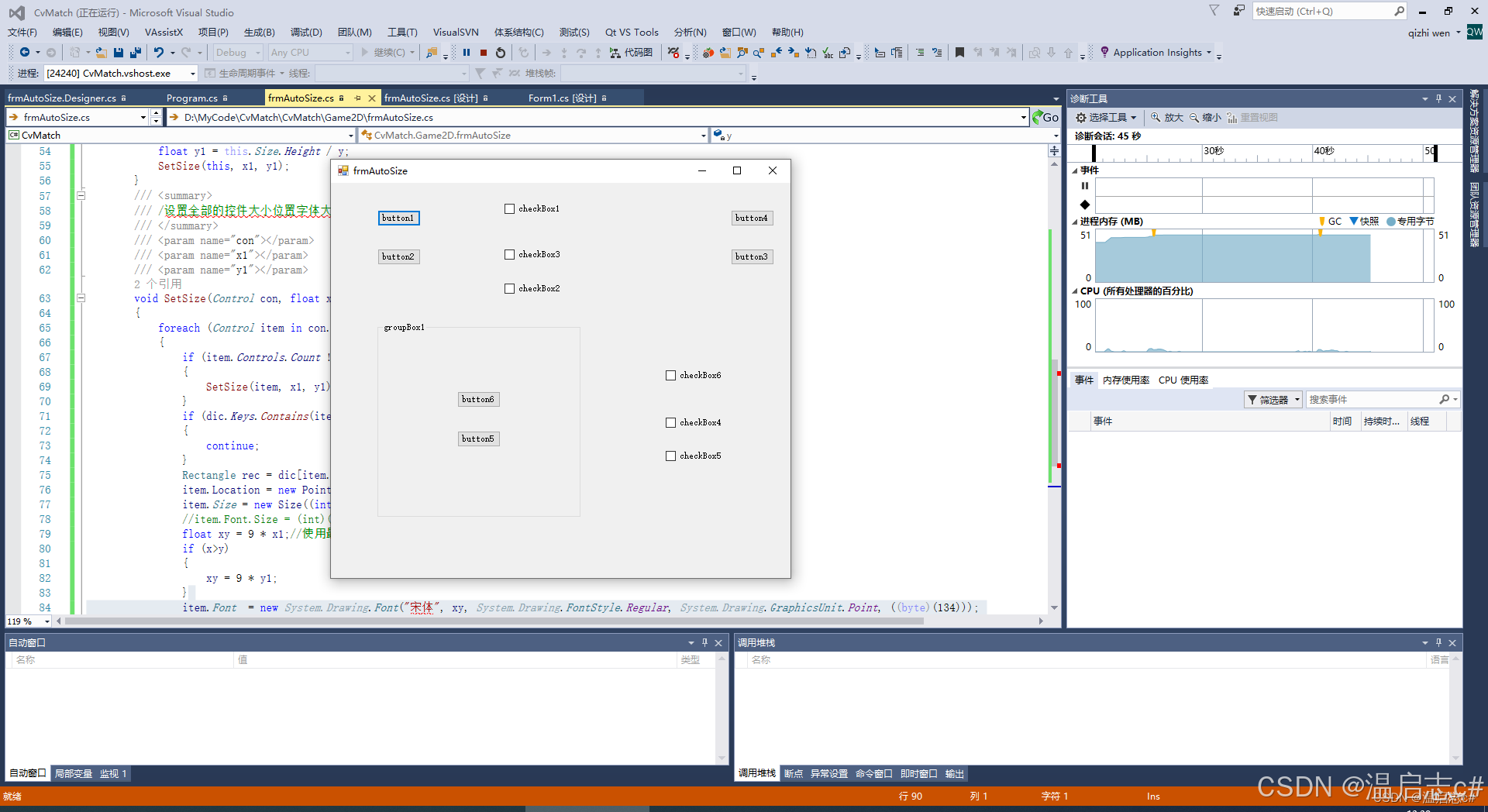
上面是一个类
只需要在新的界面的调用
new frmAutoSize().Init(this );
就好了





 扫一扫
扫一扫


 2864
2864

 被折叠的 条评论
为什么被折叠?
被折叠的 条评论
为什么被折叠?
 到【灌水乐园】发言





