



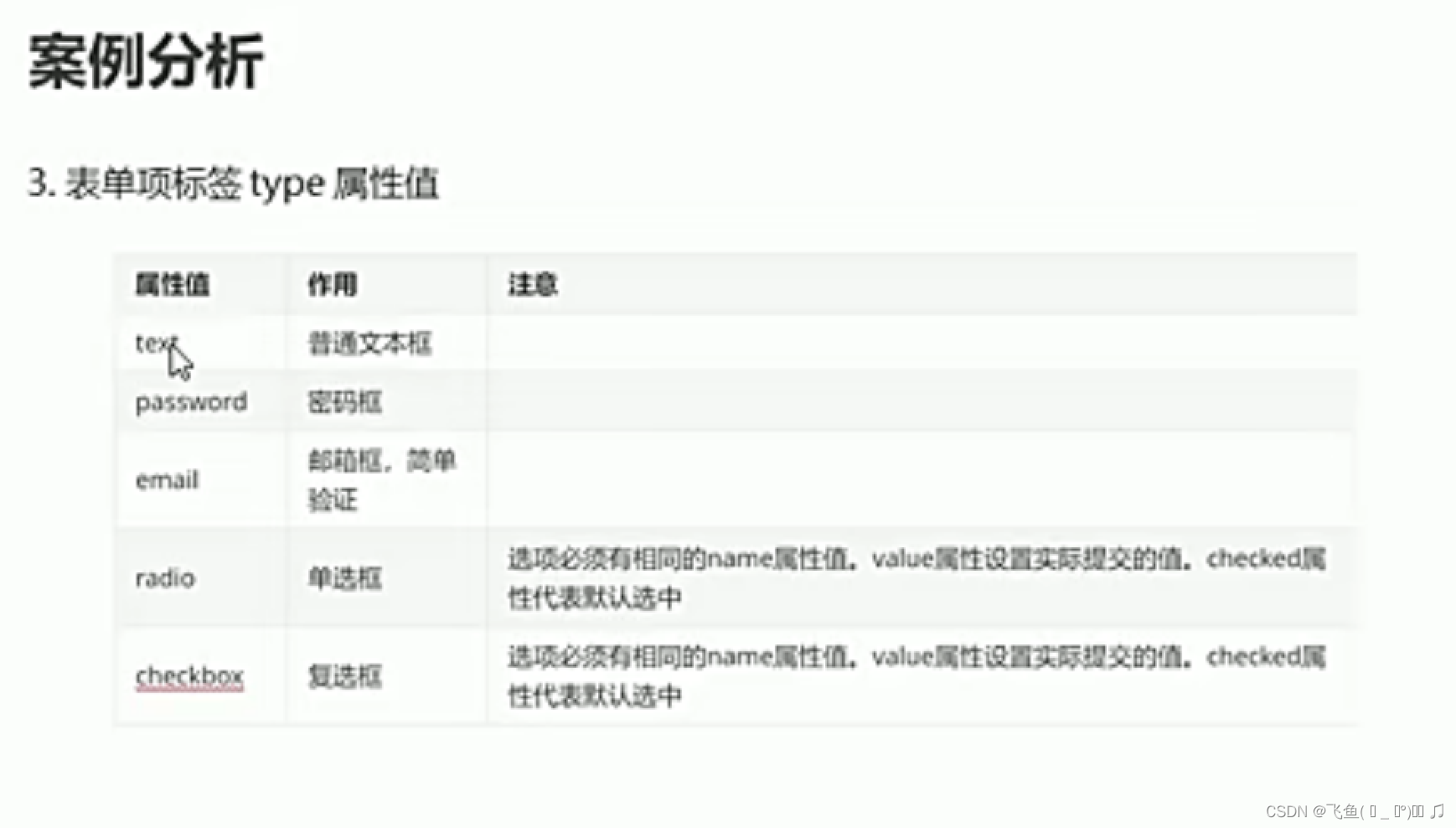
 此文章演示了HTML中input标签的type属性的不同用法,包括text(文本输入)、password(密码输入)、email(电子邮件输入)、radio(单选按钮)和checkbox(复选框)。同时,展示了如何设置name、value和checked属性,以及如何使用submit和reset按钮在表单中操作。
<!DOCTYPE html>
<html lang="en">
<head>
  <meta charset="UTF-8">
  <title>type属性演示</title>
</head>
<body>
  <!--
    type属性
      <input type="text"/> 普通温家宝输入框
      <input type="password"/>
      <input type="email"/>
      <input type="radio"/> 单选框,必须有相同的name属性值,value属性真实提交的数据,checked属性默认选中
      <input type="text"/>多选框,必须有相同的name属性值,value属性真实提交的数据,checked属性默认选中
  -->
  <form action="#" method="get" autocomplete="off">

    <label for="username">用户名:</label>
    <input type="text" id="username" name="username"/><br/>

    <label for="password">密码:</label>
    <input type="password" id="password" name="password "/><br/>

    <label for="email">密码:</label>
    <input type="email" id="email" name="email "/><br/>

    <label for="gender">性别:</label>
    <input type="radio" id="gender" name="gender" value="man"/>男
    <input type="radio"  name="gender" value="women"/>女
    <input type="radio"  name="gender" value="other"/>其他<br/>

    <label for="hobby">性别:</label>
    <input type="checkbox" id="hobby" name="hobby" value="music"/>音乐
    <input type="checkbox"  name="hobby" value="game"/>游戏<br/>

    <button type="submit">提交</button>
    <button type="reset">重置</button>
  </form>
</body>
</html>





 扫一扫
扫一扫


 4623
4623

 被折叠的 条评论
为什么被折叠?
被折叠的 条评论
为什么被折叠?
 到【灌水乐园】发言





