



1.引入高德地图js库
<script type="text/javascript" src="https://webapi.amap.com/maps?v=1.4.15&key="></script>key=你在高德地图官方网站申请的key。
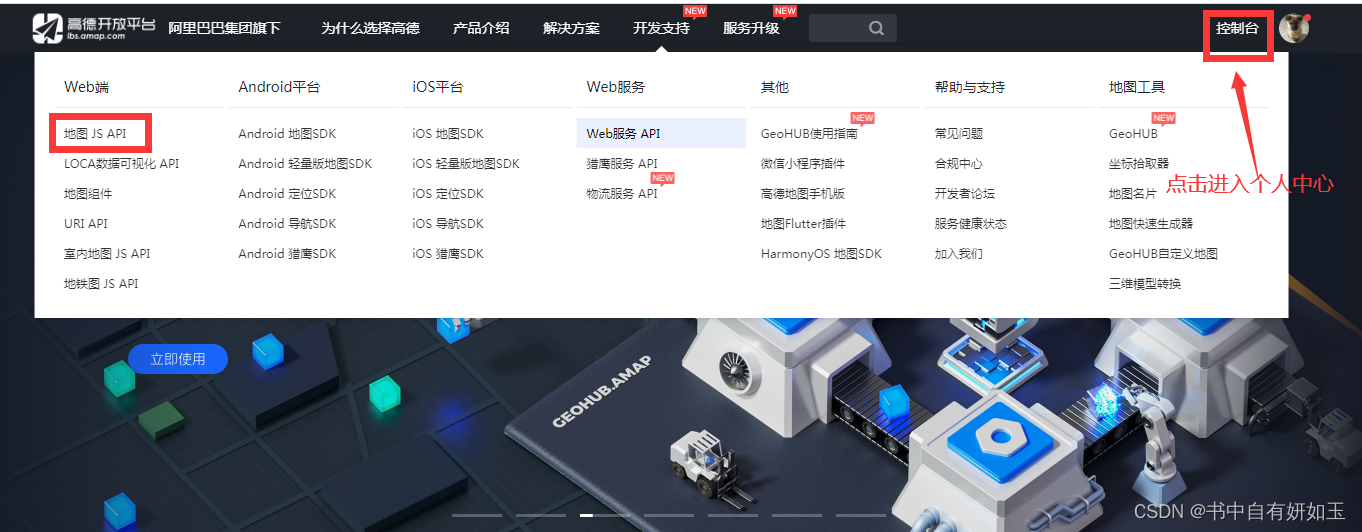
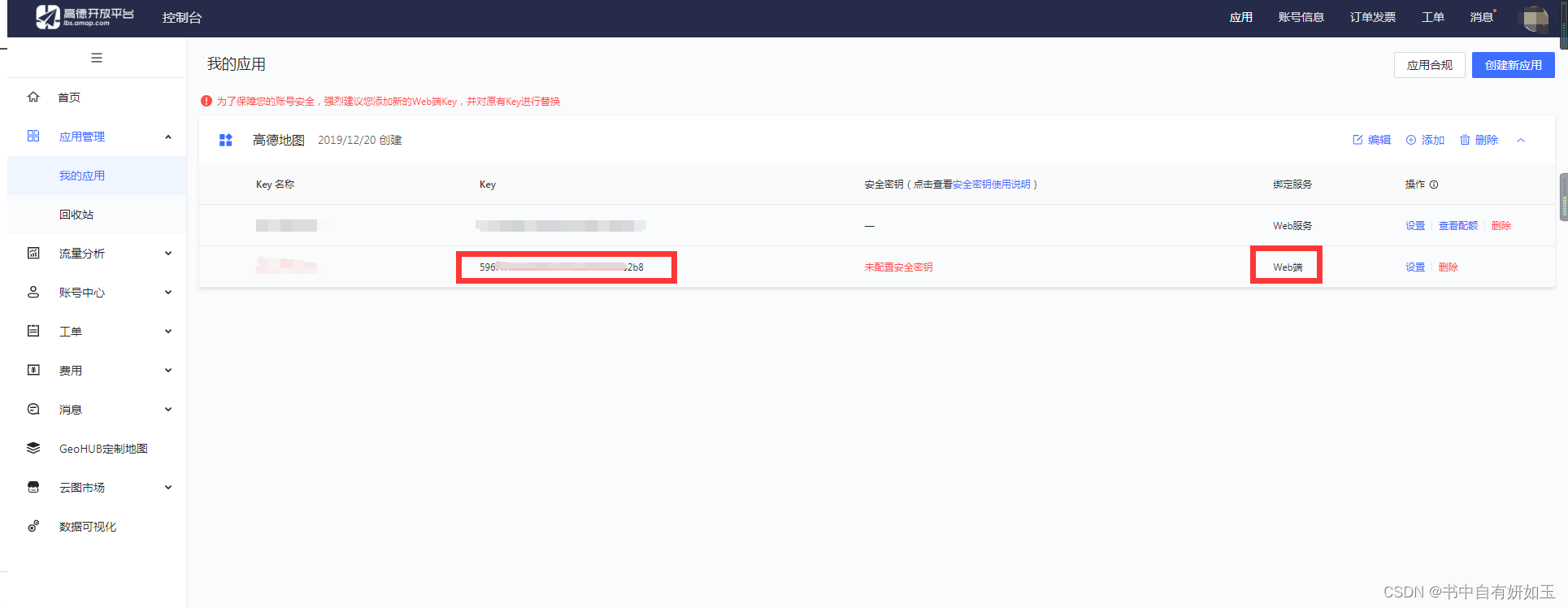
进入控制台,博主这里已经注册好了 ,没有注册好的自行注册,
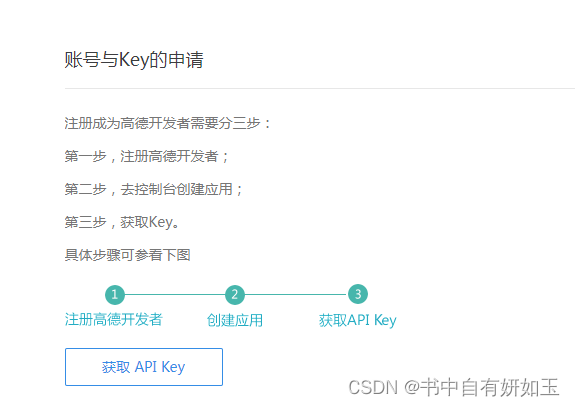
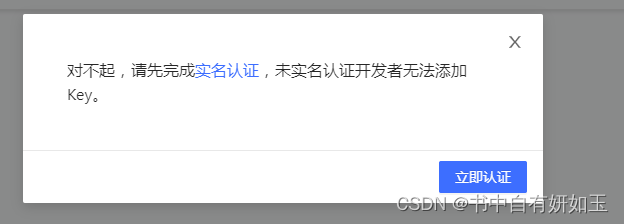
注意注册需要实名。博主三年前注册的当时没有要实名注册。
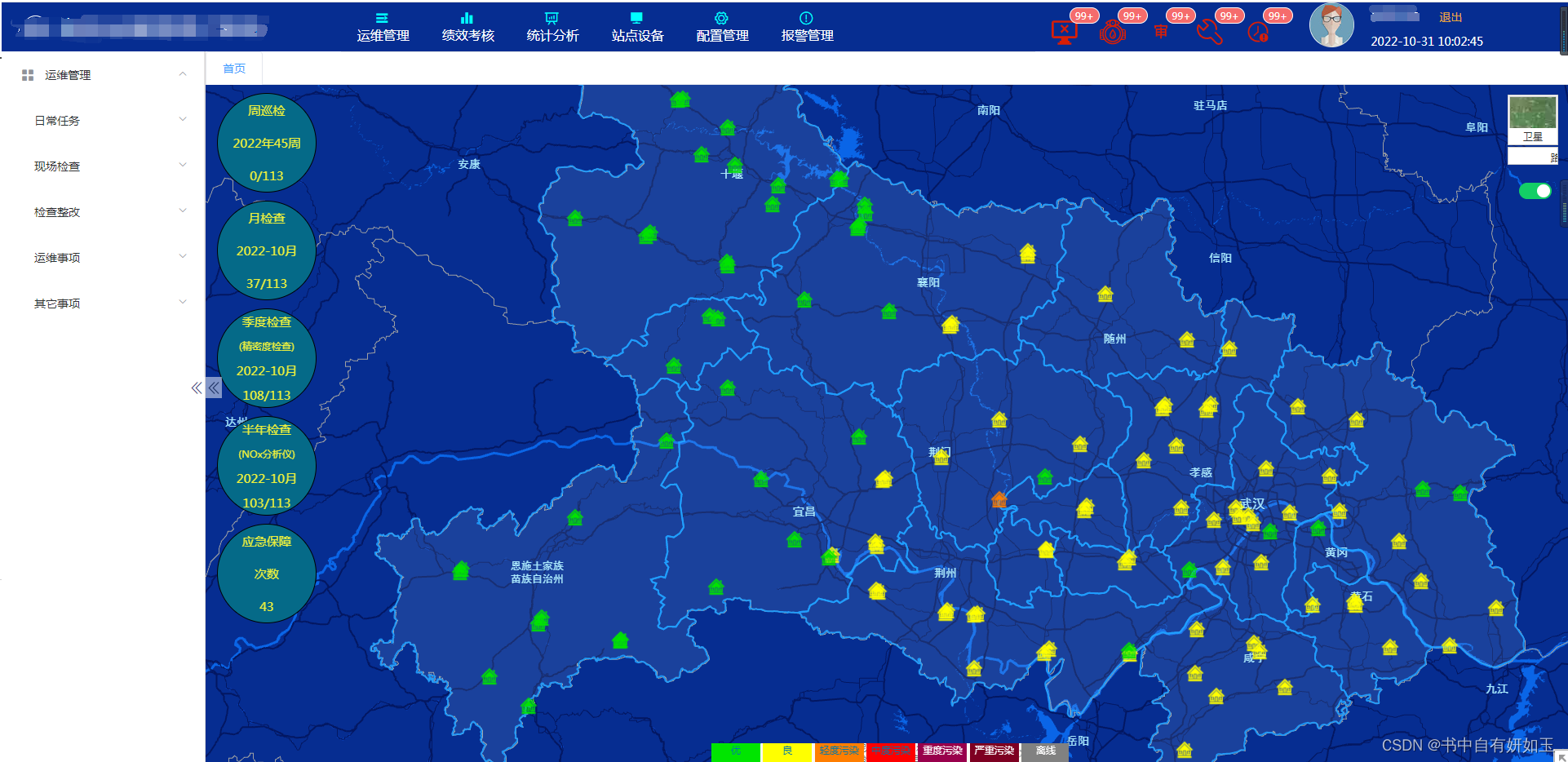
2.配置地图底色
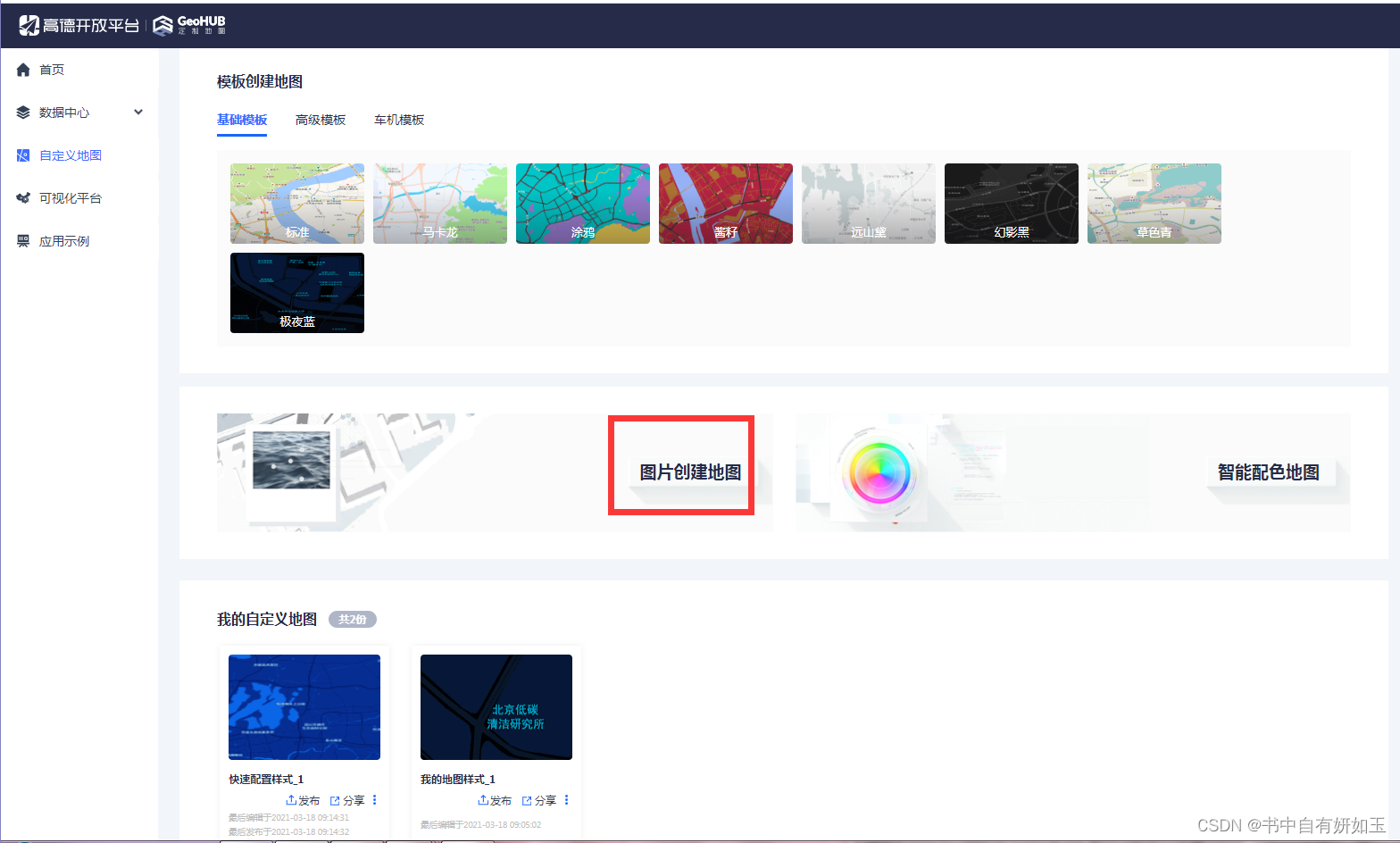
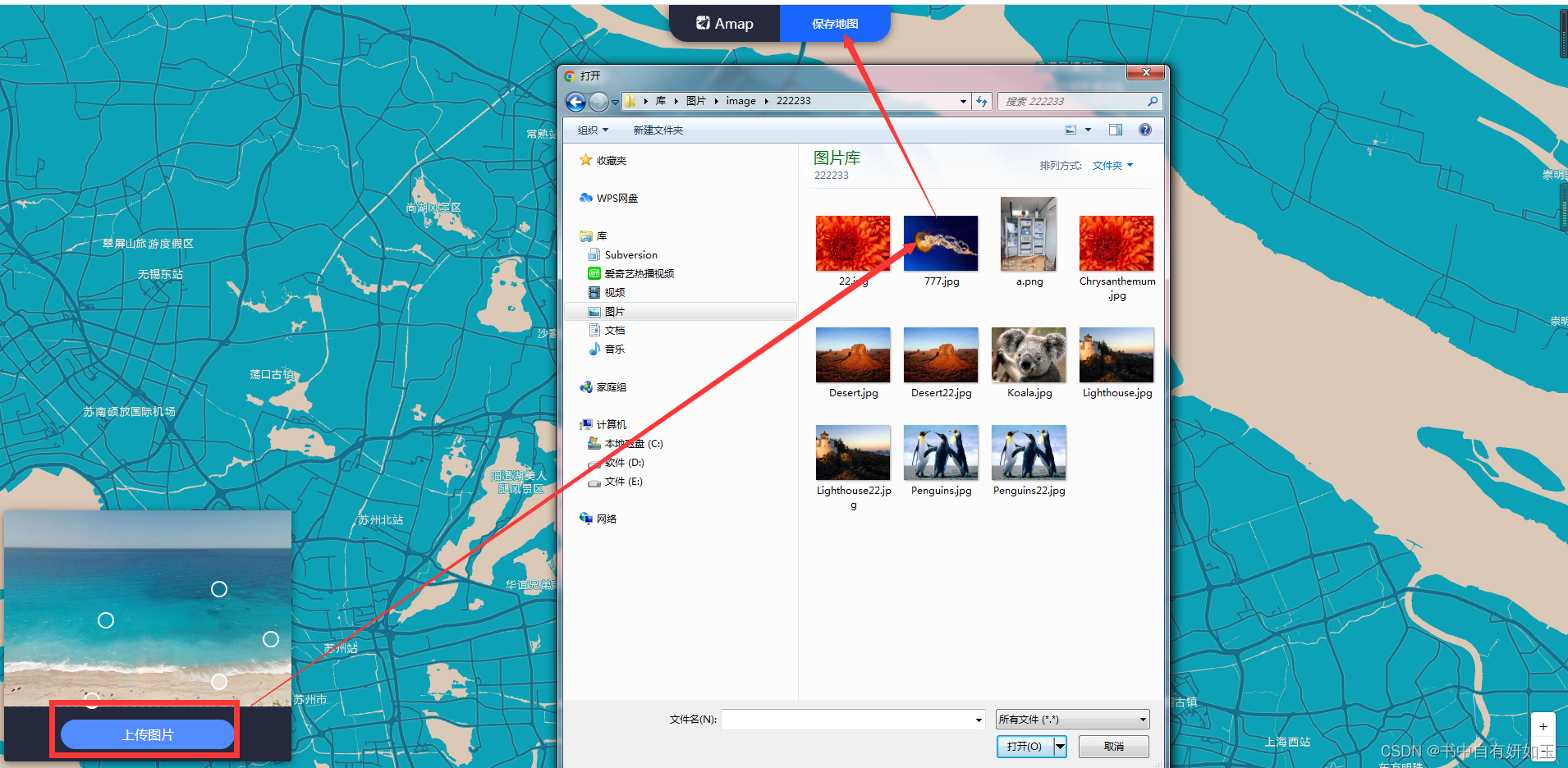
只是博主配置的底图。
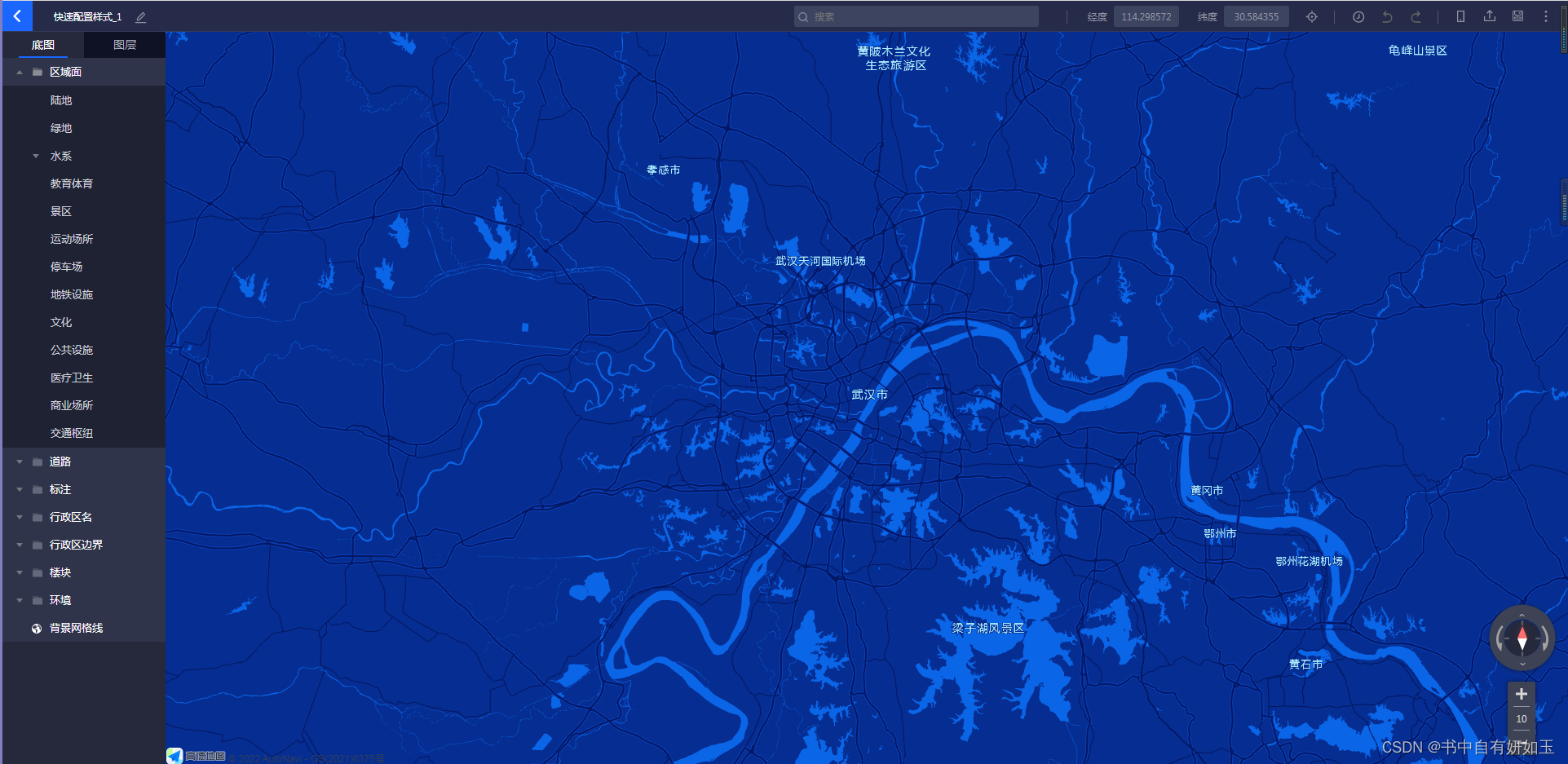
有喜欢的可以使用。
js使用代码如下
Map.setMapStyle("amap://styles/c78a92b94cdeb9c4dbd0c7e7d42618dd");3.开发
//湖北省地市州边界图 需要的朋友去我主页资源下载https://download.youkuaiyun.com/download/qq_26695613/86859743
import hubeiJson from '../../../assets/JS/hubei'

 var Map = new AMap.Map('container', {
        zoom:8,
        center: [112.008497, 30.998136],
        pitch:75, // 地图俯仰角度,有效范围 0 度- 83 度
         viewMode:this.switchValue?'2D':'3D' // 地图模式可选值:3D
});
Map.setMapStyle("amap://styles/c78a92b94cdeb9c4dbd0c7e7d42618dd");

var polygons=[];
hubeiJson.features.forEach(item => {
 var polygon = new AMap.Polygon({
 map: Map,
 strokeWeight: 2,
 path:item.geometry.coordinates,
  fillOpacity: 0.1,
   fillColor: '#CCF3FF',
   strokeColor: '#1E9FFF'
});
   polygons.push(polygon);
});
Map.add(polygons);


var content='' + '<div class="custom-content-marker dh">' +
'   <img width=30px src="http://127.0.0.1:8100/Content/images/Guidepa/省控点离线.png">' + '<div class="wx"><img alt='+item.realName+' title='+item.realName+' width=15px style="position: absolute;top: 8px;right: -10px;" src="http://127.0.0.1:8100/Content/images/Guidepa/维修.png"></div>' +
'</div>';


var marker = new AMap.Marker({
   // position: [item.gLongitude, item.gLatitude],
  position: wgs84_to_gcj02(item.gLongitude,item.gLatitude),
 // 将 html 传给 content
 content: content,
 // 以 icon 的 [center bottom] 为原点
    offset: new AMap.Pixel(-13, -15)
});


 // 将点标记添加到地图上
marker.setTitle(item.sStation);
Map.add(marker);
marker.on('click', function(){
    ... 弹窗
})





 扫一扫
扫一扫


 631
631

 被折叠的 条评论
为什么被折叠?
被折叠的 条评论
为什么被折叠?
 到【灌水乐园】发言





