


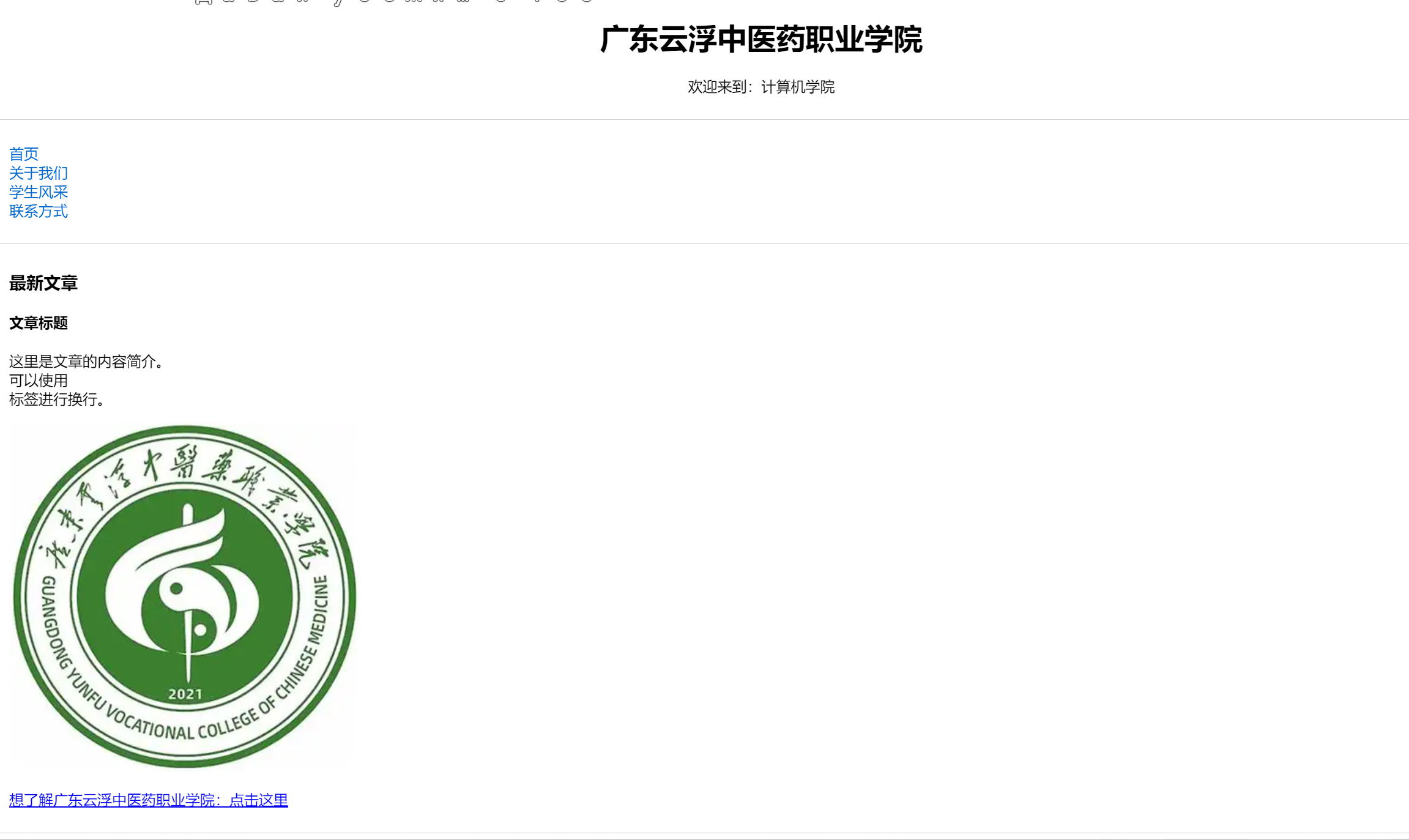
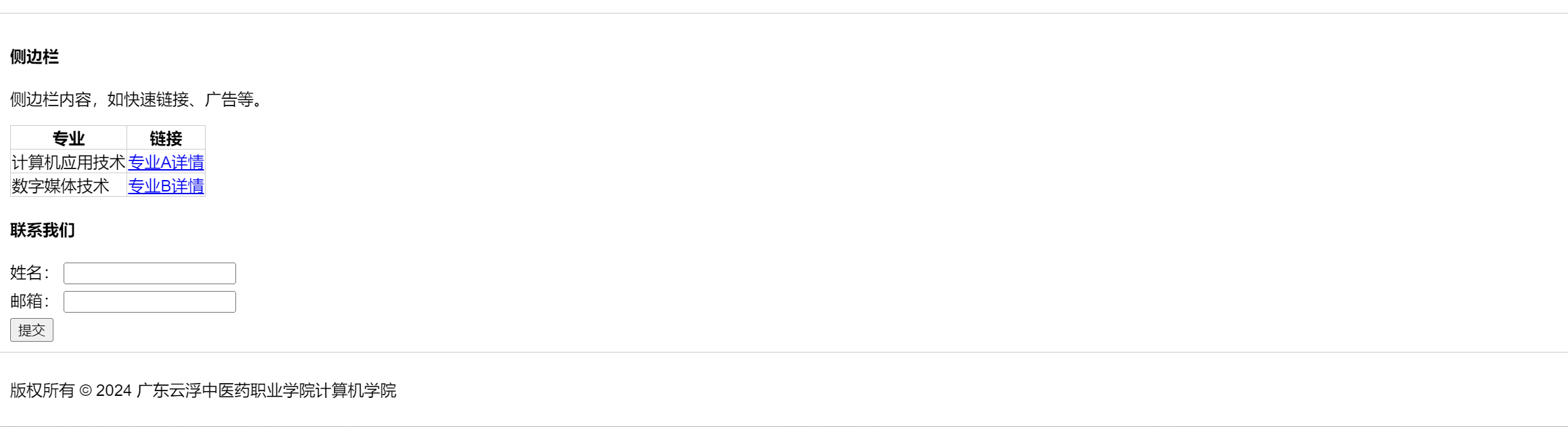
网页用了HTML 与 CSS 协同打造页面布局。HTML 中,header、nav、main、aside、footer等语义化标签,清晰划分页面不同区域,便于理解和维护。header展示学院名称与欢迎语,nav提供导航菜单,main承载主要内容,aside作为侧边栏,footer显示版权信息。
HTML 与 CSS 协同打造页面布局。HTML 中,header、nav、main、aside、footer等语义化标签,清晰划分页面不同区域,便于理解和维护。header展示学院名称与欢迎语,nav提供导航菜单,main承载主要内容,aside作为侧边栏,footer显示版权信息。
页面内容丰富。导航栏涵盖多个板块,方便用户快速找到所需信息。“最新文章” 部分可及时发布动态,校徽展示提升学院辨识度。侧边栏的专业链接和联系表单,实用性强。
示例代码:
<!DOCTYPE html>
<html lang="zh-CN">
<head>
<meta charset="UTF-8">
<meta name="viewport" content="width=device-width, initial-scale=1.0">
<title>广东云浮中医药职业学院</title>
<style>
body {
font-family: Arial, sans-serif;
margin: 0;
padding: 0;
}
header, nav, main, aside, footer {
padding: 10px;
border-bottom: 1px solid #ccc;
}
header {
text-align: center;
}
nav ul {
list-style-type: none;
padding: 0;
}
nav ul li a {
text-decoration: none;
color: #0066cc;
}
img {
max-width: 100%;
}
table {
border-collapse: collapse;
}
table, th, td {
border: 1px solid #ccc;
}
form input[type="text"],
form input[type="email"] {
margin-bottom: 5px;
}
</style>
</head>
<body>
<!-- 页面头部 -->
<header>
<h1>广东云浮中医药职业学院</h1>
<p>欢迎来到:计算机学院</p>
</header>
<!-- 导航栏 -->
<nav>
<ul>
<li><a href="#">首页</a></li>
<li><a href="#">关于我们</a></li>
<li><a href="#">学生风采</a></li>
<li><a href="#">联系方式</a></li>
</ul>
</nav>
<!-- 主要内容区域 -->
<main>
<section>
<h3>最新文章</h3>
<article>
<h4>文章标题</h4>
<p>这里是文章的内容简介。<br>可以使用<br>标签进行换行。</p>
</article>
</section>
<section>
<img src="https://img1.baidu.com/it/u=1655266261,2232090283&fm=253&fmt=auto&app=120&f=JPEG?w=380&h=380/logo.png" alt="广东云浮中医药职业学院校徽">
<p><a href="#">想了解广东云浮中医药职业学院:点击这里</a></p>
</section>
</main>
<!-- 侧边栏 -->
<aside>
<h4>侧边栏</h4>
<p>侧边栏内容,如快速链接、广告等。</p>
<table>
<thead>
<tr>
<th>专业</th>
<th>链接</th>
</tr>
</thead>
<tbody>
<tr>
<td>计算机应用技术</td>
<td><a href="#">专业A详情</a></td>
</tr>
<tr>
<td>数字媒体技术</td>
<td><a href="#">专业B详情</a></td>
</tr>
</tbody>
</table>
<form>
<h4>联系我们</h4>
<label for="name">姓名:</label>
<input type="text" id="name" name="name"><br>
<label for="email">邮箱:</label>
<input type="email" id="email" name="email"><br>
<input type="submit" value="提交">
</form>
</aside>
<!-- 页面底部 -->
<footer>
<p>版权所有 © 2024 广东云浮中医药职业学院计算机学院</p>
</footer>
</body>
</html>





 扫一扫
扫一扫


 被折叠的 条评论
为什么被折叠?
被折叠的 条评论
为什么被折叠?
 到【灌水乐园】发言





