





背景
最近有个需求基于TinyMCE富文本插件导出word,导出并保持富文本样式不变,
前端实现word导出的方式主要有两种:
- docx:通过 API 构建 Word 文档(控制精细,但代码量大)。
- html-docx:直接把 HTML 转换成Word(简单快捷,适合文章导出)。
基于快速开发,于是选择了html-docx
实现思路
1.从 TinyMCE 获取 HTML 内容(如果是 Markdown,可以先转成 HTML)。
2.使用 html-docx 把 HTML 转换为 Word 的 Blob 对象。
3.动态创建 a标签,触发浏览器下载。
注意事项
直接在项目中通过 import htmlDocx from ‘html-docx-js’ 可能会报错(尤其是在 Vue / Vite / TypeScript 环境下),所以我直接将 html-docx.js 放在项目的 public 目录下,然后在代码中通过全局对象引用:
// 假设你把文件放在 public/lib/html-docx.js
// 在 main.ts 或组件中直接使用 window.htmlDocx
const blob = window.htmlDocx.asBlob(html, { orientation: 'portrait' });
实现代码
const exportToDocx = async () => {
  if (!queryParams.value.wTitle) {
    return proxy?.$modal.msgError('导出失败:请输入文章标题');
  }

  // 将 Markdown 转换为 HTML(如果 TinyMCE 直接返回 HTML,就不需要这一步)
  const textHtml = marked(docContent.value);

  // 拼接完整 HTML,定义页面样式
  const html = `
    <html>
      <head>
        <meta charset="UTF-8">
        <style>
          @page {
            size: A4;
            margin-top: 3.7cm;
            margin-bottom: 3.5cm;
            margin-left: 2.8cm;
            margin-right: 2.6cm;
          }
          body {
            font-size: 16pt;
            line-height: 28pt;       /* 固定 28 磅行距 */
            font-family: FangSong, serif;
            text-indent: 2em;        /* 首行缩进 2 字 */
          }
          p {
            margin: 0;               /* 避免额外段间距 */
            padding: 0;
          }
        </style>
      </head>
      <body>${textHtml}</body>
    </html>`;

  // 使用 html-docx 转换成 Word Blob
  const blob = window.htmlDocx.asBlob(html, { orientation: 'portrait' });

  // 触发浏览器下载
  const link = document.createElement('a');
  link.href = URL.createObjectURL(blob);
  link.download = `${queryParams.value.wTitle}.docx`;
  document.body.appendChild(link);
  link.click();
  document.body.removeChild(link);
};
附件:html-docx.js源码下载
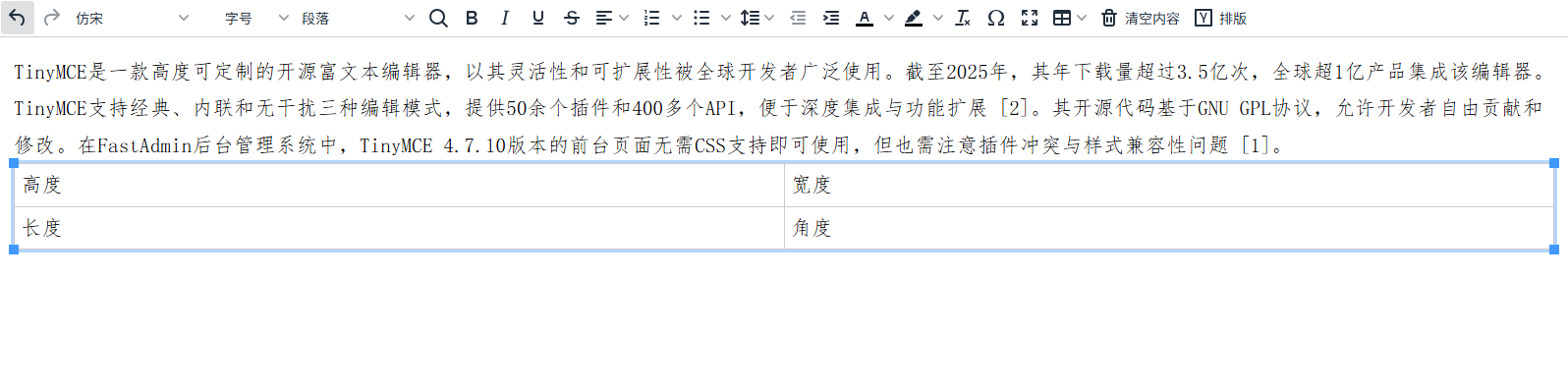
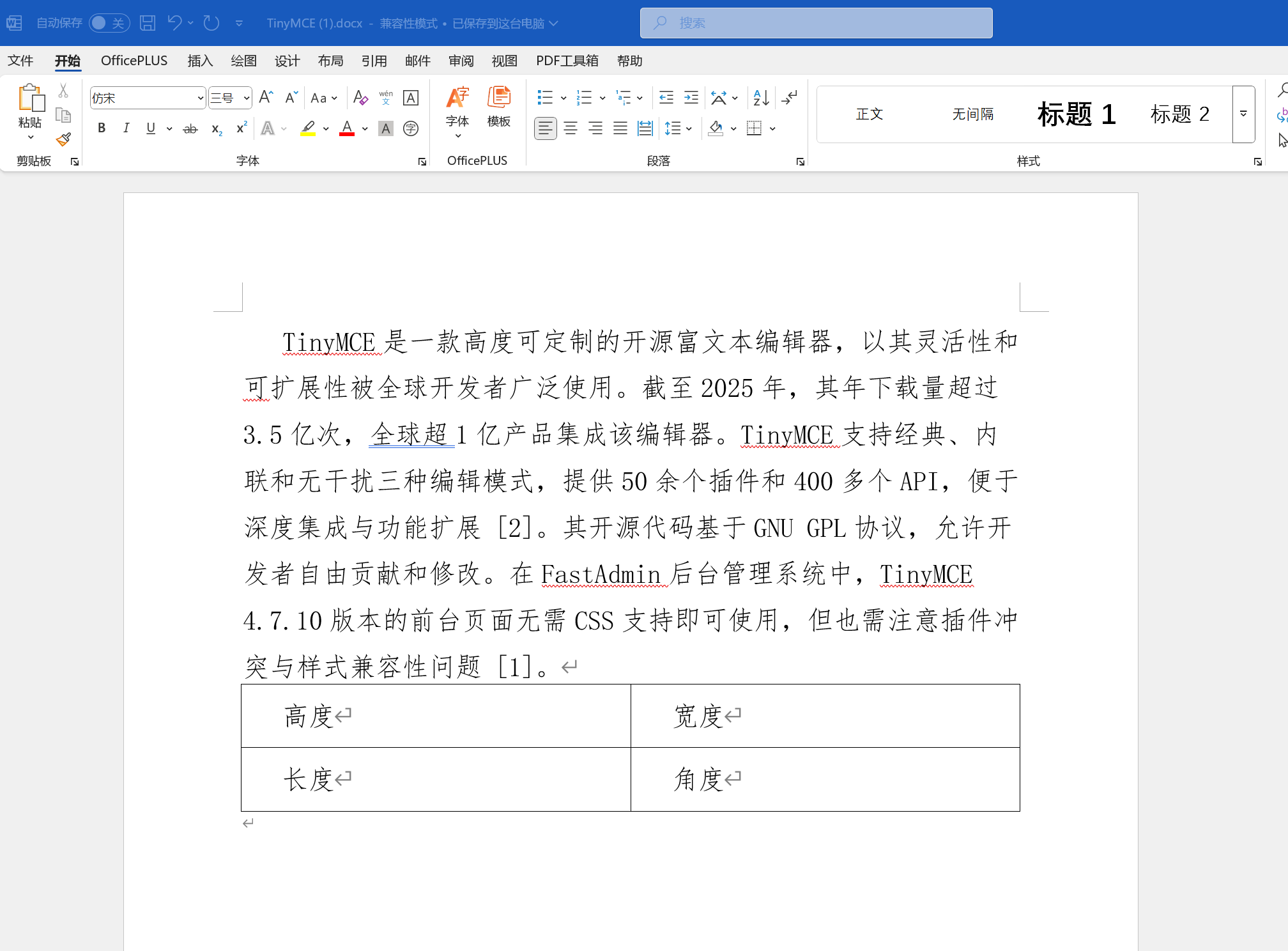
实现效果
1.富文本
2.word





 扫一扫
扫一扫


 1673
1673

 被折叠的 条评论
为什么被折叠?
被折叠的 条评论
为什么被折叠?
 到【灌水乐园】发言





