


Navgation跳转及参数传递
1.首页传参数及参数接收
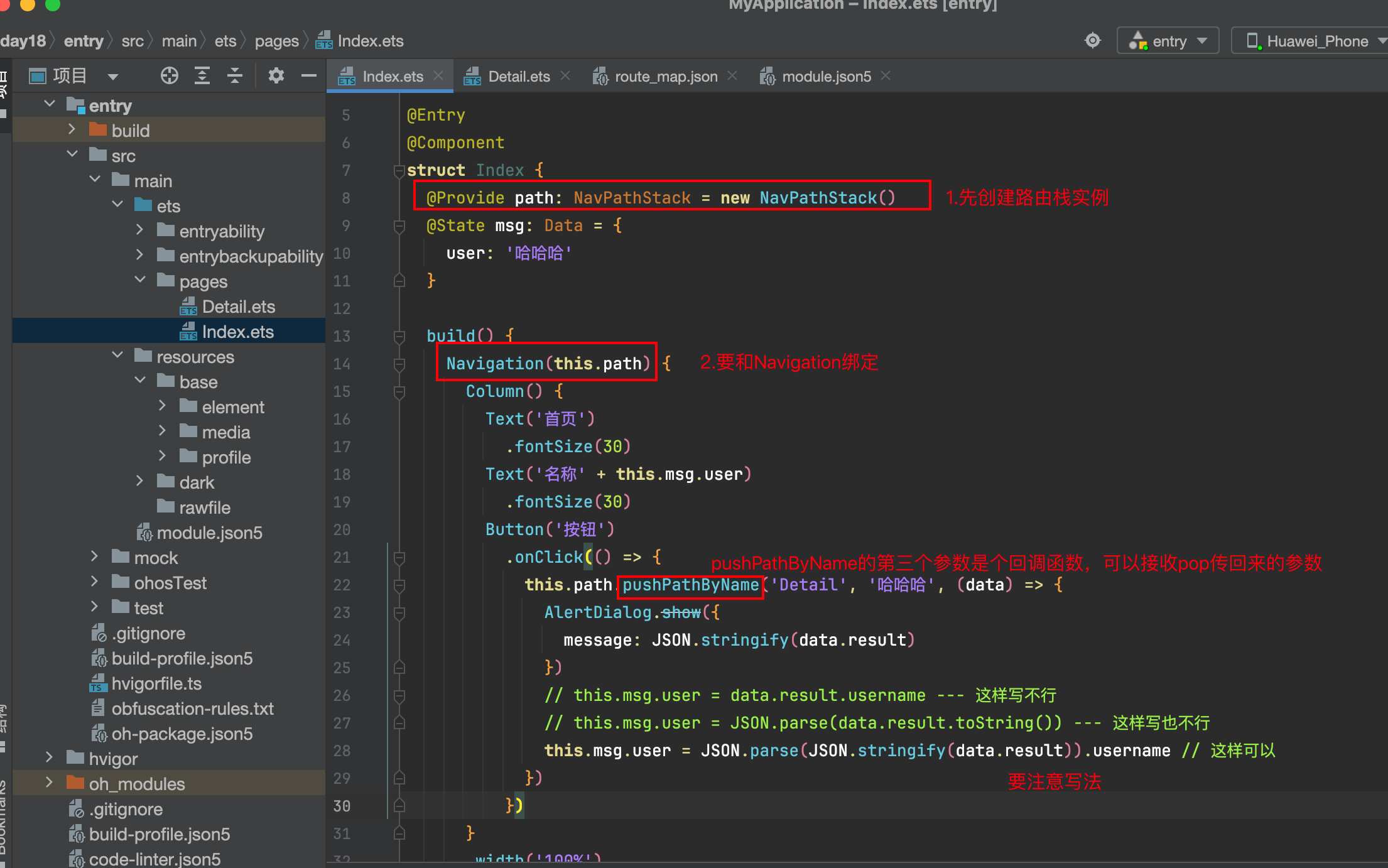
interface Data {
  user: string
}

@Entry
@Component
struct Index {
  @Provide path: NavPathStack = new NavPathStack()
  @State msg: Data = {
    user: '哈哈哈'
  }

  build() {
    Navigation(this.path) {
      Column() {
        Text('首页')
          .fontSize(30)
        Text('名称' + this.msg.user)
          .fontSize(30)
        Button('按钮')
          .onClick(() => {
            this.path.pushPathByName('Detail', '哈哈哈', (data) => {
              AlertDialog.show({
                message: JSON.stringify(data.result)
              })
              // this.msg.user = data.result.username --- 这样写不行
              // this.msg.user = JSON.parse(data.result.toString()) --- 这样写也不行
              this.msg.user = JSON.parse(JSON.stringify(data.result)).username // 这样可以
            })
          })
      }
      .width('100%')
      .height('100%')
      .backgroundColor(Color.Orange)
      .expandSafeArea() // 背景图或背景色可以深入到安全区,沉浸式效果。 除此外还有其他方法
    }
    .hideTitleBar(true)
  }
}
2.页面接收及pop参数传递
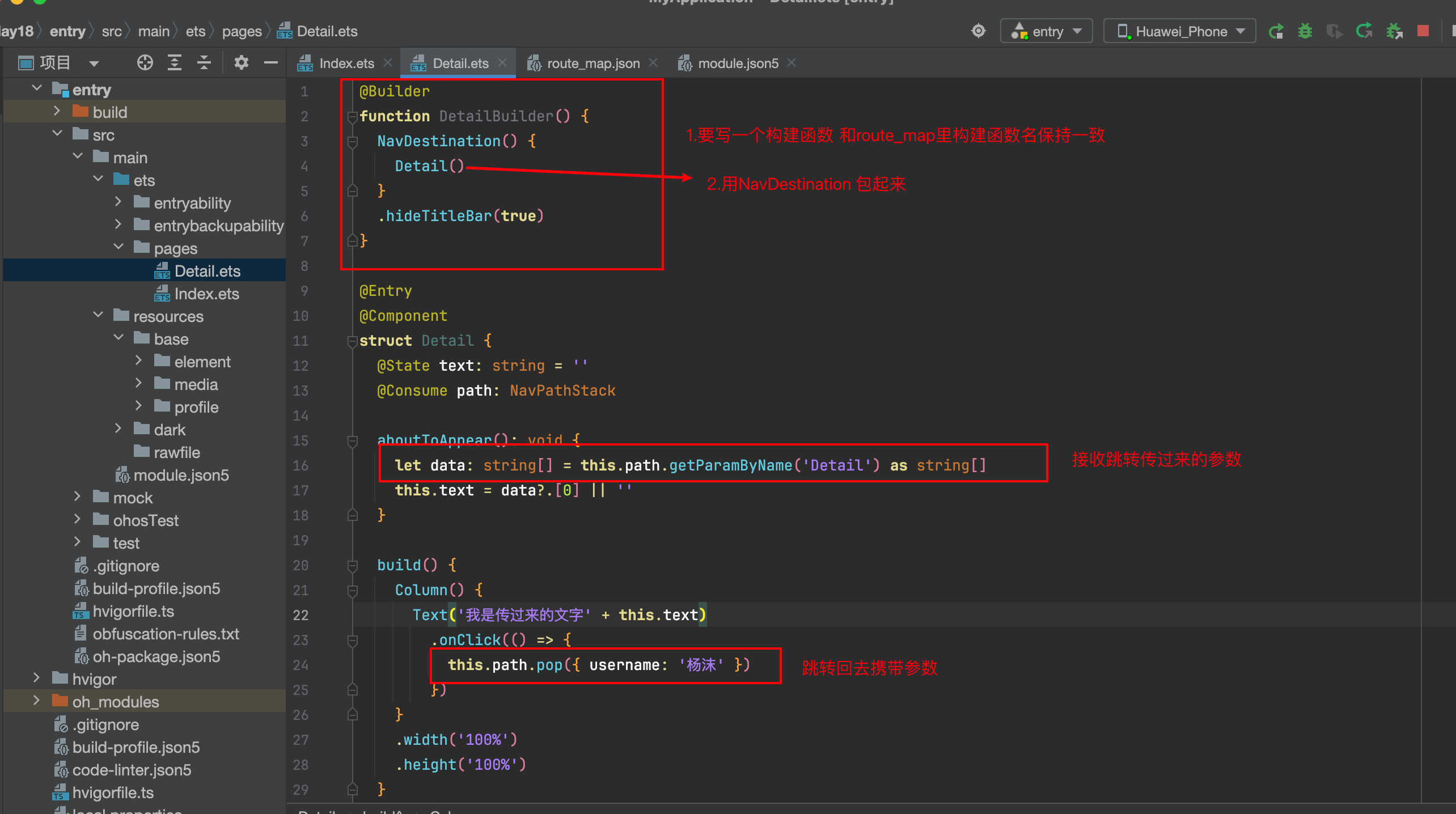
@Builder
function DetailBuilder() {
  NavDestination() {
    Detail()
  }
  .hideTitleBar(true)
}

@Entry
@Component
struct Detail {
  @State text: string = ''
  @Consume path: NavPathStack

  aboutToAppear(): void {
    let data: string[] = this.path.getParamByName('Detail') as string[]
    this.text = data?.[0] || ''
  }

  build() {
    Column() {
      Text('我是传过来的文字' + this.text)
        .onClick(() => {
          this.path.pop({ username: '杨沫' })
        })
    }
    .width('100%')
    .height('100%')
  }
}
配置
1. 配置route_map.json
文件如果存在,就在routerMap数组里,新加一个对象,如果不存在则新建一个json文件。
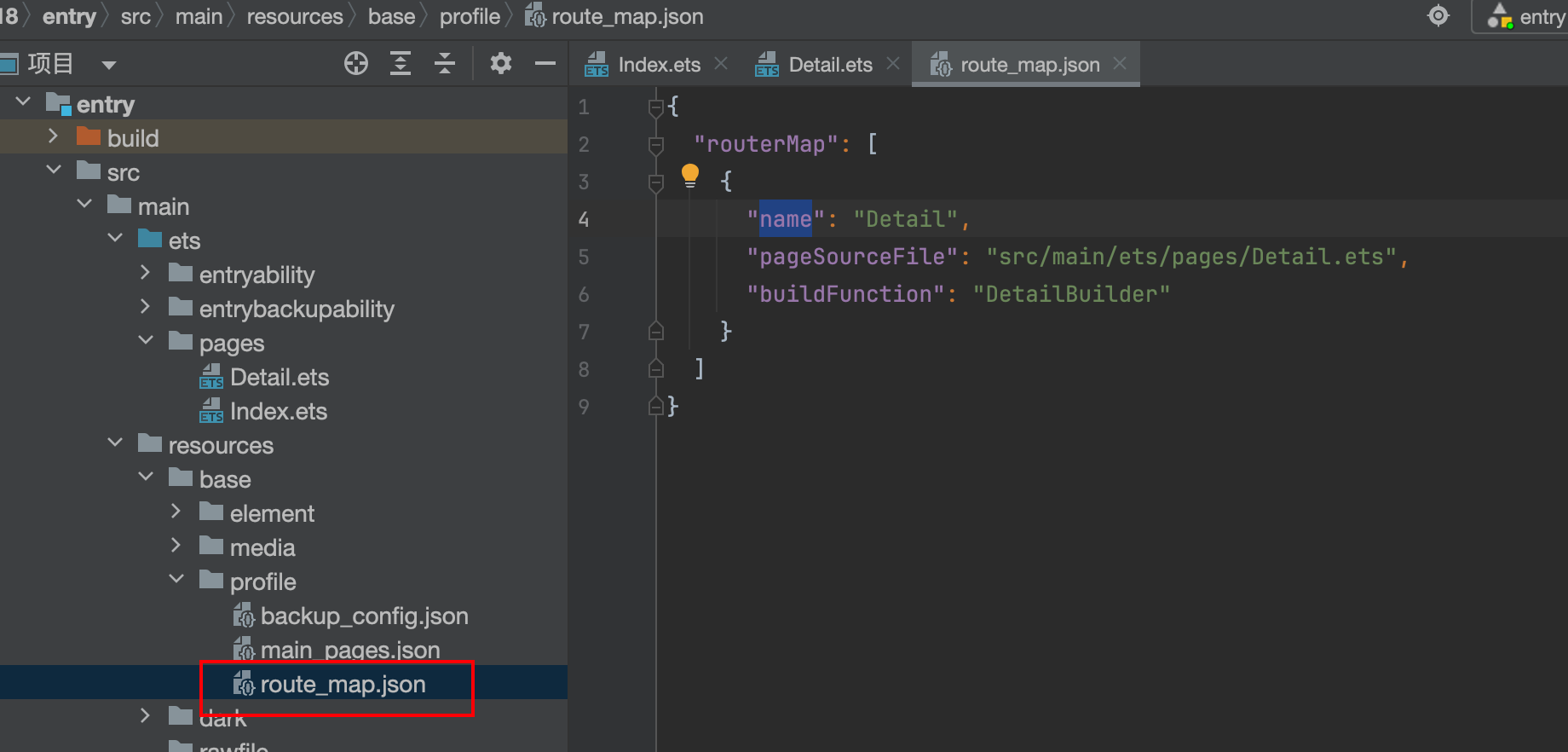
配置route_map.json
// 这里所有注释都要去掉 否则报错
{
  "routerMap": [
    {
      "name": "Detail", // 名称要和跳转名称一致
      "pageSourceFile": "src/main/ets/pages/Detail.ets", //跳转页面的地址 --- 要跳转到哪里
      "buildFunction": "DetailBuilder" // 使用Navgition跳转,跳转后的页面要用一个builder函数,DetailBuilder函数名
    }
  ]
}
2. 配置module.json5
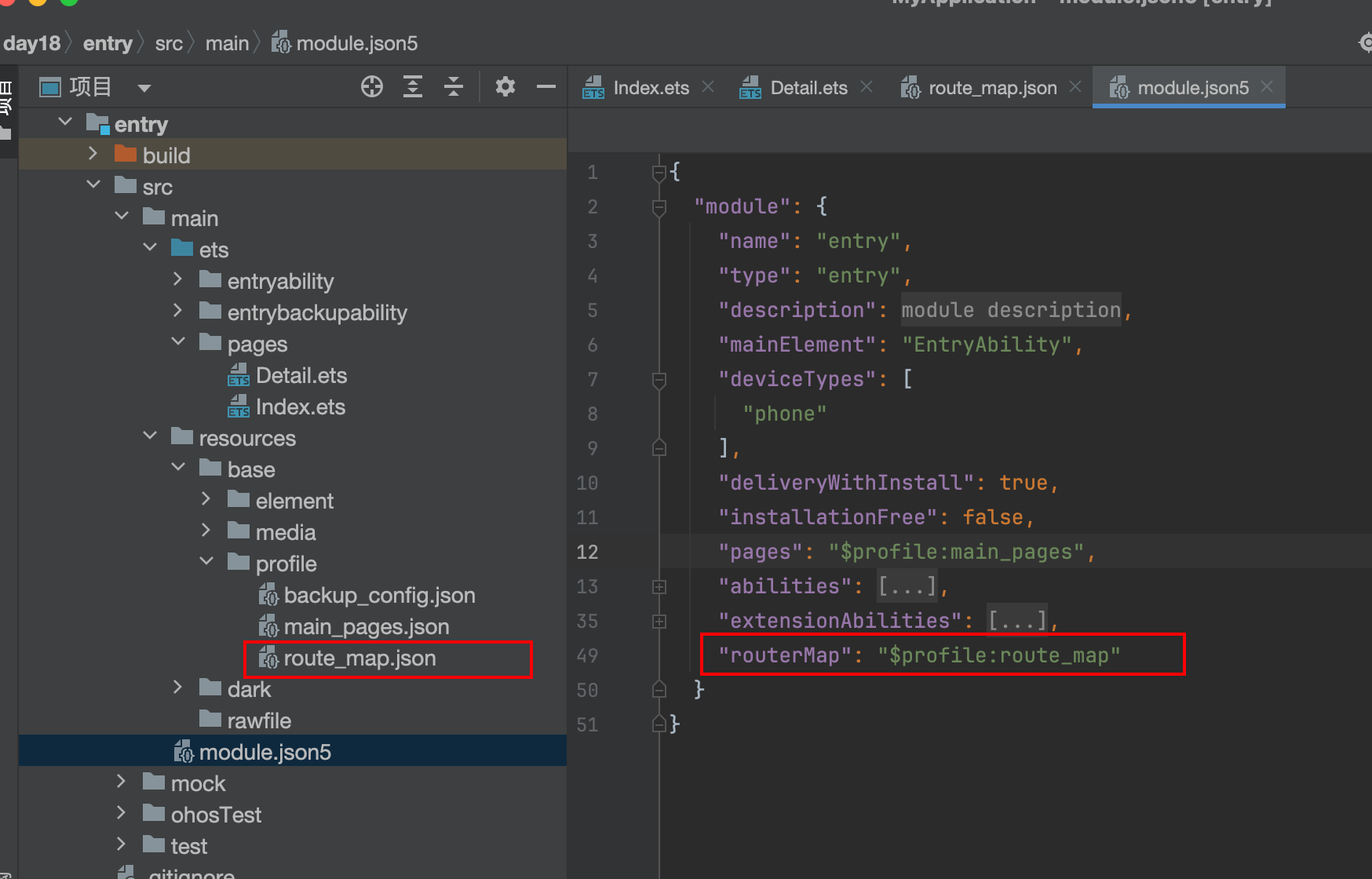
"routerMap": "$profile:route_map"





 扫一扫
扫一扫


 1079
1079

 被折叠的 条评论
为什么被折叠?
被折叠的 条评论
为什么被折叠?
 到【灌水乐园】发言





