



 本文介绍如何使用HTML5的Canvas元素结合JavaScript实现一个小球在画布中弹跳的动画效果。通过设置小球的位置、速度和加速度,演示了小球与画布边缘碰撞并反弹的过程。
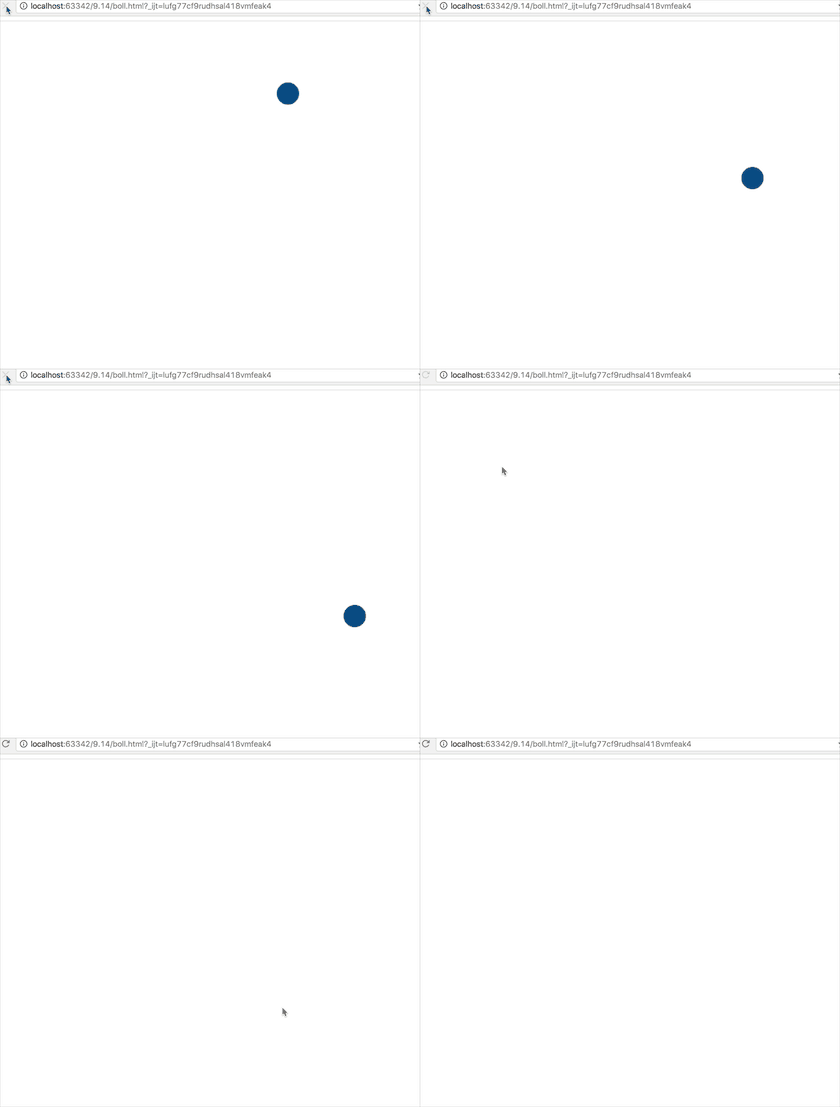
效果如图:
html:
<!DOCTYPE html>
<html lang="en">
<head>
    <meta charset="UTF-8">
    <title>Title</title>
</head>
<body>
<canvas id="canvas" style="border: 1px solid #ddd"></canvas>
<script src="ball.js"></script>
</body>
</html>
ball.js:
var ball = {x:512,y:100,r:20,g:2,vx:10,vy:0,color:"#058"};

window.onload = function () {
    var canvas = document.getElementById("canvas");
    var context = canvas.getContext("2d");

    canvas.width = 1024;
    canvas.height = 768;

    setInterval(
        function () {
            update();
            render(context);
        },50)
};

function update() {
    ball.x =ball.vx;
    ball.y =ball.vy;
    ball.vy =ball.g;
}
function render(cxt) {

    cxt.clearRect(0,0,cxt.canvas.width,cxt.canvas.height);

    cxt.fillStyle = ball.color;

    cxt.beginPath();
    cxt.arc(ball.x,ball.y,ball.r,0,2*Math.PI);
    cxt.closePath();

    cxt.fill();
}
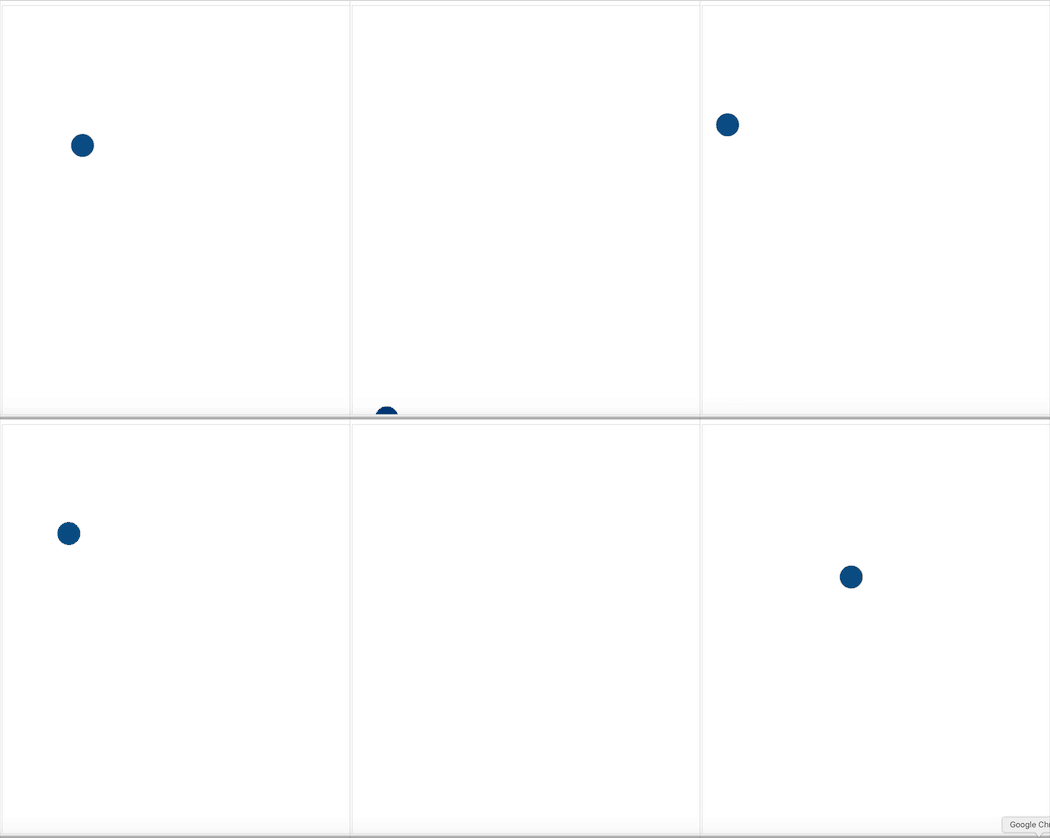
小球反弹了:
ball.js:
//更新
function update() {
    ball.x =ball.vx;
    ball.y =ball.vy;
    ball.vy =ball.g;

    if(ball.y>=canvas.height-ball.r){//小球接触底边沿反弹
        // ball.vy = -ball.vy*0.5;
        ball.vy = -ball.vy;
    }else if(ball.x>=canvas.width-ball.r){
        ball.vx = -ball.vx;
    }else if(ball.x<=ball.r) {
        ball.vx = -ball.vx;
    }else if(ball.y<=ball.r){
        ball.vy = -ball.vy;
    }

}





 扫一扫
扫一扫


 299
299

 被折叠的 条评论
为什么被折叠?
被折叠的 条评论
为什么被折叠?
 到【灌水乐园】发言





