



 本文介绍如何使用HC-06蓝牙模块与Arduino进行通信。通过将RXD和TXD分别连接到Arduino的PIN7和PIN6,再利用SoftwareSerial库编写测试代码,实现手机与Arduino的数据交换。手机需配对蓝牙并使用特定密码,然后通过蓝牙调试软件发送字符串,Arduino可接收并显示。
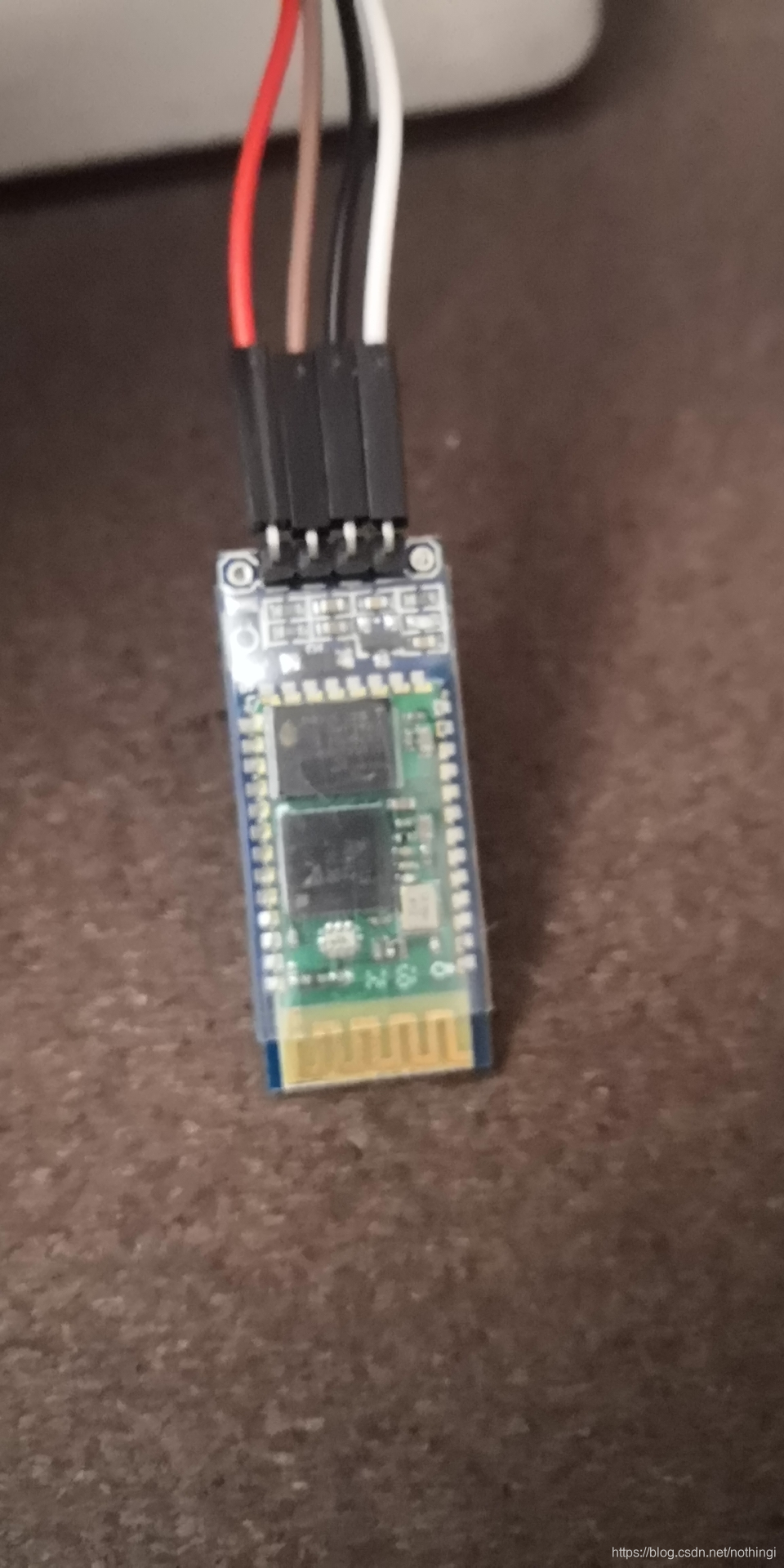
一、蓝牙模块[HC-06]

二、接线
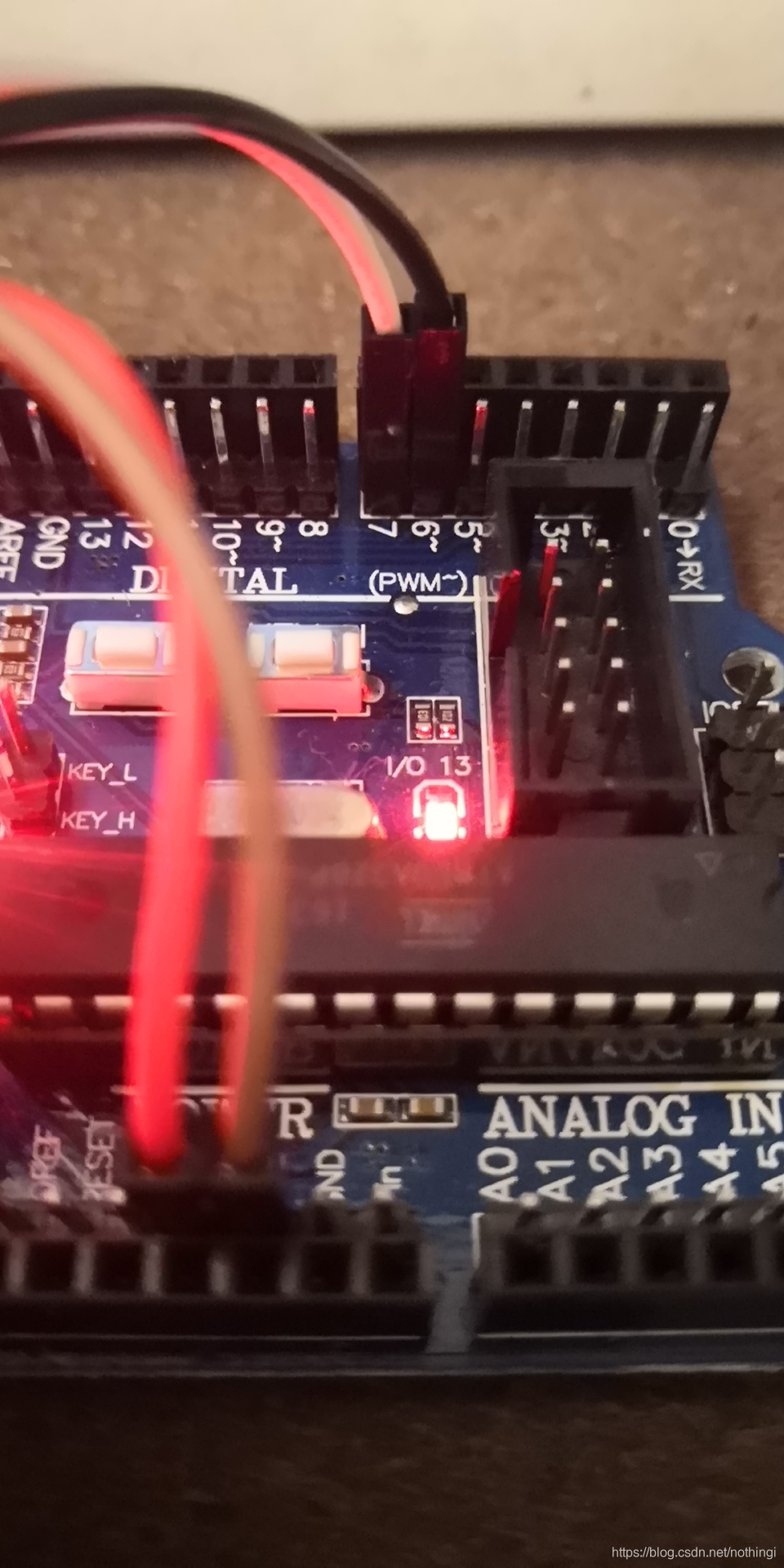
1、标记RXD插到PIN7,标记TXD插到PIN6
三、测试代码
#include <SoftwareSerial.h>

#define RX  6
#define TX  7

SoftwareSerial BT( RX , TX );

void setup() {
  // put your setup code here, to run once:
  BT.begin(9600);
  Serial.begin(9600);
}

void loop() {
  // put your main code here, to run repeatedly:
  if ( BT.available() ) {
    char a=BT.read();
    Serial.println(a);
  }
}
四、效果
1、手机连接,开启蓝牙,查找到HC-06,使用密码1234进行配对(注:我使用的是密码是1234,可能有些密码是0000)
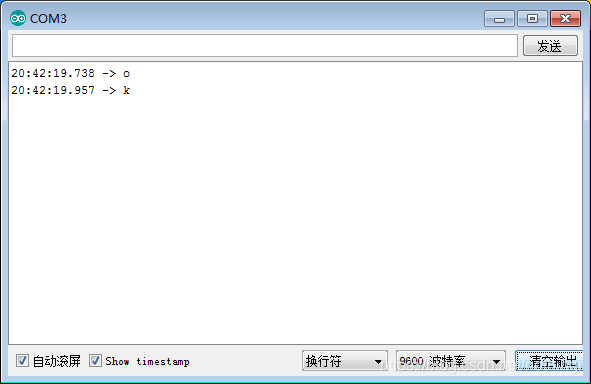
2、手机下载app蓝牙调试软件,发送字符串“ok”。
3、打开arduino测试窗口,可以获取返回值






 扫一扫
扫一扫


 1万+
1万+

 被折叠的 条评论
为什么被折叠?
被折叠的 条评论
为什么被折叠?
 到【灌水乐园】发言





