


目录
5. 示例:智能锁(SmartLock)TSL → Kafka Schema
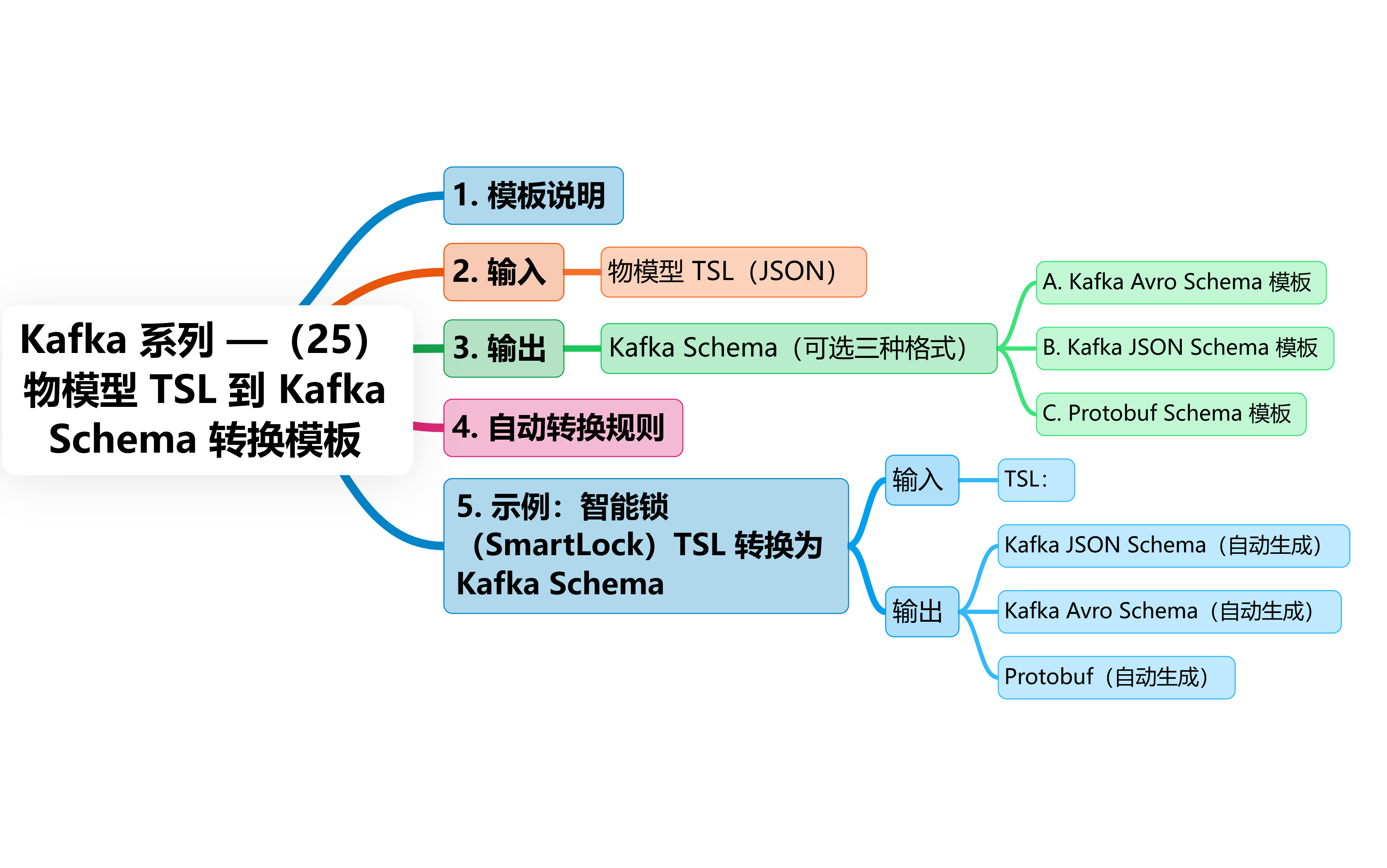
1. 模板说明
此模板用于在 IoT 项目中:
-
将 设备 TSL 数据模型 (Properties, Events, Services)
转换为:
-
Kafka Schema Registry 中可用的 Avro Schema、JSON Schema 或 Protobuf
保证:
-
字段类型对齐
-
设备端上报字段与 Kafka 流数据一致
-
避免互联网设备数据格式混乱
-
为 Flink / Spark / Kafka Streams 提供强 schema
2. 输入:物模型 TSL(JSON)
TSL 示例(阿里云风格)
{
  "properties": [
    {
      "identifier": "batteryLevel",
      "name": "Battery Level",
      "dataType": {
        "type": "int",
        "min": "0",
        "max": "100"
      }
    },
    {
      "identifier": "lockState",
      "name": "Lock State",
      "dataType": {
        "type": "enum",
        "enumValues": {
          "0": "locked",
          "1": "unlocked"
        }
      }
    }
  ],
  "events": [
    {
      "identifier": "doorOpened",
      "outputData": [
        {
          "identifier": "openTime",
          "dataType": { "type": "string" }
        }
      ]
    }
  ],
  "services": [
    {
      "identifier": "unlock",
      "inputData": [
        {
          "identifier": "method",
          "dataType": {
            "type": "string"
          }
        }
      ]
    }
  ]
}
3. 输出:Kafka Schema(可选三种格式)
A. Kafka Avro Schema 模板
{
  "type": "record",
  "name": "${DeviceModelName}",
  "namespace": "iot.smartlock.schema",
  "fields": [
    ${TSL_FIELDS_AVRO}
  ]
}
字段生成模板:
{
  "name": "${identifier}",
  "type": ${fieldType},
  "doc": "${name}"
}
B. Kafka JSON Schema 模板
{
  "$schema": "http://json-schema.org/draft-07/schema#",
  "title": "${DeviceModelName}",
  "type": "object",
  "properties": {
    ${TSL_PROPERTIES_JSON}
  },
  "required": [${TSL_REQUIRED}]
}
字段生成模板:
"${identifier}": {
  "type": "${jsonType}",
  "description": "${name}"
}
C. Protobuf Schema 模板
syntax = "proto3";

message ${DeviceModelName} {
  ${TSL_FIELDS_PROTO}
}
字段生成模板:
${protoType} ${identifier} = ${index};4. 自动转换规则
| TSL 类型 | Kafka JSON | Avro | Protobuf |
| int | integer | "int" | int32 |
| float/double | number | "double" | double |
| string | string | "string" | string |
| bool | boolean | "boolean" | bool |
| enum | string | {"type":"enum",…} | string |
| struct | object | record | message |
| array | array | array | repeated |
 最低0.47元/天 解锁文章






 扫一扫
扫一扫


 737
737

 被折叠的 条评论
为什么被折叠?
被折叠的 条评论
为什么被折叠?
 到【灌水乐园】发言





