


Vue Flow 设计大模型工作流
vue-flow 是一个基于 Vue 3 的库,用于创建可交互的节点式编辑器。它非常适合用来设计工作流、数据流或可视化编程界面。
Orange AI 管理平台在线演示
- Orange 官网: http://hengzq.cn
- 在线体验: http://tiny.hengzq.cn
- 项目文档: http://hengzq.cn/community/index
大模型节点
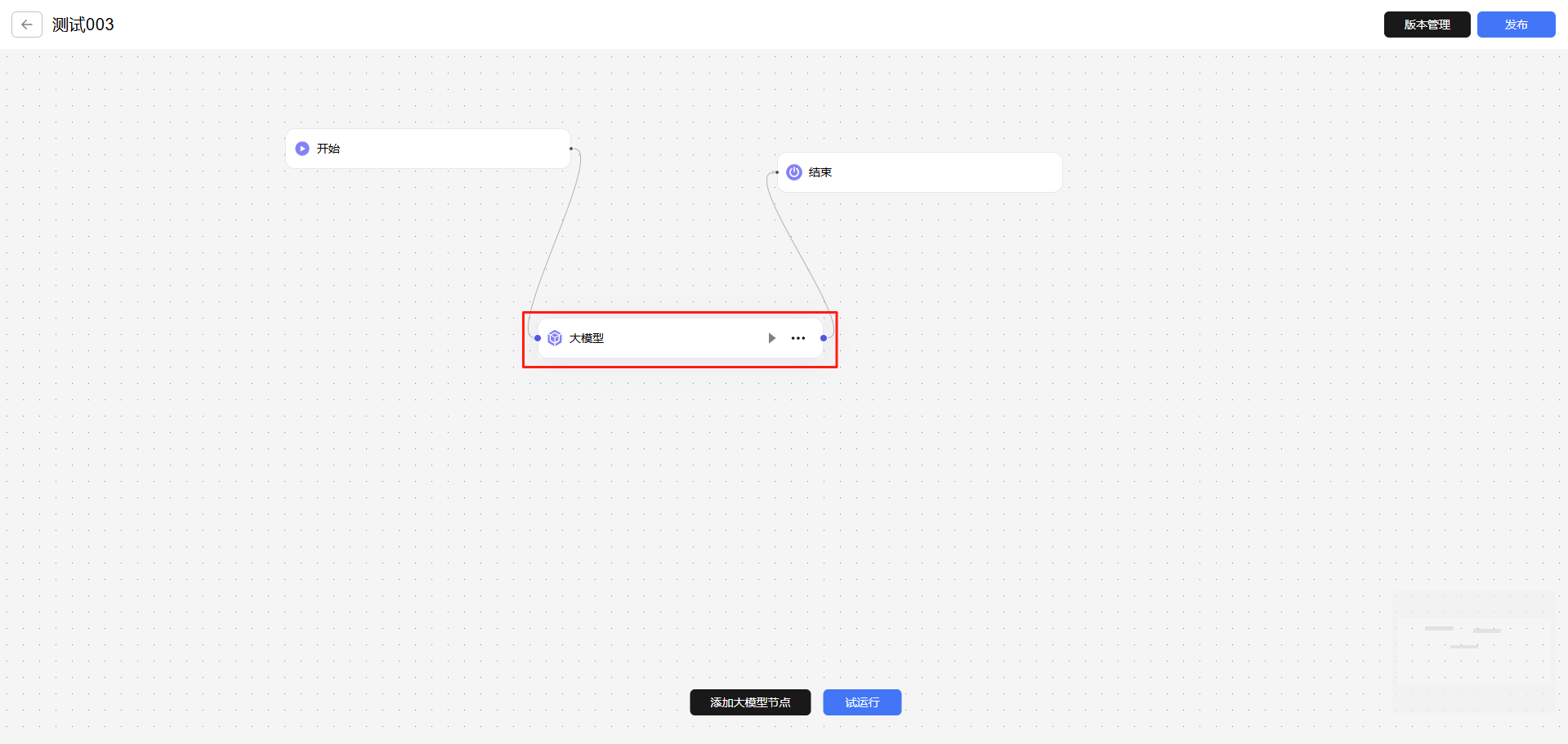
源码
<template>
  <div class="node-container">
    <div class="node-title">
      <div class="flex items-center">
        <svg-icon name="wf-llm" /> {

  { node.name ?? '大模型' }}
      </div>

      <div class="right-btn" @click.stop>
        <tiny-button :icon="IconDeltaRight" type="text" @click="runNode">
        </tiny-button>
        <tiny-action-menu :options="options" mode="card" :max-show-num="0" @item-click="
          (data: any) => optionsClick(data.itemData.label)
        ">
          <template #item="{ data }">
            <span v-if="data.label == 'opt.delete'" style="color: var(--button-delete-color)">
              {

  { $t(data.label) }}
            </span>
            <span v-else> {

  { $t(data.label) }} </span>
          </template>
        </tiny-action-menu>
      </div>
    </div>

    <NodeToolbar :is-visible="runResult ? true : false" :position="Position.Bottom">
      <RunResultIndex :run-result="runResult"></RunResultIndex>
    </NodeToolbar>
    <!--    <div class="llm-body">-->
    <!--      we-->
    <!--    </div>-->


    <Handle id="llm-target-left" type="target" :position="Position.Left" />
    <Handle id="llm-source-right" type="source" :position="Position.Right" />
  </div>
</template>

<script setup lang="ts">
import * as WfNodeApi from "@/api/large-model/wf-node";
import * as WfRunApi from "@/api/large-model/wf-run";
import {

      useWfStore } from "@/store/modules/wf";
import {

      iconDeltaRight } from '@opentiny/vue-icon';
import {

      Handle, Position } from '@vue-flow/core';
import {

      NodeToolbar } from '@vue-flow/node-toolbar';
import {

      computed, defineProps, getCurrentInstance, PropType, ref, Ref } from "vue";
import {

      updateWfGraphDebounced } from '../utils';

import RunResultIndex from '../components/run-result/index.vue';

const IconDeltaRight = iconDeltaRight()

const {

      proxy } = getCurrentInstance() as any;
const wfStore = useWfStore();


const emit = defineEmits(['delete']);
const props = defineProps({


  node: {


    type: Object as PropType<WfNodeApi.WfNode>,
 最低0.47元/天 解锁文章






 扫一扫
扫一扫


 4117
4117

 被折叠的 条评论
为什么被折叠?
被折叠的 条评论
为什么被折叠?
 到【灌水乐园】发言





