


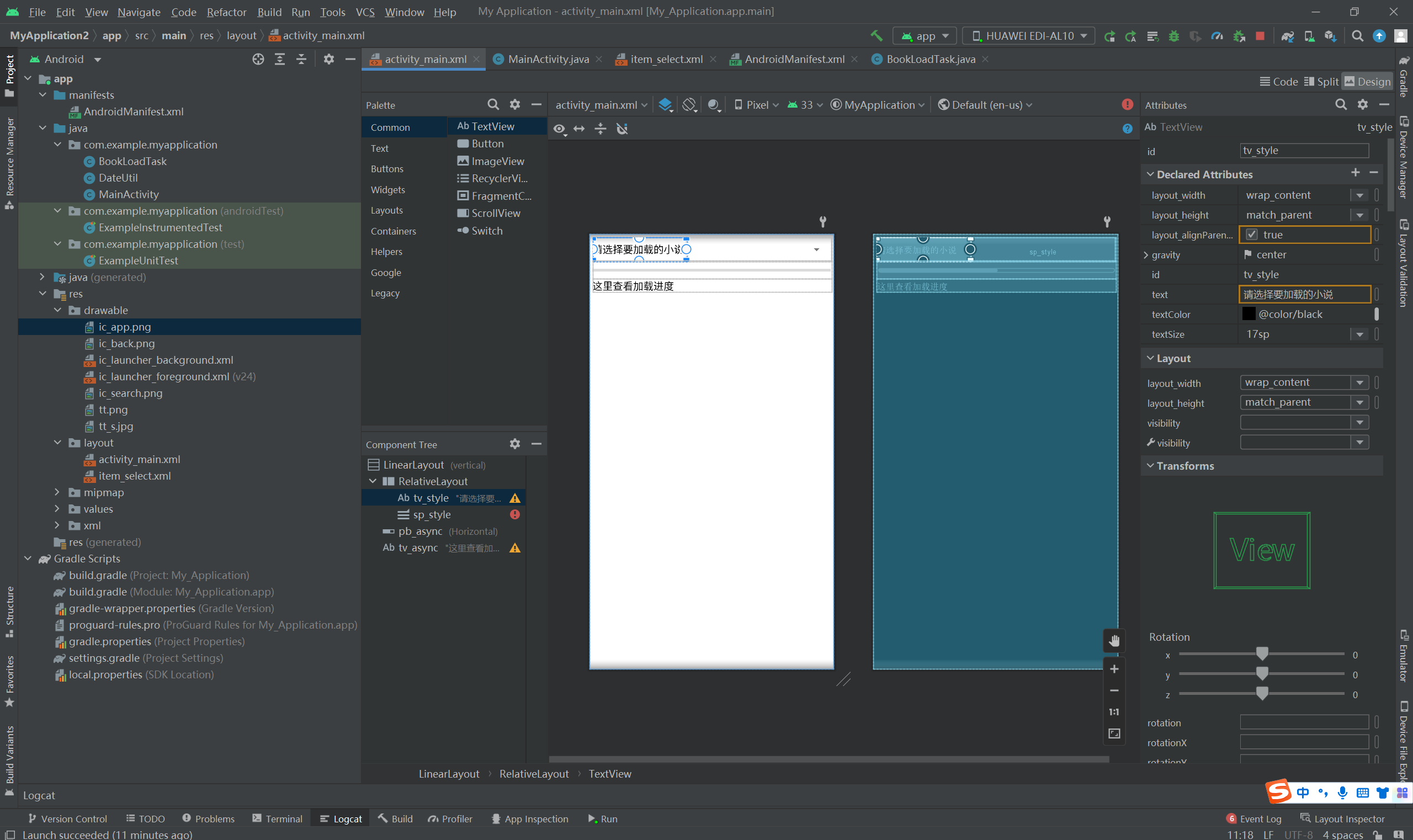
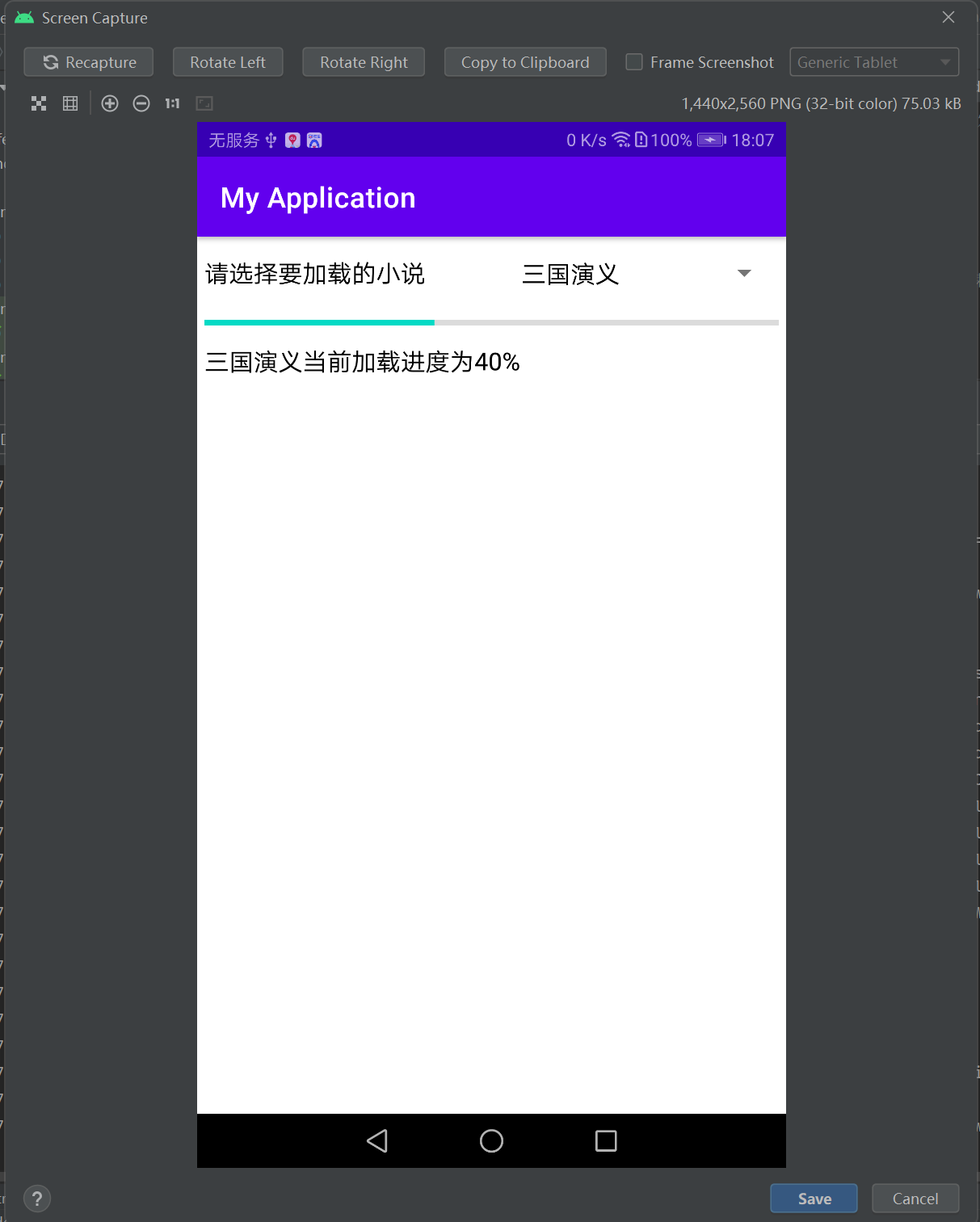
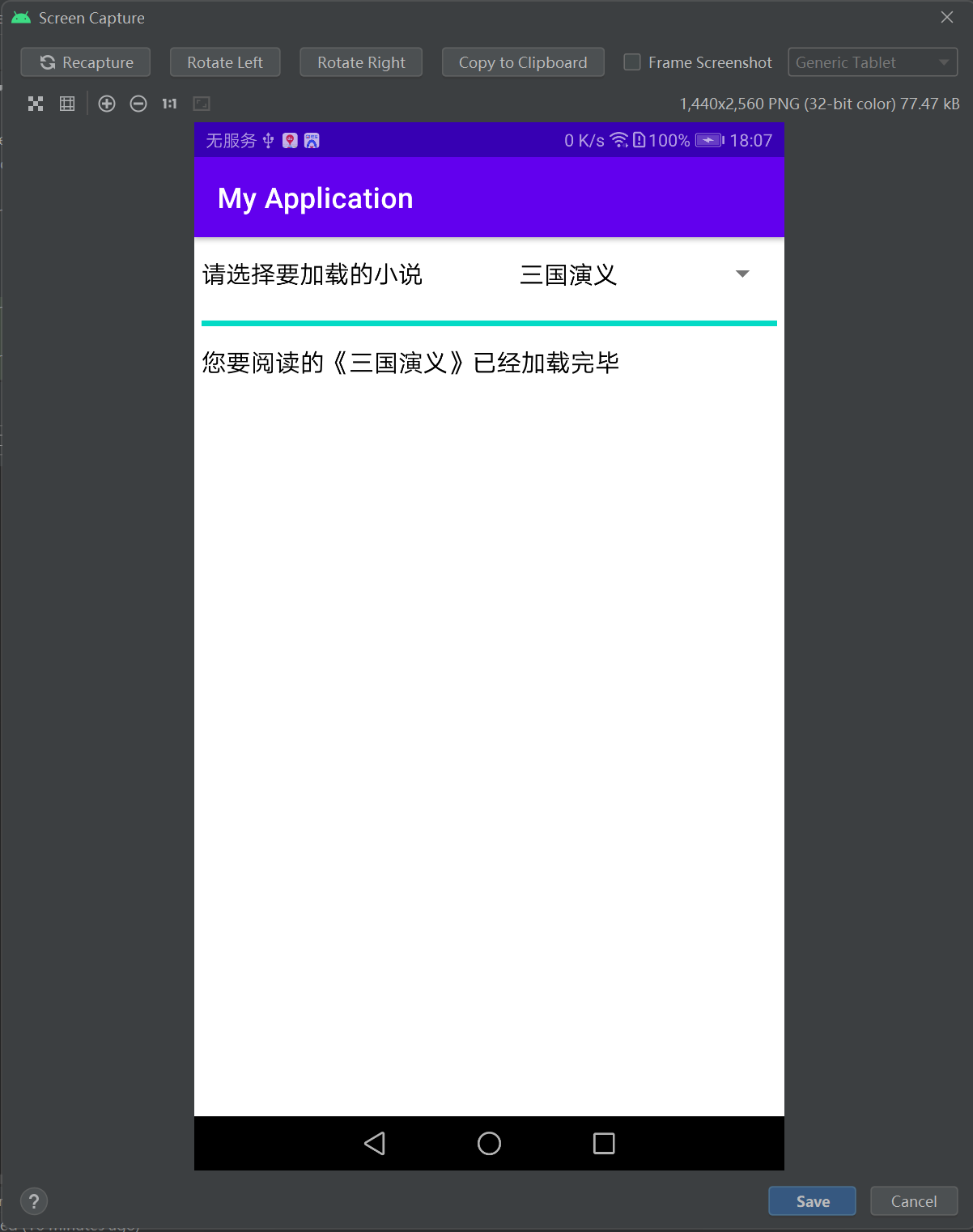
 本文介绍了一个Android应用中的布局设计,使用LinearLayout展示了一个带有书籍选择下拉框、进度条和文本视图的界面。通过Spinner实现不同加载风格的选择,BookLoadTask模拟异步任务处理小说加载,展示了onProgressListener接口的使用。


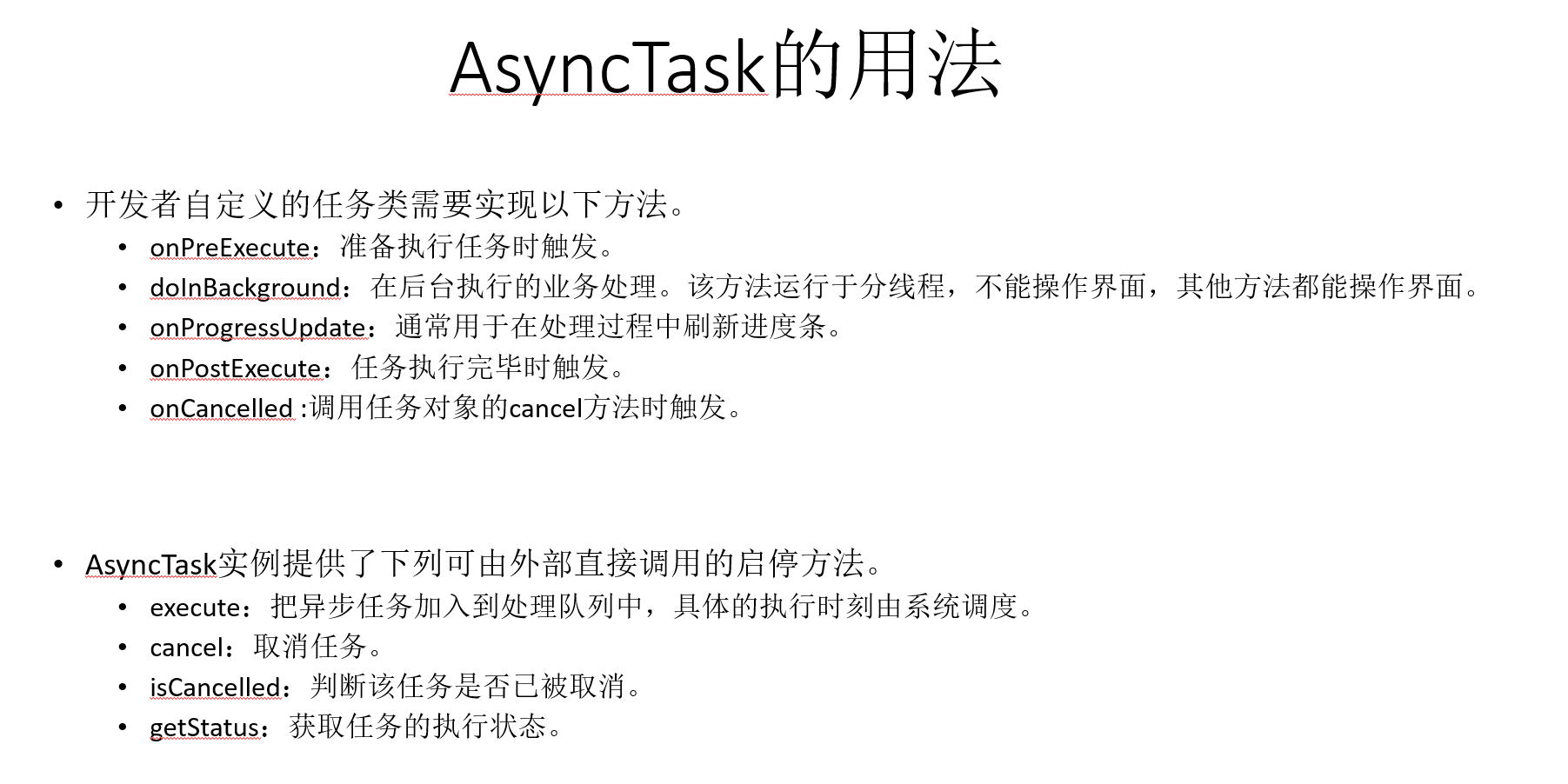
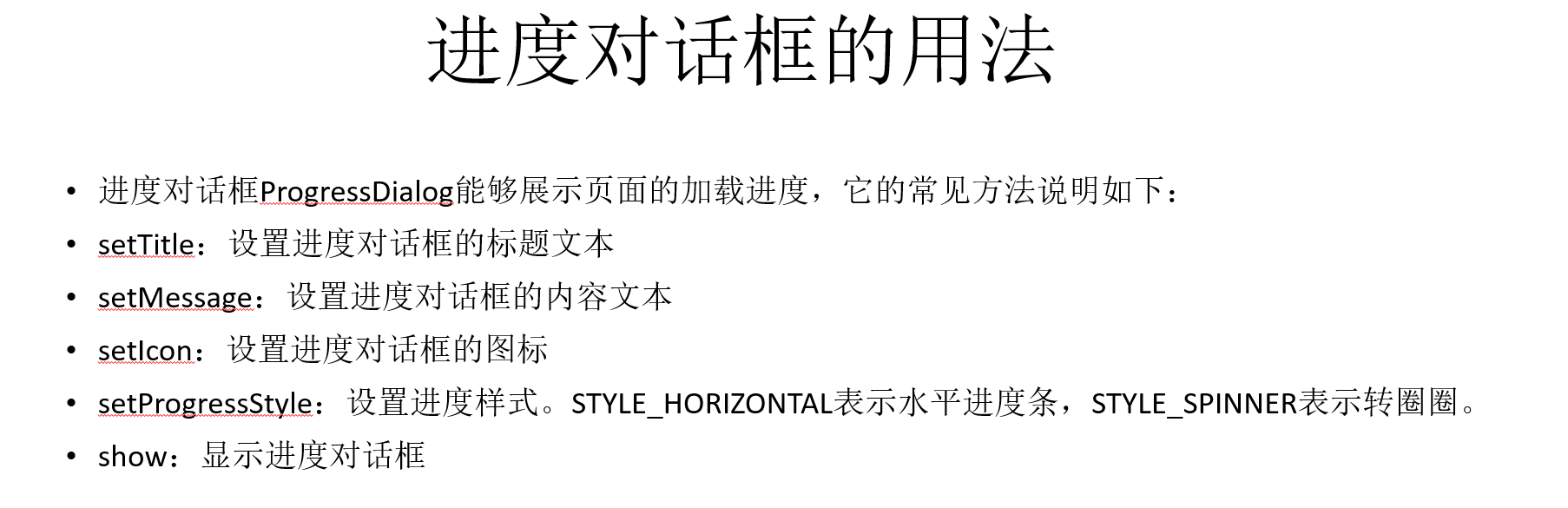
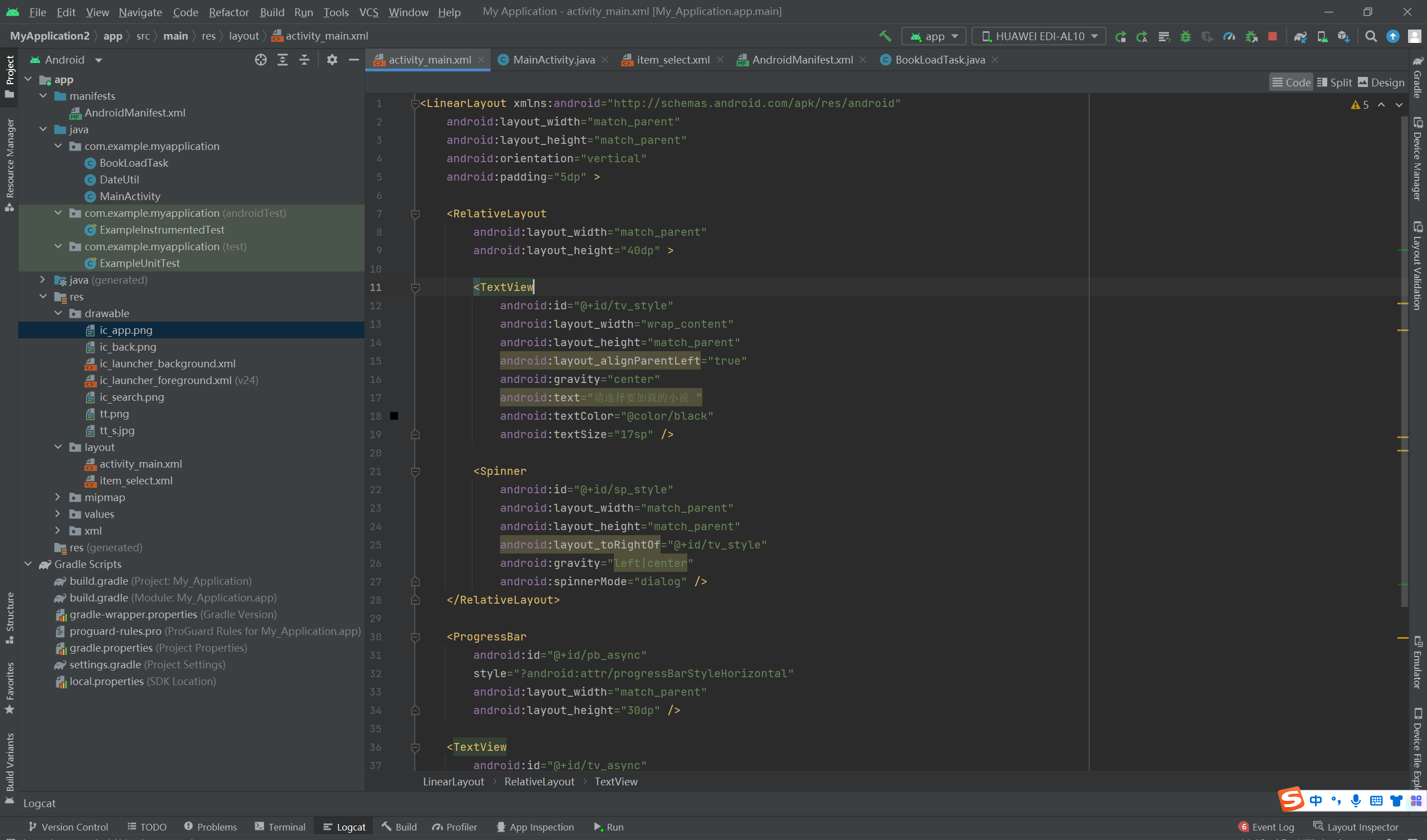
布局:
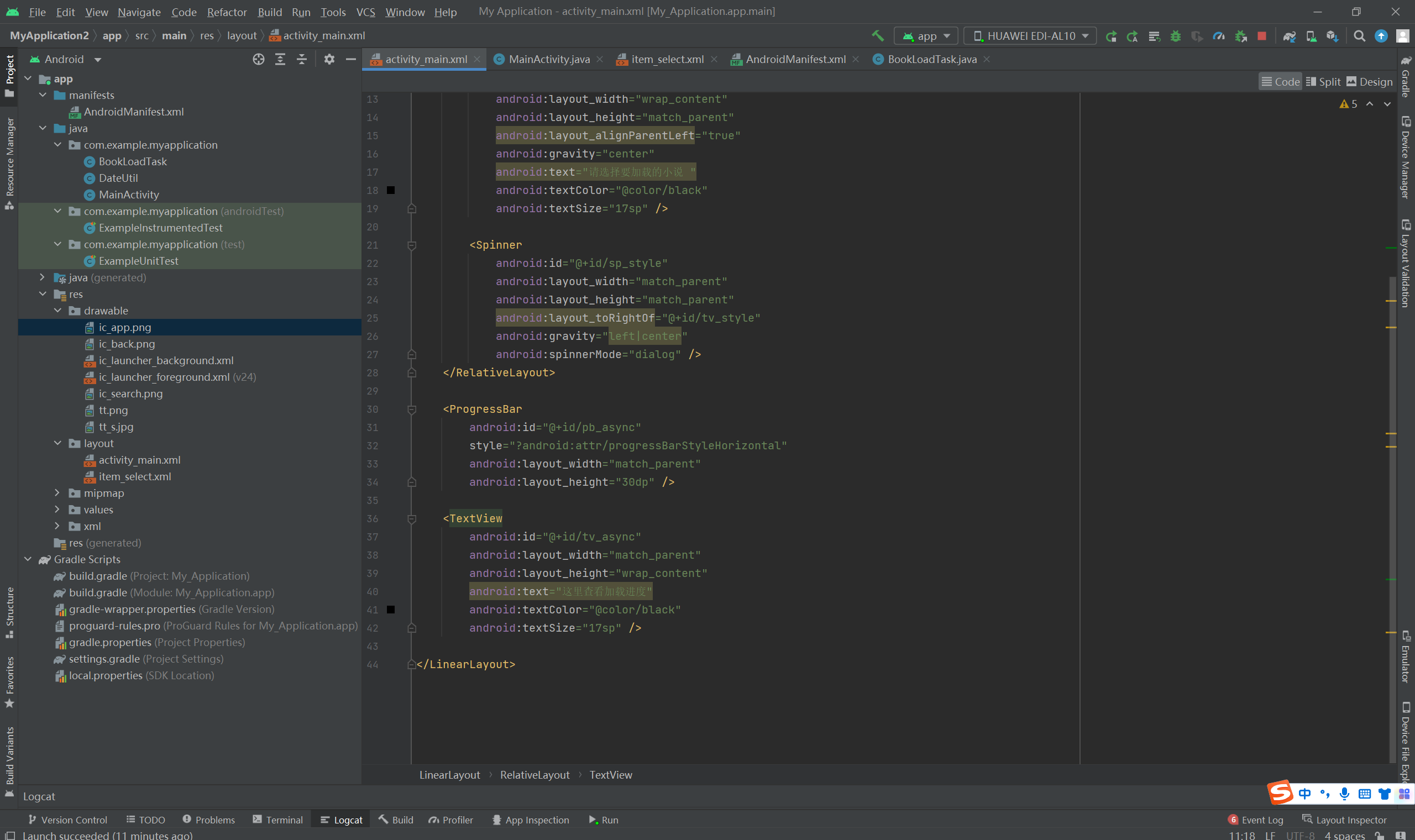
<LinearLayout xmlns:android="http://schemas.android.com/apk/res/android"
    android:layout_width="match_parent"
    android:layout_height="match_parent"
    android:orientation="vertical"
    android:padding="5dp" >

    <RelativeLayout
        android:layout_width="match_parent"
        android:layout_height="40dp" >

        <TextView
            android:id="@+id/tv_style"
            android:layout_width="wrap_content"
            android:layout_height="match_parent"
            android:layout_alignParentLeft="true"
            android:gravity="center"
            android:text="请选择要加载的小说 "
            android:textColor="@color/black"
            android:textSize="17sp" />

        <Spinner
            android:id="@+id/sp_style"
            android:layout_width="match_parent"
            android:layout_height="match_parent"
            android:layout_toRightOf="@+id/tv_style"
            android:gravity="left|center"
            android:spinnerMode="dialog" />
    </RelativeLayout>

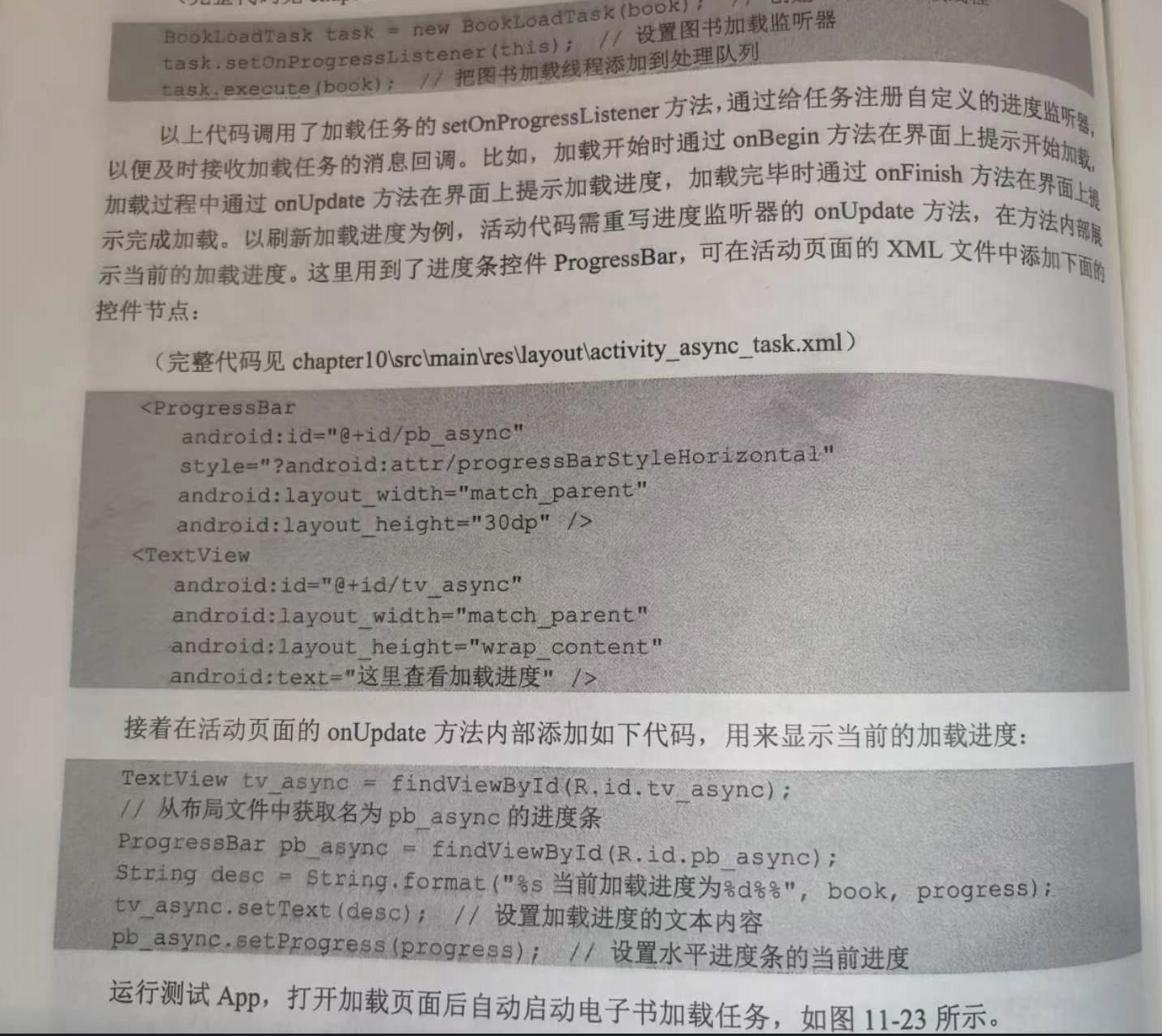
    <ProgressBar
        android:id="@+id/pb_async"
        style="?android:attr/progressBarStyleHorizontal"
        android:layout_width="match_parent"
        android:layout_height="30dp" />

    <TextView
        android:id="@+id/tv_async"
        android:layout_width="match_parent"
        android:layout_height="wrap_content"
        android:text="这里查看加载进度"
        android:textColor="@color/black"
        android:textSize="17sp" />

</LinearLayout>
item_select.xml
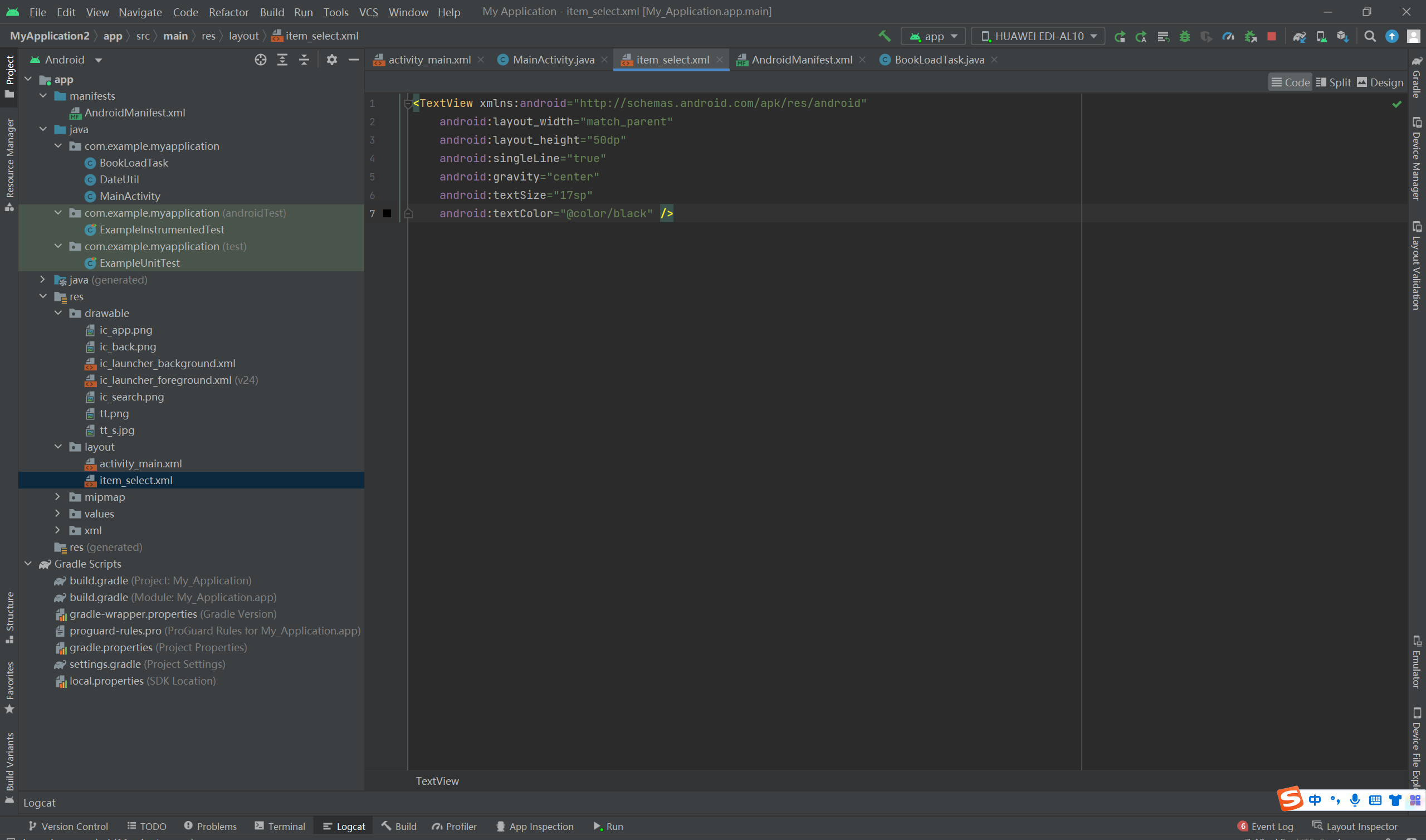
<TextView xmlns:android="http://schemas.android.com/apk/res/android"
    android:layout_width="match_parent"
    android:layout_height="50dp"
    android:singleLine="true"
    android:gravity="center"
    android:textSize="17sp"
    android:textColor="@color/black" />
代码:
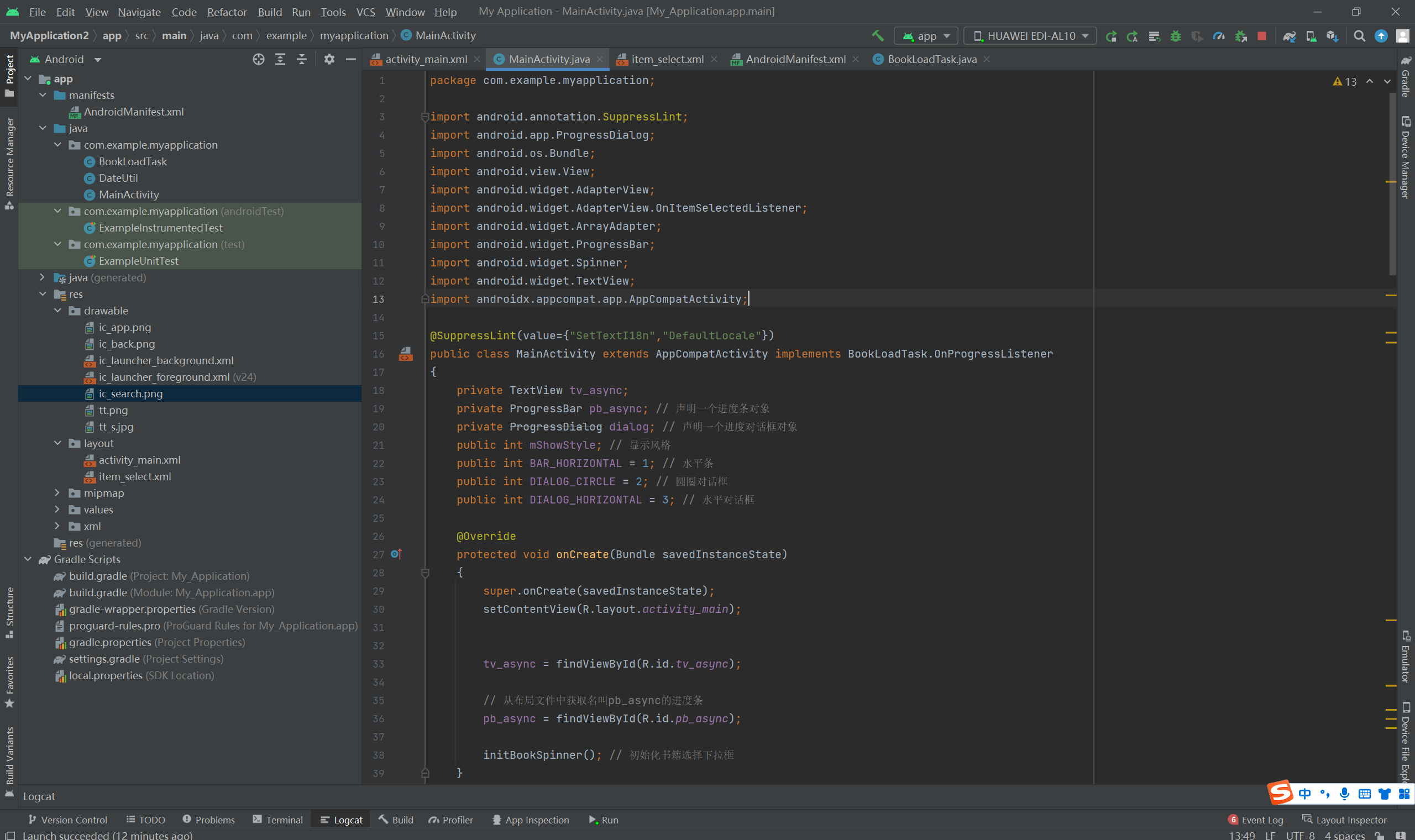
package com.example.myapplication;

import android.annotation.SuppressLint;
import android.app.ProgressDialog;
import android.os.Bundle;
import android.view.View;
import android.widget.AdapterView;
import android.widget.AdapterView.OnItemSelectedListener;
import android.widget.ArrayAdapter;
import android.widget.ProgressBar;
import android.widget.Spinner;
import android.widget.TextView;
import androidx.appcompat.app.AppCompatActivity;

@SuppressLint(value={"SetTextI18n","DefaultLocale"})
public class MainActivity extends AppCompatActivity implements BookLoadTask.OnProgressListener
{
    private TextView tv_async;
    private ProgressBar pb_async; // 声明一个进度条对象
    private ProgressDialog dialog; // 声明一个进度对话框对象
    public int mShowStyle; // 显示风格
    public int BAR_HORIZONTAL = 1; // 水平条
    public int DIALOG_CIRCLE = 2; // 圆圈对话框
    public int DIALOG_HORIZONTAL = 3; // 水平对话框

    @Override
    protected void onCreate(Bundle savedInstanceState)
    {
        super.onCreate(savedInstanceState);
        setContentView(R.layout.activity_main);


        tv_async = findViewById(R.id.tv_async);

        // 从布局文件中获取名叫pb_async的进度条
        pb_async = findViewById(R.id.pb_async);

        initBookSpinner(); // 初始化书籍选择下拉框
    }

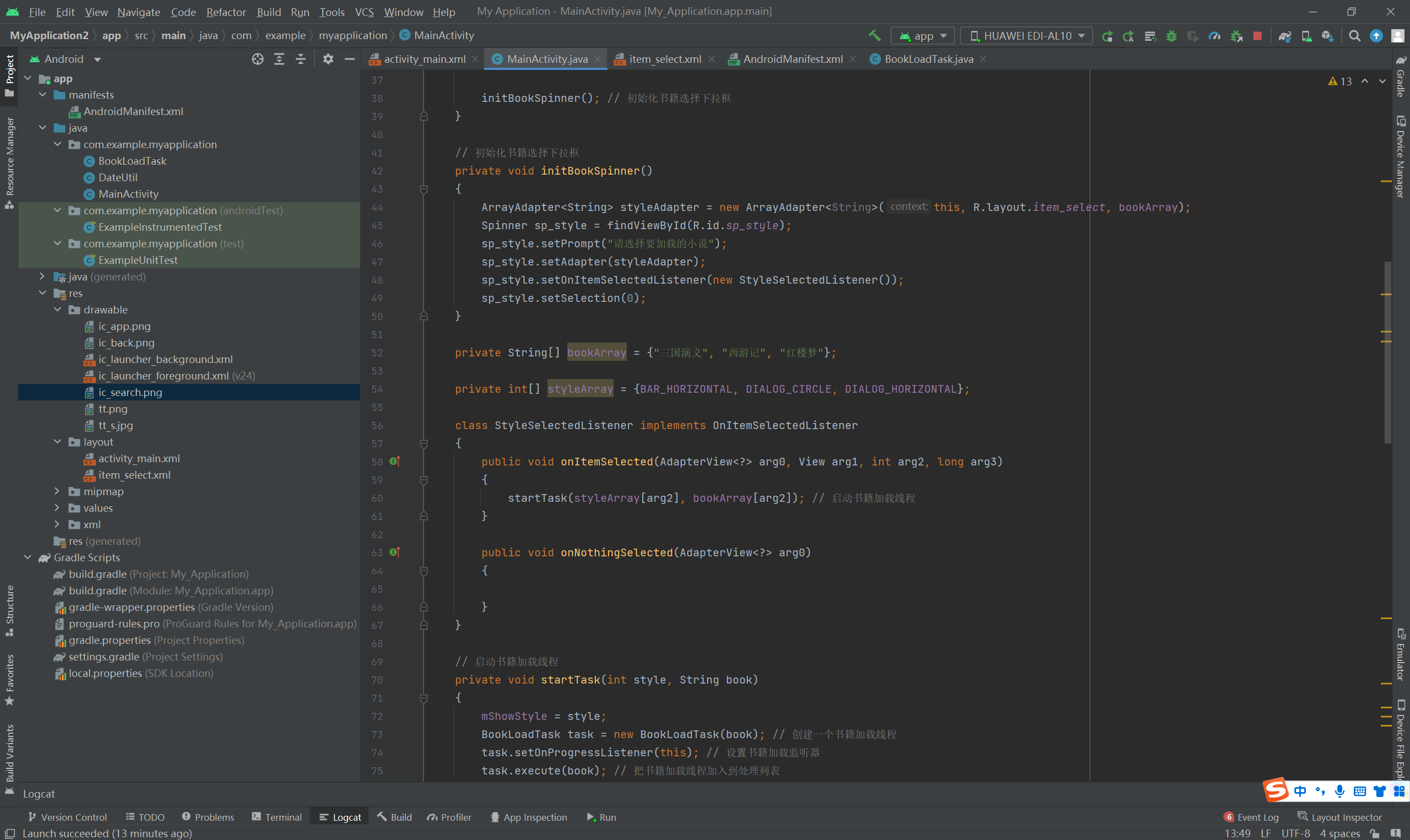
    // 初始化书籍选择下拉框
    private void initBookSpinner()
    {
        ArrayAdapter<String> styleAdapter = new ArrayAdapter<String>(this, R.layout.item_select, bookArray);
        Spinner sp_style = findViewById(R.id.sp_style);
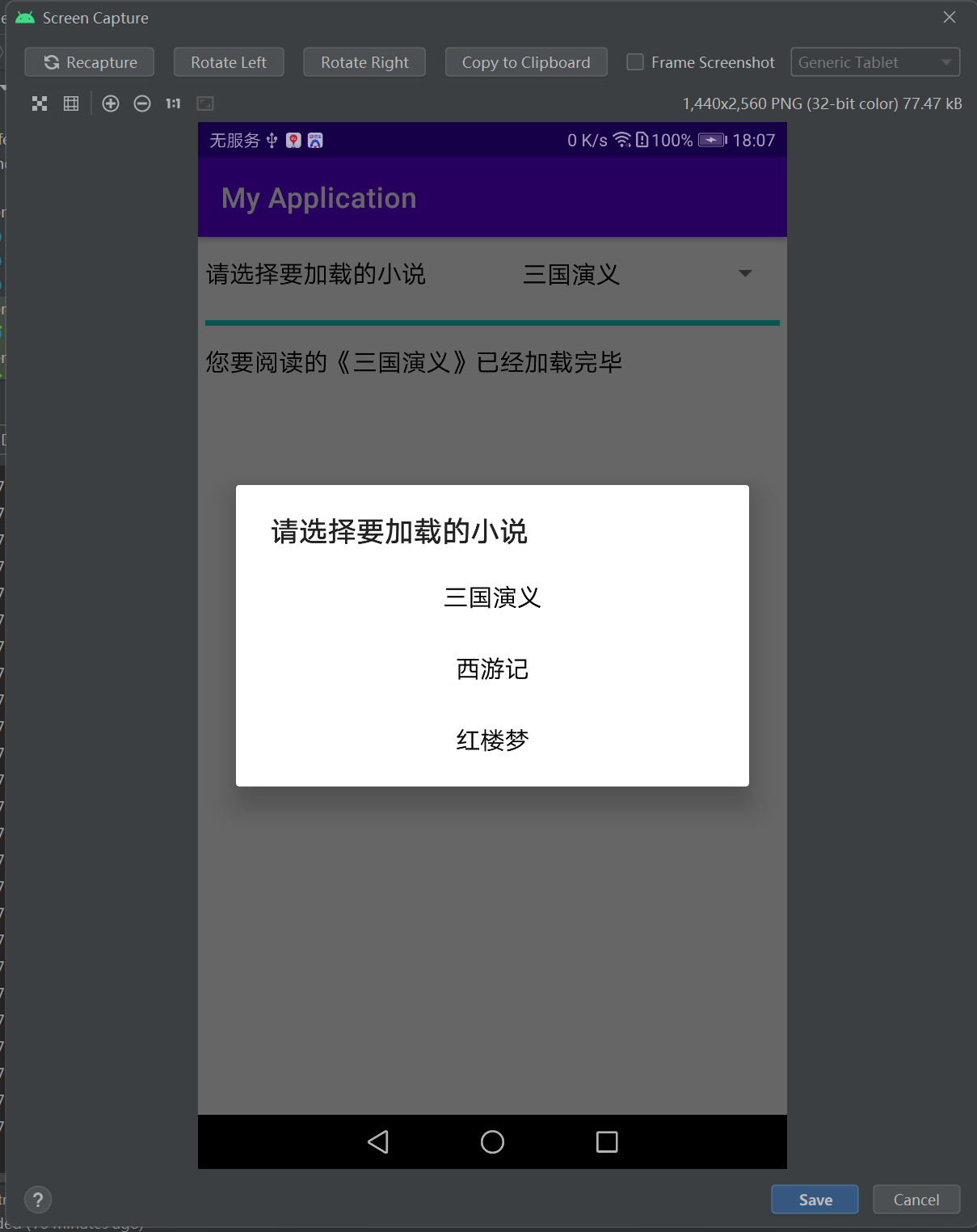
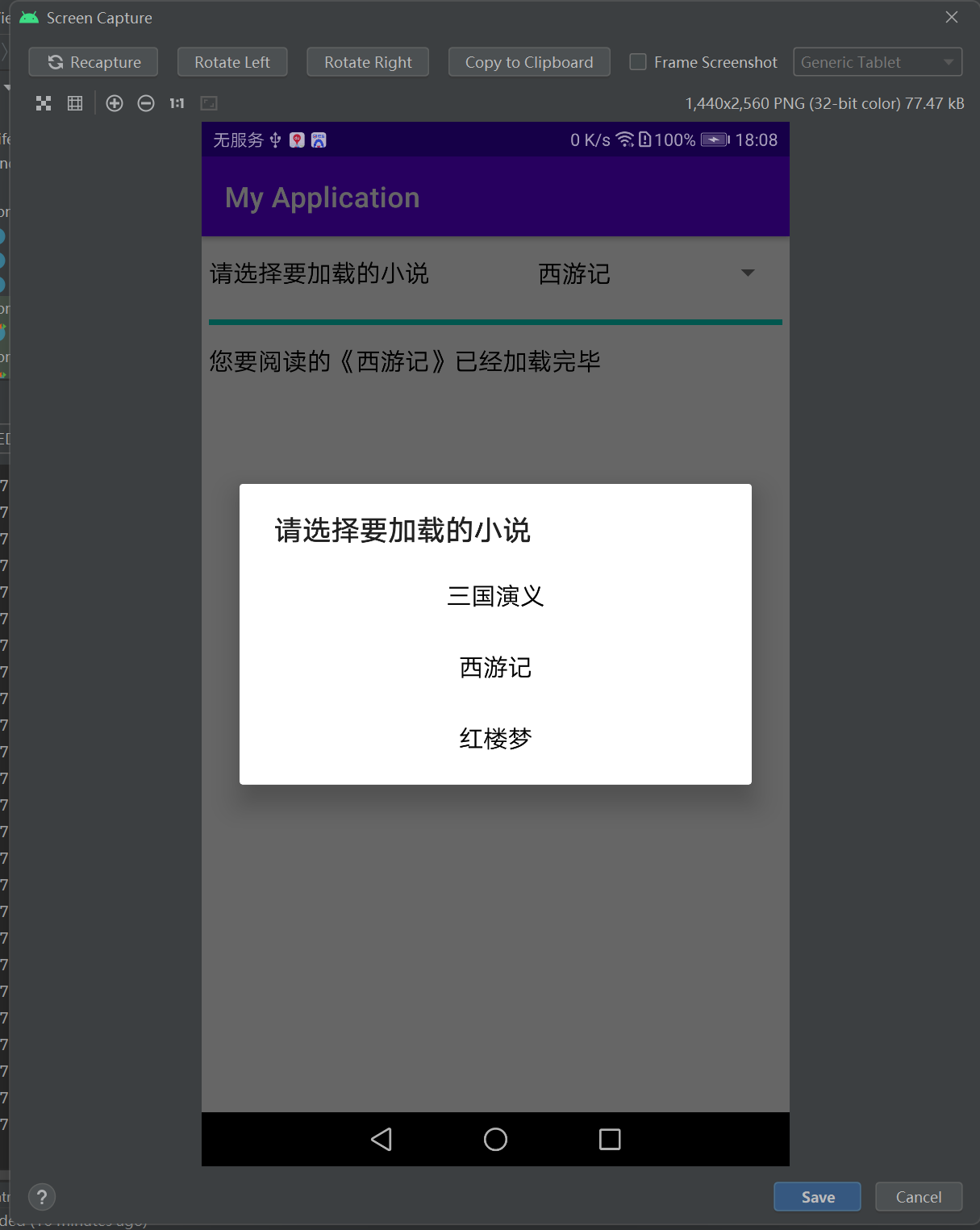
        sp_style.setPrompt("请选择要加载的小说");
        sp_style.setAdapter(styleAdapter);
        sp_style.setOnItemSelectedListener(new StyleSelectedListener());
        sp_style.setSelection(0);
    }

    private String[] bookArray = {"三国演义", "西游记", "红楼梦"};

    private int[] styleArray = {BAR_HORIZONTAL, DIALOG_CIRCLE, DIALOG_HORIZONTAL};

    class StyleSelectedListener implements OnItemSelectedListener
    {
        public void onItemSelected(AdapterView<?> arg0, View arg1, int arg2, long arg3)
        {
            startTask(styleArray[arg2], bookArray[arg2]); // 启动书籍加载线程
        }

        public void onNothingSelected(AdapterView<?> arg0)
        {

        }
    }

    // 启动书籍加载线程
    private void startTask(int style, String book)
    {
        mShowStyle = style;
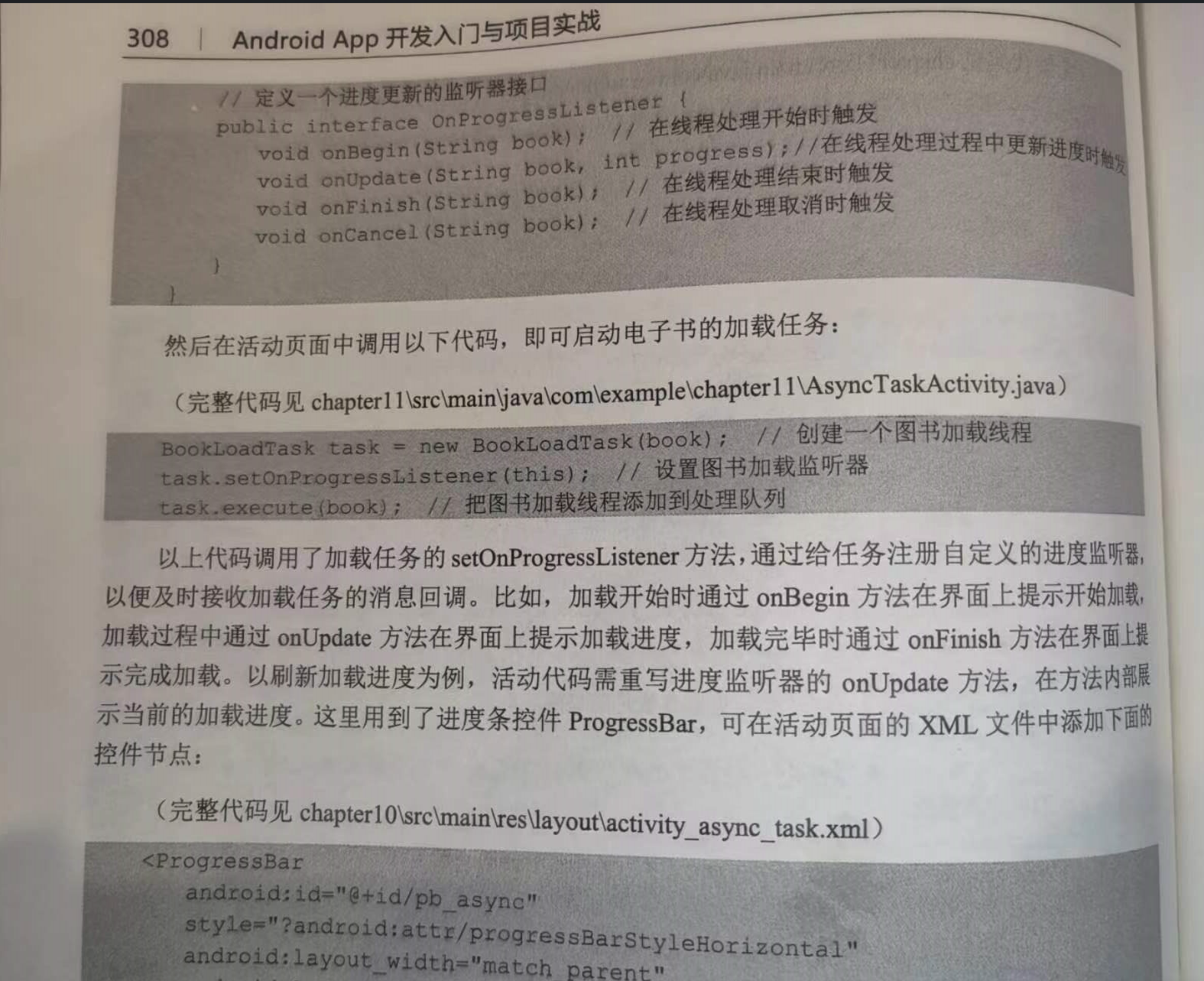
        BookLoadTask task = new BookLoadTask(book); // 创建一个书籍加载线程
        task.setOnProgressListener(this); // 设置书籍加载监听器
        task.execute(book); // 把书籍加载线程加入到处理列表
    }

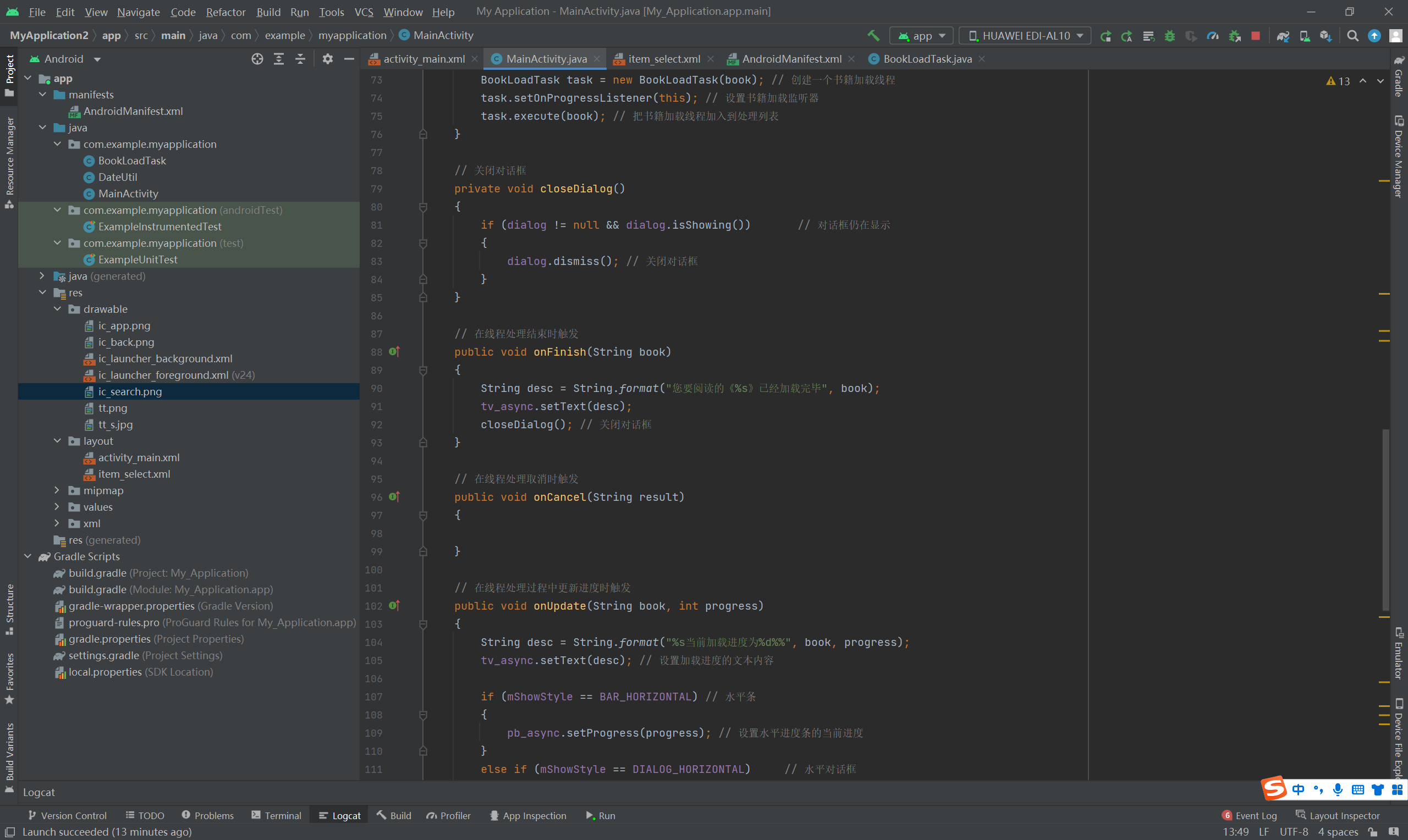
    // 关闭对话框
    private void closeDialog()
    {
        if (dialog != null && dialog.isShowing())       // 对话框仍在显示
        {
            dialog.dismiss(); // 关闭对话框
        }
    }

    // 在线程处理结束时触发
    public void onFinish(String book)
    {
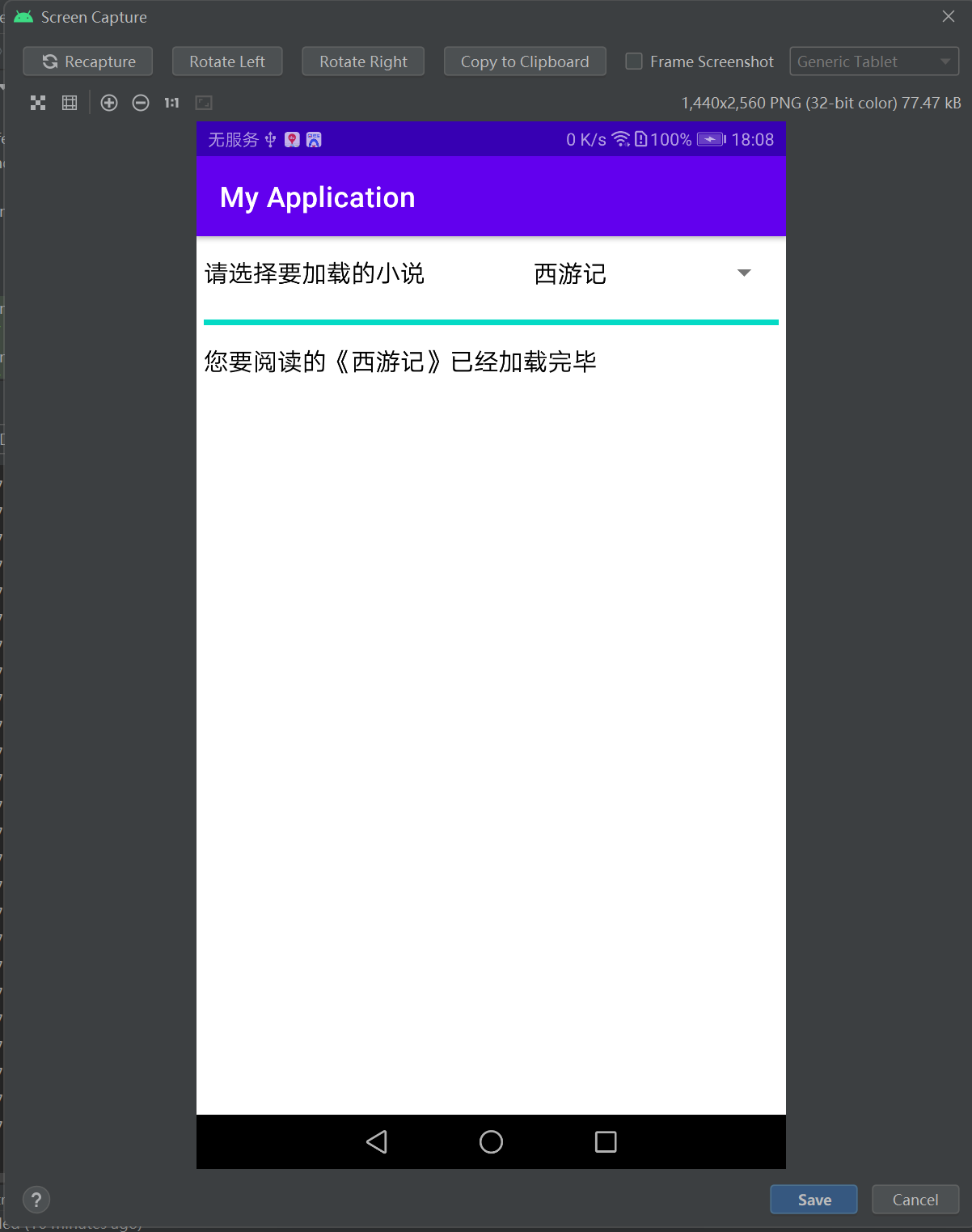
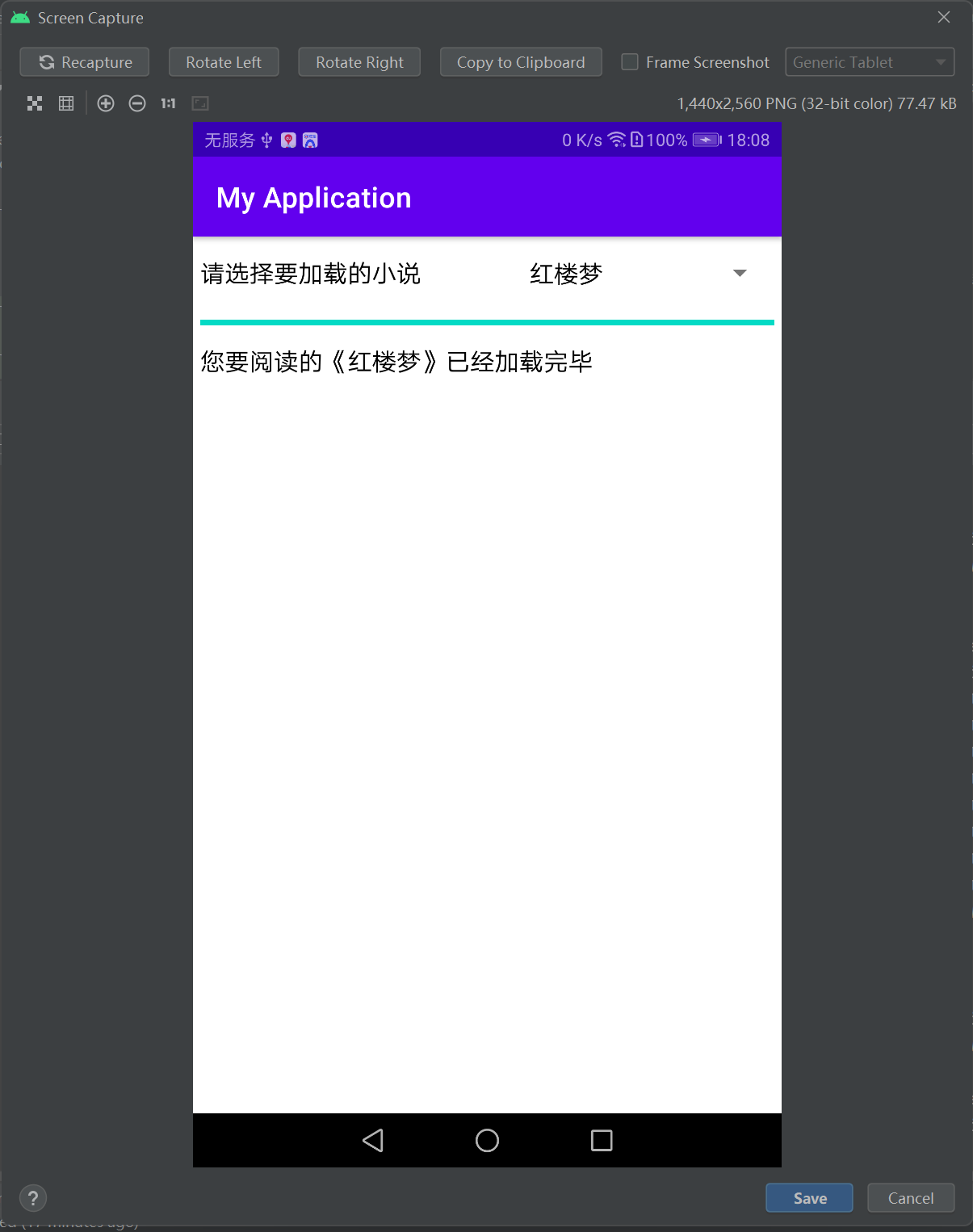
        String desc = String.format("您要阅读的《%s》已经加载完毕", book);
        tv_async.setText(desc);
        closeDialog(); // 关闭对话框
    }

    // 在线程处理取消时触发
    public void onCancel(String result)
    {

    }

    // 在线程处理过程中更新进度时触发
    public void onUpdate(String book, int progress)
    {
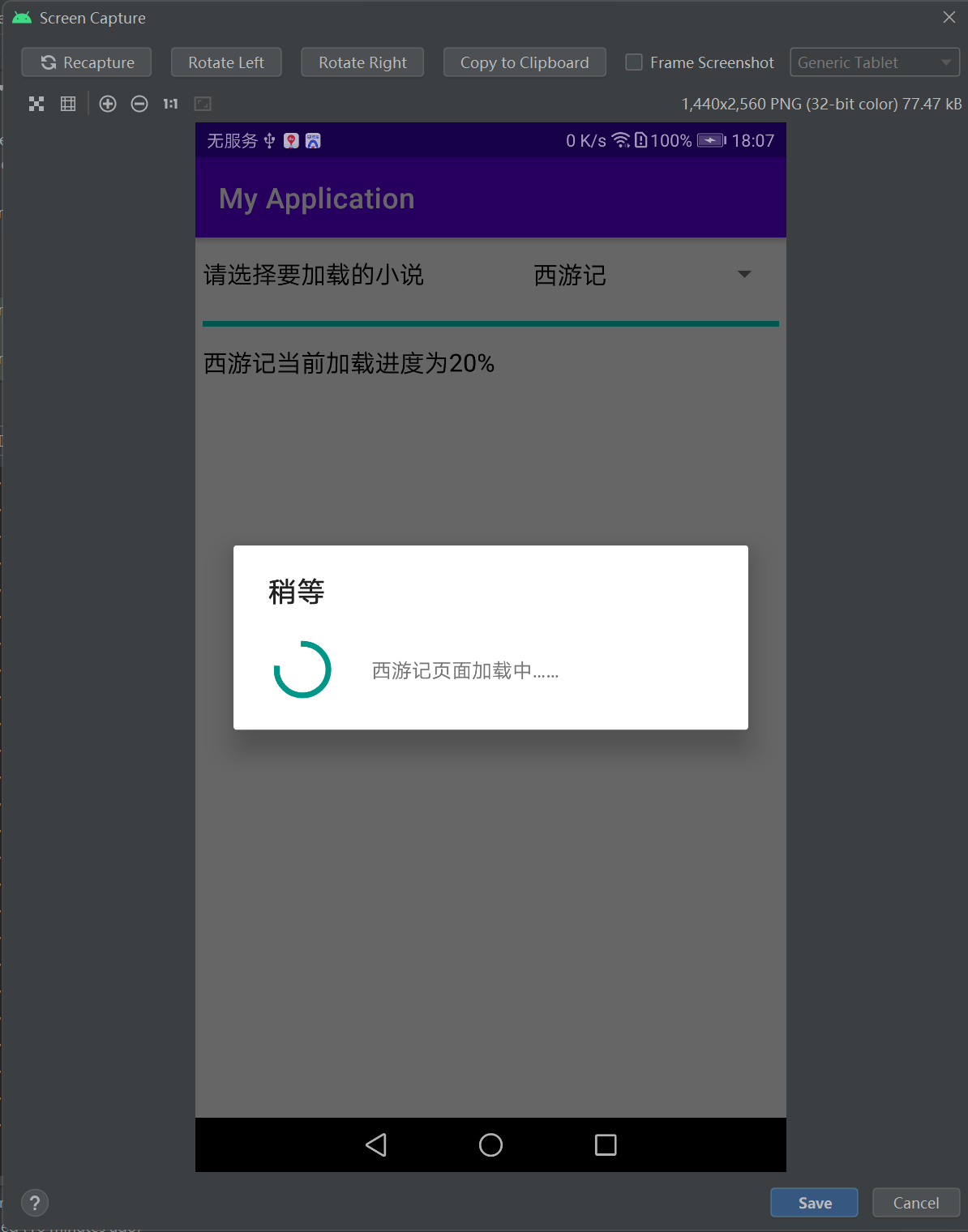
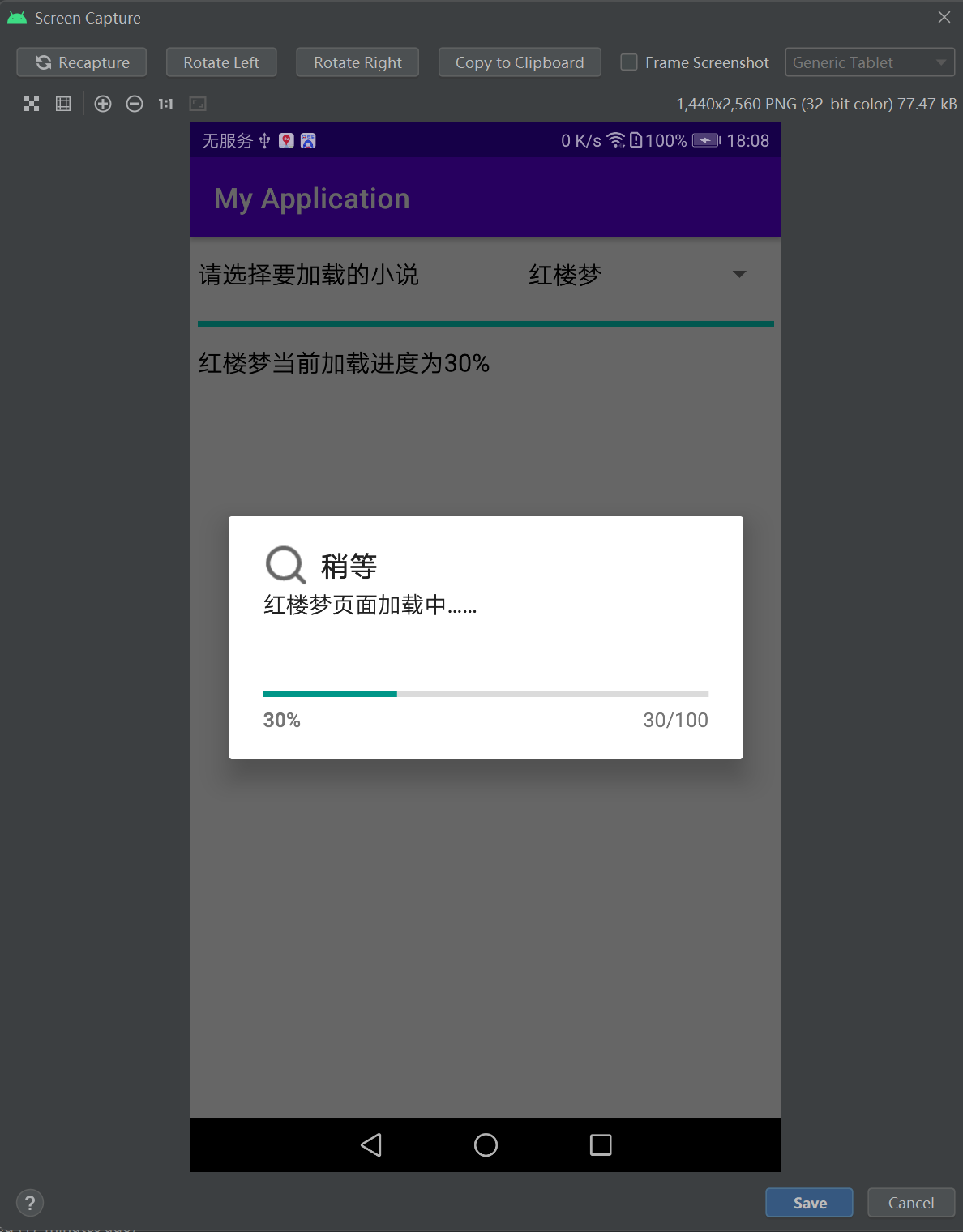
        String desc = String.format("%s当前加载进度为%d%%", book, progress);
        tv_async.setText(desc); // 设置加载进度的文本内容

        if (mShowStyle == BAR_HORIZONTAL) // 水平条
        {
            pb_async.setProgress(progress); // 设置水平进度条的当前进度
        }
        else if (mShowStyle == DIALOG_HORIZONTAL)     // 水平对话框
        {
            dialog.setProgress(progress); // 设置水平进度对话框的当前进度
        }
    }

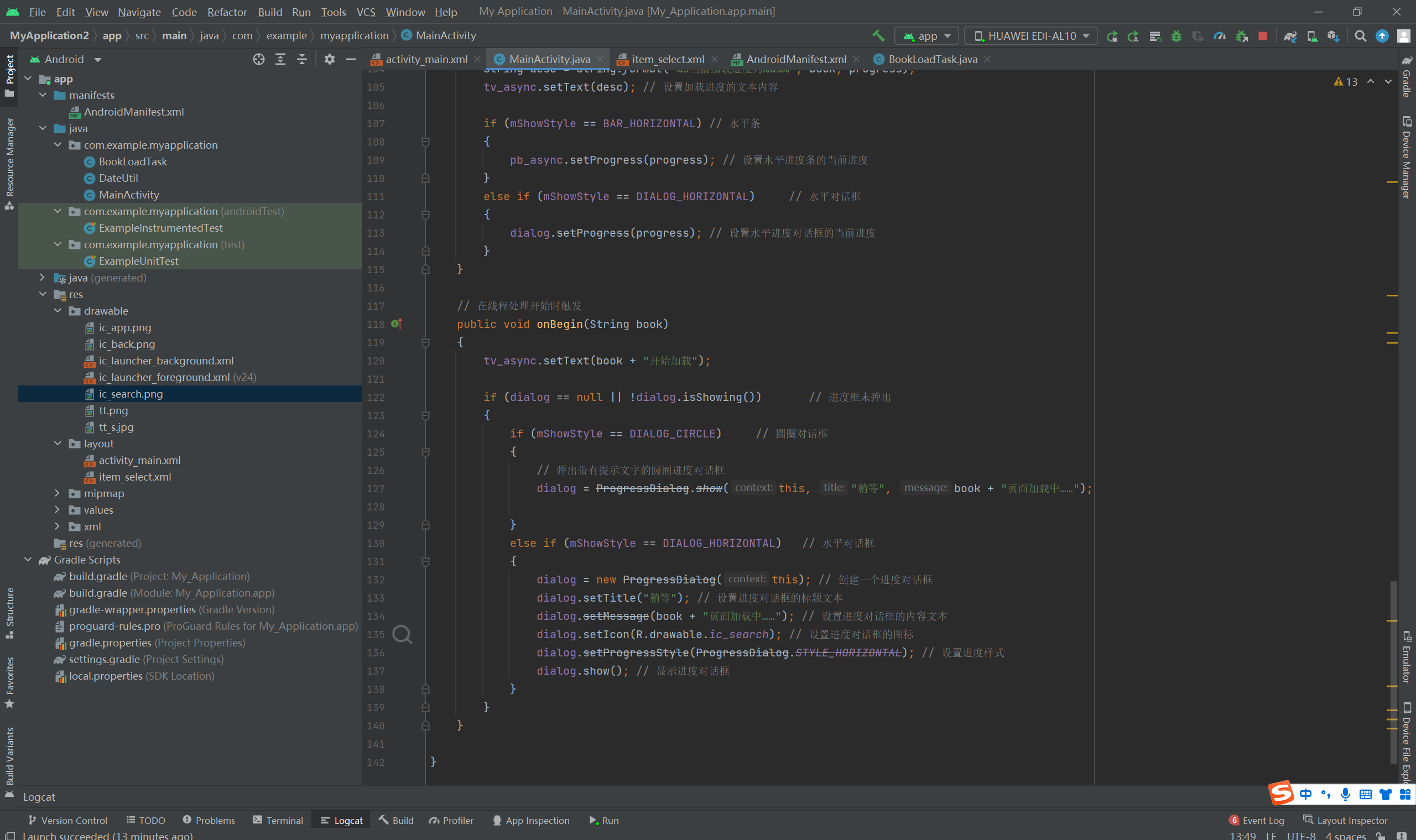
    // 在线程处理开始时触发
    public void onBegin(String book)
    {
        tv_async.setText(book + "开始加载");

        if (dialog == null || !dialog.isShowing())       // 进度框未弹出
        {
            if (mShowStyle == DIALOG_CIRCLE)     // 圆圈对话框
            {
                // 弹出带有提示文字的圆圈进度对话框
                dialog = ProgressDialog.show(this, "稍等", book + "页面加载中……");

            }
            else if (mShowStyle == DIALOG_HORIZONTAL)   // 水平对话框
            {
                dialog = new ProgressDialog(this); // 创建一个进度对话框
                dialog.setTitle("稍等"); // 设置进度对话框的标题文本
                dialog.setMessage(book + "页面加载中……"); // 设置进度对话框的内容文本
                dialog.setIcon(R.drawable.ic_search); // 设置进度对话框的图标
                dialog.setProgressStyle(ProgressDialog.STYLE_HORIZONTAL); // 设置进度样式
                dialog.show(); // 显示进度对话框
            }
        }
    }

}
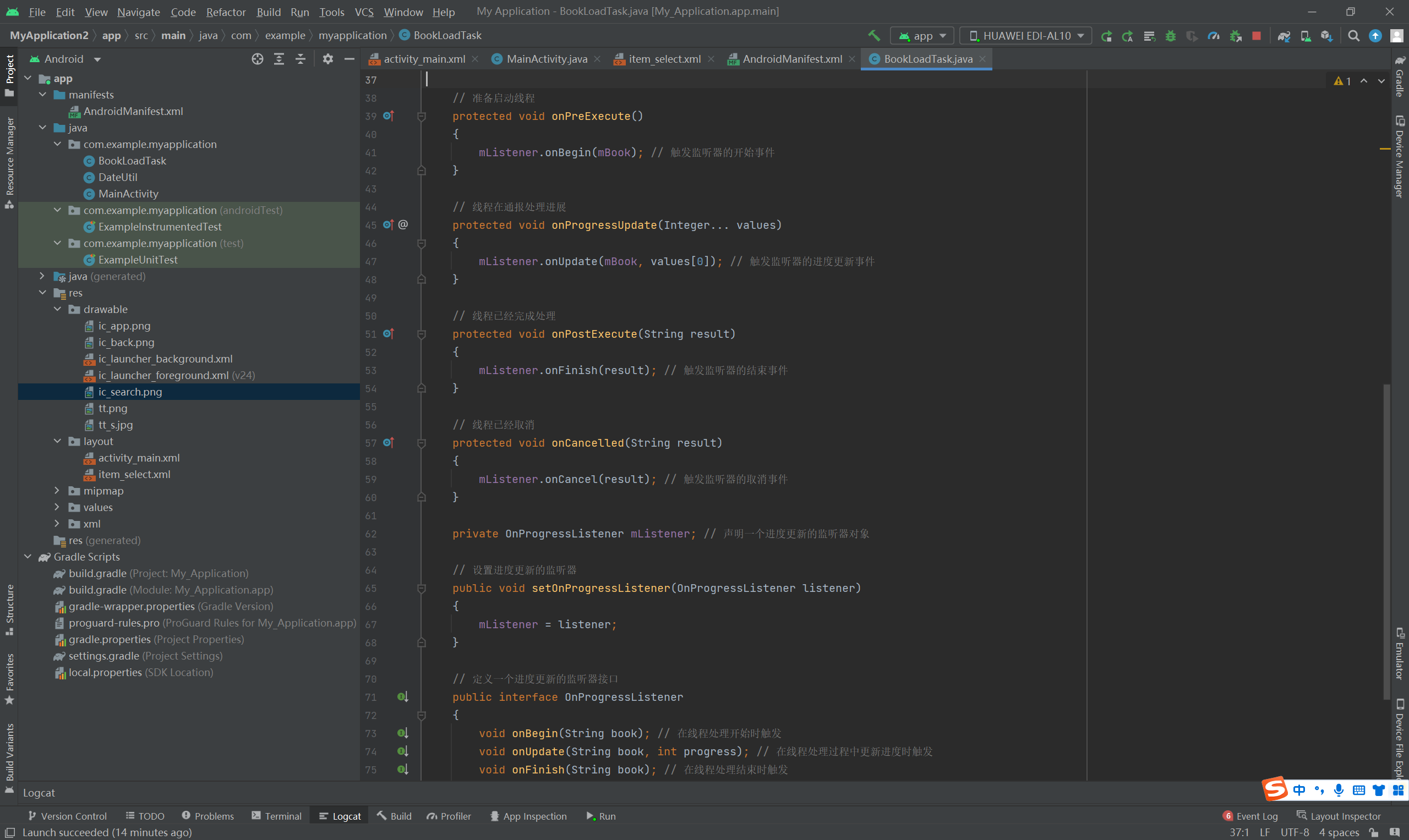
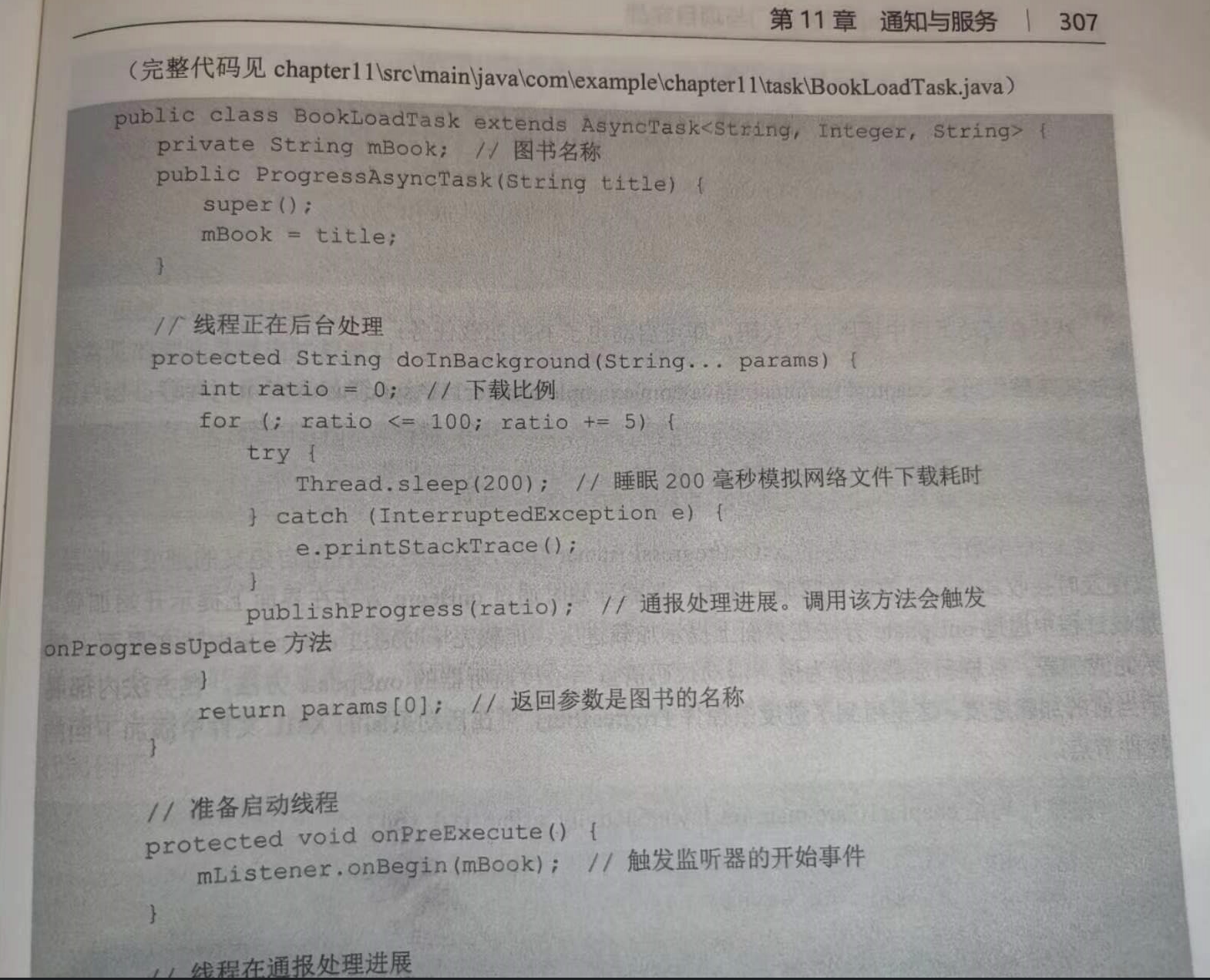
BookLoadTask
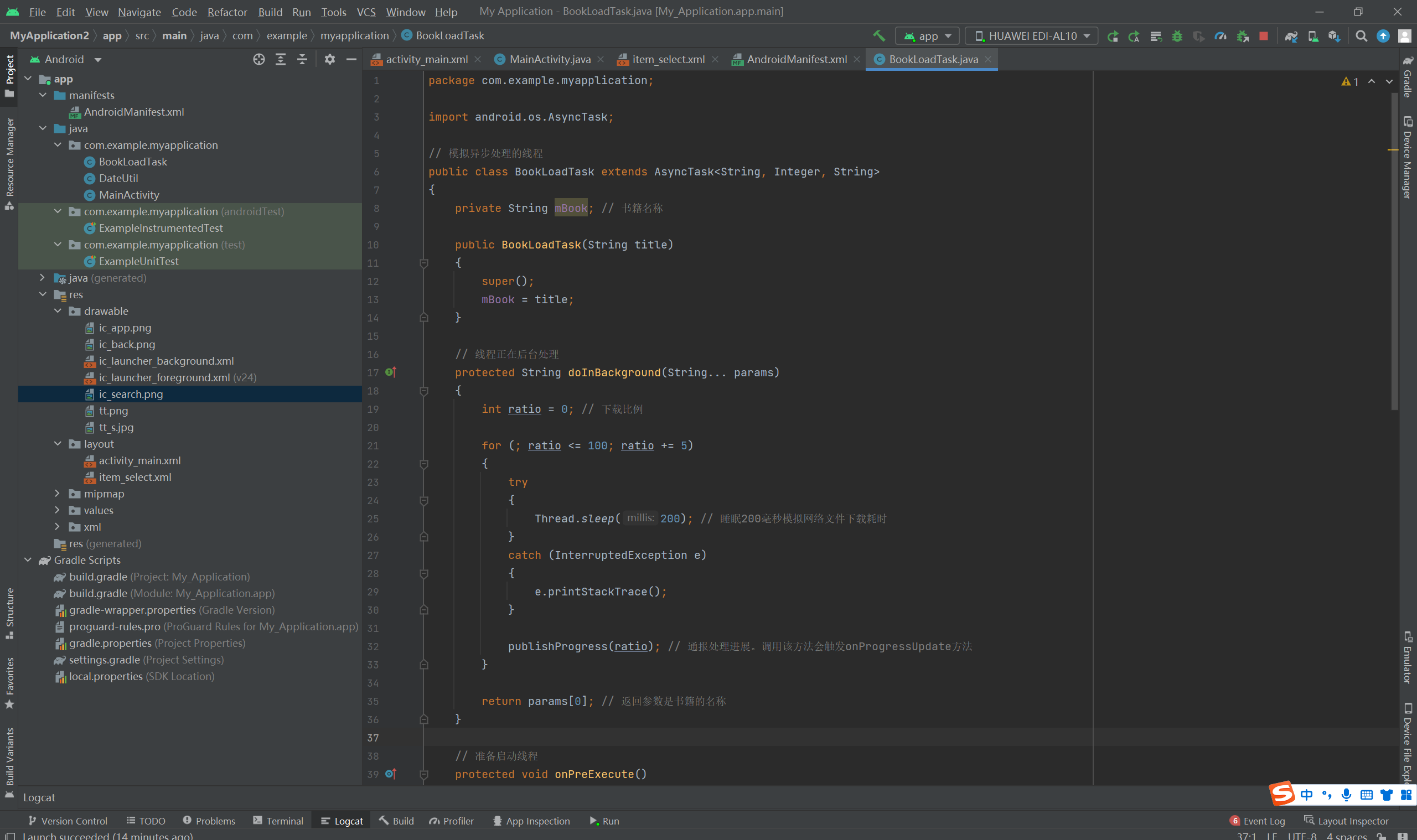
package com.example.myapplication;

import android.os.AsyncTask;

// 模拟异步处理的线程
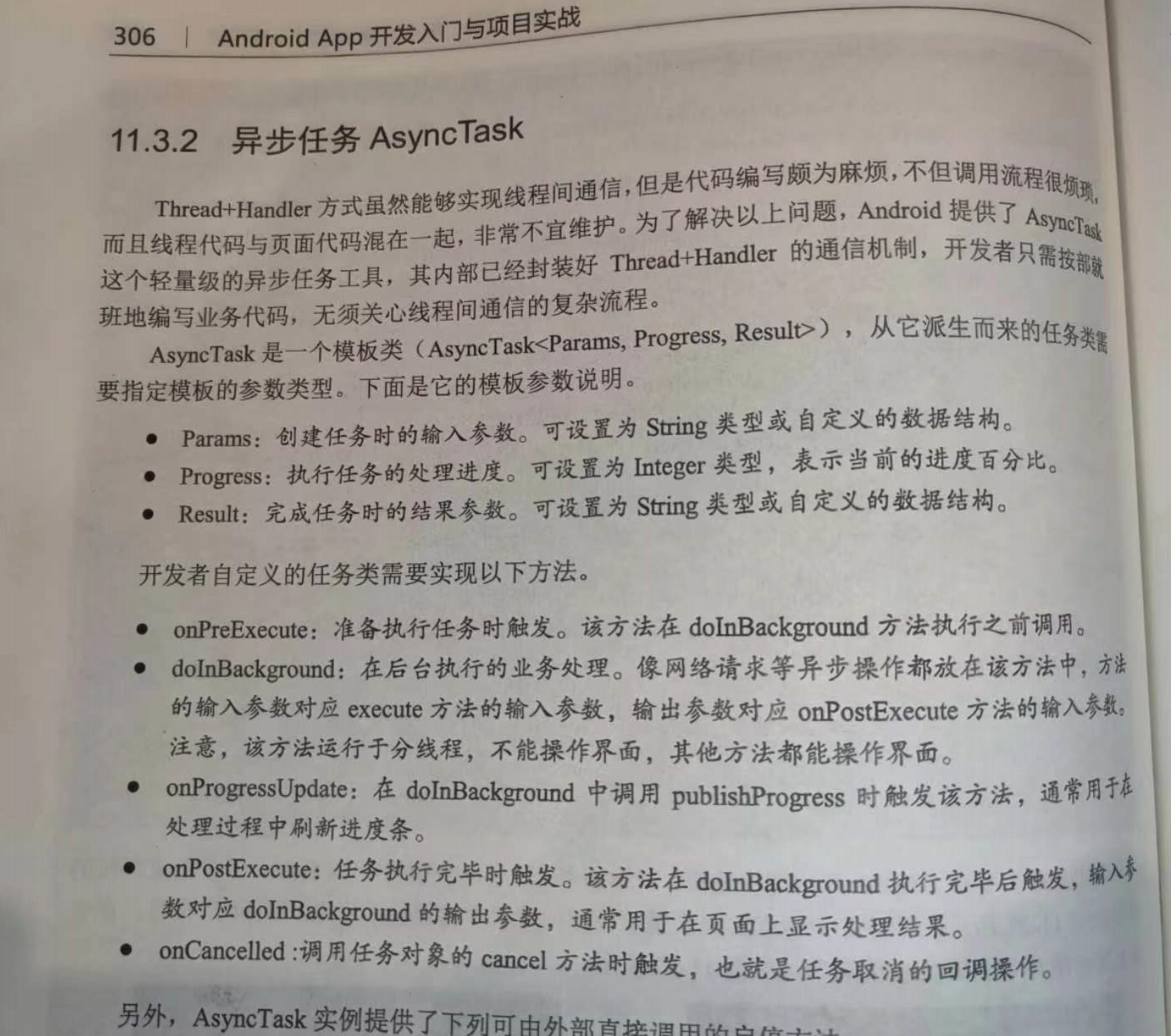
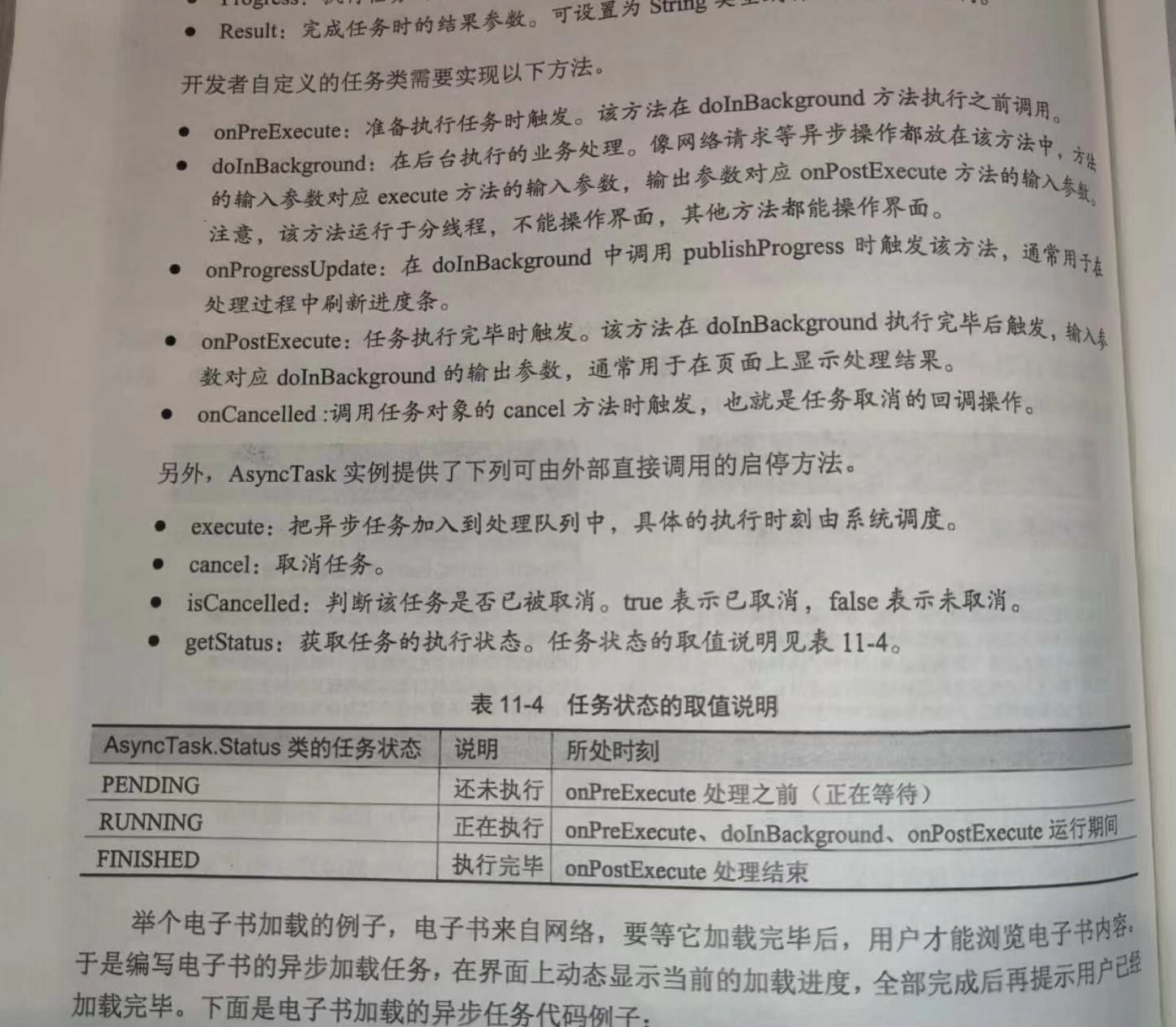
public class BookLoadTask extends AsyncTask<String, Integer, String>
{
    private String mBook; // 书籍名称

    public BookLoadTask(String title)
    {
        super();
        mBook = title;
    }

    // 线程正在后台处理
    protected String doInBackground(String... params)
    {
        int ratio = 0; // 下载比例

        for (; ratio <= 100; ratio += 5)
        {
            try
            {
                Thread.sleep(200); // 睡眠200毫秒模拟网络文件下载耗时
            }
            catch (InterruptedException e)
            {
                e.printStackTrace();
            }

            publishProgress(ratio); // 通报处理进展。调用该方法会触发onProgressUpdate方法
        }

        return params[0]; // 返回参数是书籍的名称
    }

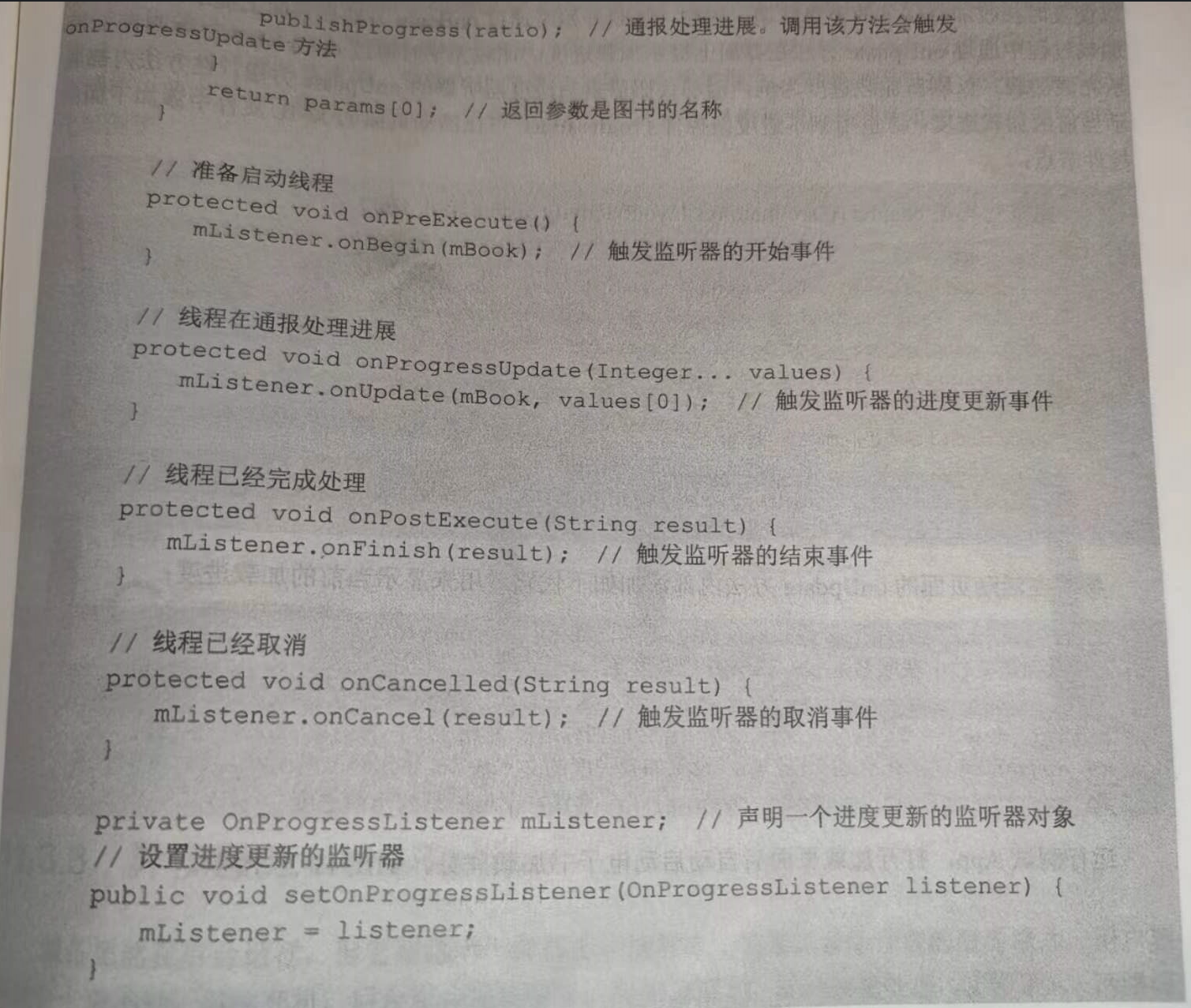
    // 准备启动线程
    protected void onPreExecute()
    {
        mListener.onBegin(mBook); // 触发监听器的开始事件
    }

    // 线程在通报处理进展
    protected void onProgressUpdate(Integer... values)
    {
        mListener.onUpdate(mBook, values[0]); // 触发监听器的进度更新事件
    }

    // 线程已经完成处理
    protected void onPostExecute(String result)
    {
        mListener.onFinish(result); // 触发监听器的结束事件
    }

    // 线程已经取消
    protected void onCancelled(String result)
    {
        mListener.onCancel(result); // 触发监听器的取消事件
    }

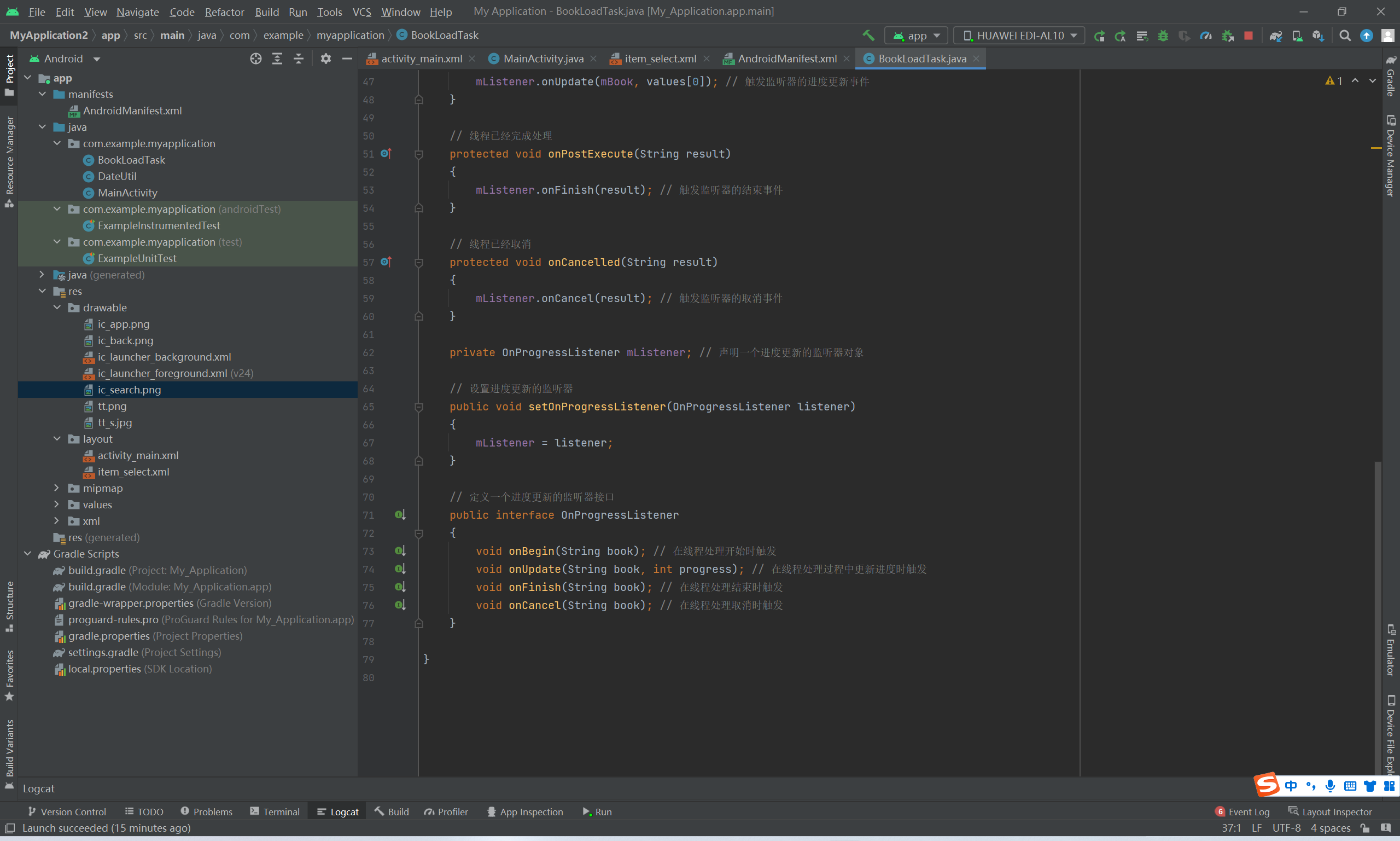
    private OnProgressListener mListener; // 声明一个进度更新的监听器对象

    // 设置进度更新的监听器
    public void setOnProgressListener(OnProgressListener listener)
    {
        mListener = listener;
    }

    // 定义一个进度更新的监听器接口
    public interface OnProgressListener
    {
        void onBegin(String book); // 在线程处理开始时触发
        void onUpdate(String book, int progress); // 在线程处理过程中更新进度时触发
        void onFinish(String book); // 在线程处理结束时触发
        void onCancel(String book); // 在线程处理取消时触发
    }

}





 扫一扫
扫一扫


 1369
1369

 被折叠的 条评论
为什么被折叠?
被折叠的 条评论
为什么被折叠?
 到【灌水乐园】发言





