


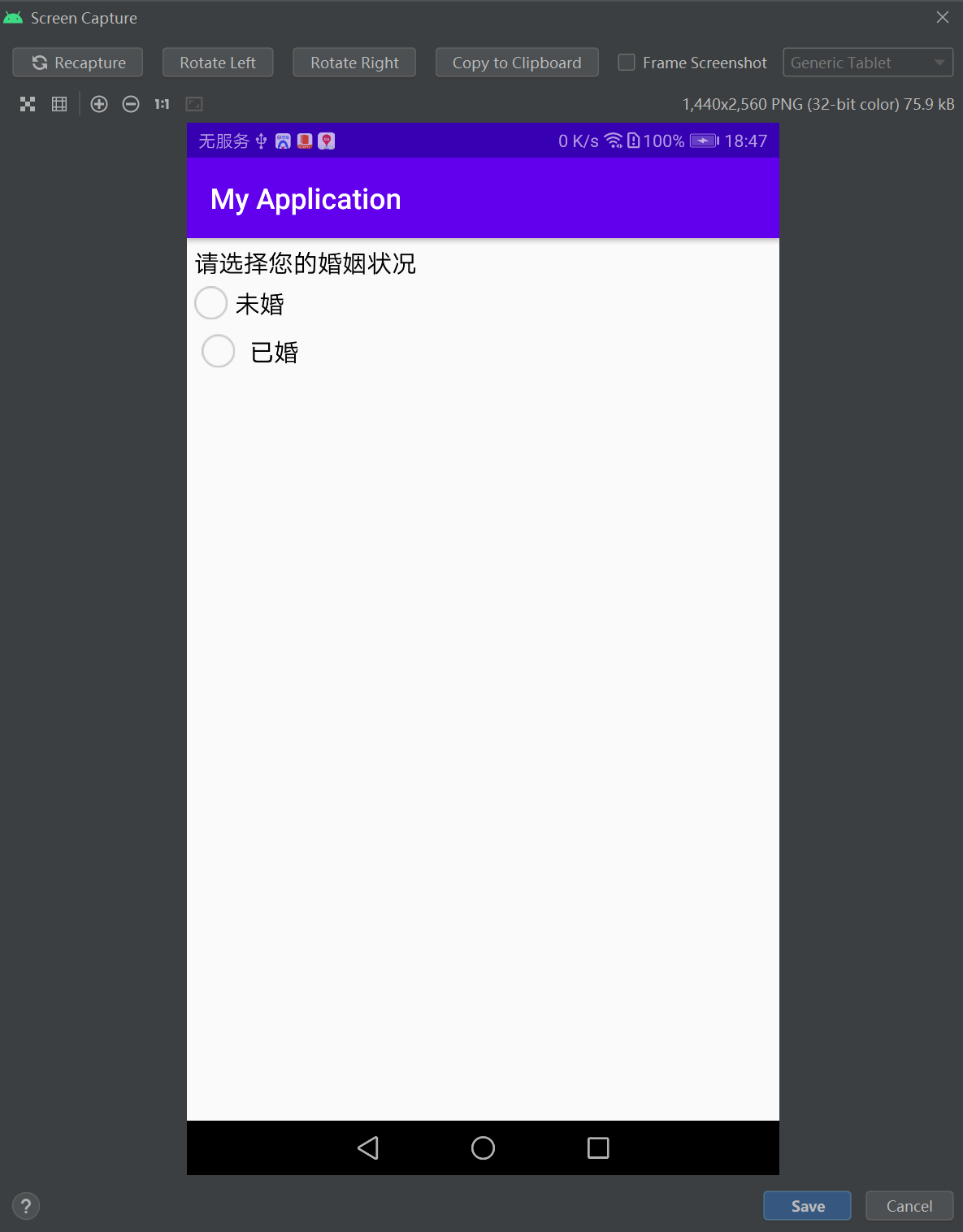
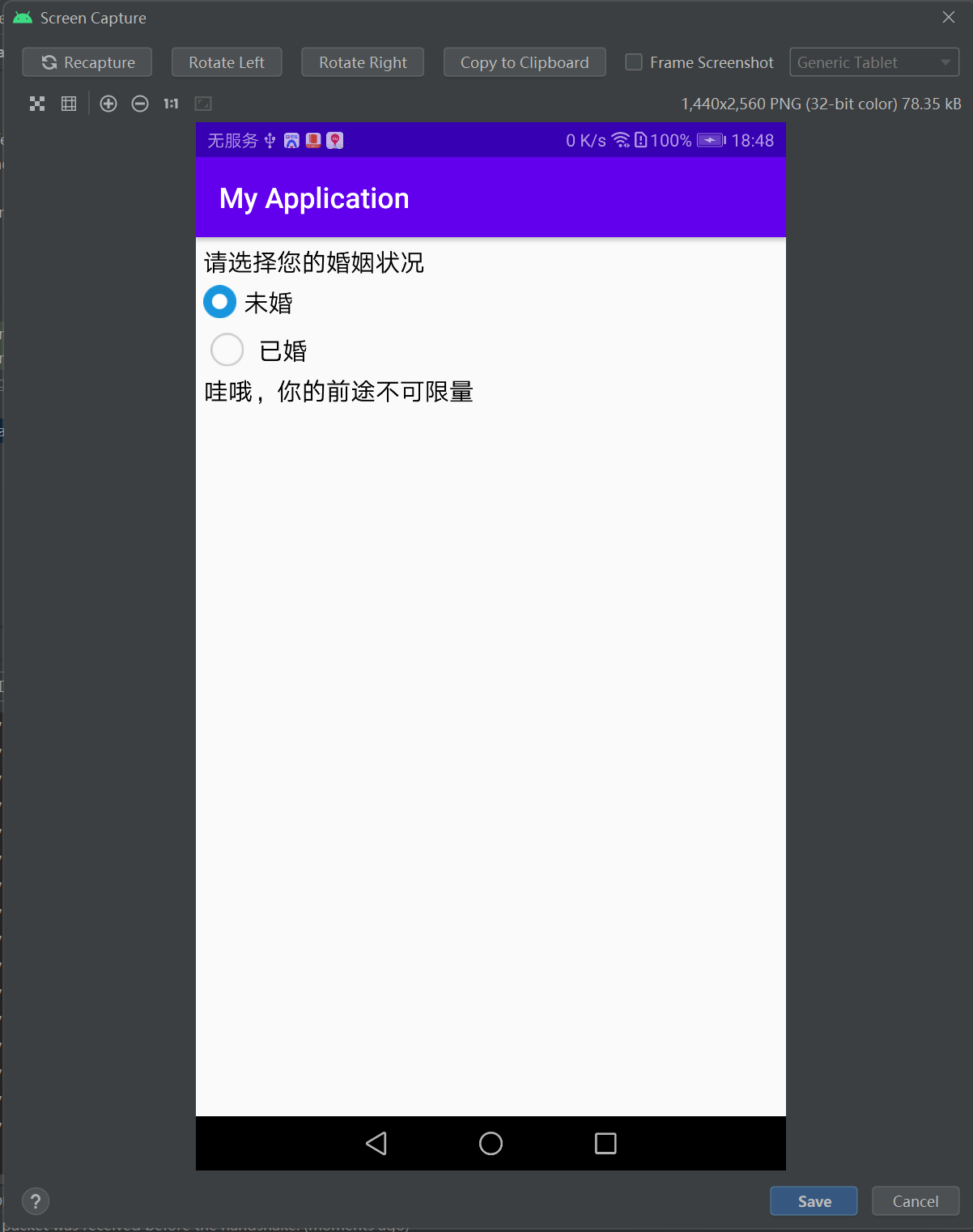
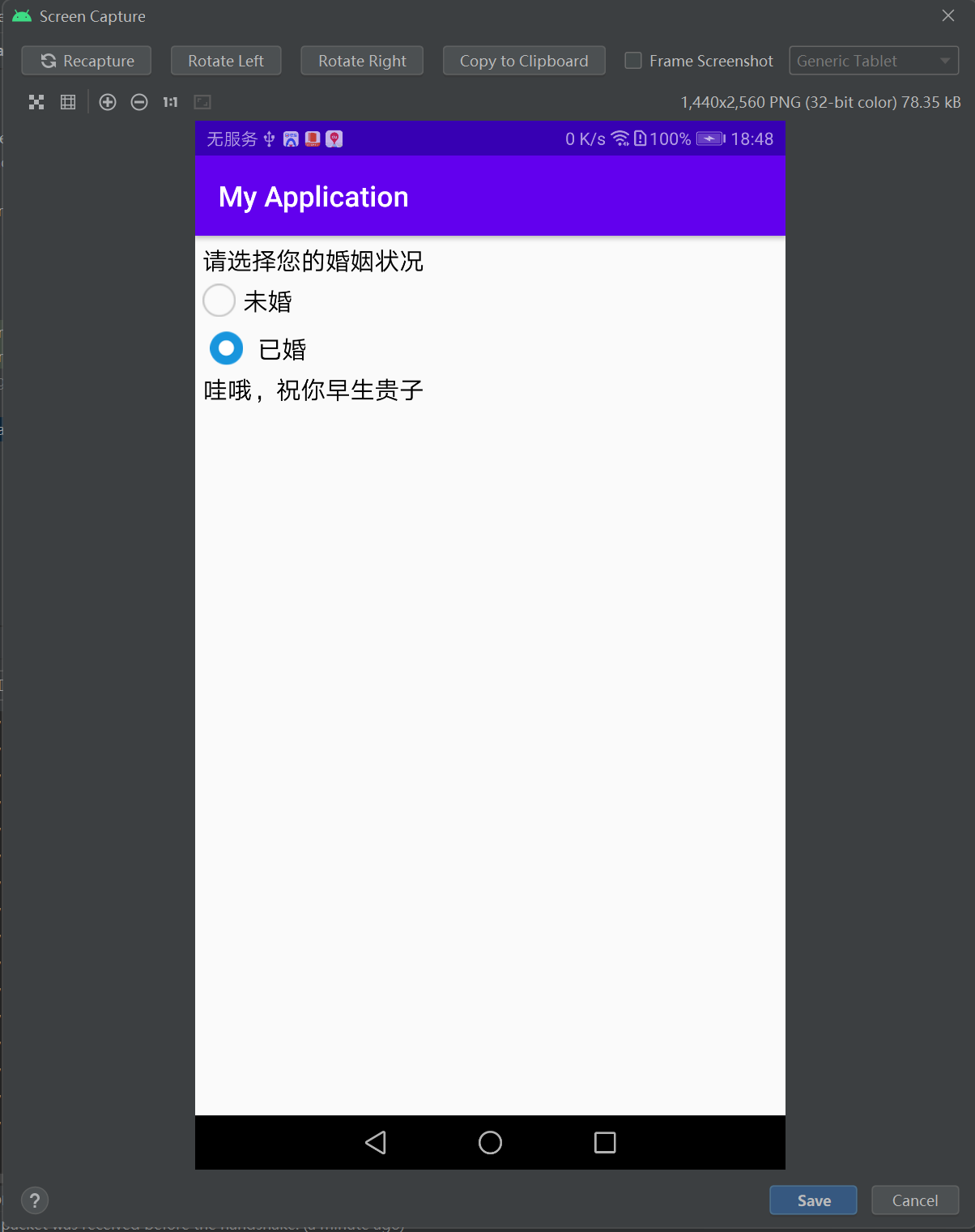
 本文档展示了如何在Android中使用XML选择器定制单选按钮的选中和未选中状态图标,并在Java代码中实现单选组的选中监听器,动态改变文本视图的内容。例子中,当用户选择'未婚'或'已婚'时,会显示不同的祝福语。
<?xml version="1.0" encoding="utf-8"?>
<selector xmlns:android="http://schemas.android.com/apk/res/android">
    <item android:state_checked="true" android:drawable="@drawable/radio_choose"/>
    <item android:drawable="@drawable/radio_unchoose"/>
</selector>

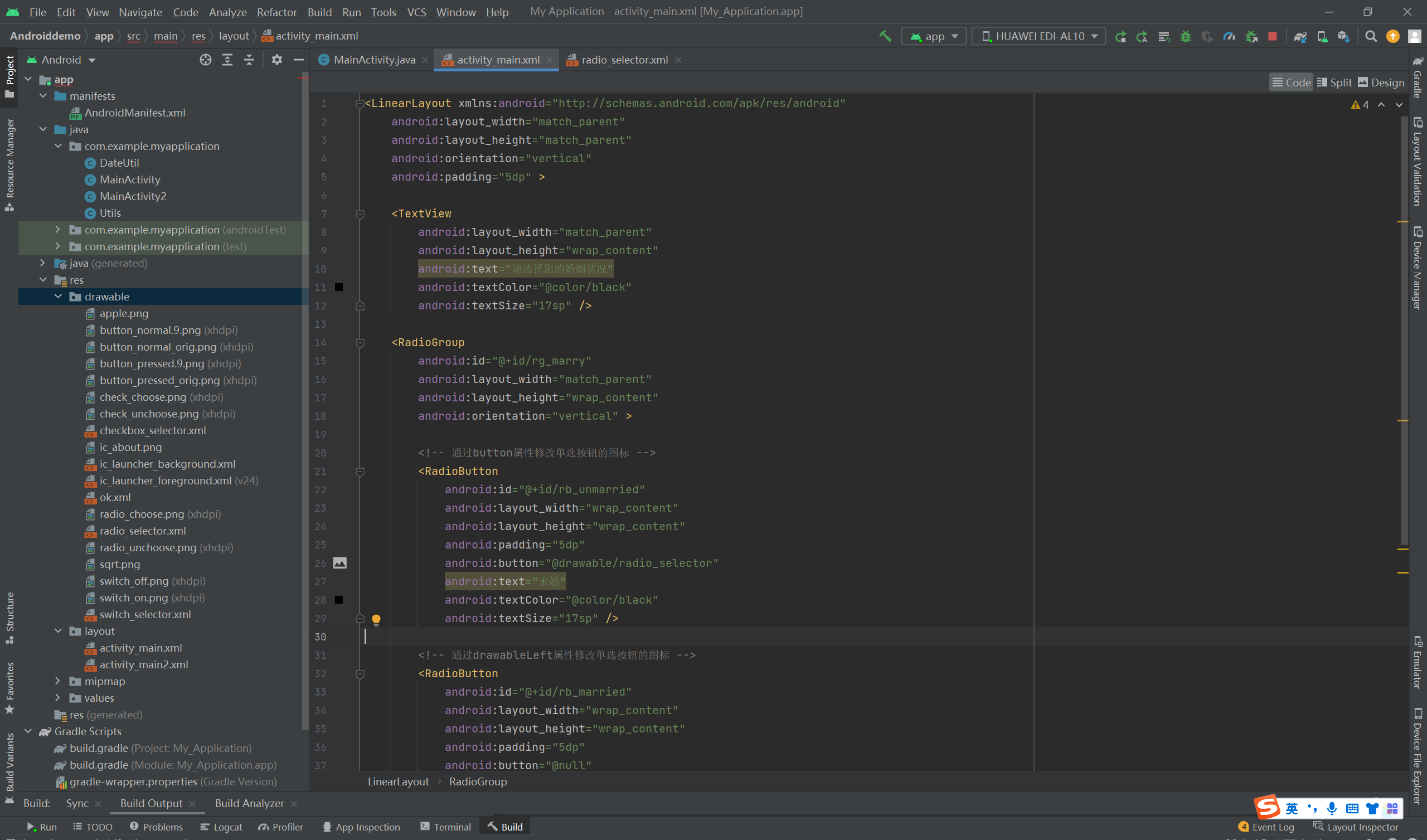
<LinearLayout xmlns:android="http://schemas.android.com/apk/res/android"
    android:layout_width="match_parent"
    android:layout_height="match_parent"
    android:orientation="vertical"
    android:padding="5dp" >

    <TextView
        android:layout_width="match_parent"
        android:layout_height="wrap_content"
        android:text="请选择您的婚姻状况"
        android:textColor="@color/black"
        android:textSize="17sp" />

    <RadioGroup
        android:id="@+id/rg_marry"
        android:layout_width="match_parent"
        android:layout_height="wrap_content"
        android:orientation="vertical" >

        <!-- 通过button属性修改单选按钮的图标 -->
        <RadioButton
            android:id="@+id/rb_unmarried"
            android:layout_width="wrap_content"
            android:layout_height="wrap_content"
            android:padding="5dp"
            android:button="@drawable/radio_selector"
            android:text="未婚"
            android:textColor="@color/black"
            android:textSize="17sp" />

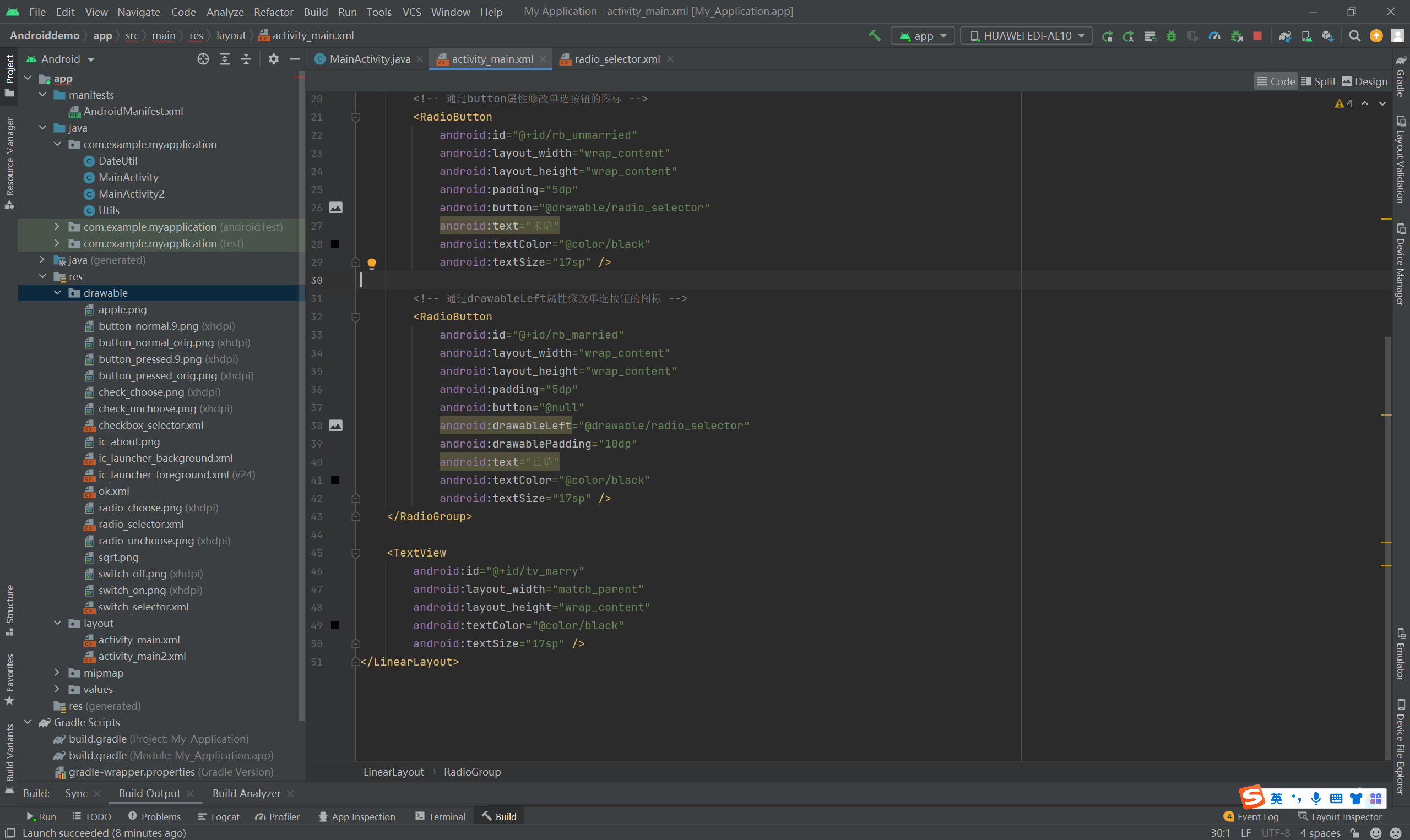
        <!-- 通过drawableLeft属性修改单选按钮的图标 -->
        <RadioButton
            android:id="@+id/rb_married"
            android:layout_width="wrap_content"
            android:layout_height="wrap_content"
            android:padding="5dp"
            android:button="@null"
            android:drawableLeft="@drawable/radio_selector"
            android:drawablePadding="10dp"
            android:text="已婚"
            android:textColor="@color/black"
            android:textSize="17sp" />
    </RadioGroup>

    <TextView
        android:id="@+id/tv_marry"
        android:layout_width="match_parent"
        android:layout_height="wrap_content"
        android:textColor="@color/black"
        android:textSize="17sp" />
</LinearLayout>
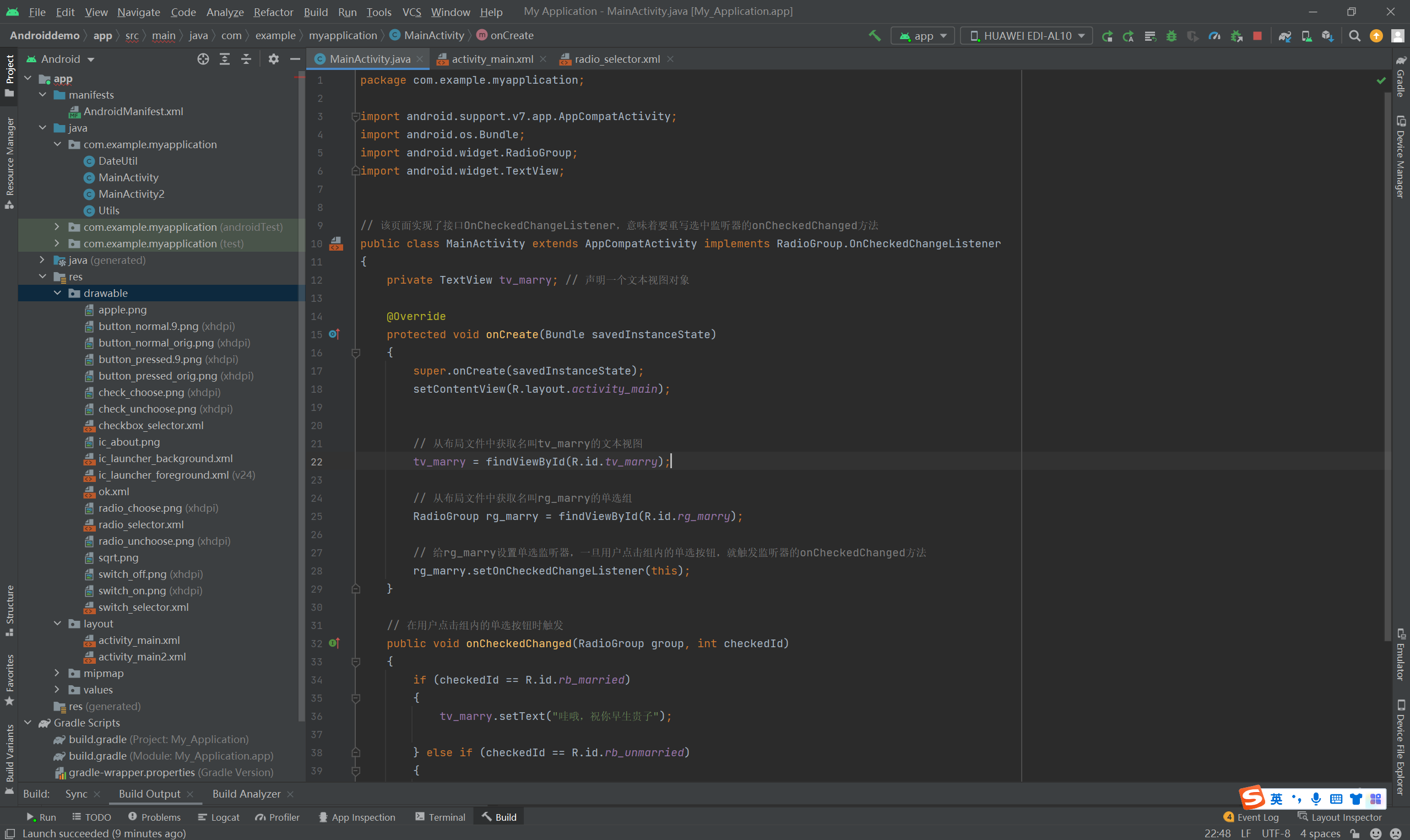
package com.example.myapplication;

import android.support.v7.app.AppCompatActivity;
import android.os.Bundle;
import android.widget.RadioGroup;
import android.widget.TextView;


// 该页面实现了接口OnCheckedChangeListener,意味着要重写选中监听器的onCheckedChanged方法
public class MainActivity extends AppCompatActivity implements RadioGroup.OnCheckedChangeListener
{
    private TextView tv_marry; // 声明一个文本视图对象

    @Override
    protected void onCreate(Bundle savedInstanceState)
    {
        super.onCreate(savedInstanceState);
        setContentView(R.layout.activity_main);


        // 从布局文件中获取名叫tv_marry的文本视图
        tv_marry = findViewById(R.id.tv_marry);

        // 从布局文件中获取名叫rg_marry的单选组
        RadioGroup rg_marry = findViewById(R.id.rg_marry);

        // 给rg_marry设置单选监听器,一旦用户点击组内的单选按钮,就触发监听器的onCheckedChanged方法
        rg_marry.setOnCheckedChangeListener(this);
    }

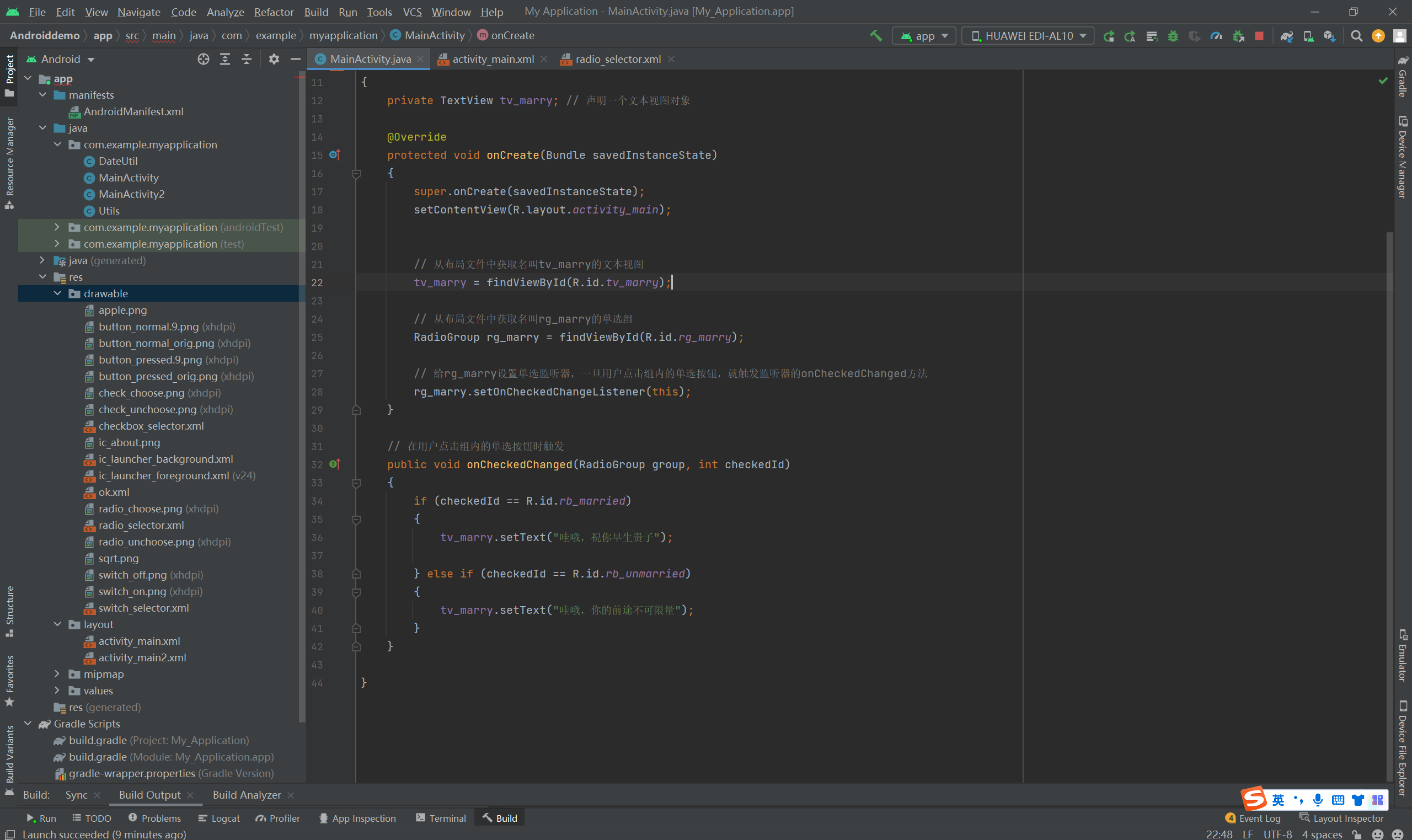
    // 在用户点击组内的单选按钮时触发
    public void onCheckedChanged(RadioGroup group, int checkedId)
    {
        if (checkedId == R.id.rb_married)
        {
            tv_marry.setText("哇哦,祝你早生贵子");

        } else if (checkedId == R.id.rb_unmarried)
        {
            tv_marry.setText("哇哦,你的前途不可限量");
        }
    }

}





 扫一扫
扫一扫


 696
696

 被折叠的 条评论
为什么被折叠?
被折叠的 条评论
为什么被折叠?
 到【灌水乐园】发言





