


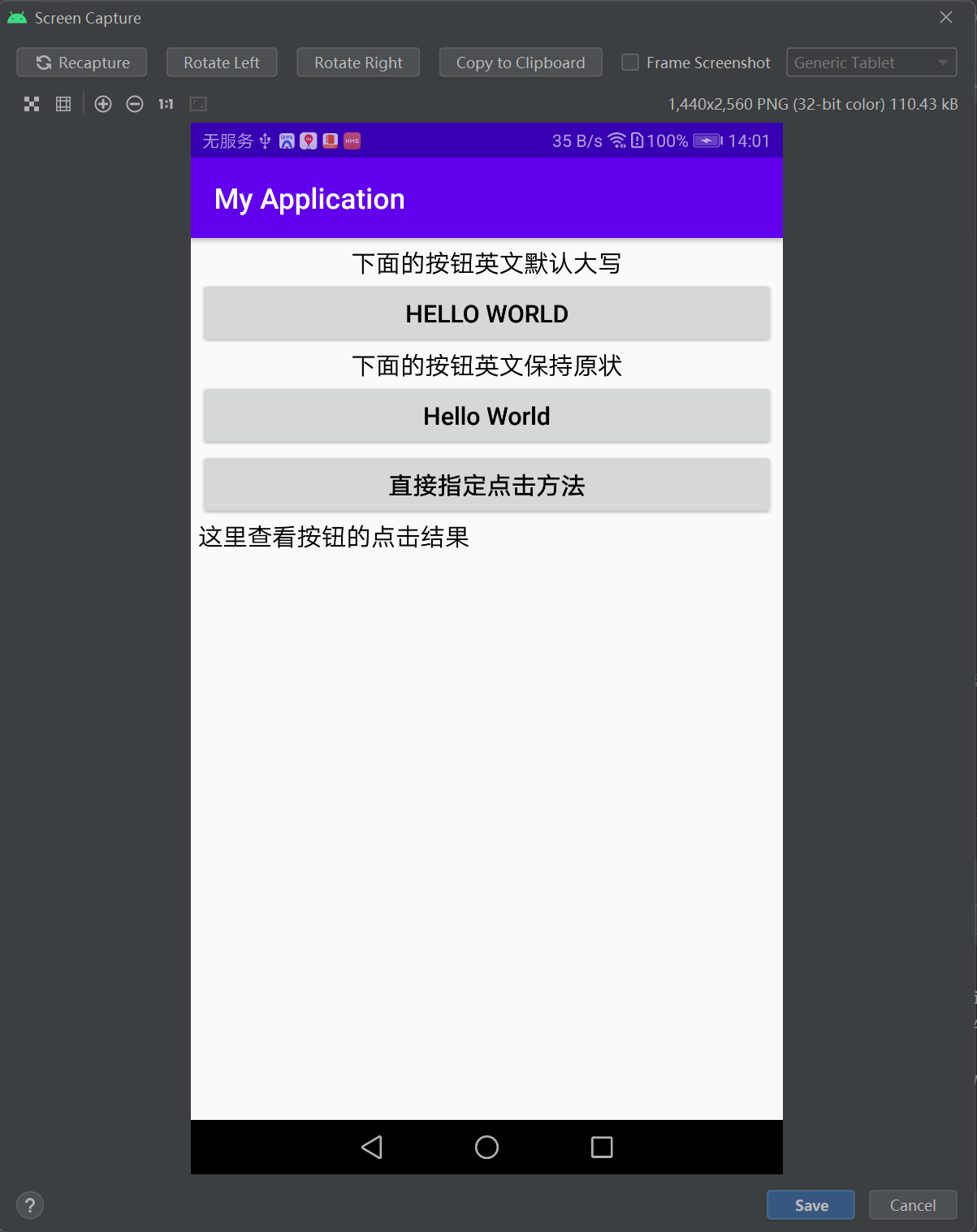
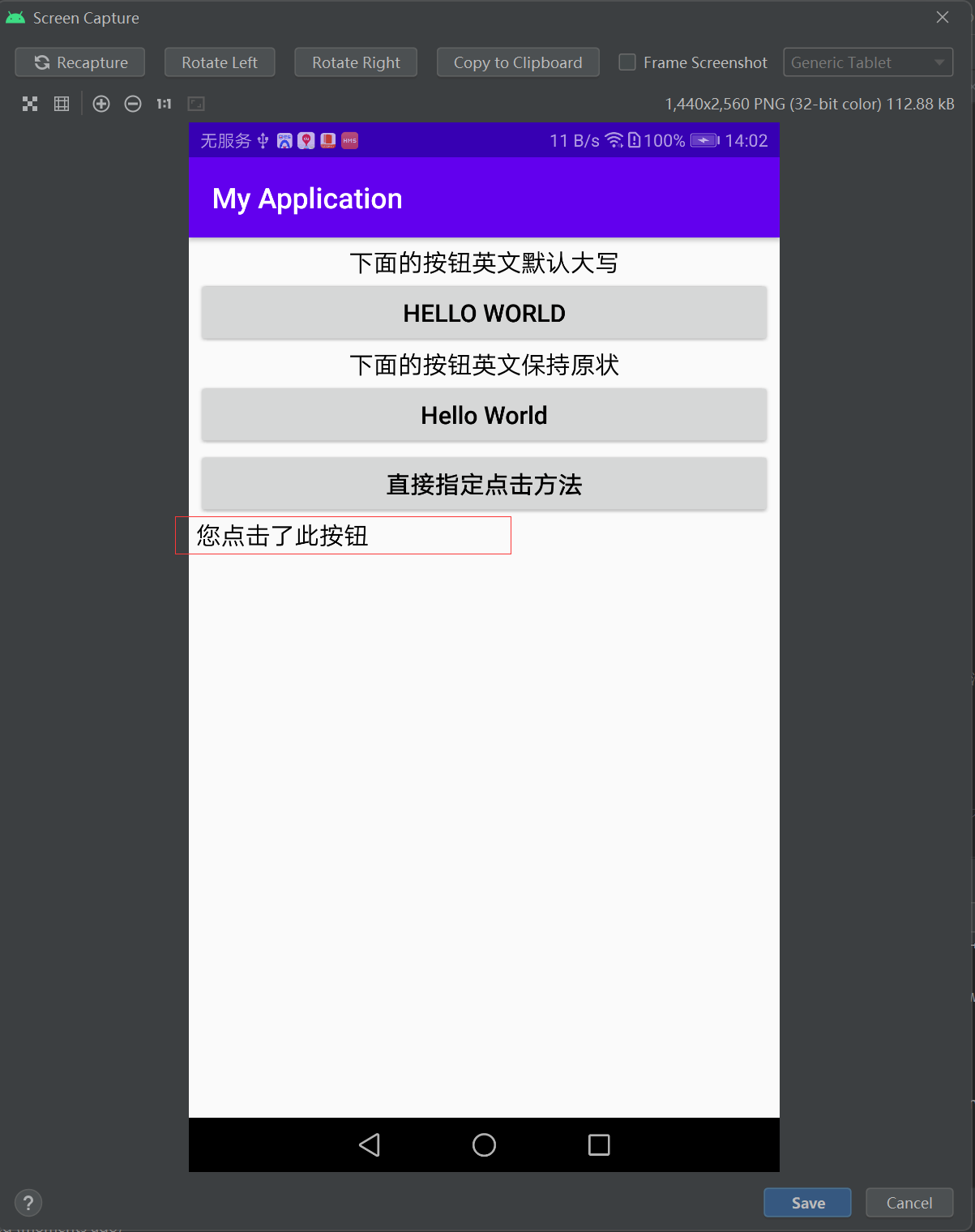
 本文介绍Android中Button组件的textAllCaps属性使用方法,演示如何通过设置此属性控制按钮文本大小写显示,并展示了如何在XML布局文件中直接指定Button的点击事件。




textAllCaps属性 & onClick属性
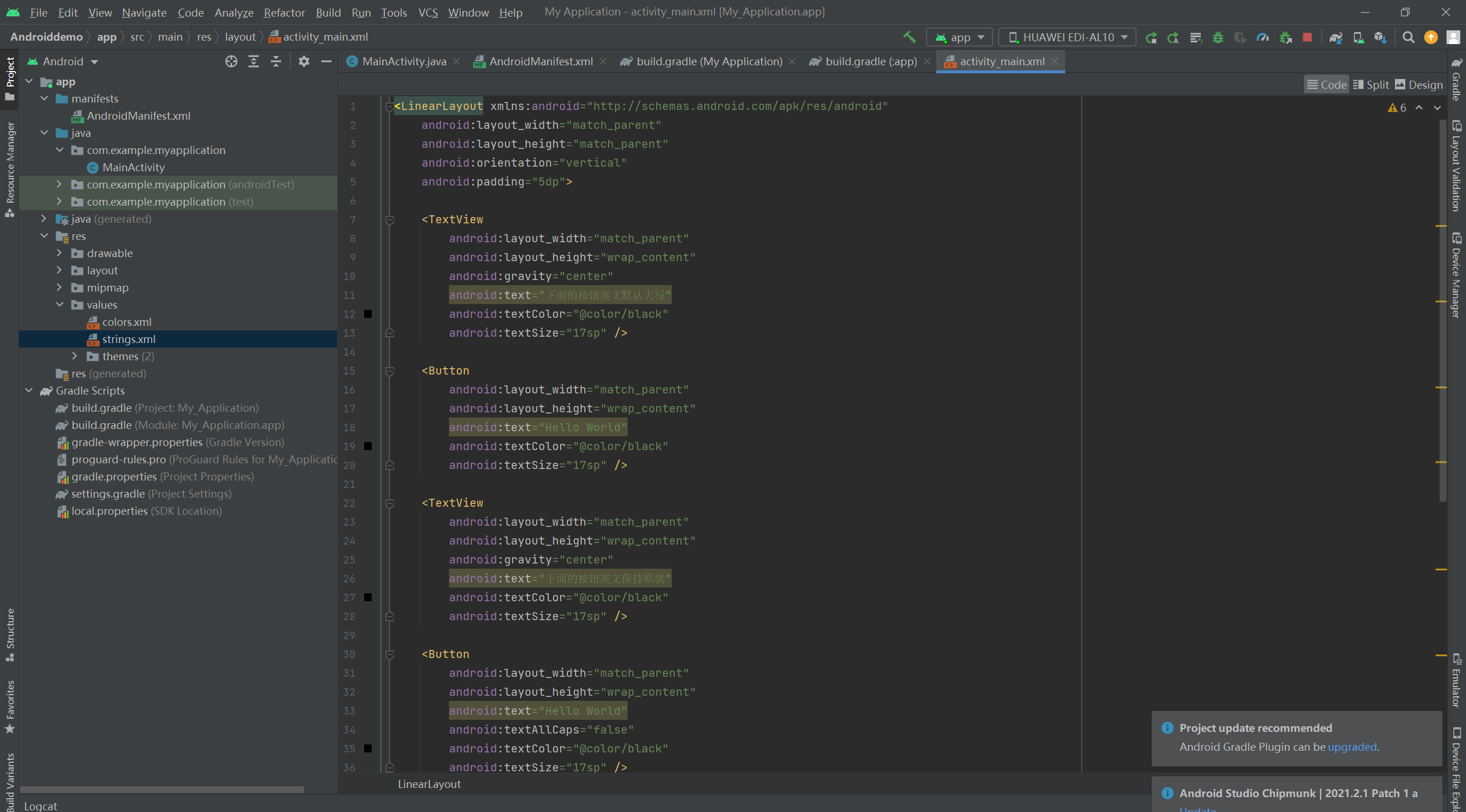
<LinearLayout xmlns:android="http://schemas.android.com/apk/res/android"
    android:layout_width="match_parent"
    android:layout_height="match_parent"
    android:orientation="vertical"
    android:padding="5dp">

    <TextView
        android:layout_width="match_parent"
        android:layout_height="wrap_content"
        android:gravity="center"
        android:text="下面的按钮英文默认大写"
        android:textColor="@color/black"
        android:textSize="17sp" />

    <Button
        android:layout_width="match_parent"
        android:layout_height="wrap_content"
        android:text="Hello World"
        android:textColor="@color/black"
        android:textSize="17sp" />

    <TextView
        android:layout_width="match_parent"
        android:layout_height="wrap_content"
        android:gravity="center"
        android:text="下面的按钮英文保持原状"
        android:textColor="@color/black"
        android:textSize="17sp" />

    <Button
        android:layout_width="match_parent"
        android:layout_height="wrap_content"
        android:text="Hello World"
        android:textAllCaps="false"
        android:textColor="@color/black"
        android:textSize="17sp" />

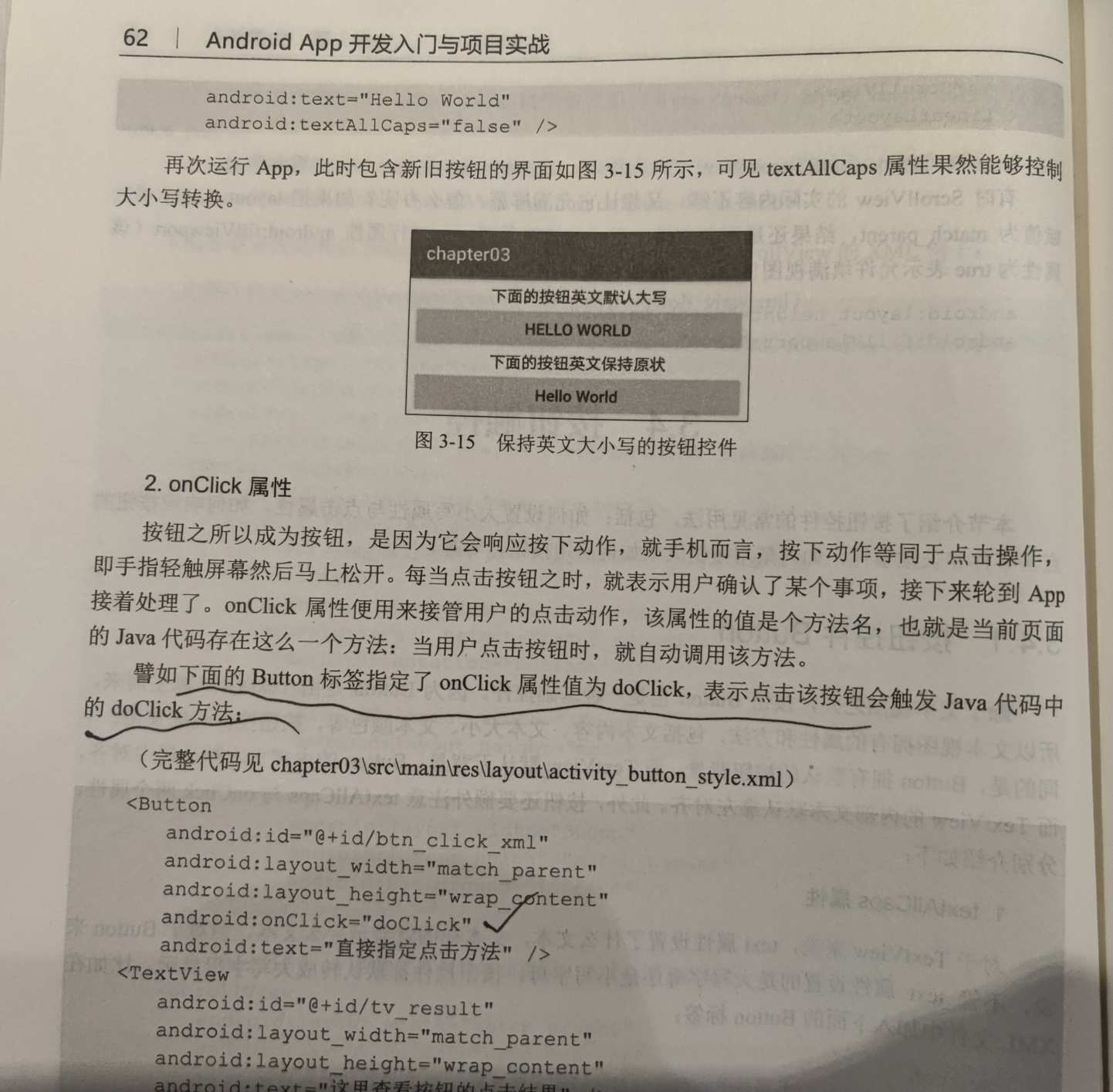
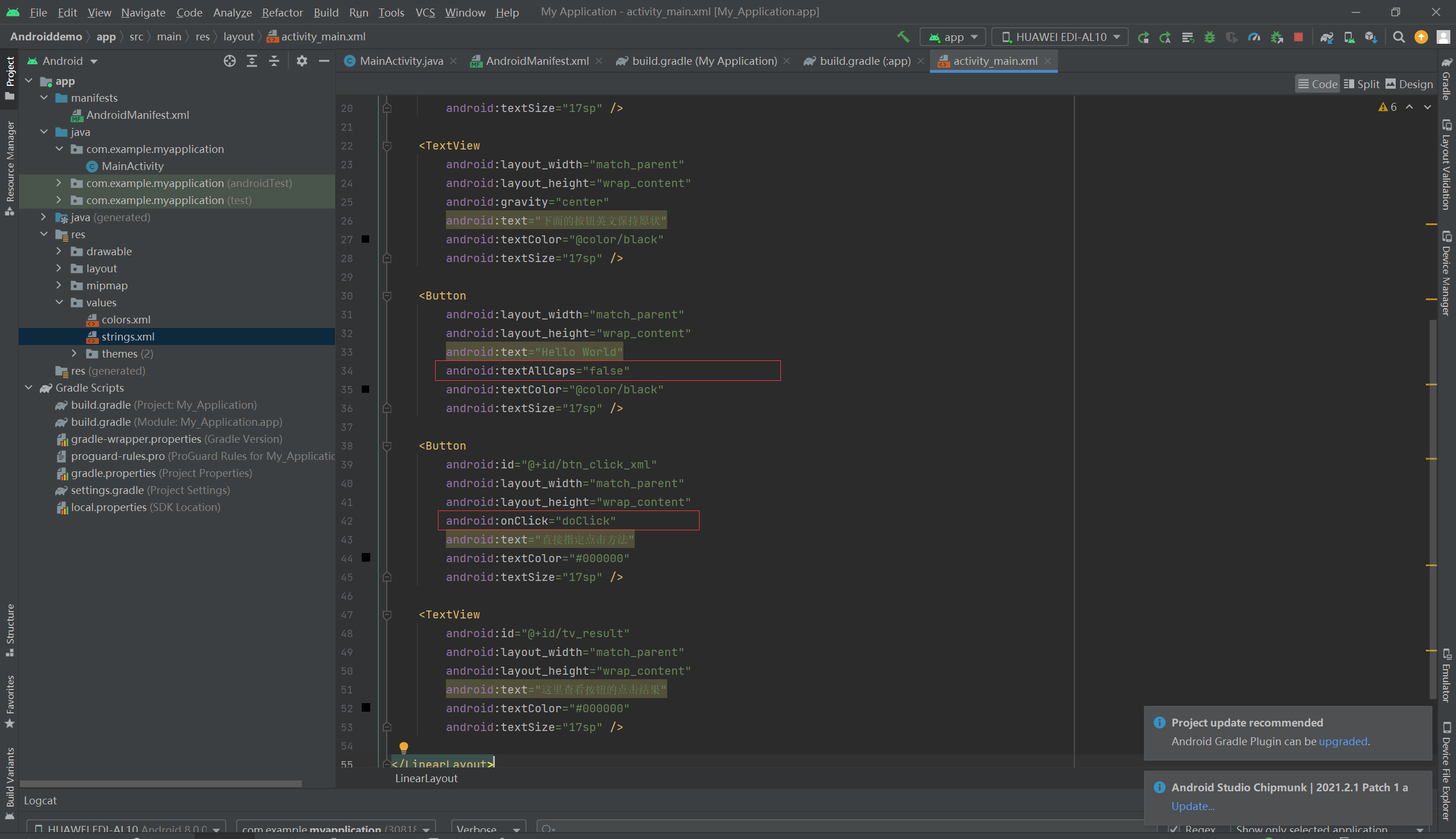
    <Button
        android:id="@+id/btn_click_xml"
        android:layout_width="match_parent"
        android:layout_height="wrap_content"
        android:onClick="doClick"
        android:text="直接指定点击方法"
        android:textColor="#000000"
        android:textSize="17sp" />

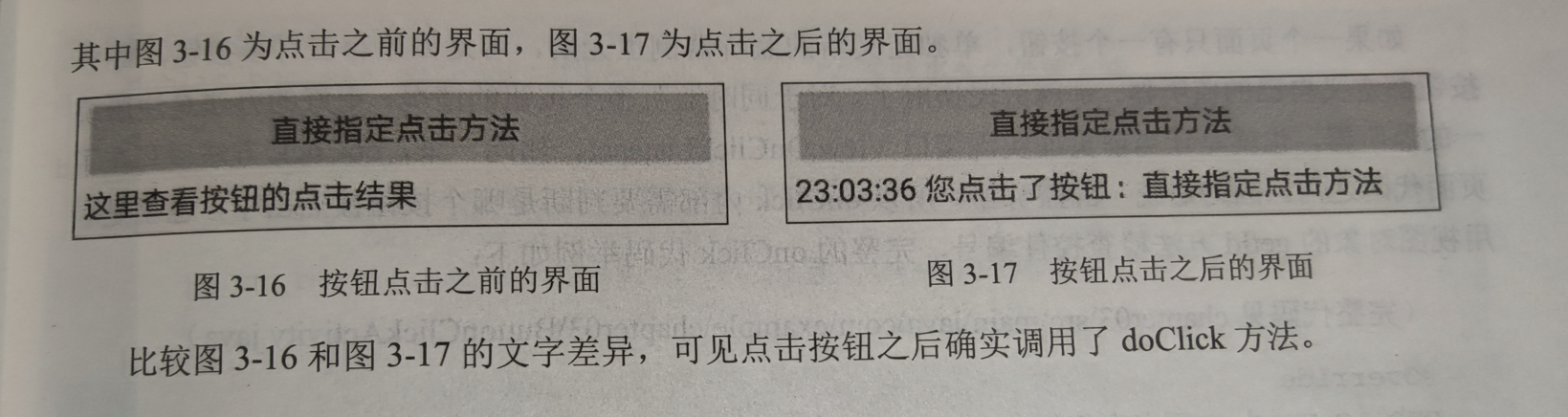
    <TextView
        android:id="@+id/tv_result"
        android:layout_width="match_parent"
        android:layout_height="wrap_content"
        android:text="这里查看按钮的点击结果"
        android:textColor="#000000"
        android:textSize="17sp" />

</LinearLayout>
package com.example.myapplication;

import android.graphics.Color;
import android.support.v7.app.AppCompatActivity;
import android.os.Bundle;
import android.view.View;
import android.widget.Button;
import android.widget.TextView;

public class MainActivity extends AppCompatActivity
{


    @Override
    protected void onCreate(Bundle savedInstanceState)
    {
        super.onCreate(savedInstanceState);
        setContentView(R.layout.activity_main);

    }

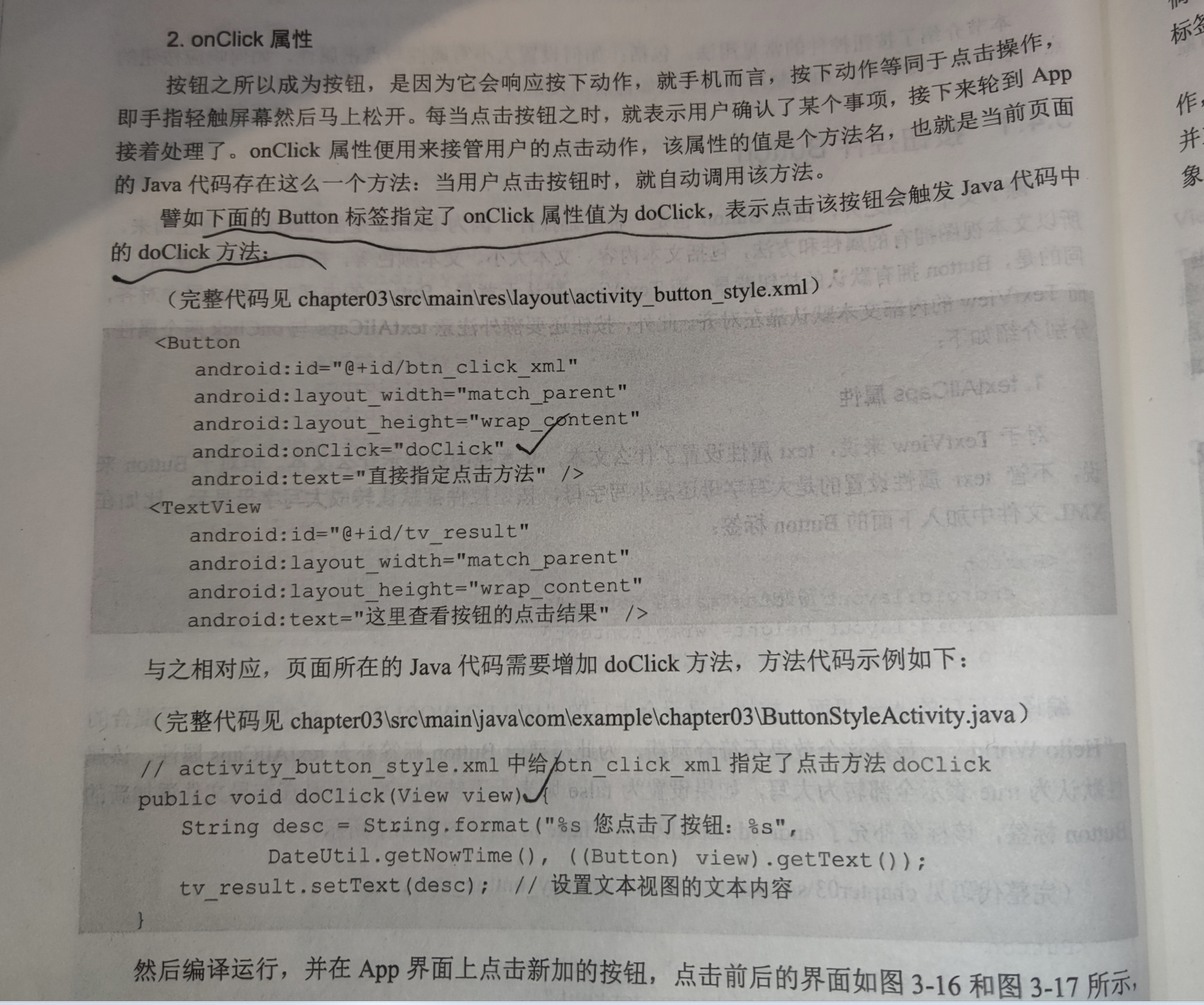
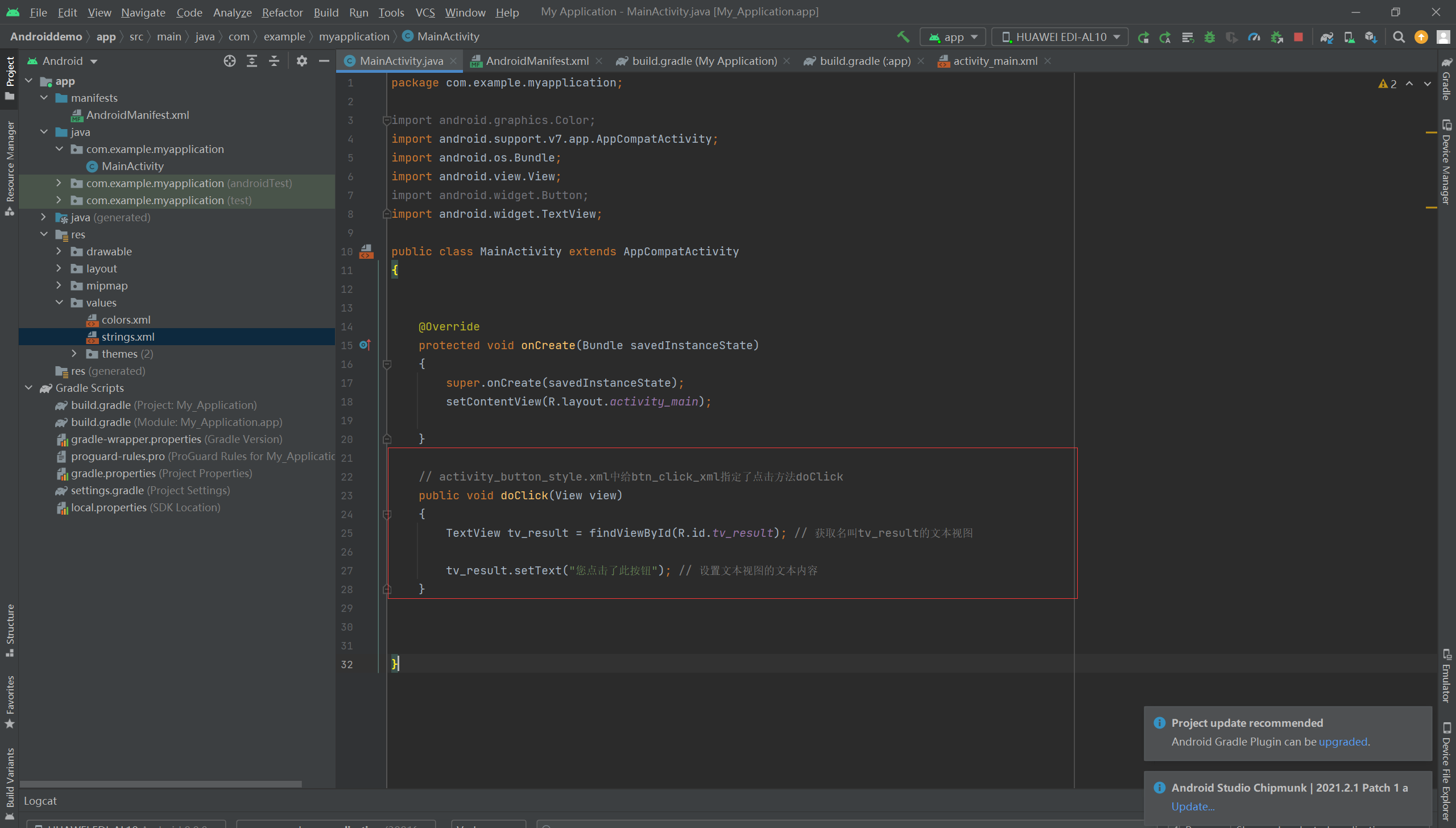
    // activity_button_style.xml中给btn_click_xml指定了点击方法doClick
    public void doClick(View view)
    {
        TextView tv_result = findViewById(R.id.tv_result); // 获取名叫tv_result的文本视图

        tv_result.setText("您点击了此按钮"); // 设置文本视图的文本内容
    }


}
===========================================================





 扫一扫
扫一扫


 1001
1001

 被折叠的 条评论
为什么被折叠?
被折叠的 条评论
为什么被折叠?
 到【灌水乐园】发言





