



 本文介绍了Kafka如何依赖ZooKeeper进行集群管理,包括ZooKeeper集群的伪集群搭建步骤,详细讲解了JDK安装、集群目录创建、clientPort设置、myid配置、zoo.cfg配置以及Zookeeper集群的启动和状态检查。接着转向Kafka集群的搭建,描述了集群目录结构和server.properties配置。
从图中可以看出 Kafka 强依赖于 ZooKeeper ,通过 ZooKeeper 管理自身集群,如:Broker 列表管理、Partition 与 Broker 的关系、Partition 与 Consumer 的关系、Producer 与 Consumer 负载均衡、消费进度 Offset 记录、消费者注册 等,所以为了达到高可用,ZooKeeper 自身也必须是集群。
二、集群搭建
1.ZooKeeper集群搭建
场景
真实的集群是需要部署在不同的服务器上的,但是在我们测试时同时启动十几个虚拟机内存会吃不消,所以这里我们搭建伪集群,也就是把所有的服务都搭建在一台虚拟机上,用端口进行区分。
我们这里要求搭建一个三个节点的Zookeeper集群(伪集群)。
安装JDK
集群目录
创建zookeeper-cluster目录,将解压后的Zookeeper复制到以下三个目录
itcast@Server-node:/mnt/d/zookeeper-cluster$ ll
total 0
drwxrwxrwx 1 dayuan dayuan 512 Jul 24 10:02 ./
drwxrwxrwx 1 dayuan dayuan 512 Aug 19 18:42 ../
drwxrwxrwx 1 dayuan dayuan 512 Jul 24 10:02 zookeeper-1/
drwxrwxrwx 1 dayuan dayuan 512 Jul 24 10:02 zookeeper-2/
drwxrwxrwx 1 dayuan dayuan 512 Jul 24 10:02 zookeeper-3/
itcast@Server-node:/mnt/d/zookeeper-cluster$
ClientPort设置
配置每一个Zookeeper 的dataDir(zoo.cfg) clientPort 分别为2181 2182 2183
# the port at which the clients will connect
clientPort=2181
myid配置
在每个zookeeper的 data 目录下创建一个 myid 文件,内容分别是0、1、2 。这个文件就是记录每个服务器的ID
dayuan@MY-20190430BUDR:/mnt/d/zookeeper-cluster/zookeeper-1$ cat
temp/zookeeper/data/myid
0
dayuan@MY-20190430BUDR:/mnt/d/zookeeper-cluster/zookeeper-1$
zoo.cfg
在每一个zookeeper 的 zoo.cfg配置客户端访问端口(clientPort)和集群服务器IP列表。
dayuan@MY-20190430BUDR:/mnt/d/zookeeper-cluster/zookeeper-1$ cat conf/zoo.cfg
# The number of milliseconds of each tick
# zk服务器的心跳时间
tickTime=2000
# The number of ticks that the initial
# synchronization phase can take
initLimit=10
# The number of ticks that can pass between
# sending a request and getting an acknowledgement
syncLimit=5
# the directory where the snapshot is stored.
# do not use /tmp for storage, /tmp here is just
# example sakes.
#dataDir=/tmp/zookeeper
dataDir=temp/zookeeper/data
dataLogDir=temp/zookeeper/log
# the port at which the clients will connect
clientPort=2181
# the maximum number of client connections.
# increase this if you need to handle more clients
#maxClientCnxns=60
#
# Be sure to read the maintenance section of the
# administrator guide before turning on autopurge.
#
# http://zookeeper.apache.org/doc/current/zookeeperAdmin.html#sc_maintenance
#
# The number of snapshots to retain in dataDir
#autopurge.snapRetainCount=3
# Purge task interval in hours
# Set to "0" to disable auto purge feature
#autopurge.purgeInterval=1

server.0=127.0.0.1:2888:3888
server.1=127.0.0.1:2889:3889
server.2=127.0.0.1:2890:3890
dayuan@MY-20190430BUDR:/mnt/d/zookeeper-cluster/zookeeper-1$
解释:server.服务器ID=服务器IP地址:服务器之间通信端口:服务器之间投票选举端口
启动集群
启动集群就是分别启动每个实例,启动后我们查询一下每个实例的运行状态
itcast@Server-node:/mnt/d/zookeeper-cluster/zookeeper-1$ bin/zkServer.sh status
ZooKeeper JMX enabled by default
Using config: /mnt/d/zookeeper-cluster/zookeeper-1/bin/../conf/zoo.cfg
Mode: leader

itcast@Server-node:/mnt/d/zookeeper-cluster/zookeeper-2$ bin/zkServer.sh status
ZooKeeper JMX enabled by default
Using config: /mnt/d/zookeeper-cluster/zookeeper-2/bin/../conf/zoo.cfg
Mode: follower

itcast@Server-node:/mnt/d/zookeeper-cluster/zookeeper-3$ bin/zkServer.sh status
ZooKeeper JMX enabled by default
Using config: /mnt/d/zookeeper-cluster/zookeeper-3/bin/../conf/zoo.cfg
Mode: follower
2.Kafka集群搭建
集群目录
itcast@Server-node:/mnt/d/kafka-cluster$ ll
total 0
drwxrwxrwx 1 dayuan dayuan 512 Aug 28 18:15 ./
drwxrwxrwx 1 dayuan dayuan 512 Aug 19 18:42 ../
drwxrwxrwx 1 dayuan dayuan 512 Aug 28 18:39 kafka-1/
drwxrwxrwx 1 dayuan dayuan 512 Jul 24 14:02 kafka-2/
drwxrwxrwx 1 dayuan dayuan 512 Jul 24 14:02 kafka-3/
drwxrwxrwx 1 dayuan dayuan 512 Aug 28 18:15 kafka-4/
itcast@Server-node:/mnt/d/kafka-cluster$
server.properties
# broker 编号,集群内必须唯一
broker.id=1
# host 地址
host.name=127.0.0.1
# 端口
port=9092
# 消息日志存放地址
log.dirs=/tmp/kafka/log/cluster/log3
# 最后
无论是哪家公司,都很重视基础,大厂更加重视技术的深度和广度,面试是一个双向选择的过程,不要抱着畏惧的心态去面试,不利于自己的发挥。同时看中的应该不止薪资,还要看你是不是真的喜欢这家公司,是不是能真的得到锻炼。
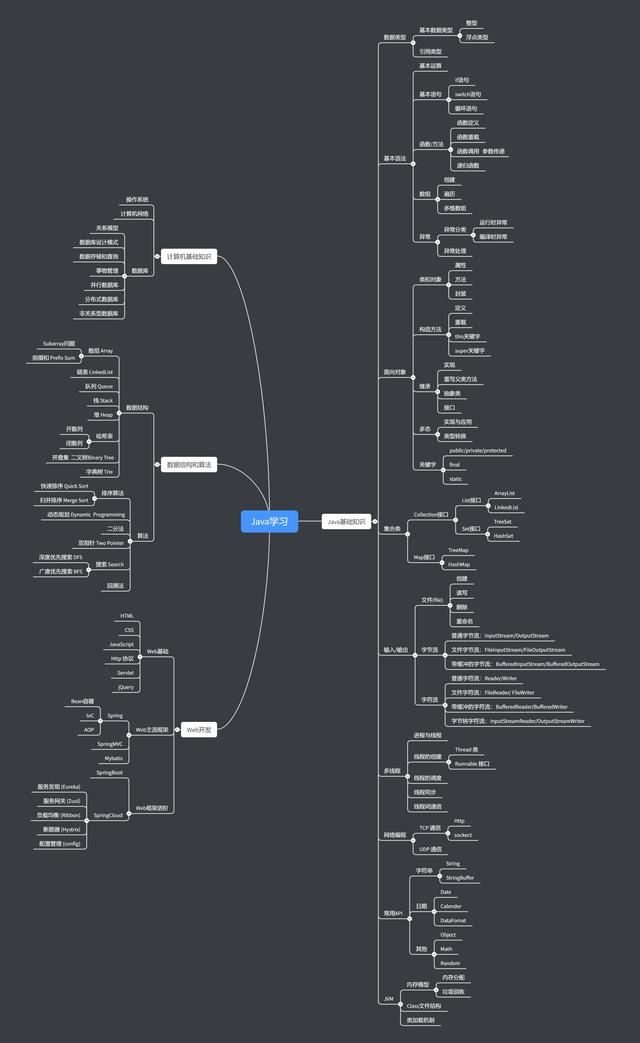
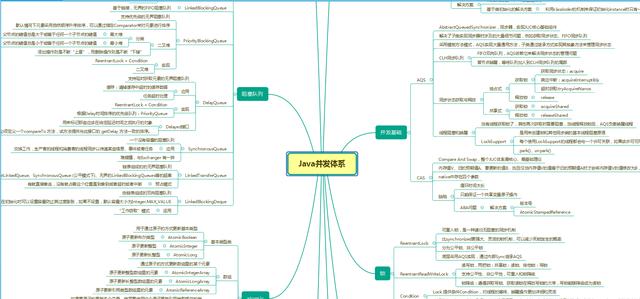
针对以上面试技术点,我在这里也做一些资料分享,希望能更好的帮助到大家。
**[戳这里免费领取以下资料](https://gitee.com/vip204888/java-p7)**
/java-p7)**
[外链图片转存中...(img-e1vnRszS-1628496624465)]
[外链图片转存中...(img-LzVgXCH0-1628496624468)]
[外链图片转存中...(img-mU0eosBd-1628496624470)]





 扫一扫
扫一扫


 393
393

 被折叠的 条评论
为什么被折叠?
被折叠的 条评论
为什么被折叠?
 到【灌水乐园】发言





