


 本文介绍了一种使用CSS实现元素在页面上水平垂直居中的方法,兼容IE8以上浏览器,核心在于设置绝对定位与自动外边距。
代码如下
(兼容 ie8以上的浏览器)
<!DOCTYPE html>
<html lang="en">

<head>
    <meta charset="UTF-8">
    <meta name="viewport" content="width=device-width, initial-scale=1.0">
    <title>Document</title>
    <style>
        * {
            margin: 0;
            padding: 0;
        }

        .box {
            width: 200px;
            height: 200px;
            background-color: yellow;
            position: absolute;
            left: 0;
            top: 0;
            right: 0;
            bottom: 0;
            margin: auto;
        }
    </style>
</head>
<!-- 该方法兼容ie8以上的浏览器 此方法代码的核心点: (1)上下左右均0位置定位 (2)margin:auto -->

<body>
    <div class="box">
        我有固定的宽度和高度
    </div>
</body>

</html>
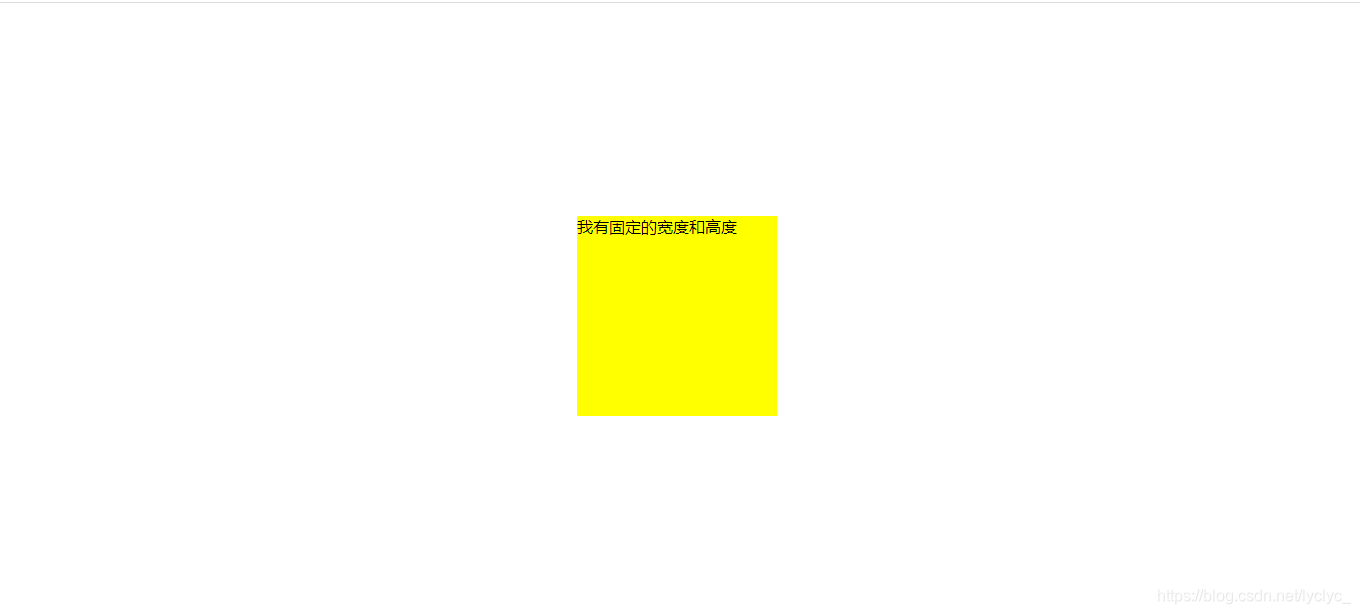
结果如下:





 扫一扫
扫一扫


 1524
1524

 被折叠的 条评论
为什么被折叠?
被折叠的 条评论
为什么被折叠?
 到【灌水乐园】发言





